
 Scarica App Mobile

Portale di Collaborazione Clienti per i Team
Portale di Collaborazione Clienti per i Team
Offri ai clienti un unico spazio di lavoro per attività, documenti, file, chat, videochiamate, approvazioni e contesto AI. Mantieni gli aggiornamenti del progetto chiari senza thread email sparsi.
Gratis fino a 5 persone. Nessuna carta di credito richiesta.
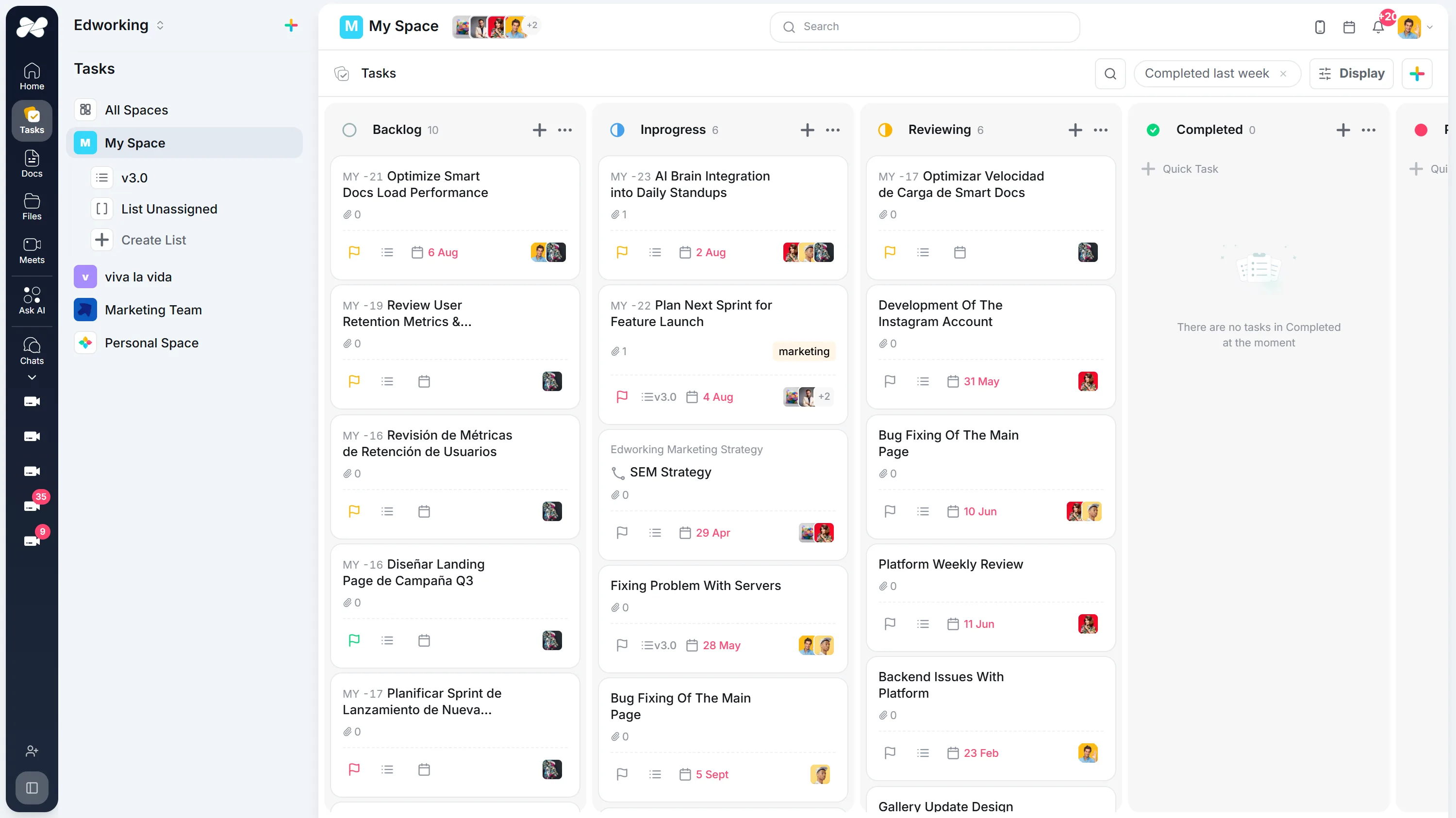
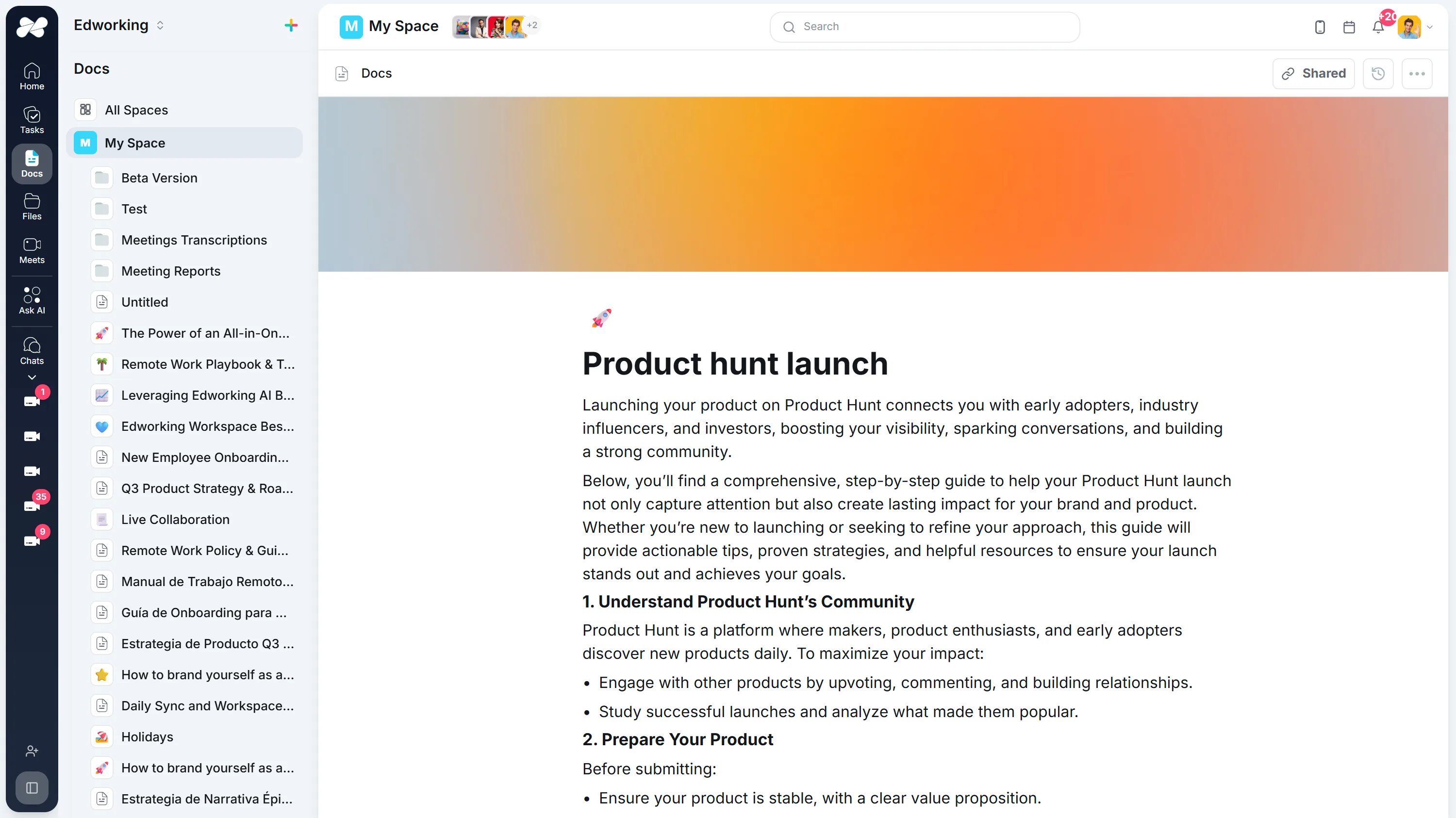
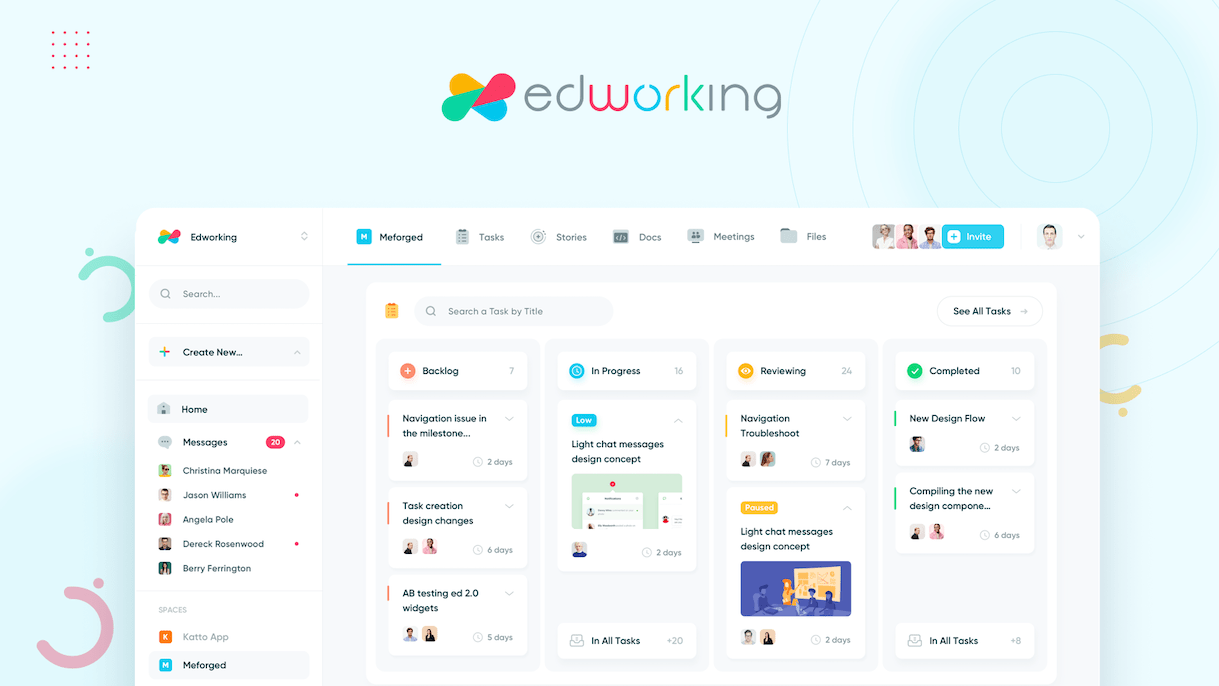
Coinvolgi i clienti senza aprire l'intero spazio di lavoro
Il lavoro con i clienti va storto nei punti di passaggio. Questi quattro elementi mantengono revisione, feedback e approvazione in un unico thread.
Condividi il lavoro con un link che rimane aggiornato
Pubblica un documento per la revisione e il cliente vede sempre l'ultima versione, invece di confrontare PDF esportati via email.
Scopri la funzionalitàLeggi il carico di lavoro di chiunque direttamente dall'attività
Proprietario, priorità, stima e data di scadenza sono insieme su ogni attività, quindi il riequilibrio è una riassegnazione piuttosto che un esercizio da foglio di calcolo.
Scopri la funzionalitàMantieni il feedback del cliente sull'attività che modifica
Ogni attività porta il proprio thread, quindi una richiesta di revisione rimane sulla consegna piuttosto che in una casella di posta che nessun altro può vedere.
Scopri la funzionalità


Dai a ogni cliente una stanza che rimane fissa
Una sala riunioni persistente mantiene il suo link e la sua conversazione tra una chiamata e l'altra, così il check-in settimanale non richiede mai un nuovo invito o un nuovo link.
Scopri la funzionalitàWeekly Product Sync
Thursday, Aug 2710:00 – 10:30
MRJP NP
NP
Someone in the meeting has to let you in.
Come i clienti usano Edworking
Parole originali del cliente
I am an advanced user of tools like Discord, Slack, Monday.com, and Jira, and I often have to context-switch between these tools to get the full picture. Now, we manage client projects, communicate in real-time, and track deliverables all within one intuitive interface.It is snappy, organized, clear, and works well. All of our work: tasks, files, documents, chat, meetings, etc, can happen here. Our org is adopting Edworking after literally years of trying everything else. Powerful but not bloated.Cris E.
Leggi la storia del clienteInizia con un progetto reale.
Prova un ciclo di lavoro completo prima di trasferire tutto.
Scegli il lavoro
Seleziona un progetto o un processo attivo e aggiungi il contesto in un documento condiviso.
Definisci il prossimo passo
Crea un’attività con un responsabile, una scadenza e il materiale necessario.
Mettilo in pratica
Completa un’attività reale. Se lavori in team, invita un collega a lasciare un aggiornamento.
Gratis fino a 5 persone. Nessuna carta di credito richiesta.
Domande Frequenti
Il software di collaborazione con i clienti offre a team e clienti uno spazio di lavoro condiviso per lo stato del progetto, le attività, i documenti, i file, le domande, le riunioni e le approvazioni.
Edworking riunisce attività, documenti, condivisione di file, chat, videochiamate e AI in un unico spazio di lavoro, in modo che la comunicazione con i clienti rimanga collegata al lavoro che viene consegnato.
I team possono allegare file alle attività, mantenere note di revisione nei documenti o nei commenti e rendere visibili i passaggi successivi in modo che le approvazioni non vengano sepolte nei thread email.
La collaborazione di team si concentra sul lavoro interno. La collaborazione con i clienti aggiunge un livello rivolto al cliente per stato, approvazioni, domande, file e decisioni condivise.