
 Baixar App Mobile

Portal de Colaboração com Clientes para Equipes
Portal de Colaboração com Clientes para Equipes
Ofereça aos clientes um único espaço de trabalho para tarefas, documentos, arquivos, chat, videochamadas, aprovações e contexto de IA. Mantenha as atualizações do projeto claras, sem threads de e-mail dispersos.
Grátis para até 5 pessoas. Sem cartão de crédito.
Traga os clientes sem abrir todo o espaço de trabalho
O trabalho com clientes falha nos pontos de entrega. Estes quatro mantêm a revisão, o feedback e a aprovação em um único thread.
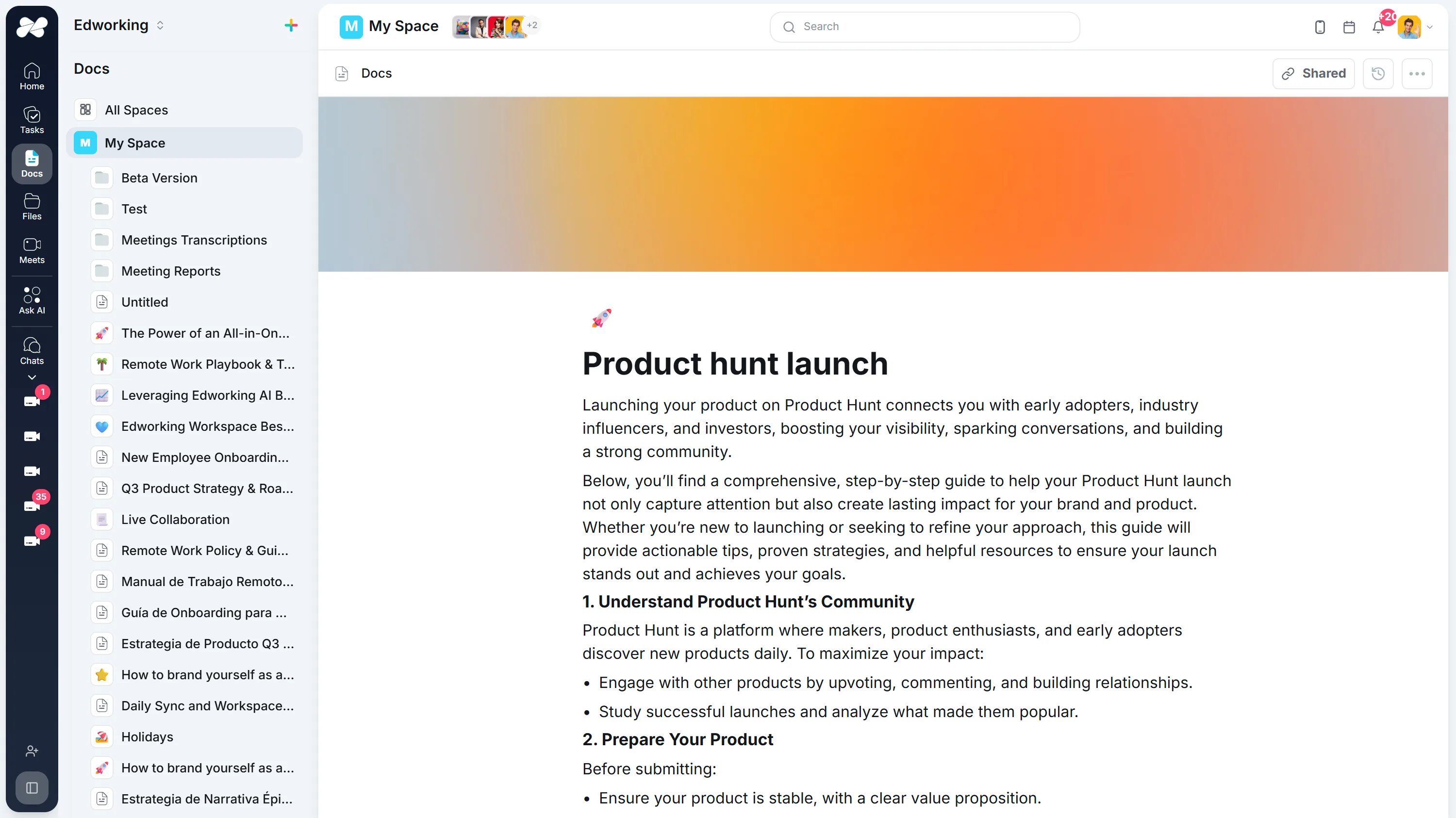
Compartilhe o trabalho com um link que permanece atualizado
Publique um documento para revisão e o cliente sempre verá a versão mais recente, em vez de comparar PDFs exportados por e-mail.
Explorar a funcionalidadeLeia a carga de qualquer pessoa diretamente da tarefa
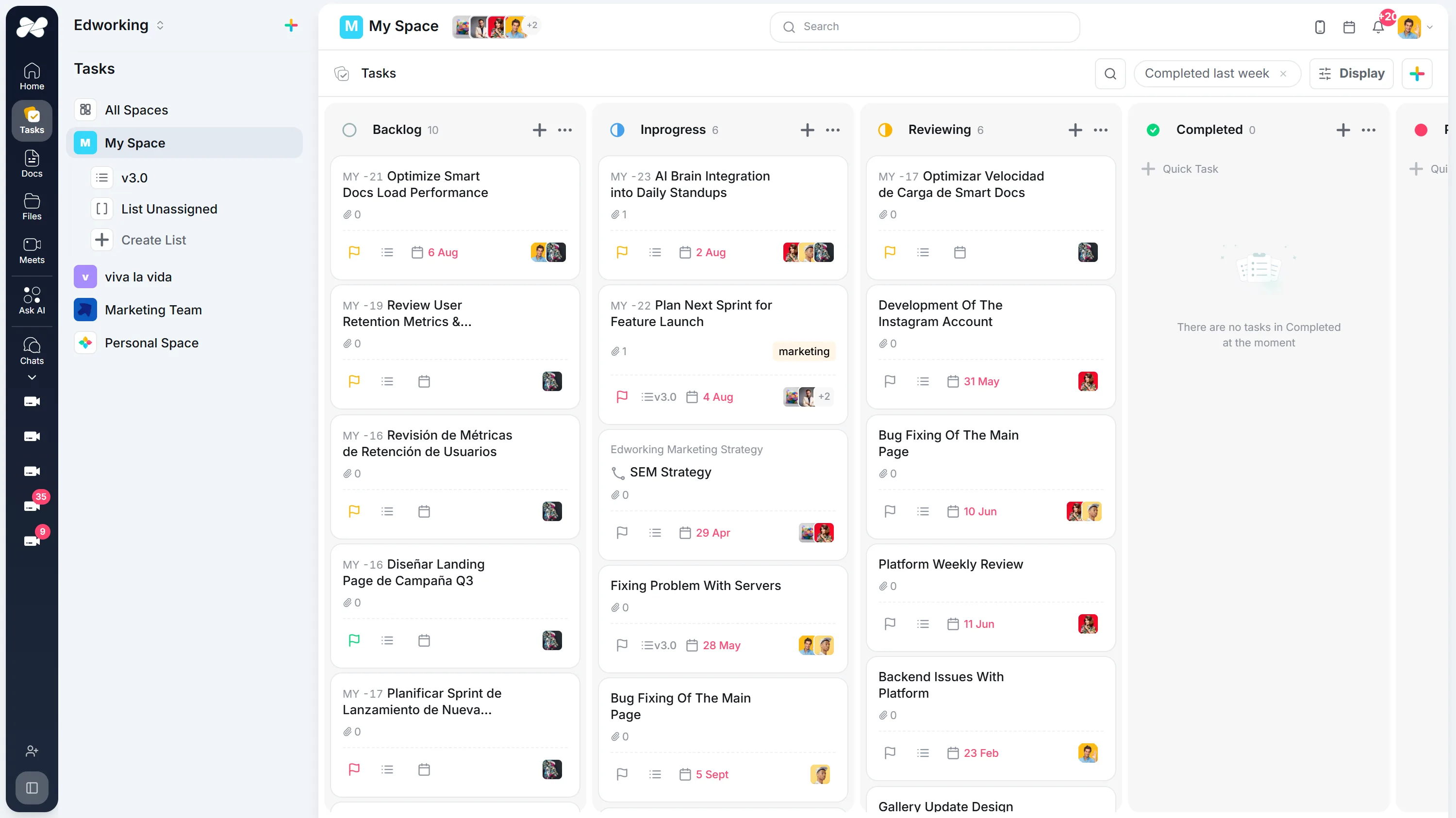
Proprietário, prioridade, estimativa e data de vencimento ficam juntos em cada tarefa, então o reequilíbrio é uma reatribuição em vez de um exercício de planilha.
Explorar a funcionalidadeMantenha o feedback do cliente na tarefa que ele altera
Cada tarefa possui seu próprio thread, então uma solicitação de revisão permanece no entregável, em vez de em uma caixa de entrada que ninguém mais pode ver.
Explorar a funcionalidade


Dê a cada cliente uma sala que permanece
Uma sala de reunião persistente mantém seu link e sua conversa entre as chamadas, para que o check-in semanal nunca precise de um novo convite ou um novo link.
Explorar a funcionalidadeWeekly Product Sync
Thursday, Aug 2710:00 – 10:30
MRJP NP
NP
Someone in the meeting has to let you in.
Como os clientes usam o Edworking
Palavras originais do cliente
I am an advanced user of tools like Discord, Slack, Monday.com, and Jira, and I often have to context-switch between these tools to get the full picture. Now, we manage client projects, communicate in real-time, and track deliverables all within one intuitive interface.It is snappy, organized, clear, and works well. All of our work: tasks, files, documents, chat, meetings, etc, can happen here. Our org is adopting Edworking after literally years of trying everything else. Powerful but not bloated.Cris E.
Ler a história do clienteComece com um projeto real.
Experimente um ciclo de trabalho completo antes de transferir tudo.
Escolha o trabalho
Selecione um projeto ou processo ativo e adicione o contexto num documento partilhado.
Defina o próximo passo
Crie uma tarefa com responsável, prazo e o material necessário.
Ponha em prática
Conclua uma tarefa real. Se trabalha em equipa, convide alguém a deixar uma atualização.
Grátis para até 5 pessoas. Sem cartão de crédito.
Perguntas Frequentes
O software de colaboração com clientes oferece a equipes e clientes um espaço de trabalho compartilhado para status de projetos, tarefas, documentos, arquivos, perguntas, reuniões e aprovações.
O Edworking integra tarefas, documentos, compartilhamento de arquivos, chat, videochamadas e IA em um único espaço de trabalho, para que a comunicação com o cliente permaneça conectada ao trabalho que está sendo entregue.
As equipes podem anexar arquivos a tarefas, manter notas de revisão em documentos ou comentários e tornar os próximos passos visíveis para que as aprovações não fiquem perdidas em threads de e-mail.
A colaboração em equipe foca no trabalho interno. A colaboração com clientes adiciona uma camada voltada para o cliente para status, aprovações, perguntas, arquivos e decisões compartilhadas.