Download Mobile App
The PMP process groups can look like a wall of terms when you first see them. Initiating, Planning, Executing, Monitoring and Controlling, and Closing are simple labels, but the 49 processes behind them can feel hard to memorize and even harder to use in real projects.
This guide turns the PMP process groups into a practical map. You will learn what each group is for, how to remember the 49 processes, how to connect the map to everyday project work, and how to study without treating the process chart like a disconnected exam poster.
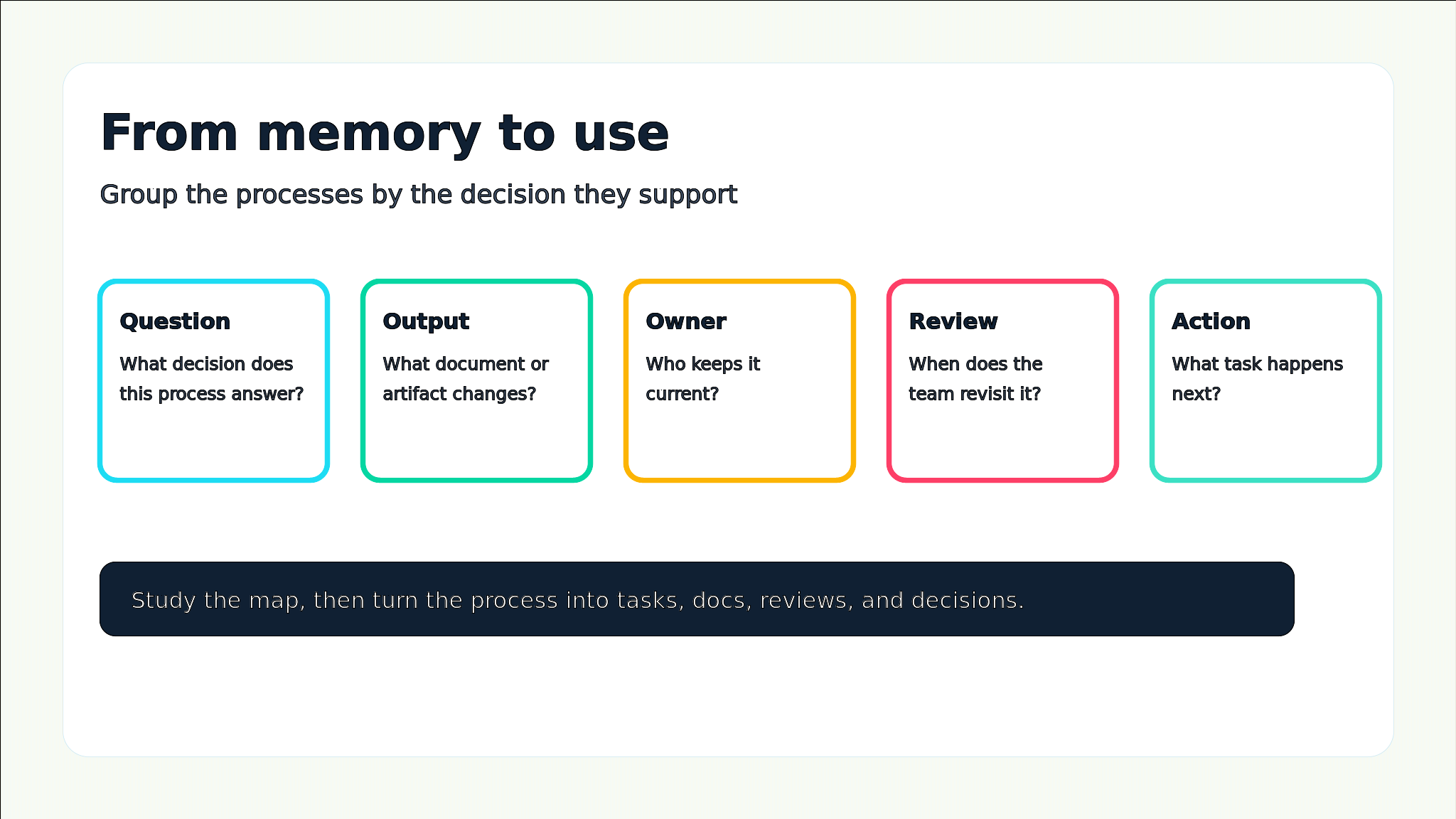
Quick takeaway: Do not memorize the 49 PMP processes as isolated terms. Group them by the decision they support, the artifact they update, the owner who uses them, and the moment in the project when they matter.
 What the PMP process groups are really for
The PMP process groups describe the flow of project management work from authorization through planning, delivery, control, and closure. They are not the same thing as project phases. A project phase might be discovery, design, build, launch, or support. Process groups describe the kind of management work happening inside and across those phases.
- Initiating answers whether the project or phase should exist and who has authority to start it.
- Planning turns the goal into scope, schedule, cost, quality, communication, risk, procurement, and stakeholder plans.
- Executing coordinates the people, resources, communication, quality work, and stakeholder engagement needed to produce results.
- Monitoring and Controlling checks performance, change, scope, schedule, cost, quality, resources, risks, procurement, and stakeholder expectations against the plan.
- Closing confirms the work is accepted, records lessons, releases resources, and archives the project knowledge.
If you want to practice the sequence interactively, use Edworking’s PMP process mapping game after you understand the purpose of each group.
A simple comparison of the five process groups
A useful study method is to ask what each group produces. The output is what makes the process real. Without an output, it is just a phrase to memorize.
- Initiating: best for authorization. Key outputs include the project charter and initial stakeholder register.
- Planning: best for alignment. Key outputs include baselines, management plans, risk responses, communication plans, and procurement choices.
- Executing: best for coordination. Key outputs include completed work, quality activities, team management, communications, and procurement execution.
- Monitoring and Controlling: best for visibility and decisions. Key outputs include performance data, change requests, forecasts, risk updates, and accepted deliverables.
- Closing: best for acceptance and learning. Key outputs include final handoff, archived documents, released resources, and lessons learned.
Decision rule: When a process name feels abstract, ask: what changes after this process runs? A charter, plan, task, risk response, change request, acceptance record, or lesson should become clearer.
How to memorize the 49 processes without brute force
Brute-force memorization works for a short quiz, but it breaks down when questions ask what to do next in a scenario. PMP questions often test judgment. That means you need to know the process name, but also the situation that triggers it and the output it affects.
- Start with the five process groups before memorizing individual process names.
- Attach every process to an output, such as a charter, schedule, risk register, change request, or final acceptance.
- Group similar processes across knowledge areas, such as planning scope, planning schedule, planning cost, planning risk, and planning communication.
- Use scenario prompts: if scope changes after approval, which group are you in and what artifact changes?
- Review weak areas with spaced repetition instead of rereading the full chart every time.
- Explain each process in one sentence as if you were teaching a teammate, not reciting a definition.
For a broader certification overview, pair this guide with Edworking’s PMP certification guide.
Mistake to avoid: Do not study the process chart only from left to right. Real projects loop through monitoring, change, replanning, and execution many times before closing.

Turn process groups into a project workflow
The process groups become easier to understand when you place them inside a real project. Imagine a remote team building a customer onboarding feature. The team does not finish all planning forever, then execute without change. It authorizes the work, creates a first plan, coordinates delivery, monitors scope and risk, adjusts when needed, and closes only when the work is accepted.
- Initiating: write the short project charter, name the sponsor, and capture the first stakeholder list.
- Planning: break work into tasks, define acceptance criteria, estimate the schedule, identify risks, and agree on communication rhythm.
- Executing: assign work, share documents, answer blockers, manage quality, and keep stakeholders engaged.
- Monitoring and Controlling: compare progress with the plan, review risks, manage change requests, and update forecasts.
- Closing: confirm acceptance, hand off documentation, close open tasks, and capture lessons learned.
Checklist for studying PMP process groups
Use this checklist when you review a process group or knowledge area. These items are stored as real list blocks so the Sanity draft stays clean and easy to scan.
- Can I describe the purpose of this process group in one sentence?
- Can I name the main outputs created or updated by the group?
- Can I explain which processes belong to planning versus monitoring and controlling?
- Can I connect each high-value process to a real project artifact?
- Can I identify when a change request should be raised instead of silently changing the plan?
- Can I explain how risk, communication, stakeholder, and quality processes show up in a remote team?
- Can I use a practice question to justify the next action, not just guess the keyword?
Edworking tip: Create a PMP study workspace with one doc for the process map, one task list for weak areas, linked files for notes, chat for questions, video calls for weekly review, and Edworking Brain to summarize your notes into flashcard prompts.
Practical example: planning a launch with the process groups
A startup is preparing a new product launch. The founder wants a date, marketing wants copy, engineering still has open bugs, and support needs documentation. A process-group view helps the project lead decide what management work is missing instead of jumping straight into more tasks.
Example: The project lead notices that execution is active, but planning artifacts are weak. The team has tasks, but no clear stakeholder communication plan, no accepted scope baseline, and no current risk response for launch-day support. The right next step is not more status meetings; it is to repair the planning and monitoring loop.
- Initiating check: confirm sponsor, launch objective, authority, and high-level success criteria.
- Planning check: update scope, schedule, communication plan, risk register, quality expectations, and stakeholder map.
- Executing check: assign the launch tasks, prepare support content, and coordinate handoffs.
- Monitoring check: track risks, change requests, readiness, bug trends, and acceptance criteria.
- Closing check: record final acceptance, archive launch docs, review lessons, and close remaining transition tasks.
If the team keeps changing launch details, a decision log template helps preserve why those choices were made.
Common mistakes that make the process groups harder
Most confusion comes from treating the process groups as a static table. In real delivery, they are a control system. They tell you whether the team should authorize, plan, coordinate, inspect, change, or close.
- Mistake: confusing process groups with project phases. Better approach: remember that process groups can appear inside every major phase.
- Mistake: memorizing process names without outputs. Better approach: attach every process to the artifact or decision it changes.
- Mistake: skipping monitoring and controlling until the end. Better approach: inspect progress, risk, quality, and change throughout delivery.
- Mistake: treating stakeholder work as a side activity. Better approach: plan, engage, and monitor stakeholders intentionally.
- Mistake: using PMP language only for the exam. Better approach: translate each process into how your team manages tasks, docs, files, meetings, and decisions.
For work breakdown and task ownership, use Edworking’s project management solution as the product bridge from process knowledge to actual execution.
How Edworking helps teams apply the process map
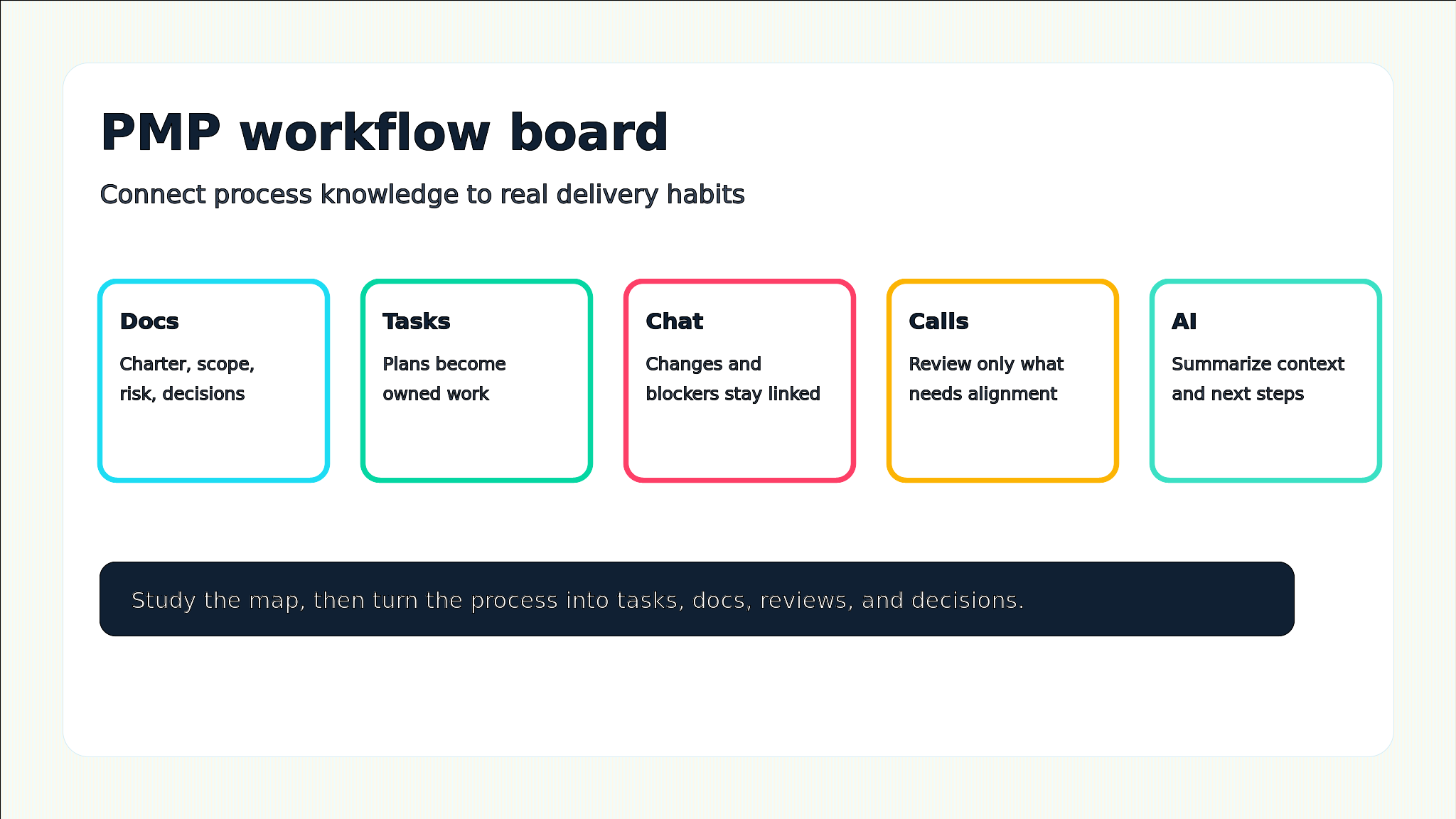
PMP process groups are easier to apply when project information lives in one connected workspace. If the charter is in a document, risks are in a spreadsheet, tasks are in a separate app, decisions are in chat, and meeting notes are somewhere else, the process map becomes harder to use.
- Docs can hold the charter, scope notes, communication plan, risk register, decision log, and lessons learned.
- Tasks turn planning outputs into assigned work with owners, dates, and status.
- Files keep supporting material close to the project rather than buried in disconnected storage.
- Chat keeps quick decisions and blockers linked to the relevant task or doc.
- Video calls support sponsor reviews, change decisions, and retrospectives when async updates are not enough.
- Edworking Brain can summarize project context, turn meeting notes into next steps, and help teammates find information across the workspace.
New teams can start with Getting Started With Edworking and create one workspace where PMP study concepts connect to real project habits.
FAQs
- Use process groups for sequence and knowledge areas for topic coverage.
- Memorize with purpose, output, and scenario prompts.
- The process groups work as a system, not a ranking.
- Remote teams benefit when process artifacts are connected to everyday collaboration.
Use the PMP map as a working system
The PMP process groups are not just exam content. They are a practical way to ask what kind of project management work is needed next: authorize, plan, coordinate, monitor, change, or close. Once you learn the map this way, the 49 processes become easier to remember because each one has a job.
Start with the five groups, attach each process to an output, practice with scenarios, and then apply the same thinking to your own projects. When the process map connects to real tasks, docs, decisions, risks, and reviews, it stops being a chart and becomes a project operating system.
Next step: Practice the sequence with the PMP process mapping game, then build a study plan that turns weak areas into scheduled review tasks instead of vague intentions.
For an external reference on project management standards, see the Project Management Institute.