Download Mobile App



A project retrospective is a structured review of how a team worked, followed by a specific change to try. Choose the period or milestone, gather evidence and everyone’s observations, discuss the most useful improvement, and leave with an owner and a date to check whether it helped.
The session should produce more than notes. Use the 45-minute agenda and completed action example below to connect the discussion to the next work cycle. The timings are a suggested format, not a rule for every project.

Keep the retrospective focused on learning about the work. A Sprint Review examines the product outcome with stakeholders; a weekly operating review addresses current priorities. A retrospective examines working practices. Teams use “post-mortem” and “lessons learned” in different ways, so define the purpose in the invitation.
The Importance of Effective Project Retrospectives
Before the next retrospective, run a project health check scorecard so the team can separate delivery risks from process lessons.
A retrospective improves how the team works over time, while a weekly team review rhythm keeps current priorities, blockers, and decisions moving each week.
A project retrospective is more than just a meeting at the end of a sprint or project—it’s a crucial opportunity to reflect, learn, and improve. Without structured reflection, teams risk repeating the same mistakes or missing out on opportunities to enhance their workflows. So, why should teams invest time in effective project retrospectives? Let’s break it down.
What Is a Project Retrospective?
A retrospective can follow a sprint, milestone or completed project. Agree the scope before inviting people: a two-week delivery cycle needs a different discussion from a year-long programme. For a long project, divide the timeline into phases and collect observations before the meeting.
A successful retrospective is:
- Actionable: Identifies specific steps for improvement.
- Collaborative: Involves every team member’s input.
- Non-judgmental: Focuses on solutions, not blame.
- Continuous: Part of an ongoing cycle of feedback and refinement.
By creating a safe space for honest discussions, retrospectives enable teams to make meaningful adjustments, ensuring continuous process improvement.
Key Benefits of Running Regular Retrospectives
1. Improved Team Collaboration
When teams engage in open discussions, they strengthen communication and alignment. Retrospectives provide a platform where every team member—regardless of role or seniority—can share their thoughts and insights. This fosters a culture of trust and inclusivity, allowing for diverse perspectives and better decision-making.
2. Identifying Process Bottlenecks
Every project has roadblocks—whether it’s unclear priorities, inefficient workflows, or misaligned expectations. Retrospectives allow teams to pinpoint inefficiencies and address them proactively. By understanding which parts of a project slowed progress, teams can implement changes that remove friction and enhance productivity.
3. Boosting Morale and Engagement
A retrospective shouldn’t just be about fixing problems; it should also highlight successes and achievements. Recognizing what went well boosts team morale, keeps motivation high, and reinforces positive behaviors. When team members see their feedback leading to real improvements, they feel valued and engaged.
4. Enhancing Productivity and Efficiency
By analyzing what works and what doesn’t, teams can optimize their processes to become more efficient. Whether it’s refining sprint planning, improving communication channels, or restructuring workflows, retrospectives provide actionable insights that directly impact productivity.
5. Encouraging a Culture of Continuous Learning
Great teams don’t just complete projects—they evolve. Retrospectives instill a culture of continuous learning, where teams are always seeking ways to refine their methods, innovate, and adapt. This is particularly valuable in Agile environments, where flexibility and iteration are key to success.
A well-executed retrospective can transform team dynamics, improve workflows, and drive project success. But how do you actually conduct a productive retrospective? In the next section, we’ll explore best practices and techniques to ensure your retrospectives deliver real value.
Best practices for conducting effective project retrospectives
Running a successful project retrospective isn’t just about gathering the team and discussing what went well or what didn’t. It requires thoughtful planning, the right structure, and a focus on actionable takeaways. Let’s explore the best practices that can help teams make the most out of their retrospectives.

Preparing for the retrospective
A well-prepared retrospective is far more effective than an impromptu discussion. Here’s how to set the stage:
- Choose the right timing and frequency: Retrospectives should be scheduled at the right moments—typically after sprints in Agile teams or at key project milestones.
- Define clear objectives: Make sure the team understands the purpose of the retrospective. Whether it’s improving efficiency, enhancing communication, or resolving roadblocks, having a focus keeps discussions productive.
- Select the right format: Depending on team dynamics and work setups, retrospectives can be conducted in-person, virtually, or in a hybrid format. Using collaboration tools ensures remote participants are fully engaged.
Creating a safe and open environment
Retrospectives work best when team members feel comfortable sharing their thoughts without fear of blame or criticism. The facilitator plays a crucial role in fostering a psychologically safe space where everyone can speak freely. Key steps include:
- Encouraging honest feedback: Frame the discussion in a constructive manner, ensuring that criticism is aimed at improving processes, not blaming individuals.
- Use a few minutes of silent writing before discussion so quieter participants can contribute. Allow an asynchronous route when time zones or access needs make live participation difficult. Do not promise anonymity if the tool or the team’s context can identify contributors.
- Keeping discussions solution-focused: Instead of dwelling on problems, the team should focus on how to improve moving forward.
Structuring the retrospective session
A structured approach helps teams extract valuable insights and turn them into action. A typical retrospective follows these key steps:
- Setting the stage: Start by reviewing the retrospective’s purpose and setting a positive, forward-thinking tone.
- Gather dated examples, delivery data and observations in a shared document or on cards. Ask what happened, what evidence supports it and what remains uncertain. Choose a separate anonymous collection method only if its privacy controls have been checked.
- Generating insights: Analyze feedback to identify patterns—recurring challenges, bottlenecks, and successful strategies.
- Defining action items: The most critical step—turning insights into clear, actionable takeaways. Assign owners and deadlines to ensure follow-through.
A 45-minute project retrospective agenda
Use this example for one completed milestone. Invite the people who did the work, choose a facilitator, share the scope and data beforehand, and explain who will see the notes. Allow people to pass on a prompt; a meeting format alone cannot create psychological safety.
- 0–5 minutes: state the scope and ground rules; review the previous experiment and whether there is enough evidence to assess it.
- 5–12 minutes: silent writing. Each person records what helped, what hindered and one concrete example. Accept prepared async input too.
- 12–22 minutes: group related observations, clarify facts and note disagreements. Avoid guessing someone else’s motives.
- 22–30 minutes: choose one improvement the team can influence. Explain the choice and park other themes with a route for follow-up.
- 30–40 minutes: write the experiment, owner, measure, guardrail and review date. Check that the owner has capacity to carry it out.
- 40–45 minutes: read back the decision, confirm who needs the summary, and ask what would make the next retrospective more useful.
Completed action example: test a clearer handoff
Illustrative scenario: six of twenty review handoffs in the last two weeks waited more than one working day because required context was missing. The proposed cause is a hypothesis, not a proven explanation.
Experiment: for the next two weeks, include the request, acceptance criteria and evidence link before asking for review. Owner: the delivery lead. Start: the next work cycle. Review: the following retrospective. Target: no more than two delayed handoffs out of twenty; if volume differs, report both the count and proportion rather than treating the counts as comparable.
Guardrail: check that preparing the handoff does not simply move the delay earlier or increase rework. Record exceptions and the reviewer’s feedback. At the review, keep the checklist if it helped, revise it if it added friction, or extend observation if too few handoffs occurred. No outcome is claimed for this invented example.
Copy this action record: observation and baseline; suspected cause; change to try; owner; start and review dates; measure and target; guardrail; evidence link; keep/change/stop decision. Keep sensitive personal feedback out of the broadly shared task.
Tools and techniques for more engaging retrospectives
Keeping retrospectives engaging prevents them from becoming repetitive, routine meetings that teams feel obligated to attend. A well-structured and interactive retrospective encourages participation and fosters honest discussions. By using the right tools and techniques, teams can keep their retrospectives fresh and insightful.
Start-Stop-Continue: Structuring actionable feedback
One of the most effective and widely used retrospective techniques is Start-Stop-Continue. This method provides a clear framework for gathering feedback by focusing on three key areas:
- Start: What new approaches or habits should the team adopt?
- Stop: What existing practices are ineffective or causing friction?
- Continue: What is currently working well and should be maintained?
By categorizing feedback in this way, teams can quickly identify concrete improvements while reinforcing positive behaviors. This technique is simple yet effective in ensuring the discussion leads to practical, actionable takeaways.
The 4Ls: Reflecting on key learnings
The 4Ls retrospective focuses on four essential aspects of team experience:
- Liked: What did the team enjoy about the last sprint or project phase?
- Learned: What valuable lessons or skills were gained?
- Lacked: What was missing or could have improved the process?
- Longed for: What would have made the project or sprint better?
This method shifts the conversation beyond just successes and failures, encouraging deeper reflection. It helps teams understand not just what went wrong, but also what they need to improve in the future.
Mad-Sad-Glad: Understanding emotional impact
Retrospectives shouldn’t just focus on processes and performance—they should also acknowledge how the team felt throughout the project. The Mad-Sad-Glad technique offers a simple way to check in on the team’s emotional state:
- Mad: What frustrated or annoyed team members?
- Sad: What was disappointing or demotivating?
- Glad: What brought joy or satisfaction?
This approach helps teams identify hidden tensions, celebrate small wins, and create a healthier work environment by addressing emotional well-being alongside productivity.
Remote-friendly tools: Enhancing virtual retrospectives
For remote and hybrid teams, using digital tools is essential to maintain engagement and collaboration during retrospectives. Some of the most effective platforms include:
- Miro & MURAL: Interactive whiteboards that allow teams to brainstorm, visualize ideas, and organize feedback in real time.
- Edworking: A collaborative platform that integrates task management, file sharing, and video calls, making it easy to document and track retrospective action points.
- Trello & Jira: Great for logging retrospective insights directly into the team's workflow, ensuring follow-ups don’t get lost.
By leveraging these tools, teams can keep retrospectives dynamic and interactive, ensuring that every participant—regardless of location—feels equally involved in the discussion.

Common pitfalls and how to avoid them
Project retrospectives have the potential to drive meaningful change, but they can also fall into common traps that make them feel like a routine checkbox exercise. Without the right approach, teams may struggle to engage, miss out on valuable insights, or fail to act on their discussions. Let’s look at some of these pitfalls and how to overcome them.

Lack of participation and engagement
A retrospective thrives on open discussion, but sometimes team members remain silent or disengaged. This can happen due to a lack of psychological safety, repetitive formats, or unclear expectations about the session’s importance. When people don’t contribute, the session becomes dominated by a few voices, leading to an incomplete picture of what really happened during the project.
To counter this, facilitators need to create an inviting environment where every team member feels comfortable sharing. Asking open-ended questions, rotating facilitators, or experimenting with different retrospective formats can help. Digital collaboration tools like Edworking or Miro can also encourage more interaction, especially for remote teams.
Discussions without action
Discussing every issue does not mean committing to a fix for every issue. Choose a small number of changes the team can actually try, record the remaining themes, and give each selected experiment an owner, review date and observable measure.
Teams can integrate these actions into their project management tools, ensuring they aren’t forgotten once the meeting ends. A quick review of the previous retrospective’s commitments at the start of each new session also helps reinforce accountability.
Repeating the same mistakes
A retrospective is meant to drive continuous improvement, but that only happens when teams track their progress over time. Without a way to measure whether changes are working, the same problems resurface, making retrospectives feel redundant.
Keeping a simple log of past sessions and reviewing trends helps teams see if improvements are taking effect. Instead of aiming for drastic changes, small, incremental adjustments tend to be more effective. A minor tweak in workflow or communication might not seem like much at first, but over time, these refinements lead to noticeable improvements in how teams operate.
Enhancing Retrospectives with Edworking
Retrospectives are only valuable when insights translate into real improvements, and that’s where Edworking comes in. By providing an all-in-one collaboration platform, Edworking enables teams to document, track, and act on retrospective findings without juggling multiple tools. Let’s explore how Edworking’s features enhance project retrospectives.
All-in-One Collaboration Tools

Seamless task management for retrospective action items
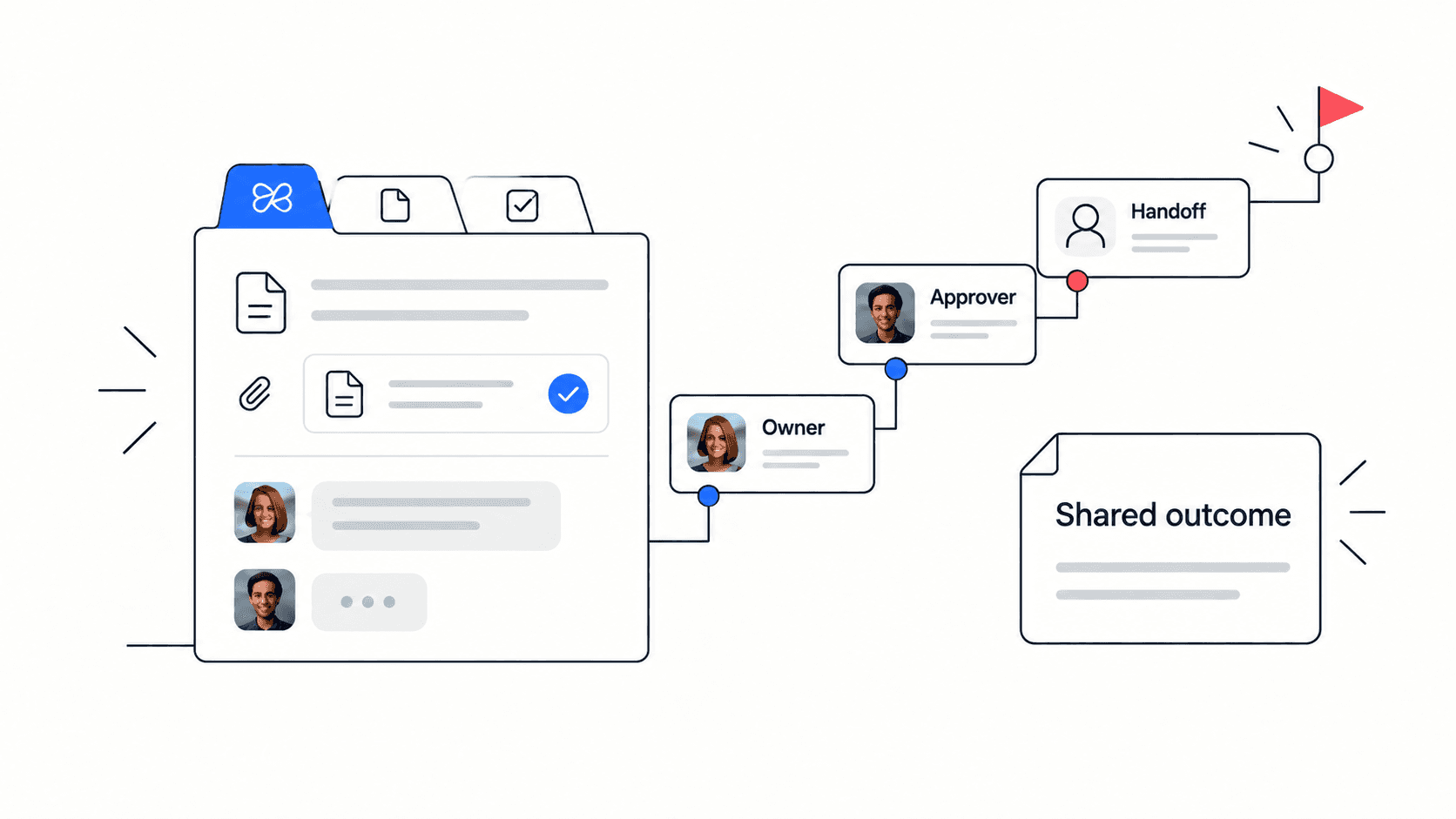
One of the most common issues with retrospectives is that action points get lost once the meeting ends. With Edworking’s task management system, teams can immediately assign, track, and follow up on decisions made during retrospectives.
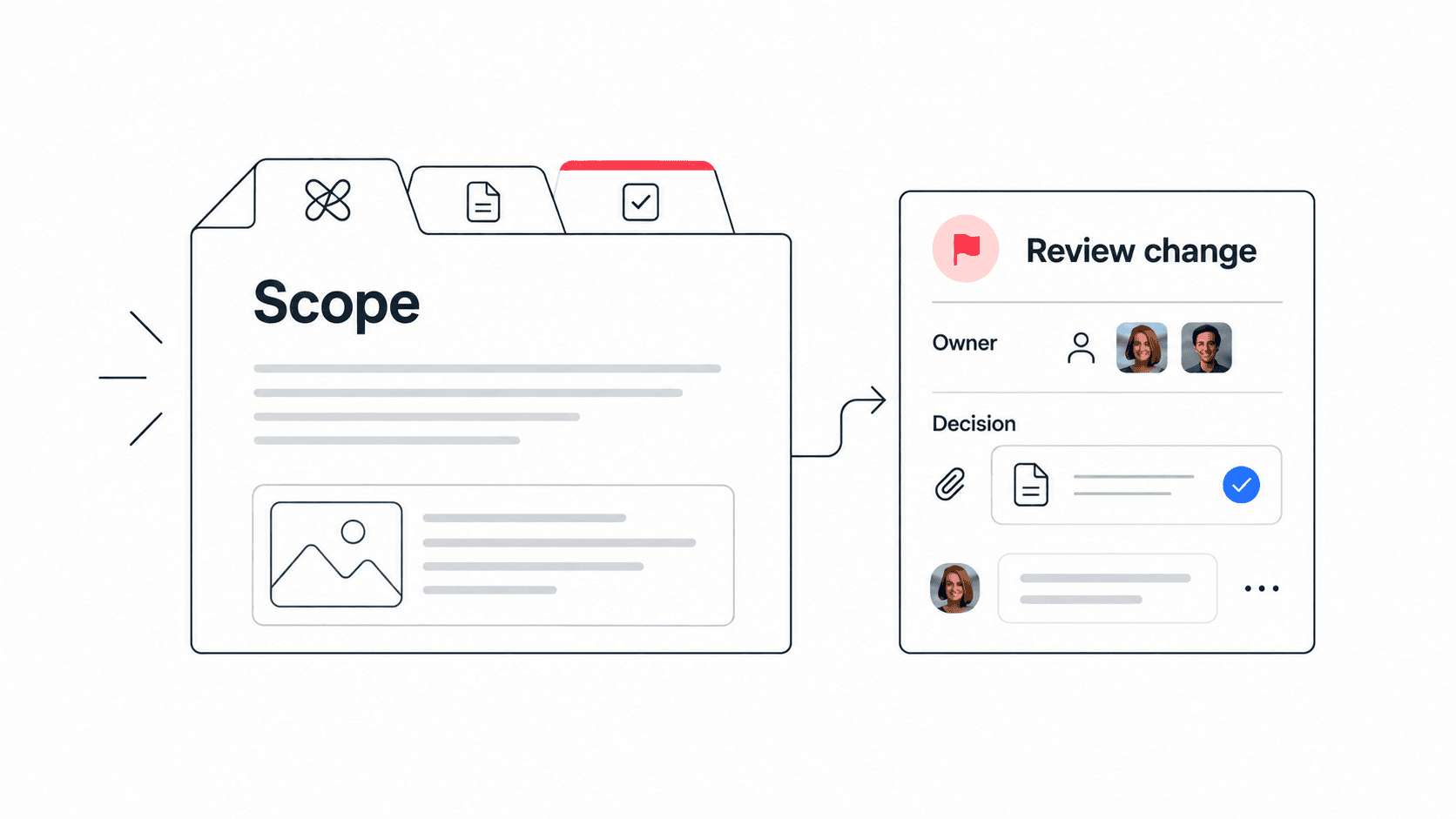
- Create a task for each agreed action, with its owner, due date and completion criteria.
- Add the observation and review date to the task description; completing the task is separate from checking whether it helped.
- The Kanban and List views help visualize progress on retrospective action points.
Use the next retrospective to inspect the result. A completed card shows that an action was taken, not that a process improved.
Integrated collaboration tools for continuous learning
Edworking fosters a collaborative environment where retrospective insights remain visible and accessible. Instead of notes getting buried in email threads or lost in chat conversations, Edworking provides:
- A shared workspace where retrospective feedback can be stored, revisited, and referenced for future sessions.
- Real-time collaboration on documents, allowing teams to co-edit and refine retrospective takeaways.
- Task chat lets the owner record progress, blockers and the evidence to review next time.
By keeping all retrospective materials centralized and organized, teams can track their progress over time and see tangible improvements in their workflows.
Keep observations and decisions traceable
Link the retrospective notes from each follow-up task so the owner can see why the experiment was chosen.
- Keep observations separate from interpretations. Record a concrete example before deciding what caused it.
- Review the evidence with the people involved; a summary can omit a qualification or a disagreement.
- If you use an AI assistant to draft notes, check names, decisions, dates and uncertainty against the source. Do not assume it has reliably detected patterns across past sessions.
The Edworking task guide documents descriptions, resource links, assignees and task chat. The review and interpretation remain the team’s work.
Video calls and async communication for remote teams
For remote and distributed teams, Edworking’s built-in video conferencing makes retrospectives more engaging. Instead of relying on separate tools for discussions, teams can:
- Host retrospectives directly within Edworking, ensuring discussions stay within the project environment.
- Use asynchronous communication, allowing team members in different time zones to contribute insights at their convenience.
- Share retrospective summaries in chat spaces, keeping everyone aligned without scheduling additional meetings.
By eliminating tool switching, Edworking ensures that retrospectives are efficient, actionable, and seamlessly integrated into the team’s workflow.
Why Edworking makes retrospectives more effective
Edworking can keep the follow-up task, owner and discussion together. Effectiveness still depends on choosing a useful experiment and checking its result; no tool guarantees an improvement from holding a meeting.
Conclusion
Effective project retrospectives are more than just meetings—they are essential opportunities for continuous learning and improvement. When done right, retrospectives help teams identify strengths, resolve challenges, and refine workflows. However, for them to be successful, they must be structured, engaging, and action-driven.
Key takeaways for running better retrospectives include:
- Creating a safe environment where team members feel comfortable sharing honest feedback.
- Using structured techniques like Start-Stop-Continue or the 4Ls to guide discussions.
- Ensuring accountability by documenting action points and assigning ownership.
- Leveraging the right tools, such as Edworking, to integrate retrospectives into everyday workflows.
When teams approach retrospectives with intentionality and consistency, they become a powerful mechanism for growth, ensuring that each project or sprint is a stepping stone to greater efficiency and collaboration.
With platforms like Edworking, teams can take retrospectives a step further—documenting insights, tracking action items, and fostering continuous engagement. This transforms retrospectives from a routine exercise into a strategic tool for long-term success.
By making retrospectives a core part of your workflow, you empower your team to improve continuously, making every project more productive than the last.
Quick retrospective checklist (in Edworking)
Turn your next retrospective into tracked decisions using Edworking project templates.
- Create a clear agenda and safe feedback prompt (what went well, what to improve, and what to try next).
- Capture decisions and action items in templates so nothing gets lost after the meeting.
- Assign owners and due dates, then follow progress using task management in Edworking.
- Keep context attached to updates via chat instead of moving decisions into separate threads.
- Close the loop: review last retrospective action items and measure whether the changes actually stuck.
If you want a faster, repeatable retro workflow, start with the Edworking pricing page and build your first project workspace.
FAQs
- Assign clear ownership of action items.
- Set specific deadlines for follow-ups.
- Track progress in task management tools like Edworking.
- Review past action items at the start of each retrospective to ensure accountability.
- Task management tools to track action items.
- Collaboration features for real-time feedback and documentation.
- Resource links and task chat to keep the evidence for an action connected to its follow-up.
- Video conferencing integration, making remote retrospectives seamless.
After a retrospective identifies a recurring tradeoff, keep the final choice visible in a decision log template so the next sprint starts with clear context and ownership.
Related guide: use this daily standup meeting guide to connect recurring team updates with practical follow-up work.