Download Mobile App
Typing practice is usually treated like a school exercise: copy a random paragraph, check the speed score, and move on. But for modern teams, typing is part of communication quality. Every project update, task comment, handoff note, support reply, and async decision depends on being able to write clearly without losing momentum.
That is why typing practice paragraphs for work should train more than raw words per minute. The best practice passages build speed, accuracy, punctuation control, focus, and the habit of turning messy thoughts into useful workplace messages. If your team works remotely or relies heavily on written updates, better typing can reduce friction in small but meaningful ways.
This guide gives you practical paragraph types to use, a simple practice routine, and ways to connect typing improvement with clearer async communication. If you want a quick baseline before you start, use Edworking’s paragraph typing test and then repeat the same test after a week of focused practice.
 Why workplace typing practice is different
Generic typing passages are useful for warmups, but they often miss the writing situations people face at work. A remote project manager does not only type plain sentences. They type updates with dates, owner names, status labels, bullet-like rhythm, product terminology, links, and careful punctuation. A developer types issue comments, release notes, and review feedback. A founder types hiring notes, investor replies, and customer follow-ups.
Workplace practice should therefore include realistic paragraph shapes. You want to train your fingers to handle the sentences you actually write: concise updates, calm blocker explanations, decision summaries, meeting recaps, and handoff notes. That does not mean every drill must be serious. It means the words should resemble the work your brain needs to perform under time pressure.
There is also a quality difference. A high typing score is not useful if every third sentence needs correction. For work communication, accuracy matters because typos can change meaning, create doubt, or make a message harder to trust. A good practice routine balances speed with clean output.
A simple typing-practice routine for work
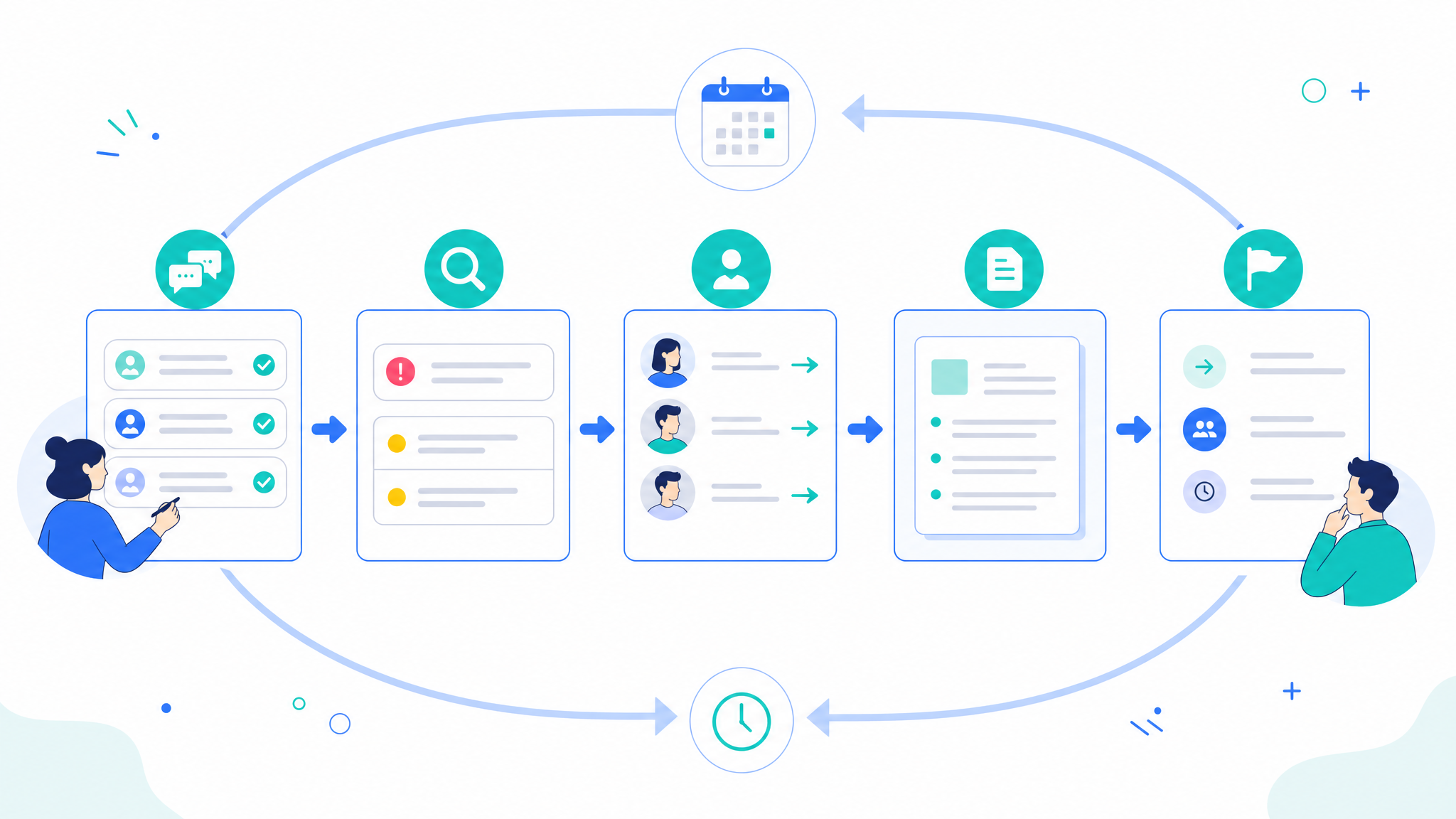
The easiest routine is fifteen minutes, five days a week. Start with a two-minute baseline test. Then practice three short passages: one clear project update, one detailed explanation, and one message that includes numbers, punctuation, and names. Finish by repeating one paragraph slowly with perfect accuracy.
Do not chase your maximum speed every session. Use three modes instead. In accuracy mode, type at a pace where you can stay above 97% accuracy. In control mode, practice punctuation, capitalization, and symbols without rushing. In speed mode, push your pace for one or two short rounds and accept that mistakes may rise slightly. Rotating these modes prevents the common habit of typing fast but editing constantly.
Track three numbers: words per minute, accuracy, and correction time. Correction time is the hidden cost most typing tests ignore. If you type a message in thirty seconds but spend another minute fixing errors, your practical work speed is lower than the score suggests.
For teams that rely on written handoffs, this routine pairs well with an async status update template. Practicing the same update structure makes it easier to write quickly without forgetting progress, blockers, decisions, and next steps.
Paragraph 1: the concise project update
Use this type of paragraph when you want to practice clear progress writing. It should include what changed, what is next, and whether anything needs attention. Keep the sentences short and specific.
Practice example: “The onboarding redesign is moving on schedule. The product team approved the new welcome flow this morning, engineering is connecting the workspace invitation step, and QA will review the first build on Thursday. The only open risk is final copy approval for the pricing screen, which Maya owns before the end of the week.”
This paragraph trains names, dates, commas, and status language. It also teaches a useful writing pattern: progress, next step, risk, owner. If you manage projects, practice this format until it feels natural. It is one of the most valuable workplace paragraphs because it can replace a surprising number of status meetings.
To make the drill harder, change the project, owner, deadline, and risk after each round. Do not memorize the words. Practice the structure. The goal is to build confidence writing a clean update from live information.
Paragraph 2: the blocker explanation
Blocker messages need calm precision. They should explain what is stuck, why it matters, who can help, and what decision is needed. They are excellent typing practice because they combine detail with clarity.
Practice example: “We cannot finish the analytics dashboard until the event names are confirmed. The current web and mobile names do not match, so the report may count the same action twice. If product confirms the final naming list by Wednesday, engineering can ship the dashboard on Friday. If not, we should release the dashboard without the conversion panel and add it next week.”
This passage trains longer sentences, conditional phrases, and business impact. It also helps you avoid vague blocker language. Instead of “analytics is blocked,” the paragraph tells readers exactly what is blocked, what could go wrong, and what path keeps the work moving.
If your team struggles with repeated blockers, connect this writing pattern with a project dependency map template. Typing faster helps, but naming dependencies earlier is what prevents the same issue from reappearing in every update.
Paragraph 3: the meeting recap
Meeting recaps are useful because they include decisions, action items, and follow-up. They force you to type cleanly while organizing information. The aim is not to transcribe everything that happened. The aim is to capture what people need after the meeting ends.
Practice example: “Today’s kickoff confirmed the launch goal, target audience, and first milestone. We agreed to keep the first release focused on workspace setup, task creation, and invitation emails. Sofia will draft the onboarding checklist, Leo will prepare test accounts, and Amira will review the help article by Tuesday afternoon.”
This paragraph trains proper names, parallel structure, and action verbs. It also reinforces the difference between notes and outcomes. A strong recap tells people what changed because the meeting happened.
You can turn this into a repeatable writing habit with a remote meeting notes template. Practice typing the decision and action-item sections first, because those are the parts teammates usually need most.

Paragraph 4: the customer or stakeholder reply
Stakeholder replies train a different skill: tone control. You need to type accurately while staying helpful, calm, and concise. This matters for customer support, client management, sales follow-ups, and internal leadership updates.
Practice example: “Thanks for flagging this. I checked the workspace settings and found that guest access is enabled, but file sharing is limited to project members. I have updated the permission notes and asked our team to review the default setting. I will send you a clear answer before 15:00 UTC.”
This type of paragraph includes courtesy, diagnosis, action, and a time promise. It is realistic because real work replies often combine empathy with facts. Practice it slowly at first. A rushed stakeholder reply can sound colder than intended, especially if typos or missing words make it feel careless.
To vary the drill, rewrite the same reply for different tones: friendly, formal, urgent, or apologetic. Keep the facts stable and adjust the wording. This improves both typing control and communication judgment.
Paragraph 5: the deep-work focus passage
Not every typing drill should mimic a message. Some should build sustained focus. A deep-work passage is longer, calmer, and less fragmented. It trains your ability to type without checking notifications, switching tabs, or correcting every word immediately.
Practice example: “Clear written work depends on attention. When a team spreads decisions across chat threads, task comments, documents, and meetings, people lose time reconstructing context. A strong workspace reduces that cost by keeping related tasks, notes, files, and conversations close together. The result is not only faster communication, but fewer repeated questions and fewer decisions forgotten between meetings.”
Use this paragraph for three-minute rounds. Keep your hands relaxed, look ahead by a few words, and avoid pausing after every sentence. The goal is smooth rhythm. If you make a mistake, correct it once and continue. Do not restart the whole paragraph unless you are specifically practicing accuracy mode.
This is also where typing practice connects back to productivity. Faster writing is valuable when it protects focus. If you want more habits around reducing work friction, read Edworking’s guide to productivity hacks that actually help you get work done.
How to measure progress without gaming the score
A typing score can be motivating, but it is easy to optimize the wrong thing. If you only practice familiar passages, your score rises because you remember the text. If you ignore correction time, the number looks better than your real communication speed. If you practice only simple words, workplace messages still feel slow.
Use a weekly benchmark instead. Pick one unfamiliar work-style paragraph, one recurring status update, and one punctuation-heavy passage. Type each once, record words per minute and accuracy, then write a short note about what felt hard. After four weeks, look for patterns. Maybe names slow you down. Maybe punctuation creates mistakes. Maybe your speed drops when sentences contain numbers. Those patterns tell you what to practice next.
For ergonomics and comfort, keep your setup sustainable rather than forcing long sessions. The OSHA computer workstation guidance is a useful reference if typing practice creates wrist, shoulder, or posture strain.
Common mistakes to avoid
The first mistake is practicing only at maximum speed. This often creates sloppy habits and makes work writing feel frantic. Build accuracy first, then speed. The second mistake is using passages that are too easy. If every paragraph is simple, you will not improve on the messages that actually slow you down.
The third mistake is separating typing practice from communication practice. A person can type quickly and still write unclear updates. Use passages that teach both mechanics and structure. A good blocker paragraph, for example, improves typing skill and helps you learn how to explain risk without drama.
The fourth mistake is ignoring fatigue. Short, consistent sessions beat occasional long sessions. Stop if your hands feel tense or your accuracy collapses. The aim is better work communication, not proving endurance.
How Edworking helps turn typing practice into better teamwork
Typing faster is useful, but the bigger win is reducing the friction around written work. Edworking gives teams one place to keep tasks, docs, chat, meetings, and files connected. That means your updates, notes, and decisions do not disappear into separate tools after you type them.
Use typing practice to improve the messages that matter most: task updates, async check-ins, meeting recaps, project handoffs, and decision notes. Then keep those messages inside the same workspace as the work they describe. This is how a small personal skill becomes a team productivity gain.
If you are new to the platform, start with Getting Started With Edworking and build a simple workspace where written updates, tasks, and files stay connected. The clearer your workspace is, the more value you get from every paragraph you type.
FAQs
What is a good typing speed for work?
A useful goal for many knowledge workers is not a single number. Aim for a pace that lets you write routine updates without friction while keeping accuracy high. For many people, improving from slow, error-prone typing to steady, accurate typing creates more value than chasing an extreme words-per-minute score.
How long should I practice typing each day?
Ten to fifteen focused minutes is enough for most people if the practice is consistent. Use short rounds, vary paragraph types, and track accuracy as carefully as speed.
Should I practice with work messages or random text?
Use both, but prioritize realistic work messages if your goal is professional communication. Random text builds general familiarity, while work paragraphs train the patterns you actually need in tasks, updates, recaps, and stakeholder replies.
Can typing practice improve remote teamwork?
Indirectly, yes. Typing practice will not fix unclear team norms, but it can make written updates easier and faster to produce. When combined with good templates and a shared workspace, clearer written communication helps remote teams reduce repeated questions and unnecessary meetings.
Start with one useful paragraph today
The best typing practice paragraph is not the longest or hardest one. It is the paragraph you will actually need at work: a project update, a blocker explanation, a meeting recap, or a stakeholder reply. Practice that paragraph until you can type it accurately, calmly, and clearly.
Start with a baseline in the paragraph typing test, then practice the work-style passages above for one week. If you use Edworking, turn your best practice formats into real workspace notes and templates so typing improvement becomes clearer teamwork, not just a higher score.