
 Download Mobile App


A little direction. A better first draft.
HTML Code Generator
Describe the content and layout you need. Review the generated source, copy it, or download it for your own project.
02Your draft
Your next draft starts here
Add your brief or choose an example. Your generated text will appear here, ready to review, copy or download.
AI drafts need your judgement. Check facts, meaning and suitability before using them.
Review before you use it
- Review accessibility, responsive layout and links.
- Generated markup is a starting point; forms still need backend integration.
- The code is shown as text. Review it before opening or adding it to a site.
How it works
Make the brief do the hard work
A useful result starts with a little context. Work through these three steps, then make the output your own.
Open the tool01Give it context
Add the source material, topic or goal. Include the details the result must keep.
02Shape the result
Choose the settings that fit your audience. Start with an example if you need a little direction.
03Review and take it further
Check the output, copy or download it, then bring it into your next document or project.
From a clear brief to an HTML draft
Describe the content and layout you need. Review the generated source, copy it, or download it for your own project.
01
Review accessibility, responsive layout and links.
02
Generated markup is a starting point; forms still need backend integration.
03
The code is shown as text. Review it before opening or adding it to a site.
HTML Code Generator
Choose What to Put into Practice
Pick the points that fit your idea or project. We’ll create a Space with those tasks so you can put this page into practice.
- 01Choose the tasks that matter to you.
- 02Set up a Space with your selected tasks.
- 03Add owners, dates and details in Edworking.
0 tasks selected
Select at least one task to set up your Space.
From a first idea to shared work
Make something. Then make it happen.
A draft or visual is just the start. Explore how Docs, Files and Tasks keep the next steps together in Edworking.
Bring a draft into a shared document. Edit the wording and keep the discussion beside the work.
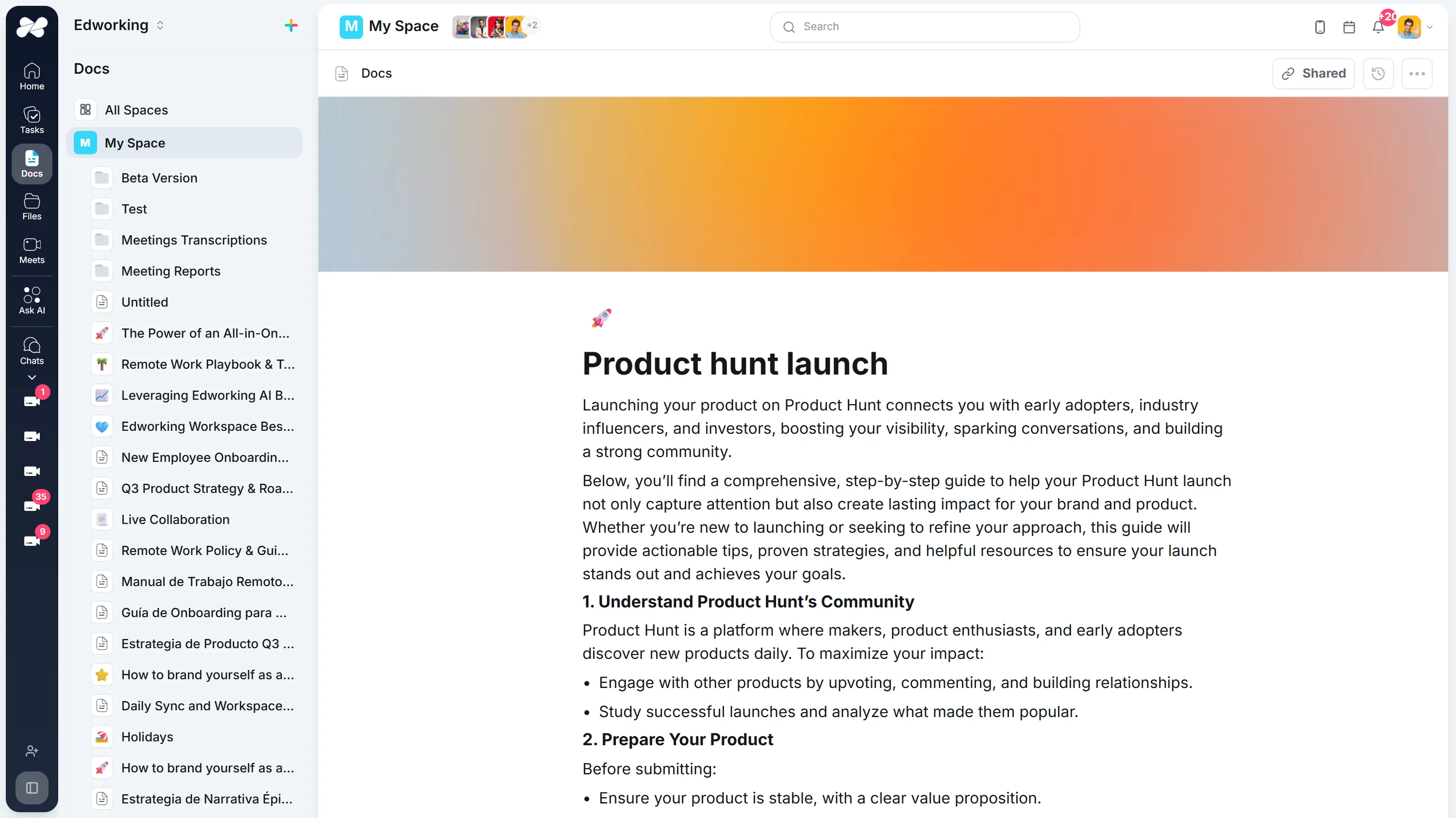
Opens the full interactive demo with an example workspace in English. Generated results are not saved to the demo automatically.
KEEP EXPLORING
Similar Tools
A useful next step, whether you are refining a draft, planning work or learning more about your team.
Prompt Generator
Fuel your creativity and overcome writer's or artist's block with our innovative AI Prompt Generator. Ideal for generating unique and inspiring prompts.
Open toolWorkout Generator
Personalize your workout routine with our AI Workout Generator. Ideal for creating tailored fitness plans that align with your goals and preferences.
Open toolInspirational Quote Generator
Generate unique and motivational quotes to inspire yourself and others. Ideal for personal development, social media sharing, and daily reflection.
Open toolMagic Spell Name Generator
Generate imaginative and unique names for spells and magical effects. Ideal for fantasy writers, RPG enthusiasts, and game developers.
Open toolEmoji Translator
Transform your text into emoji-laden messages for more engaging and expressive communication. Ideal for social media posts, chats, and digital storytelling.
Open toolAI Video Script Generator for Team Workflows
Generate video scripts, then connect briefs, reviews, tasks, docs, and production follow-up in Edworking.
Open toolFrequently Asked Questions
Describe the content and layout you need. Review the generated source, copy it, or download it for your own project.
Review accessibility, responsive layout and links. Generated markup is a starting point; forms still need backend integration. The code is shown as text. Review it before opening or adding it to a site.
Copy the code and acceptance criteria into an Edworking Doc for review. Create a Task for implementation and testing when it is ready. Nothing is published automatically.