
 Download Mobile App


A little direction. A better first draft.
Paragraph Rewriter
Rewrite paragraphs directly inside Edworking Docs, lock compliance phrases, and hand the draft to approvers without exporting. The AI Paragraph Rewriter keeps legal, CS, and marketing workflows moving in one workspace.
02Your draft
Your next draft starts here
Add your brief or choose an example. Your generated text will appear here, ready to review, copy or download.
AI drafts need your judgement. Check facts, meaning and suitability before using them.
Before you use it
- Check names, facts and any sources.
- Keep the meaning and details that matter.
- Adjust the draft to sound like you.
How it works
Make the brief do the hard work
A useful result starts with a little context. Work through these three steps, then make the output your own.
Open the tool01Give it context
Add the source material, topic or goal. Include the details the result must keep.
02Shape the result
Choose the settings that fit your audience. Start with an example if you need a little direction.
03Review and take it further
Check the output, copy or download it, then bring it into your next document or project.
How it works inside Edworking Docs
Highlight any paragraph in a Doc, open the AI Writing Assistant, and get a rewritten version instantly — right where your team collaborates.
- 01
Select a paragraph
Click on any paragraph inside an Edworking Doc. The AI Writing Assistant menu appears with options like Improve writing, Make shorter, and Change tone.
- 02
Rewrite with AI
Pick an action and the AI rewrites your paragraph while respecting any terminology or compliance rules you set in the prompt.
- 03
Replace or compare
Replace the original text, insert the rewrite below it for side-by-side comparison, or keep iterating. Every version is tracked in Doc history.
Paragraph Rewriter
Choose What to Put into Practice
Pick the points that fit your idea or project. We’ll create a Space with those tasks so you can put this page into practice.
- 01Choose the tasks that matter to you.
- 02Set up a Space with your selected tasks.
- 03Add owners, dates and details in Edworking.
0 tasks selected
Select at least one task to set up your Space.
From a first idea to shared work
Make something. Then make it happen.
A draft or visual is just the start. Explore how Docs, Files and Tasks keep the next steps together in Edworking.
Bring a draft into a shared document. Edit the wording and keep the discussion beside the work.
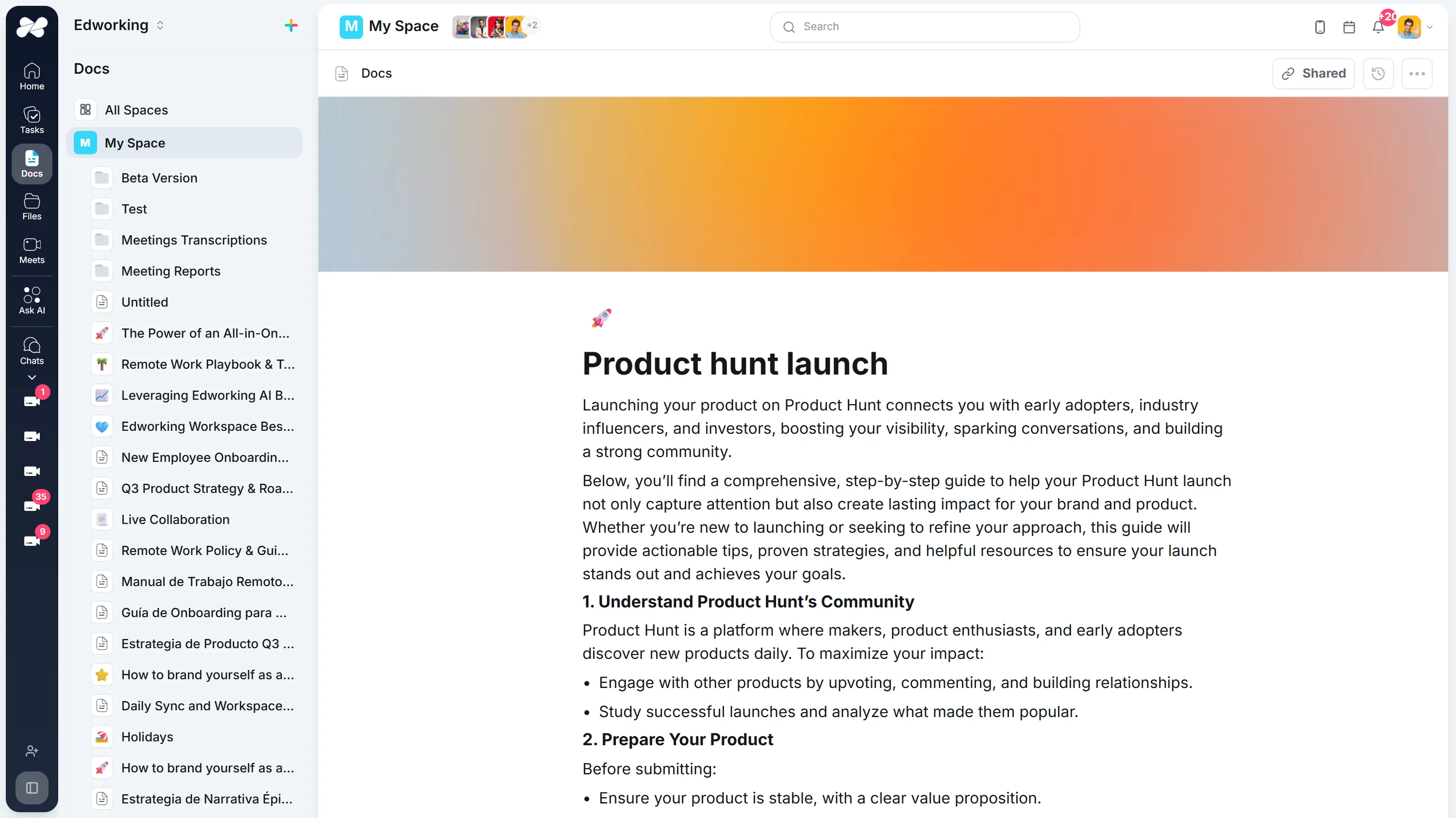
Opens the full interactive demo with an example workspace in English. Generated results are not saved to the demo automatically.
KEEP EXPLORING
Similar Tools
A useful next step, whether you are refining a draft, planning work or learning more about your team.
Conclusion Generator for Essays and Reports
Generate a draft conclusion for an essay, report, proposal, or recap. Check the main takeaway, supporting points, tone, and next step before publishing.
Open toolAI Introduction Generator
Generate clear introductions for essays, reports, proposals, and team documents. Refine the opening in Edworking Docs and assign reviews in Tasks.
Open toolParaphrasing Tool
Paraphrase long-form content with brand-safe AI, collaborate in Docs, capture reviewer comments, and assign follow-up Tasks from the same workspace.
Open toolAI Rewording Tool with Approval Workflows
Collaborative AI rewording for regulated teams. Preserve tone, enforce glossaries, collect approvals, and publish updates directly inside Edworking.
Open toolAI Essay Hook Generator
Generate opening sentences for essays and other content. Compare question, contrast, scene, and fact-led hooks, then edit the result to match your topic and tone.
Open toolBook Summary Generator
Quickly grasp the core ideas of any book with our AI-powered Summary Generator. Ideal for enhancing comprehension and saving time.
Open toolFrequently Asked Questions
Add instructions like “keep GDPR disclaimer” or paste the phrases you must preserve. The AI respects those terms, and editors can double-check inside Docs before publishing.
Yes. Each rewrite stays in Edworking Docs with full version history. Tag approvers in comments, compare drafts side by side, and see exactly who signed off.
English, Spanish, Portuguese, French, and Italian are supported, with tone options ranging from compliance-ready to conversational so global teams stay on brand.
Once you like the rewrite, convert it into a Doc, create a Task for legal or marketing, and capture feedback inline. When everyone approves, mark the Task done and publish immediately.
All rewriting happens inside your Edworking workspace with encryption and role-based access. Nothing is sent to public third-party tools, so customer data and policies stay protected.