
 Download Mobile App


A little direction. A better first draft.
Free AI Sentence Rewriter
Paste one sentence and generate clearer alternatives while keeping the original meaning. Use the result as a draft, compare wording and tone, and review names, facts and intent before using it in work or study. For longer passages, choose the Paragraph Rewriter instead.
02Your draft
Your next draft starts here
Add your brief or choose an example. Your generated text will appear here, ready to review, copy or download.
AI drafts need your judgement. Check facts, meaning and suitability before using them.
Before you use it
- Check names, facts and any sources.
- Keep the meaning and details that matter.
- Adjust the draft to sound like you.
How it works
Make the brief do the hard work
A useful result starts with a little context. Work through these three steps, then make the output your own.
Open the tool01Give it context
Add the source material, topic or goal. Include the details the result must keep.
02Shape the result
Choose the settings that fit your audience. Start with an example if you need a little direction.
03Review and take it further
Check the output, copy or download it, then bring it into your next document or project.
How to Rewrite a Sentence Without Changing Its Meaning
A useful rewrite improves clarity while preserving the claim, names, numbers and intent of the source sentence.
- 01
Paste one complete sentence
Include enough context for pronouns, technical terms and tone to make sense.
- 02
State the goal
Ask for clearer, shorter, more formal or more conversational wording instead of requesting a vague rewrite.
- 03
Compare and verify
Check that facts, qualifiers and meaning remain intact, then edit the best version in your own voice.
Choose the Right Rewriting Tool
Keep each task focused so the output is easier to review.
One sentence
Use this Sentence Rewriter for clarity, tone, concision or alternative phrasing.
A full paragraph
Use the Paragraph Rewriter when several sentences must remain coherent together.
Explore the workspaceLight wording changes
Use the Rewording Tool when you want a smaller vocabulary or phrasing change.
Explore the workspaceTeam review
Move the selected draft into Docs, name a reviewer and keep approval with the work.
Explore the workspaceFree AI Sentence Rewriter
Choose What to Put into Practice
Pick the points that fit your idea or project. We’ll create a Space with those tasks so you can put this page into practice.
- 01Choose the tasks that matter to you.
- 02Set up a Space with your selected tasks.
- 03Add owners, dates and details in Edworking.
0 tasks selected
Select at least one task to set up your Space.
From a first idea to shared work
Make something. Then make it happen.
A draft or visual is just the start. Explore how Docs, Files and Tasks keep the next steps together in Edworking.
Bring a draft into a shared document. Edit the wording and keep the discussion beside the work.
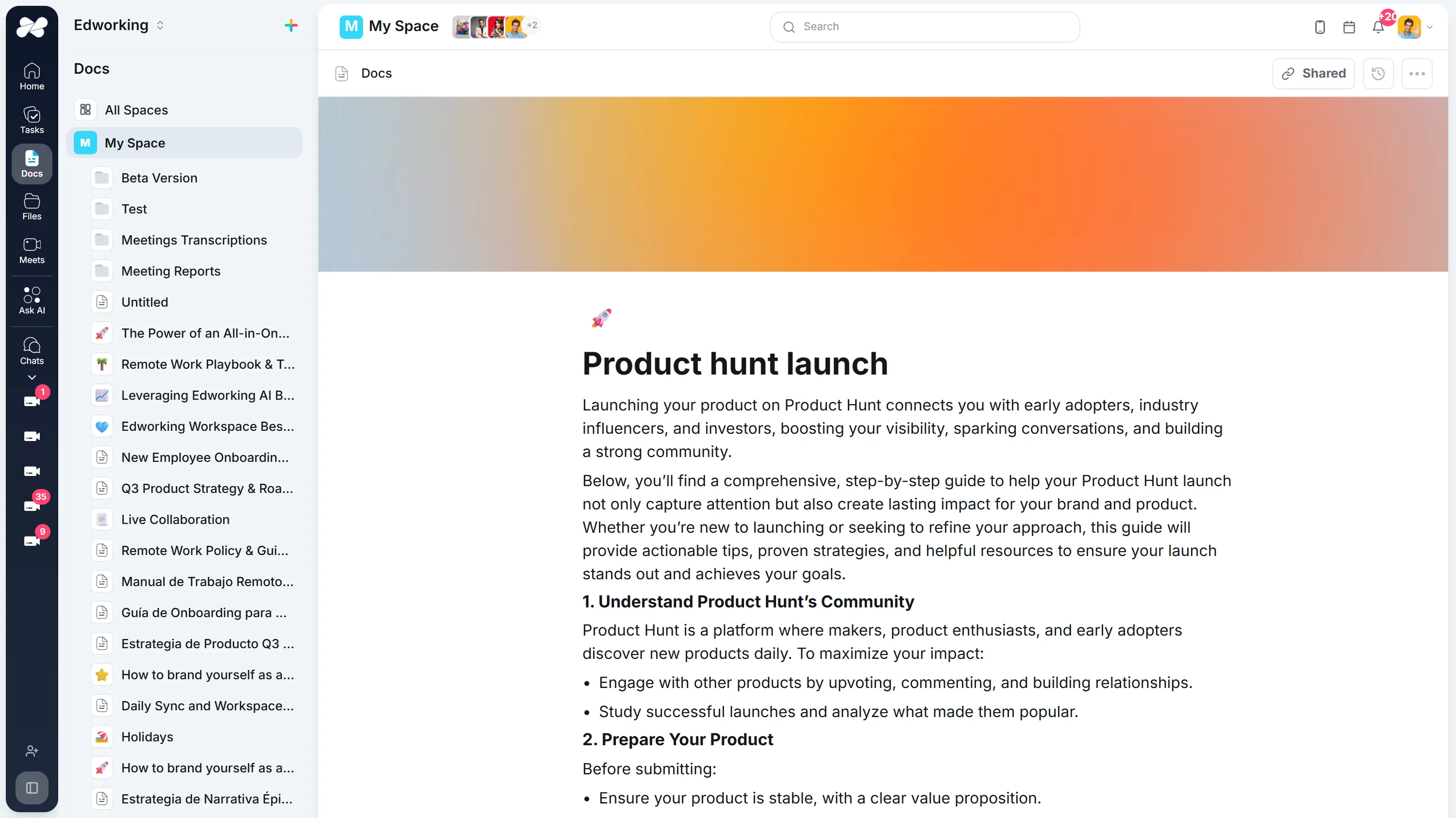
Opens the full interactive demo with an example workspace in English. Generated results are not saved to the demo automatically.
KEEP EXPLORING
Similar Tools
A useful next step, whether you are refining a draft, planning work or learning more about your team.
Conclusion Generator for Essays and Reports
Generate a draft conclusion for an essay, report, proposal, or recap. Check the main takeaway, supporting points, tone, and next step before publishing.
Open toolAI Introduction Generator
Generate clear introductions for essays, reports, proposals, and team documents. Refine the opening in Edworking Docs and assign reviews in Tasks.
Open toolParagraph Rewriter
AI paragraph rewriter for teams—refresh copy in Docs, preserve mandatory terminology, and route approvals through Tasks without leaving Edworking.
Open toolParaphrasing Tool
Paraphrase long-form content with brand-safe AI, collaborate in Docs, capture reviewer comments, and assign follow-up Tasks from the same workspace.
Open toolAI Rewording Tool with Approval Workflows
Collaborative AI rewording for regulated teams. Preserve tone, enforce glossaries, collect approvals, and publish updates directly inside Edworking.
Open toolAI Essay Hook Generator
Generate opening sentences for essays and other content. Compare question, contrast, scene, and fact-led hooks, then edit the result to match your topic and tone.
Open toolFrequently Asked Questions
It generates alternative wording for one sentence. Use it to improve clarity, tone, concision or flow, then verify that the result keeps the original meaning.
The page provides the sentence rewriting tool for free. Product access and limits can change, so check the current interface before planning a high-volume workflow.
This page is designed for one sentence at a time. Use the Paragraph Rewriter for a longer passage so transitions and ideas can be reviewed together.
Compare the source and rewrite for names, numbers, negation, conditions and qualifiers such as may, must or only. Restore anything the new wording weakens or changes.
Add a short instruction such as more formal, friendlier, more concise or suitable for an executive update. Avoid changing tone in ways that alter the underlying claim.
No tool can guarantee originality or acceptable attribution. Cite sources where required, follow your school or workplace policy and use an appropriate similarity check for high-stakes work.
Treat it as a draft. Check facts, meaning, voice, grammar and any sensitive information before you use or publish it.
Place the selected wording in a shared Doc, keep the source sentence nearby, name a reviewer and record the approved version with the related task or document.