
 Download Mobile App


A little direction. A better first draft.
AI Video Script Generator for Team Workflows
Turn loose ideas into production-ready scripts without leaving your planning stack. The Edworking Video Script Generator outlines hooks, talking points, and CTAs for webinars, YouTube series, tutorials, and ads—then links the script to Tasks, Docs, and Video Calls so your crew can storyboard, review footage, and launch faster.
02Your draft
Your next draft starts here
Add your brief or choose an example. Your generated text will appear here, ready to review, copy or download.
AI drafts need your judgement. Check facts, meaning and suitability before using them.
Before you use it
- Check names, facts and any sources.
- Keep the meaning and details that matter.
- Adjust the draft to sound like you.
How it works
Make the brief do the hard work
A useful result starts with a little context. Work through these three steps, then make the output your own.
Open the tool01Give it context
Add the source material, topic or goal. Include the details the result must keep.
02Shape the result
Choose the settings that fit your audience. Start with an example if you need a little direction.
03Review and take it further
Check the output, copy or download it, then bring it into your next document or project.
Plan scripts from brief to final review
Move from a rough content idea to an approved production plan without splitting script, feedback, and assignments across separate tools.
Draft the script in Docs
Store hooks, talking points, CTA notes, and brand requirements in a collaborative Doc so writers, founders, and editors review the same source of truth.
Explore the workspaceTurn scenes into Tasks
Convert each scene, visual asset, and publishing step into Tasks with owners, due dates, and status updates for the production team.
Explore the workspaceReview edits on Video Calls
Use Video Calls to review scripts, storyboard gaps, or final clips while decisions and follow-up actions stay attached to the workspace.
Explore the workspaceAnswer-ready workflow for team video production
Use the generator when a script needs to become assigned work, not just copy in a text box.
Define the video job to be done
Capture the audience, channel, CTA, product angle, and required talking points before generating the script.
Explore the workspaceKeep review decisions visible
Store script notes in Docs and turn approvals, edits, recording steps, and publishing tasks into assigned work.
Explore the workspaceUse meetings only where they add clarity
Review complex scripts on Video Calls, then keep follow-up actions attached to the same workspace.
Explore the workspaceA repeatable workflow for team video content
Use the generator for webinars, onboarding tutorials, ads, and product explainers when teams need structure before filming starts.
- 01
Brief
Add the audience, goal, product angle, CTA, and required talking points before generating the first script.
- 02
Review
Invite teammates to comment on the Doc, compare alternate intros, and approve the version that matches the channel.
- 03
Produce
Break the approved script into Tasks for recording, editing, captions, thumbnails, and publishing.
AI Video Script Generator for Team Workflows
Choose What to Put into Practice
Pick the points that fit your idea or project. We’ll create a Space with those tasks so you can put this page into practice.
- 01Choose the tasks that matter to you.
- 02Set up a Space with your selected tasks.
- 03Add owners, dates and details in Edworking.
0 tasks selected
Select at least one task to set up your Space.
From a first idea to shared work
Make something. Then make it happen.
A draft or visual is just the start. Explore how Docs, Files and Tasks keep the next steps together in Edworking.
Bring a draft into a shared document. Edit the wording and keep the discussion beside the work.
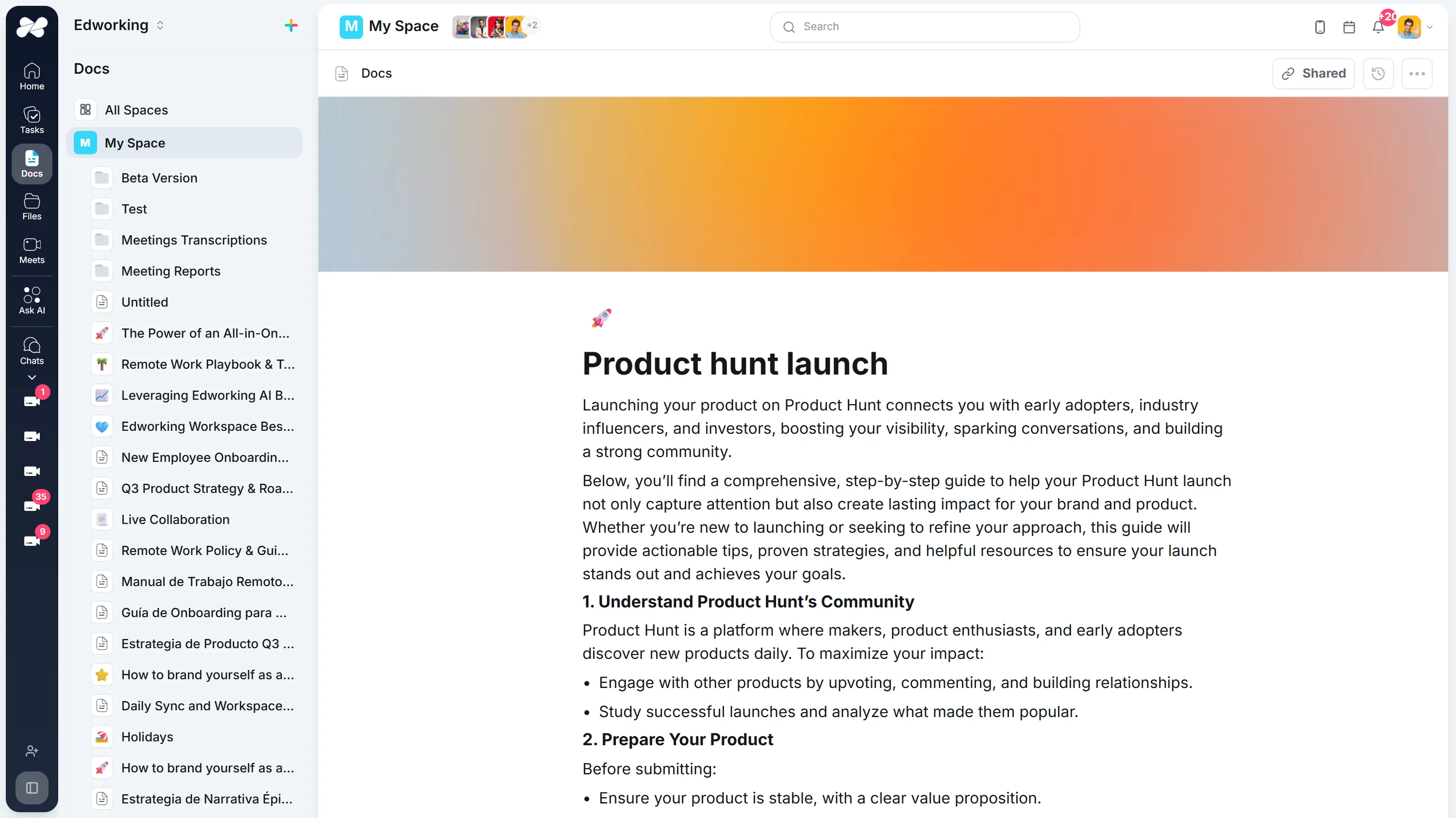
Opens the full interactive demo with an example workspace in English. Generated results are not saved to the demo automatically.
KEEP EXPLORING
Similar Tools
A useful next step, whether you are refining a draft, planning work or learning more about your team.
Prompt Generator
Fuel your creativity and overcome writer's or artist's block with our innovative AI Prompt Generator. Ideal for generating unique and inspiring prompts.
Open toolWorkout Generator
Personalize your workout routine with our AI Workout Generator. Ideal for creating tailored fitness plans that align with your goals and preferences.
Open toolInspirational Quote Generator
Generate unique and motivational quotes to inspire yourself and others. Ideal for personal development, social media sharing, and daily reflection.
Open toolMagic Spell Name Generator
Generate imaginative and unique names for spells and magical effects. Ideal for fantasy writers, RPG enthusiasts, and game developers.
Open toolEmoji Translator
Transform your text into emoji-laden messages for more engaging and expressive communication. Ideal for social media posts, chats, and digital storytelling.
Open toolHTML Code Generator
Describe the content and layout you need. Review the generated source, copy it, or download it for your own project.
Open toolFrequently Asked Questions
Yes. Teams can draft the script, review it in Docs, assign production tasks, and discuss final edits in the same Edworking workspace.
It produces the script and immediately stores it inside an Edworking Doc so you can version, comment, and assign follow-up Tasks. No copy/paste into external editors required.
You can generate intros, scene breakdowns, CTA blocks, and talking points for webinars, onboarding tutorials, shorts, podcasts, ads, and customer testimonial videos.
Yes. Add product positioning notes, target persona details, or CTA requirements before you run the prompt. The AI will align scripting style, while editors can fine-tune tone in Docs.
Writers draft in Docs, creative directors leave comments, and producers turn feedback into Tasks. Once approved, the script stays linked to the content calendar so everyone sees the latest version.
Yes. After generating a script, schedule a Video Call from the same workspace, share the Doc, and capture timestamped decisions so edits are implemented immediately.
English is primary, but teams also script in Spanish, Portuguese, and French with persuasive, educational, or high-energy tones for different channels.
Use Tasks to convert each scene into assignments—storyboard, capture A-roll, design lower thirds, publish. Status updates roll up into the same workspace so nothing slips through.