
 Download Mobile App


A little direction. A better first draft.
AI Essay Hook Generator
Create an opening sentence for an essay, article, presentation, or campaign. Enter the topic, audience, purpose, and tone, then generate several hooks and revise the strongest option so it leads naturally into your next paragraph.
02Your draft
Your next draft starts here
Add your brief or choose an example. Your generated text will appear here, ready to review, copy or download.
AI drafts need your judgement. Check facts, meaning and suitability before using them.
Before you use it
- Check names, facts and any sources.
- Keep the meaning and details that matter.
- Adjust the draft to sound like you.
How it works
Make the brief do the hard work
A useful result starts with a little context. Work through these three steps, then make the output your own.
Open the tool01Give it context
Add the source material, topic or goal. Include the details the result must keep.
02Shape the result
Choose the settings that fit your audience. Start with an example if you need a little direction.
03Review and take it further
Check the output, copy or download it, then bring it into your next document or project.
Choose a hook style that fits the argument
Different openings create different expectations. Generate a few approaches, then keep the one that supports the point you will make.
Focused question
Ask a question the introduction will genuinely answer. Avoid questions that are broader than the essay.
Brief scene
Open with a concrete moment or observation, then connect it directly to the subject.
Surprising contrast
Place two relevant ideas side by side to expose a tension the essay will explain.
Explore the workspaceVerified fact
Use a statistic or fact only after checking the source, date, scope, and wording.
Explore the workspaceGenerate and refine in three steps
A useful hook comes from a clear prompt and a careful edit, not from accepting the first output.
- 01
Describe the context
Enter the topic, audience, purpose, tone, and the main point that follows the hook.
- 02
Compare options
Generate several styles and reject any option that is vague, exaggerated, or difficult to connect to the thesis.
- 03
Verify and revise
Check factual details, rewrite the strongest option in your own voice, and read it together with the next paragraph.
Final hook checklist
Review the opening in context before you publish or submit it.
Accurate
Any fact, quotation, or attribution has been checked against a reliable source.
AI Essay Hook Generator
Choose What to Put into Practice
Pick the points that fit your idea or project. We’ll create a Space with those tasks so you can put this page into practice.
- 01Choose the tasks that matter to you.
- 02Set up a Space with your selected tasks.
- 03Add owners, dates and details in Edworking.
0 tasks selected
Select at least one task to set up your Space.
From a first idea to shared work
Make something. Then make it happen.
A draft or visual is just the start. Explore how Docs, Files and Tasks keep the next steps together in Edworking.
Bring a draft into a shared document. Edit the wording and keep the discussion beside the work.
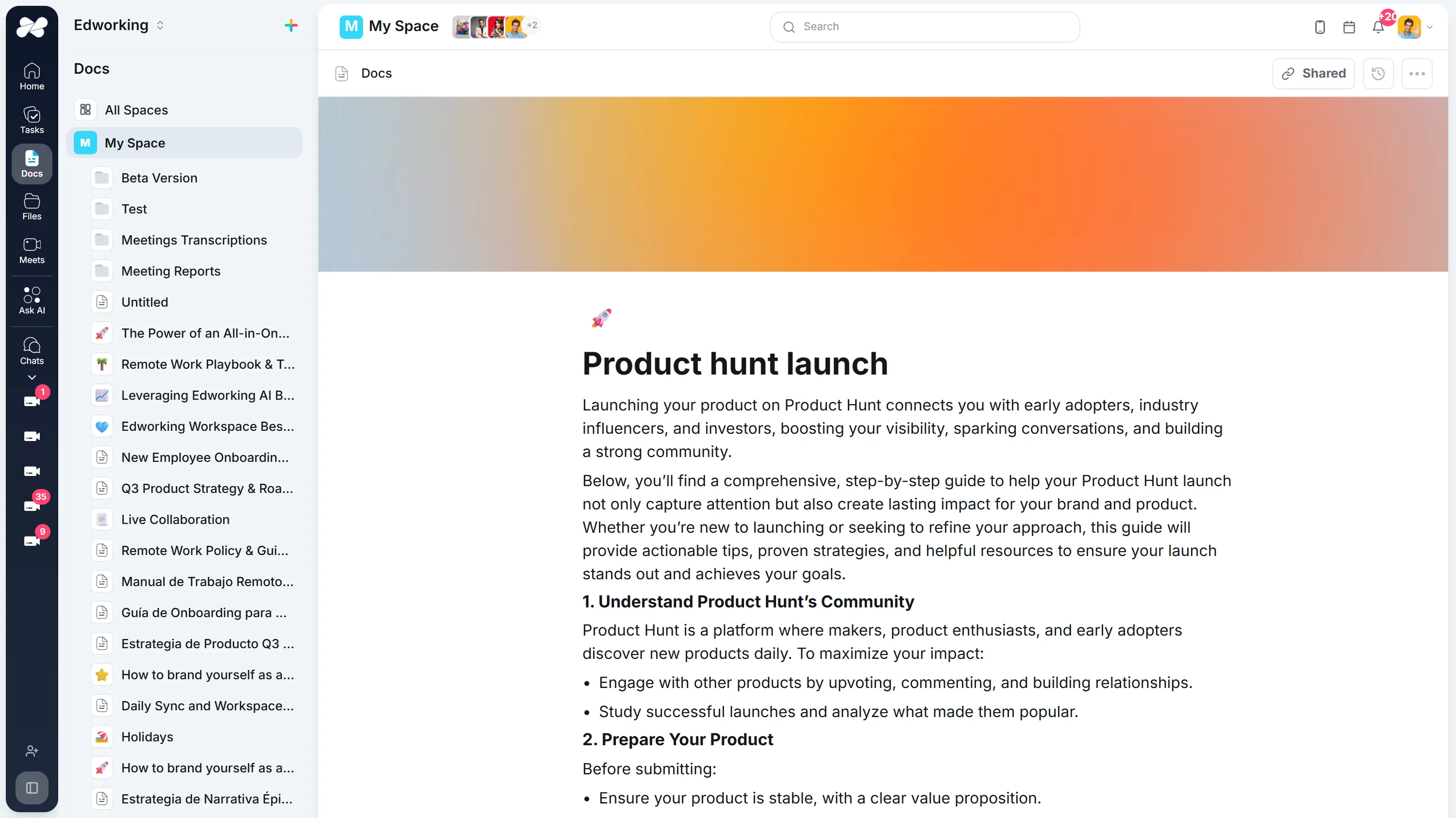
Opens the full interactive demo with an example workspace in English. Generated results are not saved to the demo automatically.
KEEP EXPLORING
Similar Tools
A useful next step, whether you are refining a draft, planning work or learning more about your team.
Conclusion Generator for Essays and Reports
Generate a draft conclusion for an essay, report, proposal, or recap. Check the main takeaway, supporting points, tone, and next step before publishing.
Open toolAI Introduction Generator
Generate clear introductions for essays, reports, proposals, and team documents. Refine the opening in Edworking Docs and assign reviews in Tasks.
Open toolParagraph Rewriter
AI paragraph rewriter for teams—refresh copy in Docs, preserve mandatory terminology, and route approvals through Tasks without leaving Edworking.
Open toolParaphrasing Tool
Paraphrase long-form content with brand-safe AI, collaborate in Docs, capture reviewer comments, and assign follow-up Tasks from the same workspace.
Open toolAI Rewording Tool with Approval Workflows
Collaborative AI rewording for regulated teams. Preserve tone, enforce glossaries, collect approvals, and publish updates directly inside Edworking.
Open toolBook Summary Generator
Quickly grasp the core ideas of any book with our AI-powered Summary Generator. Ideal for enhancing comprehension and saving time.
Open toolFrequently Asked Questions
A hook is the opening sentence or short passage that earns attention and guides the reader toward the topic. It should support the introduction, not replace the thesis or the context the reader needs.
Enter the topic, audience, purpose, and preferred tone. Generate several options, choose the one that fits the argument, and edit it so the next sentence follows naturally.
Useful approaches include a focused question, a brief scene, a surprising contrast, a concise analogy, or a relevant fact. Choose the approach that serves the subject instead of forcing the same style onto every introduction.
Only after checking it against a reliable source. AI-generated numbers, quotations, and attributions can be wrong, so replace any unverified detail before publishing or submitting the work.
Often one or two sentences are enough. The hook should create interest quickly and leave room for context and a clear thesis.
No. A precise observation or useful question is usually stronger than an exaggerated claim. Match the level of intensity to the subject and audience.
Yes. Treat every output as a draft. Adjust the wording, specificity, tone, and transition so it sounds like you and accurately represents the rest of the content.
Yes. You can adapt the prompt for articles, reports, presentations, emails, campaign briefs, or social posts. State the format and audience so the opening suits the context.
Prefer the option that is relevant, accurate, specific, and easy to connect to the thesis or main message. Remove any version that relies on a cliché, a vague promise, or an unverified claim.
A clear opening can help readers understand the page, but no hook guarantees search visibility. Focus on satisfying the reader's intent and keep keywords natural rather than repeating them for effect.