Download Mobile App


A cross-functional team brings people from different departments together to deliver one outcome. The difficult part is often the handoff: design considers a task finished, engineering needs another decision, and marketing has already promised a launch date. Managing that work starts with a shared definition of done and a named owner for each decision.
Start with one outcome and explicit boundaries
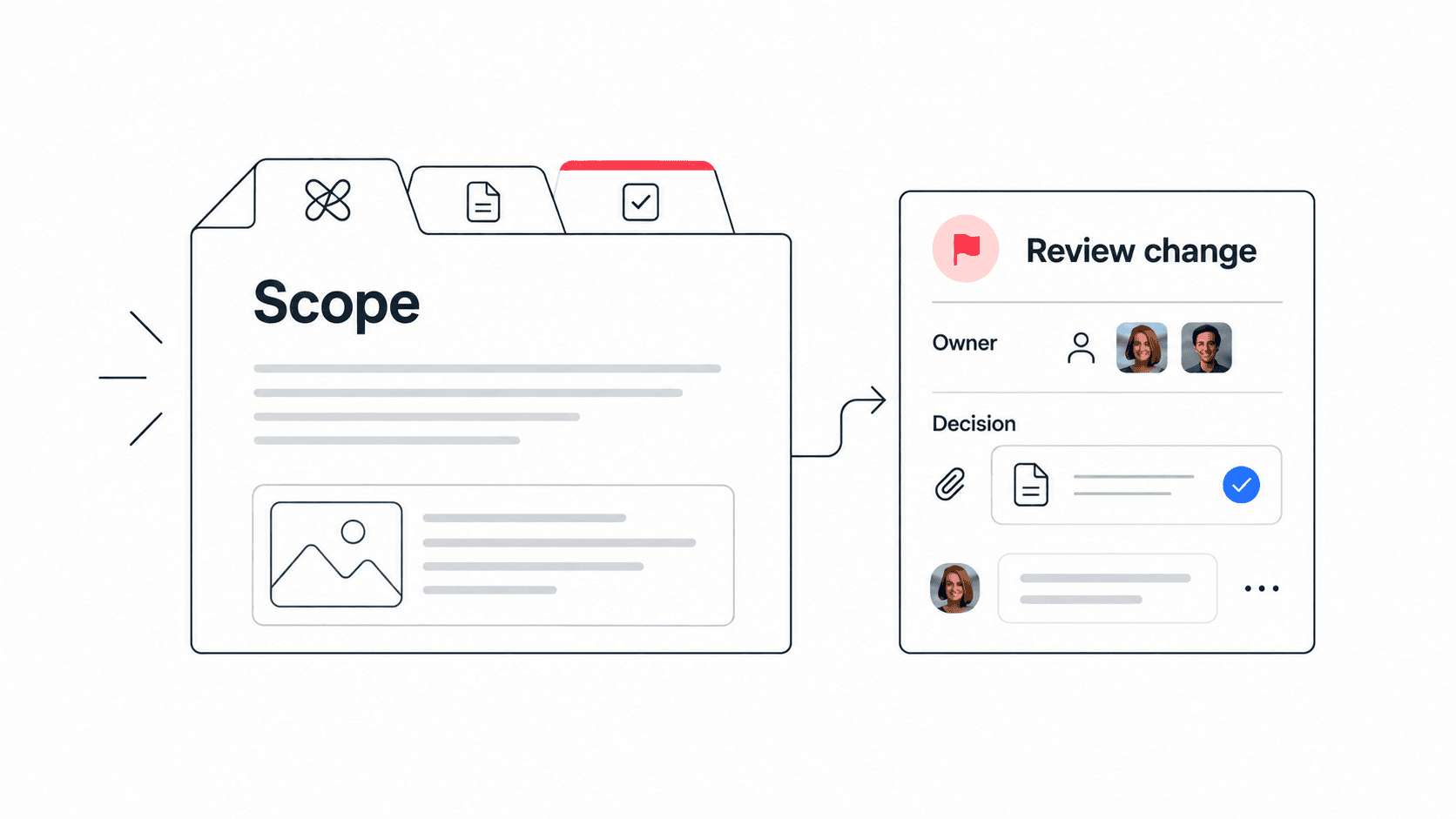
Write a short project brief before dividing the work. Describe who benefits, what the team will deliver, how you will check acceptance, and which requests sit outside the project. Ask every function to identify constraints before agreeing to the delivery date. A deadline based only on the build estimate will miss review, training and release work.
Example: a customer onboarding launch might aim to let a new customer complete account setup without a support call. Its deliverables could include the setup flow, help content and support training. A complete billing redesign would remain outside scope. These are illustrative boundaries, not a universal launch checklist.
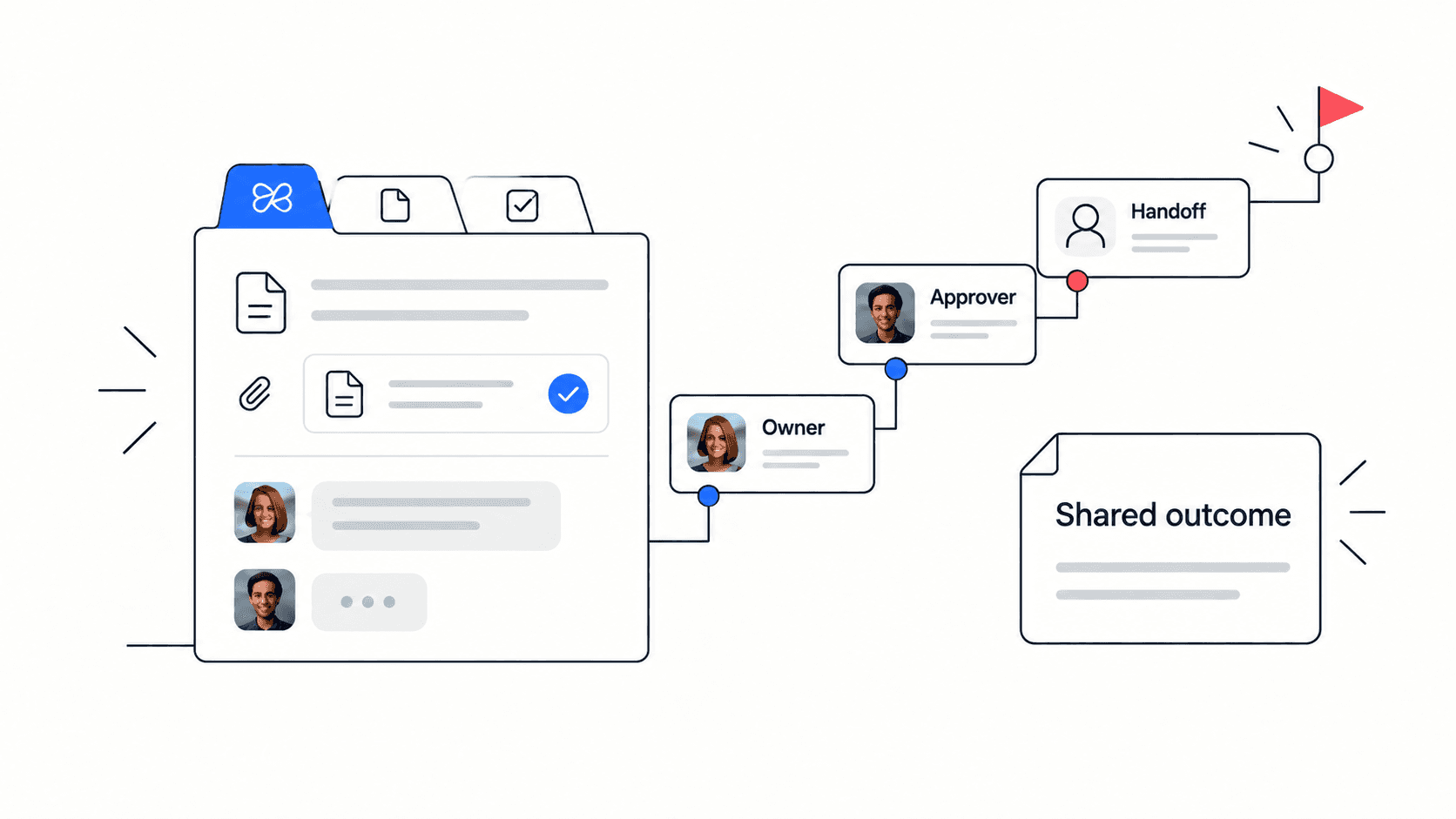
Give each deliverable an owner and an approver
The owner coordinates completion. The approver accepts the result. Contributors supply expertise, and stakeholders receive updates. One person may hold multiple roles on a small team, but a task assigned to an entire department still needs one named owner. Record a backup when the owner is unavailable.
For the onboarding example, a designer owns the setup flow specification, an engineer owns implementation, and a support lead owns the help article. The project lead resolves tradeoffs that affect several functions. Department managers should agree on available time so project commitments do not silently compete with routine work.
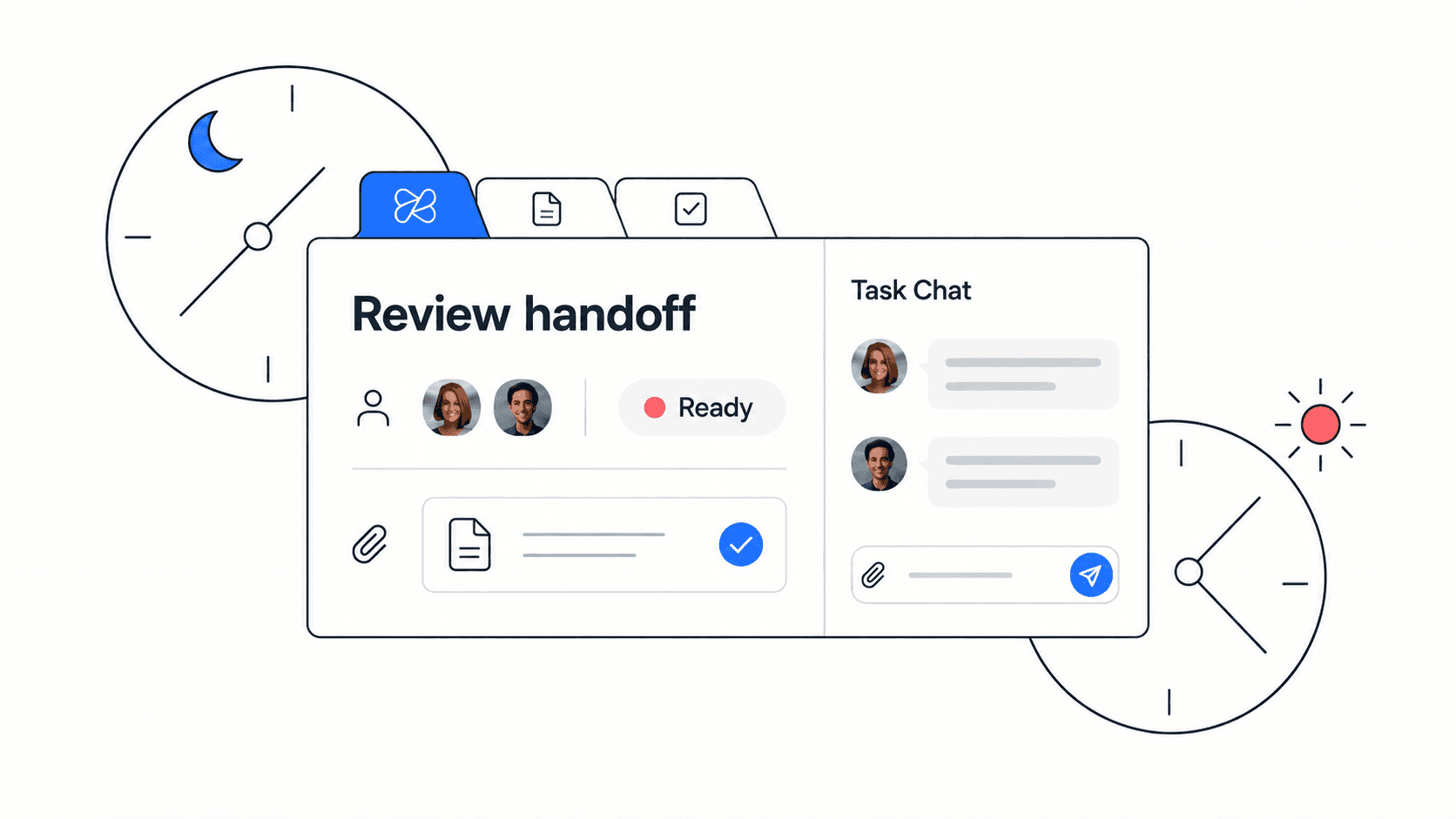
Use this handoff template
- Deliverable: what the receiving person will get, with a link to the current version.
- Owner and receiver: who prepares the work and who confirms receipt.
- Acceptance criteria: the observable conditions that make the handoff complete.
- Needed by: the date and time zone, plus the downstream work it enables.
- Open decisions: the question, decision owner and latest useful decision date.
- Evidence: review notes, test results or the approval record.
Make acceptance concrete. Instead of 'design ready', write 'mobile and desktop screens reviewed, error states included, and implementation questions answered'. The receiver can then accept the work or identify a specific gap without restarting the discussion.
Manage dependencies before adding status meetings
Review the work that is waiting on another person first. Ask what input is missing, who can supply it and when the next action will happen. A blocked task should show that information beside the task itself. If an unresolved decision threatens a milestone, present the decision owner with options and their effects on scope or timing.
Use a short written update for routine progress: completed, next, blocked and decision needed. Reserve a meeting for tradeoffs or problems that benefit from discussion. End it with a decision, owner and follow-up date, then add the result to the project record so absent colleagues can act on it.

Check the operating system after the first milestone
Look for repeated handoff returns, tasks waiting for approval, and conflicting instructions from different managers. Ask whether the cause is unclear criteria, insufficient capacity or missing authority. Change the relevant rule rather than asking everyone to send more updates. Review a small sample of completed tasks with the people who handed them over.
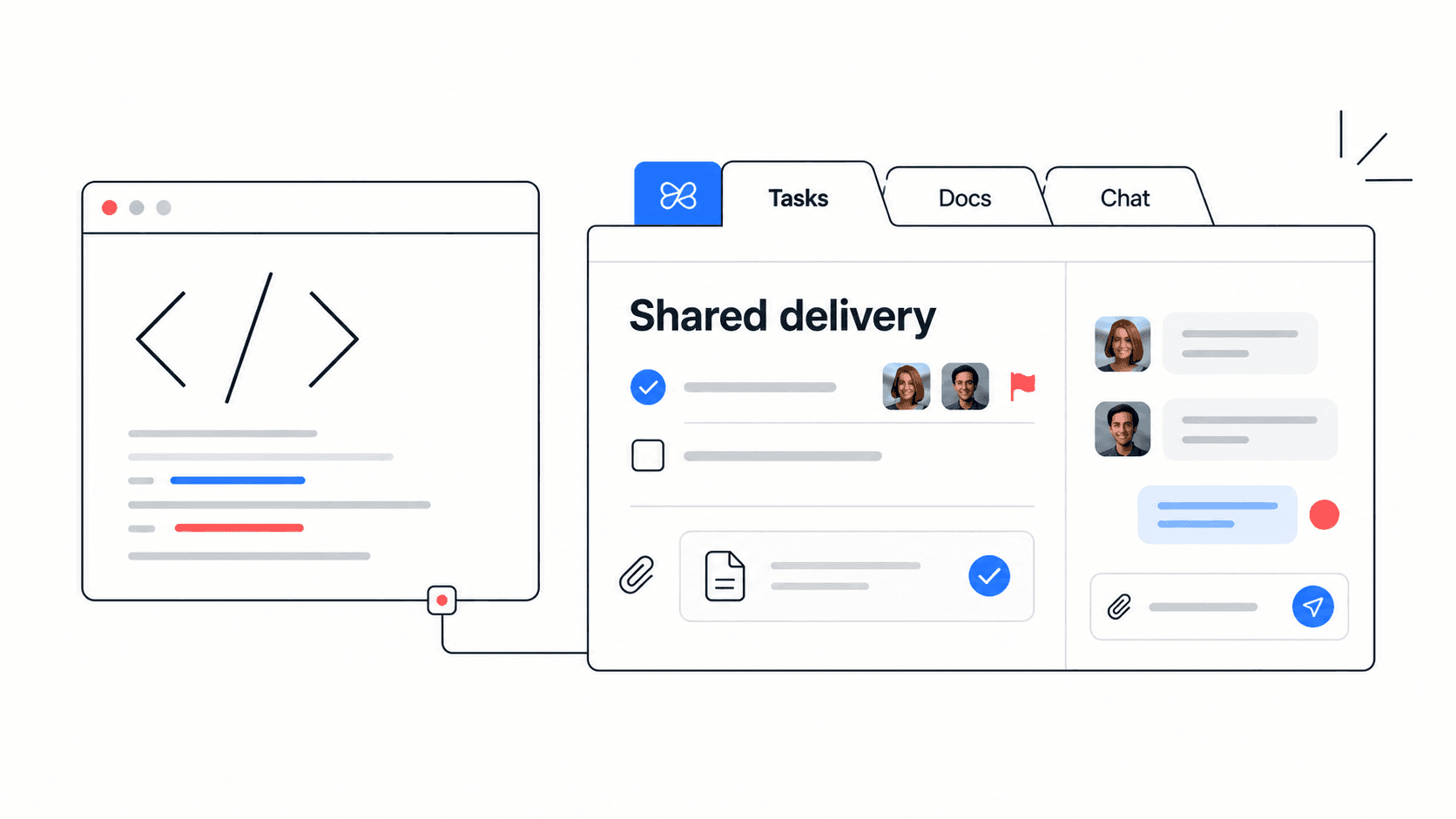
To put this into practice in Edworking, keep the project brief in a shared document, create tasks for the deliverables, and keep handoff discussions with the work. Start with one active project. The useful test is whether a teammate can find the owner, latest decision and next action without asking in a separate chat.
Use the task-assignment guide to turn the brief into owned work.
Explore Edworking for your team's project workspace.
Worked example: a product-to-support handoff
Consider a fictional billing feature launch. Product owns the intended behaviour, engineering owns implementation and support owns the customer guidance. A shared deadline is not enough: support needs to know what it can safely describe before the guidance is approved.
- Product provides a brief explaining the customer outcome, supported behaviour and exclusions.
- Engineering links the release evidence and names the person who can confirm readiness.
- Support drafts the guidance and flags any statement that is not supported by the brief or release evidence.
- The release owner approves the customer-facing version, or records the unresolved issue and the next decision date.
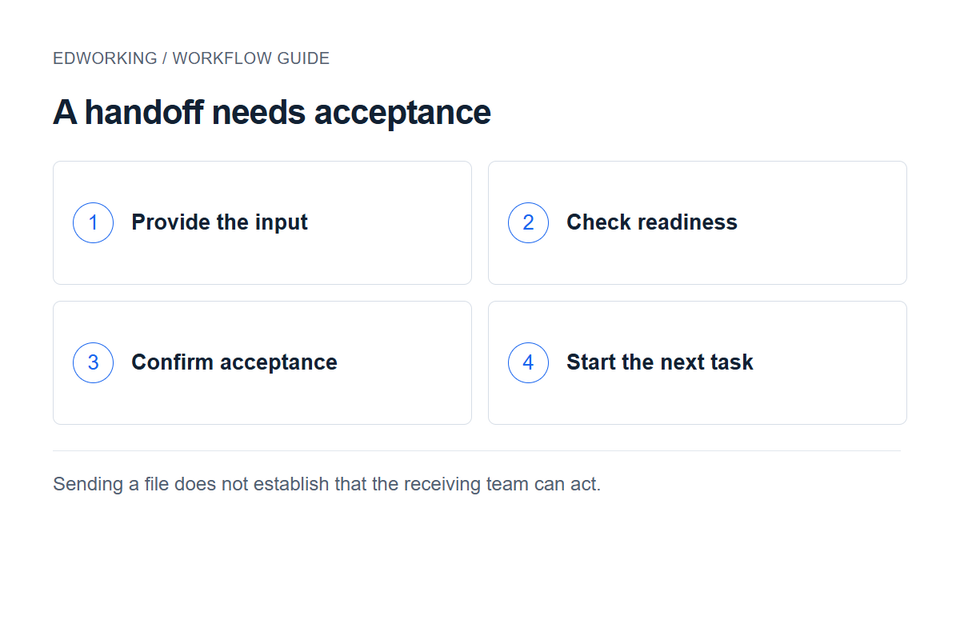
The receiving team should acknowledge that the input is usable. “I sent the document” confirms transmission; “the acceptance criteria are clear and I can begin the draft” confirms a working handoff. Use a team dependency map when several workstreams depend on the same approval.
Resolve conflicting priorities with a visible tradeoff
When support needs an urgent fix while engineering is finishing a release, ask both owners to state the consequence of waiting. Identify the decision owner and the deadline for deciding. Record which commitment changes if the new work is accepted.
Avoid asking each department to negotiate privately until someone gives in. The shared project owner should make the decision route clear, while the relevant specialists provide evidence. A decision log helps the team recover why the tradeoff was made.
Check whether the process is improving
At the next review, count handoffs returned for missing information, decisions still waiting for an owner and tasks blocked by an unresolved dependency. These are local observations, not universal performance benchmarks. Compare them with the team's previous cycle and inspect the reasons behind changes.
Use the meeting notes template to capture the decisions and follow-up from that review. Keep the process small enough that people can maintain it while doing the work.