Download Mobile App


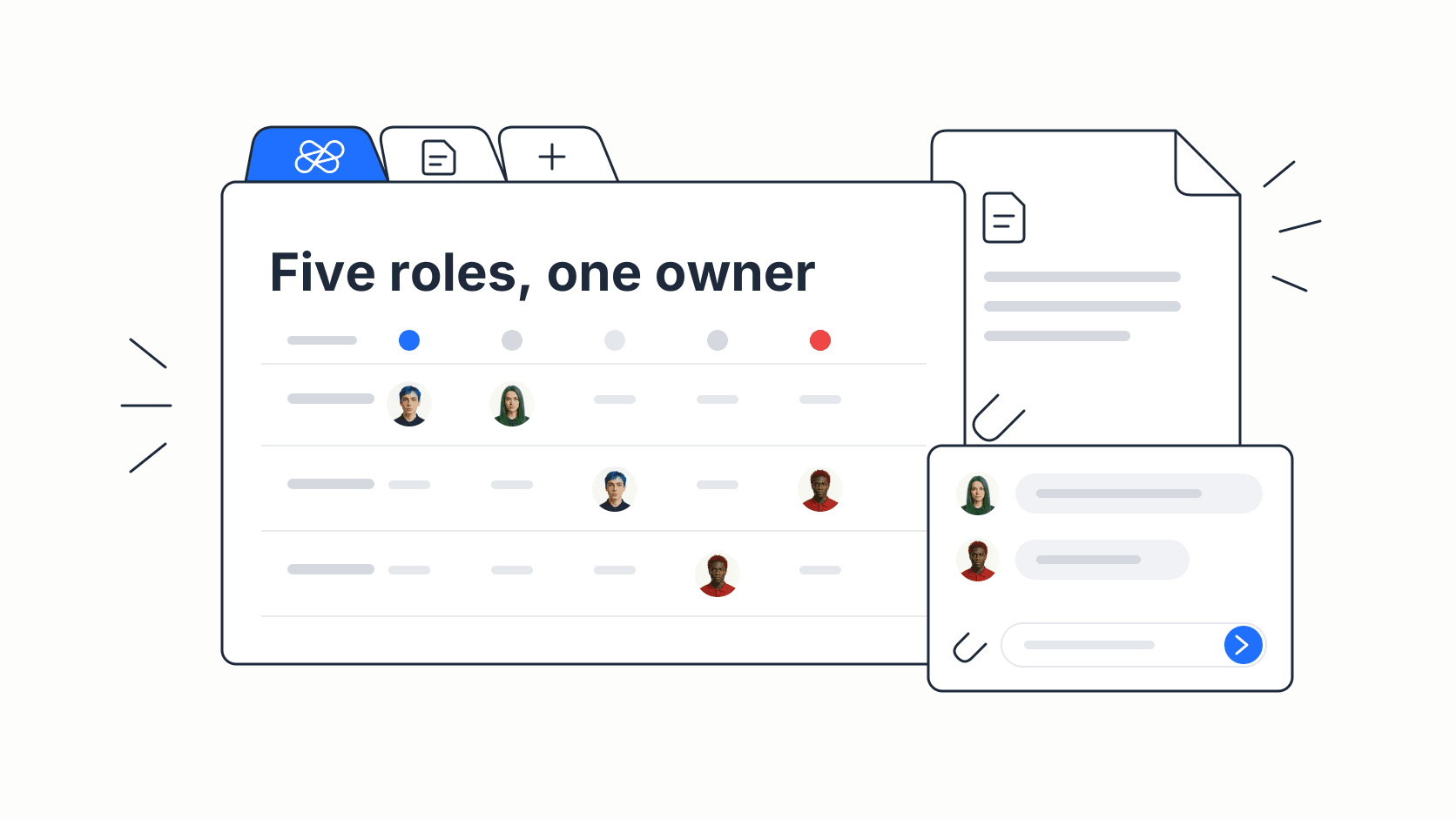
The MOCHA method is a way to assign roles on a task or project. MOCHA stands for Manager, Owner, Consulted, Helper and Approver: one person owns the work, one manages it, and everyone else has a defined part, so nobody wonders who decides or who does what.
It works like the RACI matrix but separates the person who does the work (Owner) from the person who oversees it (Manager), and adds a Helper role for people who share the load. Below you will find what each role does, a worked example and when to pick MOCHA over RACI.

The MOCHA Method: A Deep Dive
When talking about MOCHA, we aren't referring to the delicious coffee variant, but a powerful project management method that can transform your approach to task delegation. MOCHA stands for Manager, Owner, Consulted, Helper, and Approver. Each term represents a specific role in project management.
Manager
A project's success often hinges on the skills of the Manager. They set the direction and create a conducive environment for the team to thrive. Managers ensure smooth communication flow, manage resources effectively, and handle potential conflicts. Want to understand more about the manager's role? Check out how to effectively assign tasks to team members.
Owner
The Owner holds the primary responsibility for the task or project. They are the ones who'll roll up their sleeves and get the job done. Remember, an owner doesn't equate to a doer alone; they also need to think critically, solve problems, and make decisions related to their task.

Consulted
The Consulted role often falls on subject matter experts who provide valuable inputs and advice for the task or project. Their knowledge and insights can greatly influence the project's direction, though they don't carry the direct responsibility of its execution.
Helper
The Helper supports the Owner with time, skills or capacity. They do part of the work but are not accountable for the result. A junior designer preparing assets for a launch page is a typical Helper.
Approver
The Approver gives the final yes or no. This person signs off on the deliverable, such as an editor approving an article or a CTO approving a release. Name one Approver per task, so sign-off never stalls between several people.
MOCHA roles at a glance
| Role | Responsibility | Example: launch landing page | | --- | --- | --- | | Manager | Sets direction, removes blockers | Marketing lead | | Owner | Accountable for delivering the task | Content designer | | Consulted | Gives expert input before decisions | SEO specialist | | Helper | Shares the workload | Junior designer | | Approver | Gives final sign-off | Head of marketing |
MOCHA vs RACI
RACI (Responsible, Accountable, Consulted, Informed) fits well when you mainly need to know who is informed. Choose MOCHA when you want a clear Owner for each task, an explicit Helper and one Approver. For a short task with two people, neither is needed: a name and a due date is enough.
How MOCHA Enhances Project Management
Having a clear structure, like MOCHA, brings several benefits to project management. Its significance lies in its potential to streamline task delegation, boost accountability, and foster clear communication.
Streamlining Task Delegation
By assigning clear roles and responsibilities, the MOCHA method ensures that everyone knows exactly what they're supposed to do. No more confusion over who's doing what or the dread of tasks falling through the cracks. It’s like having a well-tuned orchestra, with every musician aware of their part in the symphony.
Boosting Accountability

When everyone knows their role and what they're responsible for, accountability naturally follows. The Owner knows they're accountable for completing the task, the Manager knows they're responsible for the project's overall success, and so on.
Now, you may be thinking, "These benefits sound amazing! But how can I incorporate the MOCHA method in my current workflow?" The answer lies in using a tool like Edworking, a comprehensive all-in-one remote work platform that supports task management, communication, and collaboration. Its features can help you implement the MOCHA method with ease. For instance, its task management feature allows you to assign and track roles effectively. And if you need to consult someone (the 'Consulted' in MOCHA), Edworking’s chat and video call features come in handy.
Enhancing Communication
The MOCHA method gives a clear path for communication. Everyone knows whom to approach for advice (Consulted), help (Helper), and final approval (Approver). This clarity reduces miscommunication, promotes transparency, and accelerates decision-making, leading to efficient project execution. Eager to learn more about improving communication within your team? Take a look at our post on Microsoft Teams vs Slack vs Edworking.

The MOCHA Method in Action: Real-World Scenarios
To help you better understand the power of MOCHA, let's illustrate its application with some real-world scenarios.

Scenario 1: Product Development
In a product development project, the Manager might be the Product Manager who guides the project's vision and resolves any roadblocks. The Owner could be a software engineer responsible for developing a particular feature. The Consulted role might be played by a UX designer whose inputs can enhance the feature's usability. The Helper might be a Junior Developer assisting the Owner, and the Approver could be the CTO who gives the final nod for feature integration.

Scenario 2: Content Creation
In a content creation task, the Content Manager could be the Manager. A writer could take up the Owner's role, responsible for writing the piece. The Consulted could be a subject matter expert providing insights, while a junior writer might assist the writer as the Helper. Finally, the Editor could play the Approver's role, reviewing and giving final approval for the content.
Implementing MOCHA with Edworking
The use of modern tools can greatly enhance the MOCHA method's effectiveness. Here's where Edworking shines. Its comprehensive features align well with the MOCHA model. As a Manager or Owner, you can create, delegate, and monitor tasks easily. As a Consulted, Helper, or Approver, you can contribute effectively to tasks, thanks to seamless collaboration features.
Conclusion
The MOCHA method gives every task a clear owner, a clear approver and a defined set of supporting roles. It brings clarity to roles, boosts accountability, and enhances communication, leading to efficient project execution. To start, pick one upcoming project, write the five roles next to each task and share the list with the team. You can keep it in an Edworking task board, where each task shows its owner and due date.