
 Download Mobile App


A little direction. A better first draft.
YouTube Channel Description Generator
Craft SEO-ready YouTube channel descriptions that match your brand voice and share them with stakeholders inside Edworking. Generate variations, collect feedback in Docs, and push final copy into campaign Tasks.
02Your draft
Your next draft starts here
Add your brief or choose an example. Your generated text will appear here, ready to review, copy or download.
AI drafts need your judgement. Check facts, meaning and suitability before using them.
Before you use it
- Check names, facts and any sources.
- Keep the meaning and details that matter.
- Adjust the draft to sound like you.
How it works
Make the brief do the hard work
A useful result starts with a little context. Work through these three steps, then make the output your own.
Open the tool01Give it context
Add the source material, topic or goal. Include the details the result must keep.
02Shape the result
Choose the settings that fit your audience. Start with an example if you need a little direction.
03Review and take it further
Check the output, copy or download it, then bring it into your next document or project.
YouTube Channel Description Generator
Choose What to Put into Practice
Pick the points that fit your idea or project. We’ll create a Space with those tasks so you can put this page into practice.
- 01Choose the tasks that matter to you.
- 02Set up a Space with your selected tasks.
- 03Add owners, dates and details in Edworking.
0 tasks selected
Select at least one task to set up your Space.
From a first idea to shared work
Make something. Then make it happen.
A draft or visual is just the start. Explore how Docs, Files and Tasks keep the next steps together in Edworking.
Bring a draft into a shared document. Edit the wording and keep the discussion beside the work.
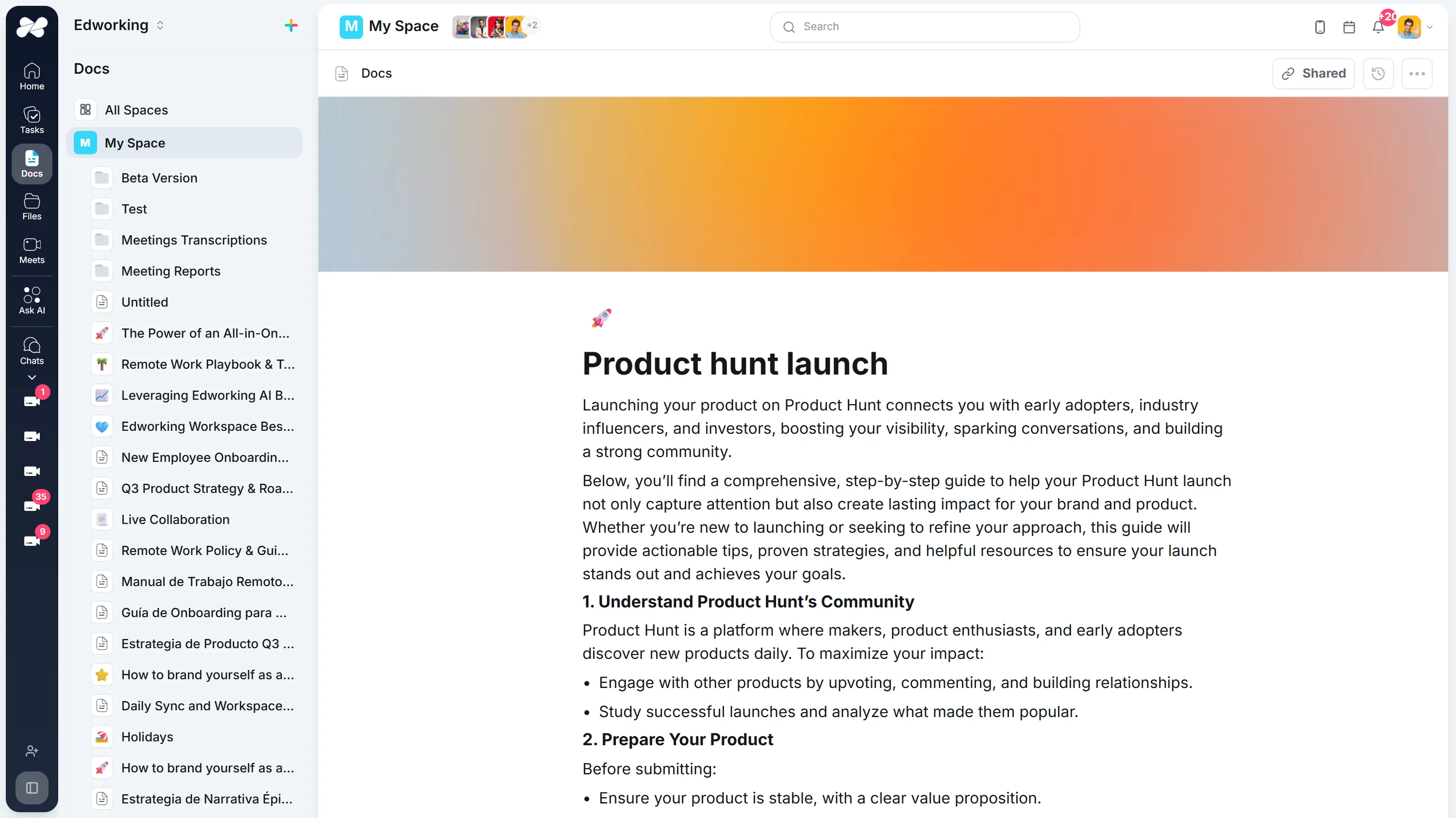
Opens the full interactive demo with an example workspace in English. Generated results are not saved to the demo automatically.
KEEP EXPLORING
Similar Tools
A useful next step, whether you are refining a draft, planning work or learning more about your team.
Hashtag Generator
Elevate your social media game with our free hashtag generator. Instantly create engaging hashtags for Instagram, TikTok, YouTube, LinkedIn, and more. Try it now!
Open toolInstagram Caption Generator
Elevate your Instagram game with our free AI caption generator. Create engaging captions effortlessly. Try it now for a boost in social media presence!
Open toolTweet Generator
Generate creative, engaging tweets to boost your social media engagement. Ideal for maintaining an active, appealing Twitter presence.
Open toolConclusion Generator for Essays and Reports
Generate a draft conclusion for an essay, report, proposal, or recap. Check the main takeaway, supporting points, tone, and next step before publishing.
Open toolAI Introduction Generator
Generate clear introductions for essays, reports, proposals, and team documents. Refine the opening in Edworking Docs and assign reviews in Tasks.
Open toolParagraph Rewriter
AI paragraph rewriter for teams—refresh copy in Docs, preserve mandatory terminology, and route approvals through Tasks without leaving Edworking.
Open toolFrequently Asked Questions
Each output opens in an Edworking Doc so you can edit collaboratively, tag stakeholders, and turn the approved copy into a Task for whoever updates YouTube Studio.
Yes. Add your positioning statements, tone instructions, and priority keywords to the prompt. The AI keeps them in the draft so snippets stay consistent across every video surface.
It handles channels across education, gaming, SaaS, vlogs, and more, with support for English, Spanish, Portuguese, French, and Italian. Generate localized variants in minutes.
Mention them directly in the Doc or drop the draft into a Workspace folder. Comments, suggestions, and approvals are captured inline for a clean audit trail.
Regenerate as many times as you need—save the strongest options in Docs, compare performance data later, and archive the rest for future campaigns.
Use Edworking Tasks to assign follow-up work for updating video descriptions, playlists, or channel trailers so messaging stays synchronized.
Track subscriber growth, watch time, and click-through rate to your highlighted links. Logging those metrics in Edworking dashboards makes the next optimization cycle easier.