
 Download Mobile App


An idea. A direction. Your next visual.
AI 3D Concept Image Generator
Turn a text description into a 2D image with a 3D-rendered look. Explore product shapes, materials and visual styles for a creative brief. The output is an image, not an editable or printable 3D model.
02Your image
Give your idea a little shape
Choose a visual direction, describe your subject and generate. This illustration is a style guide, not a generated result.
Review the image before publishing. Check details, text and whether you have the rights needed for your intended use.
How it works
Better images start with a clearer picture
Use the brief to describe what belongs in the image, then give the generator a visual direction.
Open the tool01Describe the subject
Name the subject, setting and what the image is for. Be specific about details that must appear.
02Set the direction
Choose a style and lighting, or leave the choices to your brief. You can inspect the exact prompt before generating.
03Review the image
Check the result, open the image to save it, and revise your brief if it needs another direction.
Explore a visual direction
Generate 3D-style concept images from text for visual briefs and design exploration. Download an image; mesh files and 3D printing exports are not supported.
Product concepts
Explore a shape or material before a designer builds the actual model.
Creative briefs
Create an image reference to communicate lighting, composition and style.
Design review
Download the image and share it with your team for feedback.
AI 3D Concept Image Generator
Choose What to Put into Practice
Pick the points that fit your idea or project. We’ll create a Space with those tasks so you can put this page into practice.
- 01Choose the tasks that matter to you.
- 02Set up a Space with your selected tasks.
- 03Add owners, dates and details in Edworking.
0 tasks selected
Select at least one task to set up your Space.
From a first idea to shared work
Make something. Then make it happen.
A draft or visual is just the start. Explore how Docs, Files and Tasks keep the next steps together in Edworking.
Upload your chosen image to a project space so your team can find and discuss it.
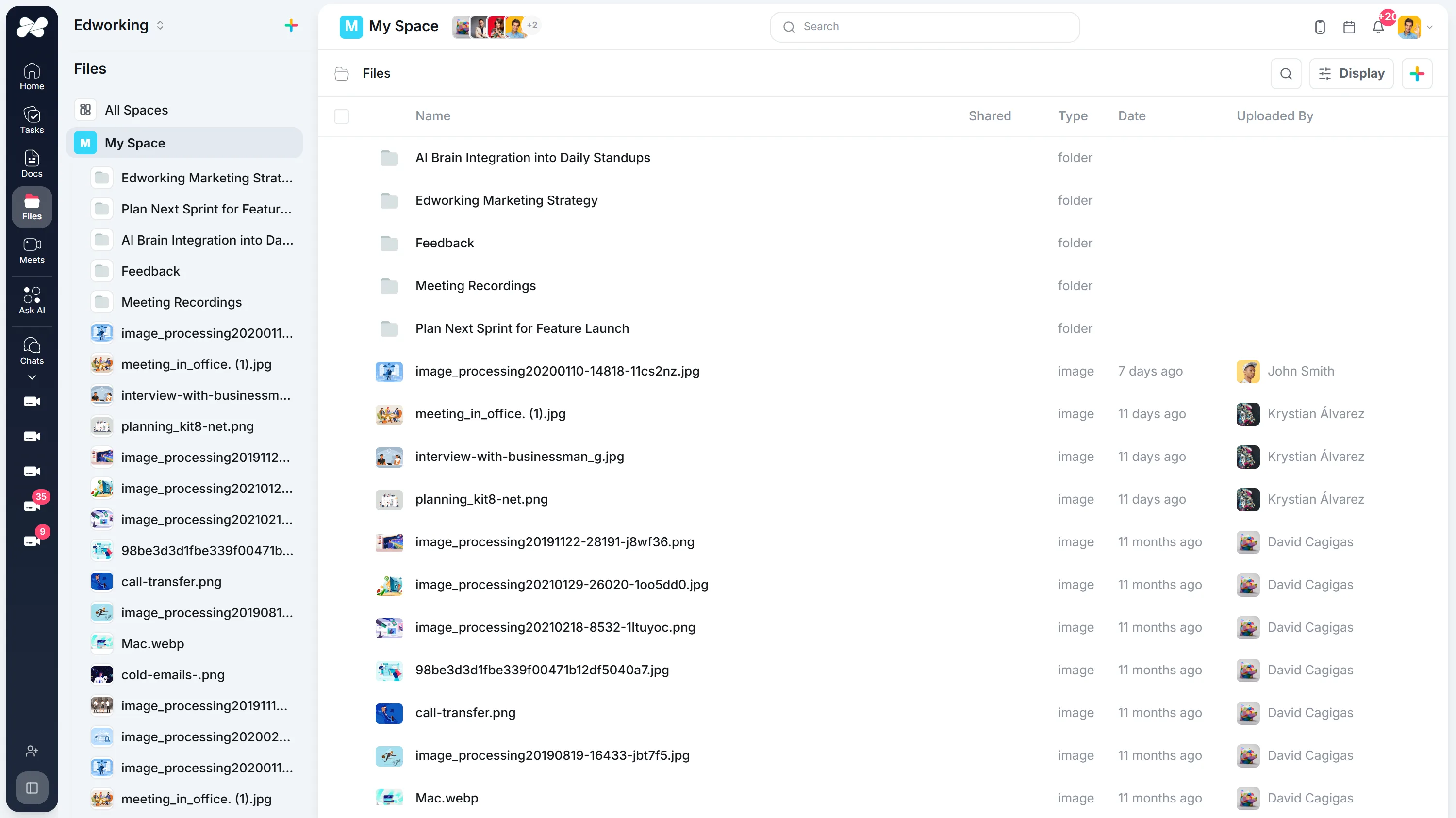
Opens the full interactive demo with an example workspace in English. Generated results are not saved to the demo automatically.
KEEP EXPLORING
Similar Tools
A useful next step, whether you are refining a draft, planning work or learning more about your team.
Product Image Generator
Generate engaging, high-resolution visuals for any online platform effortlessly. Perfect for boosting your digital footprint and captivating your audience.
Open toolMarketing Material Generator
Automate the creation of captivating marketing materials for any campaign. Ideal for making a strong visual impact and engaging potential customers.
Open toolConcept Art Generator
Bring your creative visions to life with ease. Generate concept art for projects, including mood boards, character designs, and storyboards.
Open toolCharacter Art Generator
Effortlessly generate character designs complete with backstories and personality traits. Ideal for fleshing out video game and comic book characters.
Open toolIllustration Generator
Create bespoke illustrations for any project. From children's books to educational content, bring your stories to life with vibrant visuals.
Open toolInstagram Post Generator
Generate stunning Instagram images and posts with our AI tool. Create unique designs and captions to stand out and boost your profile!
Open toolFrequently Asked Questions
No. It generates a flat image with a 3D-style appearance. It does not create geometry, a mesh, or an object you can rotate.
No. The current tool returns an image. It does not provide mesh exports or files ready for 3D printing.
Use the image as a visual reference for a separate modeling workflow. A designer must create and validate the geometry in suitable modeling or CAD software.
Describe the object, material, camera angle, lighting and background. Edit your prompt and generate another image to explore a different direction.