
 Download Mobile App


A little direction. A better first draft.
Conclusion Generator for Essays and Reports
Paste the main points from an essay, report, proposal, or meeting recap to draft a focused conclusion. Review the output for accuracy, tone, and unsupported claims before using it.
02Your draft
Your next draft starts here
Add your brief or choose an example. Your generated text will appear here, ready to review, copy or download.
AI drafts need your judgement. Check facts, meaning and suitability before using them.
Review before you use it
- Check that every claim is supported by the source.
- Keep the thesis and main finding clear without repeating the introduction.
- Check names, figures and tone before publishing.
How it works
Make the brief do the hard work
A useful result starts with a little context. Work through these three steps, then make the output your own.
Open the tool01Give it context
Add the source material, topic or goal. Include the details the result must keep.
02Shape the result
Choose the settings that fit your audience. Start with an example if you need a little direction.
03Review and take it further
Check the output, copy or download it, then bring it into your next document or project.
Choose the conclusion your document needs
A useful ending reflects the job of the document instead of repeating the same generic summary.
Essay conclusion
Restate the thesis in fresh language, synthesize the main arguments, and explain the significance without adding new evidence.
Explore the workspaceReport conclusion
State the main finding, the limitation that matters, and the decision or follow-up supported by the report.
Explore the workspaceProposal conclusion
Reinforce the problem, proposed response, evidence, and specific decision requested from the reader.
Explore the workspaceMeeting recap
Close with the decisions made, unresolved questions, named owners, and due dates.
Explore the workspaceGenerate, verify, and review in three steps
Keep the draft grounded in the source text and make review responsibility explicit.
- 01
Add the source material
Paste the body text or a reliable summary, then specify the document type, audience, and intended outcome.
- 02
Check the conclusion
Confirm that every claim follows from the source, remove repetition, and correct names, figures, dates, and tone.
- 03
Review with your team
Copy the draft into an Edworking Doc for comments and create a Task when the final review needs an owner and deadline.
Quality checks before publishing
A polished ending should close the argument or decision without creating a new unsupported one.
Trace every claim
Make sure each statement in the conclusion is supported by the document body.
Explore the workspaceSeparate summary from action
Use a call to action only when the document has established who should do what and why.
Explore the workspaceMatch the audience
Adjust terminology and tone for academic, executive, client-facing, or internal readers.
Explore the workspaceConclusion Generator for Essays and Reports
Choose What to Put into Practice
Pick the points that fit your idea or project. We’ll create a Space with those tasks so you can put this page into practice.
- 01Choose the tasks that matter to you.
- 02Set up a Space with your selected tasks.
- 03Add owners, dates and details in Edworking.
0 tasks selected
Select at least one task to set up your Space.
From a first idea to shared work
Make something. Then make it happen.
A draft or visual is just the start. Explore how Docs, Files and Tasks keep the next steps together in Edworking.
Bring a draft into a shared document. Edit the wording and keep the discussion beside the work.
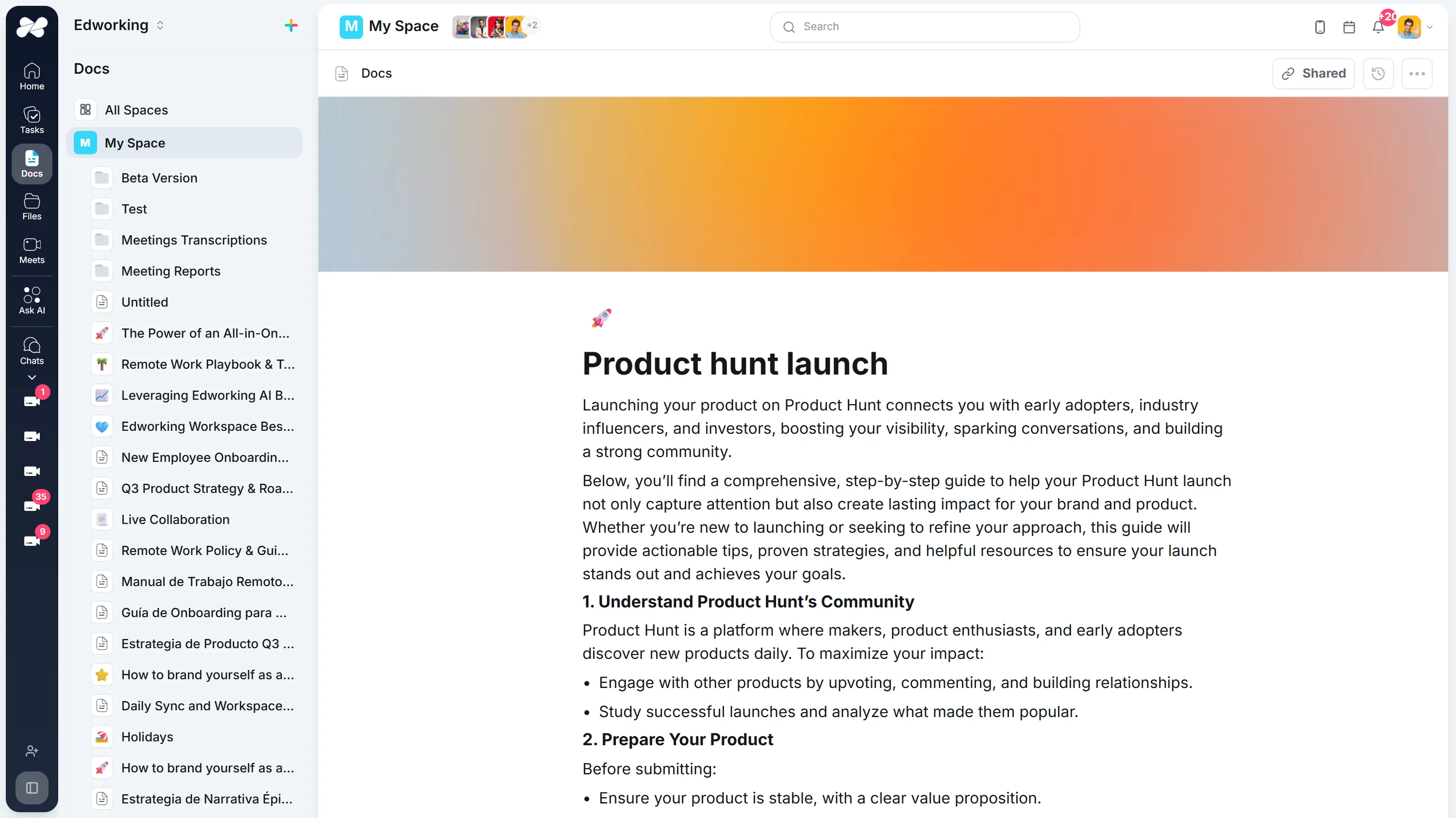
Opens the full interactive demo with an example workspace in English. Generated results are not saved to the demo automatically.
KEEP EXPLORING
Similar Tools
A useful next step, whether you are refining a draft, planning work or learning more about your team.
AI Introduction Generator
Generate clear introductions for essays, reports, proposals, and team documents. Refine the opening in Edworking Docs and assign reviews in Tasks.
Open toolParagraph Rewriter
AI paragraph rewriter for teams—refresh copy in Docs, preserve mandatory terminology, and route approvals through Tasks without leaving Edworking.
Open toolParaphrasing Tool
Paraphrase long-form content with brand-safe AI, collaborate in Docs, capture reviewer comments, and assign follow-up Tasks from the same workspace.
Open toolAI Rewording Tool with Approval Workflows
Collaborative AI rewording for regulated teams. Preserve tone, enforce glossaries, collect approvals, and publish updates directly inside Edworking.
Open toolAI Essay Hook Generator
Generate opening sentences for essays and other content. Compare question, contrast, scene, and fact-led hooks, then edit the result to match your topic and tone.
Open toolBook Summary Generator
Quickly grasp the core ideas of any book with our AI-powered Summary Generator. Ideal for enhancing comprehension and saving time.
Open toolFrequently Asked Questions
Paste the document body, a reliable section summary, or the key claims and evidence. Include the document type, audience, and intended outcome when that context affects the ending.
Yes. Provide the thesis and the main supporting points. Treat the result as a draft, then check that it synthesizes the argument without introducing evidence that did not appear in the essay.
Yes. For a report, include the main finding, limitation, and recommended next step. For a proposal, include the decision requested and the evidence that supports it.
Use the shortest length that closes the document clearly. A short update may need one paragraph; a longer report may need several. Match the conclusion to the document rather than applying a fixed percentage.
Usually no. It should synthesize the material already established. If a new fact or claim is essential, add and support it in the body before referring to it in the conclusion.
Add the exact thesis or decision, the two or three most important supporting points, the audience, and any required next step. Remove vague claims and replace them with wording supported by the source text.
Yes. Copy the draft into an Edworking Doc for comments and editing, then create a Task with an owner and due date when a formal review or approval is needed.
Verify names, dates, figures, citations, product claims, tone, and the relationship between the conclusion and the body. For legal, medical, financial, academic, or other high-stakes material, use an appropriate qualified reviewer.