Download Mobile App
Async handoffs are the difference between a distributed team that keeps moving and one that waits for the next meeting. When work crosses time zones, functions, or focus blocks, the person receiving the work needs more than a casual update. They need the goal, current state, decision history, open questions, files, and the next action in one place.
This guide explains how to build an async handoff habit for remote teams, startup operators, project leads, and small teams that want fewer status meetings without losing context. You will get a practical handoff checklist, examples, quality rules, and a simple workflow that connects tasks, docs, files, chat, and AI.
Quick takeaway: a useful async handoff tells the next person what changed, what is blocked, what decision is needed, where the source material lives, and exactly what should happen next.
 What an async handoff is
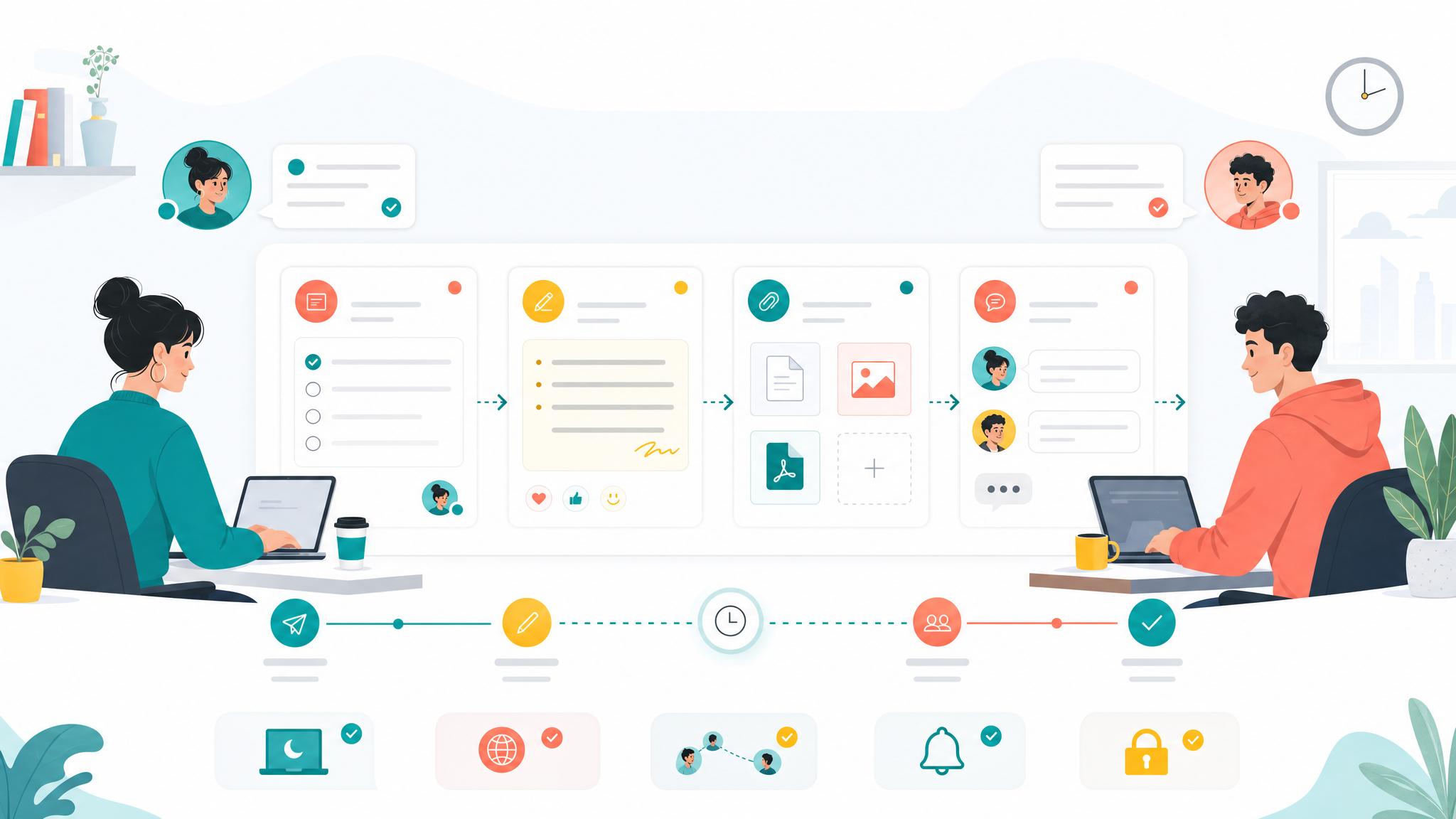
An async handoff is a written transfer of work from one person, team, or stage to another. It lets the next owner continue without waiting for a live call. The handoff might happen between design and engineering, sales and customer success, marketing and operations, or one teammate finishing their day while another starts in a different time zone.
The point is not to write more for the sake of documentation. The point is to make the next action obvious. A good handoff removes uncertainty. A weak handoff creates a scavenger hunt across chat threads, file folders, meeting notes, and half-finished tasks.
- It names the current owner and the next owner.
- It explains the status in plain language, not only with a board column.
- It links the task, supporting doc, decision, file, and discussion thread.
- It calls out blockers, assumptions, risks, and unanswered questions.
- It ends with one clear next action and a due date when needed.
Teams that already use written operating rhythms can connect async handoffs to remote work workflows, task boards, and docs instead of adding another standalone process.
When async handoffs matter most
Not every update needs a formal handoff. If a task is small, fully owned by one person, and not blocked by another team, a normal status update is enough. Async handoffs matter when work moves across boundaries. The more context the next person needs, the more useful a handoff becomes.
They are especially valuable for distributed teams because time gaps make small ambiguities expensive. A missing file link can delay work by a full day. A vague blocker can turn into another meeting. An unclear decision can send the next owner down the wrong path.
- Remote team members are starting and ending work at different times.
- A task moves from planning to execution or from review to delivery.
- Customer, product, support, or leadership context affects the next step.
- The work has open risks, dependencies, or decisions.
- A live meeting would mostly repeat information that could be written once.
Decision rule: if the next owner would need to ask more than one clarifying question before continuing, write a handoff.
The async handoff checklist
Use this checklist before you pass work to another teammate. It keeps the handoff short enough to use daily but complete enough to prevent context loss. In Sanity, this draft stores checklist items as normal list blocks to avoid raw checkbox markdown in the published body.
- Goal: what outcome is this work meant to create?
- Current status: what is done, in progress, blocked, or waiting?
- Next owner: who should act now, and what decision or task do they own?
- Next action: what should happen first after the handoff is read?
- Links: task, doc, file, meeting note, customer note, design, or source brief.
- Decisions: what has already been decided, who decided it, and when?
- Risks and assumptions: what could be wrong, fragile, or unclear?
- Deadline or review point: when should the next owner reply, decide, or deliver?
A workspace such as Edworking tasks helps because the handoff can live beside the work itself. The next owner sees the status, subtasks, files, comments, and due date without switching tools.

A simple async handoff format
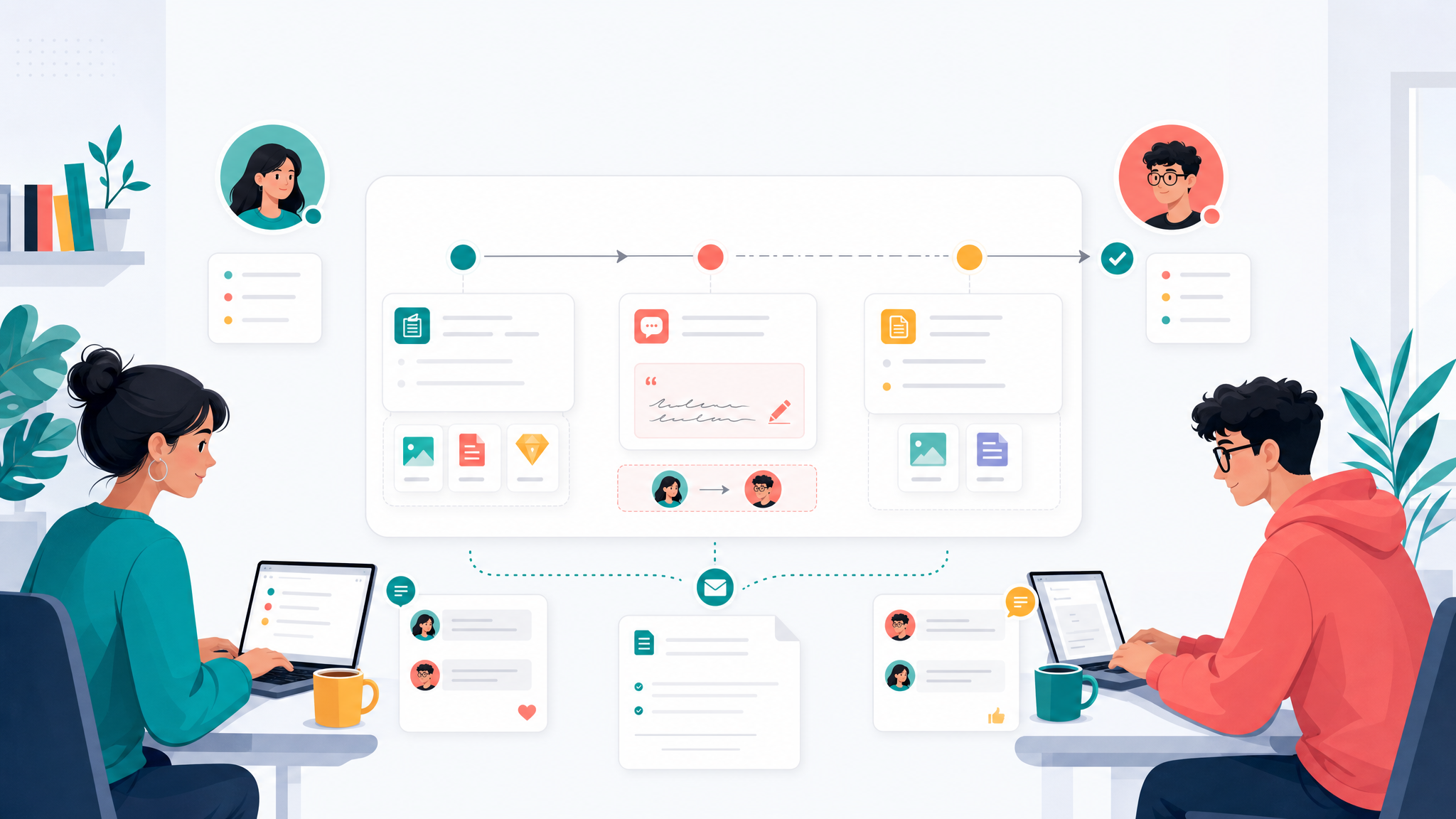
A repeatable format prevents handoffs from becoming either too thin or too long. The format below works for project work, customer follow-up, product delivery, operational processes, and internal reviews. It can live inside a task description, a doc section, or a pinned chat update.
Use these fields as grouped bullets rather than a raw table when saving to Sanity Portable Text:
- Context: one or two sentences explaining why the work matters now.
- Done: the specific work completed since the last update.
- Changed: new information, customer feedback, stakeholder input, or priority shifts.
- Blocked: what is stuck and what help is needed.
- Files and docs: links to the source material needed for the next step.
- Decision trail: decisions already made and any decision still open.
- Next action: the first action the next owner should take.
- Owner and time: the person responsible and the expected response or delivery time.
Edworking tip: keep the format short, but keep the source links complete. The handoff should summarize the work, while the task, doc, and file links carry the detail.
Practical example: product feedback to engineering
Imagine a small SaaS team receives repeated customer feedback about a confusing onboarding step. Customer success collects examples during the day. Product reviews the pattern in the afternoon. Engineering starts the next morning in another time zone. Without an async handoff, engineering has to search chat, ask for customer examples, and wait for product context.
A useful handoff would start with the outcome: reduce confusion in the onboarding checklist. It would link the customer examples, the product note, the current task, and any screenshots. It would state what product already decided, what is still open, and what engineering should inspect first.
Example: Customer success found three onboarding tickets about the same checklist step. Product confirmed the copy is unclear, not the workflow. Engineering should inspect the first-step tooltip, estimate a copy update, and flag if the UI component also needs spacing changes. Source tickets, product note, screenshot, and acceptance criteria are linked in the task.
This is where collaborative docs, task comments, and files become more useful than a one-off message. The next owner can work from the task and open the doc only when they need deeper context.
Async handoff quality check
The easiest way to improve handoffs is to compare weak and strong versions. The structure below is intentionally saved as grouped bullets rather than a raw markdown table, which keeps the Sanity body clean while still giving readers a comparison they can scan.
- Weak: “Please continue this tomorrow.” Better: “Please review the onboarding tooltip copy, compare it with the linked customer examples, and suggest one copy change by 12:00 UTC.”
- Weak: “Design is attached somewhere in chat.” Better: “The latest design file is linked in this task under Files, and the approved screenshot is in the handoff doc.”
- Weak: “Waiting on approval.” Better: “Waiting on CEO approval for the pricing label. If there is no reply by Friday, use the existing label and ship the help text only.”
- Weak: “I think this is done.” Better: “Implementation is complete, but QA still needs to test mobile spacing and the Spanish translation.”
The stronger version always has a next action, a source link, and a boundary. That is what lets a teammate move without another meeting.
Common mistakes to avoid
Async collaboration breaks when teams treat written updates as a dumping ground. A handoff should reduce work for the next person. If it creates a long reading assignment with no decision trail, the team has only moved meeting confusion into text.
- Writing a diary instead of a decision-oriented handoff.
- Linking folders instead of the exact file or document the next owner needs.
- Leaving ownership unclear after the handoff.
- Using status labels without explaining what changed.
- Putting the handoff in chat only, where it disappears quickly.
- Creating separate docs for every update instead of connecting the update to the task.
Edworking can help by connecting the handoff to the work surface: tasks, docs, files, chat, video calls, and AI assistance are available in one workspace. Live calls still matter, but they should be used for judgment and discussion, not for recovering context that should already be written.
How to roll out async handoffs without slowing the team
Start with one workflow rather than trying to document every process at once. Pick a repeated moment where context loss is already painful: end-of-day engineering handoffs, customer issue escalation, weekly team review follow-up, content production, or project delivery reviews.
- Choose one handoff moment and define the owner who writes it.
- Agree on the short format: context, done, changed, blocked, links, decisions, next action.
- Store the handoff where the work already lives, usually the task or linked doc.
- Review three handoffs after a week and remove fields nobody uses.
- Use live meetings only for unresolved decisions, tradeoffs, or sensitive topics.
If the team already runs a weekly team review, use the review to inspect whether handoffs are reducing follow-up questions. If they are not, improve the format before adding more process.
Use examples, but keep your handoff local
Public remote-work resources such as the GitLab handbook on asynchronous communication can be useful inspiration, but your team should still design the handoff around its own tasks, docs, owners, and customer context. The winning format is the one people actually read before continuing work.
For a small team, that usually means one short update beside the task, one source-of-truth document for deeper context, and a clear rule for when to move from writing to a live conversation. If the handoff creates fewer repeated questions and faster next actions, keep it. If people ignore it, make it shorter and closer to the work.
Review the format monthly. Remove fields that no longer help, add missing decision context, and keep examples from real projects. Async collaboration improves when the team treats handoffs as a working habit, not a static template.
This also keeps the workflow honest: the goal is not to avoid people, but to protect focus time, reduce repeated explanations, and make live discussions more useful when they are needed.
FAQs
Build a calmer handoff rhythm with Edworking
Async handoffs work best when they are connected to the actual workspace. Edworking brings tasks, docs, files, chat, video calls, and AI together so small teams can leave useful handoffs, find context quickly, and reserve meetings for the moments that really need live discussion. Explore the new async collaboration page to see how this workflow fits into an all-in-one workspace.