Download Mobile App
GitHub Projects is a natural place to plan engineering work when issues, pull requests, code reviews, and releases already live in GitHub. The problem starts when the same project also needs launch notes, customer handoffs, client files, meeting follow-up, stakeholder decisions, and status updates from people who do not live in repositories all day.
This guide helps small teams decide when GitHub Projects is enough, when a broader workspace is needed, and how to avoid turning engineering issue tracking into the only operating system for the company. It is written for founders, product leads, operations teams, agencies, and software teams that need development work to stay connected with the rest of the business.
Quick takeaway: keep GitHub Projects close to code, but use an all-in-one workspace when the project depends on documents, files, team conversations, meetings, AI search, and non-engineering ownership.
 Where GitHub Projects fits best
GitHub Projects is strongest when the work item is already an issue or pull request. Engineering teams can connect planning to repositories, labels, milestones, assignees, and automation. That makes it valuable for sprint boards, bug triage, release tracking, and product engineering teams that want planning to stay near code.
It is also useful when the audience is mostly technical. Developers understand the language of issues, branches, reviews, and repository activity. A product manager who works closely with engineering can often use GitHub Projects well because the project board reflects the same system developers already trust.
Structured comparison: GitHub Projects is best for repository-linked issue planning; Edworking is best for cross-functional workspace execution; a mixed stack works when engineering needs GitHub depth and everyone else needs a simpler collaboration layer.
If your team is comparing broader software options, the Edworking project management workspace shows how tasks, docs, files, chat, calls, and AI can sit together for non-code project work.

Where GitHub Projects starts to feel narrow
Most teams do not ship software with code alone. A product launch may need customer messaging, internal enablement, design decisions, support notes, billing changes, stakeholder approvals, and meeting follow-up. If all of that is squeezed into GitHub issues, non-technical teammates either avoid the system or create parallel documents and chats somewhere else.
That creates a familiar operating problem. Engineering has a clear board, but marketing has a doc, support has a spreadsheet, sales has chat threads, leadership has meeting notes, and nobody can quickly answer what changed. The issue tracker remains accurate for code, while the project context becomes scattered.
Decision rule: if most updates come from repositories, GitHub Projects can be the main planning layer. If most updates come from people, documents, meetings, files, and customer context, use a workspace that is built for those inputs.
What a GitHub Projects alternative should cover
A good alternative is not just another task board. It should give non-engineering teammates enough context to understand the work, contribute updates, and find decisions later. That usually means tasks, docs, files, conversations, calls, and AI search in one place.
Evaluation checklist: clear task ownership; collaborative documents for specs and notes; file sharing connected to tasks; team chat tied to project context; video calls or meeting follow-up; AI search across shared knowledge; simple access for non-technical teammates; and a clear path back to engineering issues when code work still lives in GitHub.
For teams trying to reduce app sprawl, the software stack cost calculator can help estimate how many separate tools are being used to support one project workflow.
A practical example: product launch with engineering and operations
Imagine a startup preparing a new billing feature. Engineering tracks backend tasks and pull requests in GitHub. Product writes release notes. Support prepares customer answers. Operations updates internal process docs. The founder wants a short status summary before the weekly investor update. GitHub Projects can track the code work, but it does not naturally hold every meeting note, customer file, decision, and non-engineering task.
In Edworking, the launch can have a shared project space. Engineering tasks can reference GitHub work where needed, while product, support, and operations keep their own tasks, docs, files, and updates in the same workspace. The team does not need to force everyone into repository language just to keep visibility.
Example: the release owner creates a launch board, adds a product brief doc, attaches support screenshots, keeps chat decisions near the related tasks, and uses AI search to answer what changed since the last review. Developers can still use GitHub for implementation details.
GitHub Projects vs Edworking: the buyer view
GitHub Projects is the better fit when the buyer is an engineering leader optimizing developer execution. Edworking is the better fit when the buyer is trying to connect project ownership across the whole team. Those are different jobs. One is issue planning close to code. The other is daily collaboration across tasks, documents, files, conversations, meetings, and AI-supported search.
Use GitHub Projects if your team needs repository-native planning, issue automation, and pull request context. Use Edworking if the same work regularly creates briefs, client files, meeting notes, team chats, follow-up tasks, and decisions that need to be understandable outside engineering.
Mistake to avoid: do not evaluate every project tool as if the only user is a developer. If the project needs customer success, operations, finance, marketing, or leadership participation, the tool also has to work for people who do not manage their day from a repository.
How to run both tools without duplicate work
Some teams should not replace GitHub Projects at all. They should define a boundary. GitHub remains the engineering execution layer. The shared workspace becomes the operating layer for project context, non-code tasks, meeting follow-up, files, and stakeholder decisions. The two tools are complementary when the team is honest about the boundary.
A simple split works well: keep bugs, technical tasks, pull requests, and release issues in GitHub; keep launch plans, briefs, customer context, meeting notes, files, approvals, and cross-functional owners in Edworking. Link between the two only where a non-technical milestone depends on an engineering issue.
If recurring handoffs are the problem, pair this with a team dependency map so everyone can see which decisions, people, and deliverables are connected.
Migration checklist for small teams
Use this checklist before changing tools: identify which projects are truly repository-centered; list non-engineering roles that need visibility; audit where docs, files, and meeting notes live today; decide which tasks stay in GitHub; move cross-functional tasks into a shared workspace; link critical GitHub issues from workspace tasks; create one status doc; define who updates which layer; and review the boundary after one sprint or launch cycle.
The goal is not to duplicate every issue. It is to make work understandable. When a stakeholder asks what is blocked, the team should not have to search a repository board, a chat app, a shared drive, a meeting recording, and a personal notebook before answering.
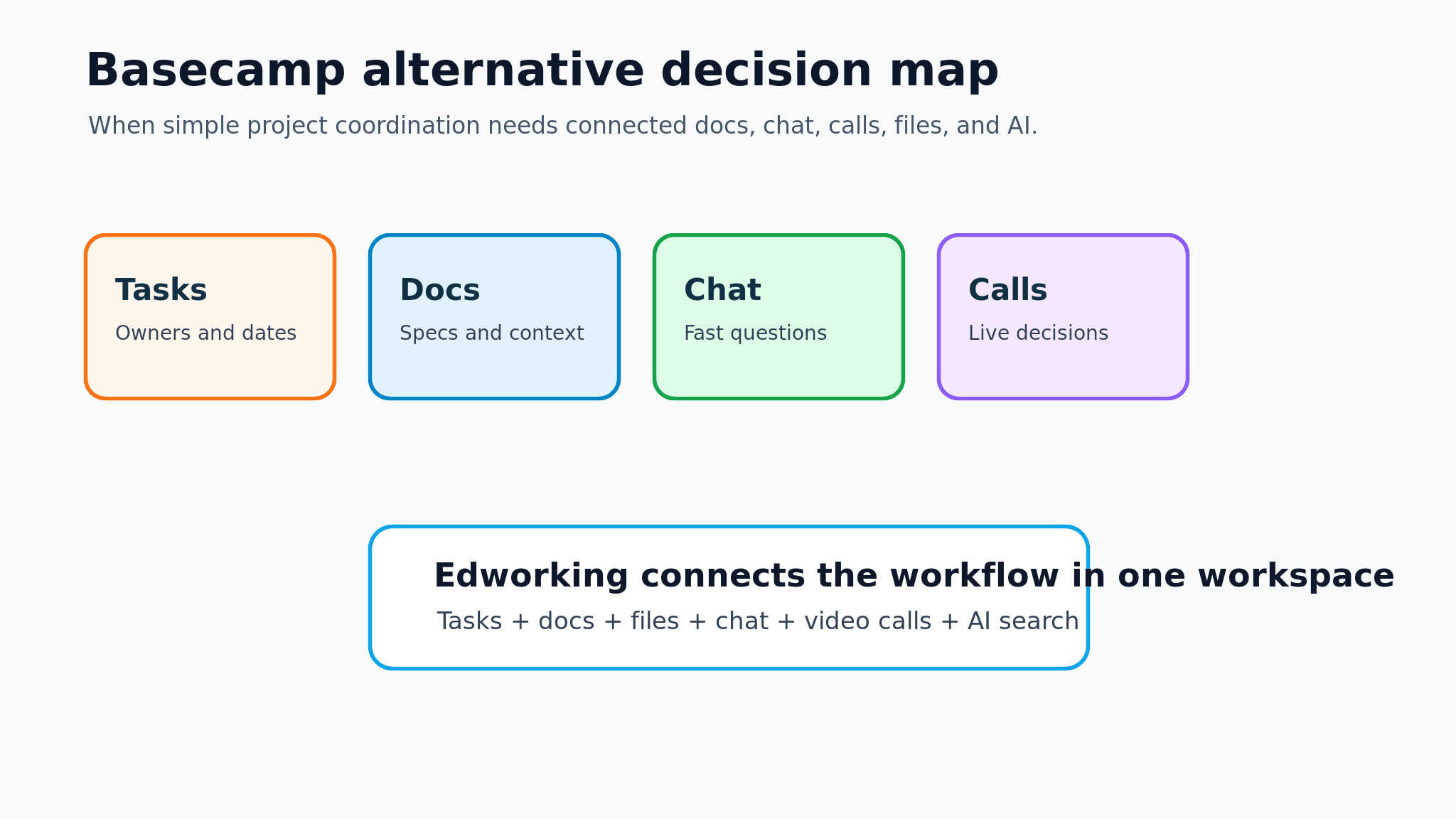
Edworking tip: use tasks for ownership, docs for decisions, files for source material, chat for quick discussion, video calls for reviews, and AI search for recall. Keeping these together reduces the number of places a teammate has to check before acting.
Common mistakes when replacing GitHub Projects
The first mistake is moving engineering detail into a general workspace too aggressively. Developers still need the precision of issues, pull requests, branch links, and repository context. Do not break a technical workflow that is already working.
The second mistake is leaving non-technical work in GitHub just because engineering is already there. If support, operations, or customers cannot follow the board, the team will recreate the missing context elsewhere. That is how duplicate status updates and unclear ownership appear.
The third mistake is ignoring AI search. As teams grow, the question is not only where tasks live. It is whether people can find the latest decision, file, note, and owner. A workspace with AI search can reduce repeated questions when the project spans several roles.
FAQs
The bottom line
How to explain the tool boundary to the team
The cleanest rollout is a short operating agreement. Tell engineers that GitHub remains the place for code-level truth: issues, pull requests, release tasks, and technical acceptance. Tell the rest of the team that Edworking is the place for project-level truth: goals, docs, launch plans, customer notes, files, conversations, meetings, and decisions. When a workspace task depends on code, link the GitHub issue instead of copying every technical detail.
This boundary matters because most tool migrations fail from overcorrection. A founder sees scattered work and tries to move everything into one board. Developers then lose repository context, while non-technical teammates still do not get the documents and meeting notes they need. A better migration protects the engineering workflow and improves the shared workflow around it.
Practical rollout plan: choose one active launch, create a shared workspace project, add only the cross-functional milestones, link the important GitHub issues, move decision docs and files into the workspace, and use a weekly review to check whether people can answer status questions faster than before.
For teams that need a lightweight recurring review, connect the workflow to a weekly team review routine so task updates, blockers, decisions, and next actions stay visible without another status spreadsheet.
What to measure after the switch
Do not judge the change only by whether the new board looks tidy. Measure whether teammates can find the current owner, latest decision, related files, meeting notes, and next action without asking another person. Also measure whether engineers still have a clear issue workflow in GitHub. If either side gets worse, the boundary needs adjustment.
Useful signals include fewer repeated status questions, faster launch reviews, clearer ownership for non-code work, fewer disconnected docs, and less time spent moving between chat, storage, meeting notes, and task tools. The best GitHub Projects alternative is the one that makes the whole project easier to understand, not the one that simply recreates an issue board with a different interface.
GitHub Projects is a strong engineering planning tool. It becomes less complete when the project depends on people, documents, files, chats, meetings, and decisions outside the repository. That is where a GitHub Projects alternative should be judged.
Edworking is useful when the team wants one workspace for the human side of execution: tasks, docs, files, chat, calls, and AI-supported knowledge. Keep GitHub close to code, and give the rest of the team a workspace where the full project story is easy to understand.