Download Mobile App
Basecamp is often attractive because it keeps project coordination calm. A team gets to-dos, message boards, schedules, documents, files, and a simple place to talk about work without building a complicated project management system.
That simplicity is useful, but it can become limiting when a small team starts adding separate tools for live chat, video calls, AI help, file context, status reporting, and searchable decisions. At that point the question changes from "is Basecamp simple?" to "is our work connected enough to move quickly?"
**Quick takeaway:** The best Basecamp alternative is not always the most complex project management platform. For small teams, the better choice is often the workspace that keeps tasks, docs, files, chat, calls, and AI close enough that handoffs do not disappear.
 When Basecamp is still a good fit
Basecamp works well when the project process is stable, the team values async updates, and most collaboration can happen through messages, to-do lists, shared files, and schedules. If the work is predictable and the team already has a clear meeting, chat, and documentation habit elsewhere, Basecamp can stay lightweight.
The fit is strongest when project coordination matters more than operational depth. A founder, agency owner, or small department might prefer Basecamp because it avoids the heavy setup that comes with many project management platforms.
- Basecamp fit signal: Why it matters; What to watch
- Few active workflows: Simple boards stay easy to scan; Growth can create hidden dependencies
- Async messages work well: The team does not need constant chat; Urgent blockers may move to another app
- Docs are mostly reference material: Pages do not need to trigger tasks often; Decisions can separate from execution
- Meetings are handled elsewhere: No need for native calls; Call outcomes need manual follow-up
**Decision rule:** Keep Basecamp when simple project coordination is the core job and the team is not losing time moving between separate communication and execution tools.
Signs you need a Basecamp alternative
The need for a Basecamp alternative usually appears gradually. A team adds Slack for faster questions, Zoom for calls, Google Drive for files, Notion for knowledge, and an AI tool for summaries. None of those additions is wrong by itself, but together they create a larger coordination problem.
The warning sign is not the number of apps. It is the amount of context that must be rebuilt before work can continue. If people keep asking where the decision was made, who owns the next step, or which file is final, the workspace is no longer simple in practice.
- Project updates happen in one place, but urgent questions happen somewhere else.
- Meeting notes need to be copied into to-dos after every call.
- Files are shared, but the task owner and deadline are unclear.
- Decisions are written in long message threads that are hard to search.
- New teammates need several apps open to understand one project.
- AI summaries or search answers cannot see enough team context.
Basecamp vs Edworking at a glance
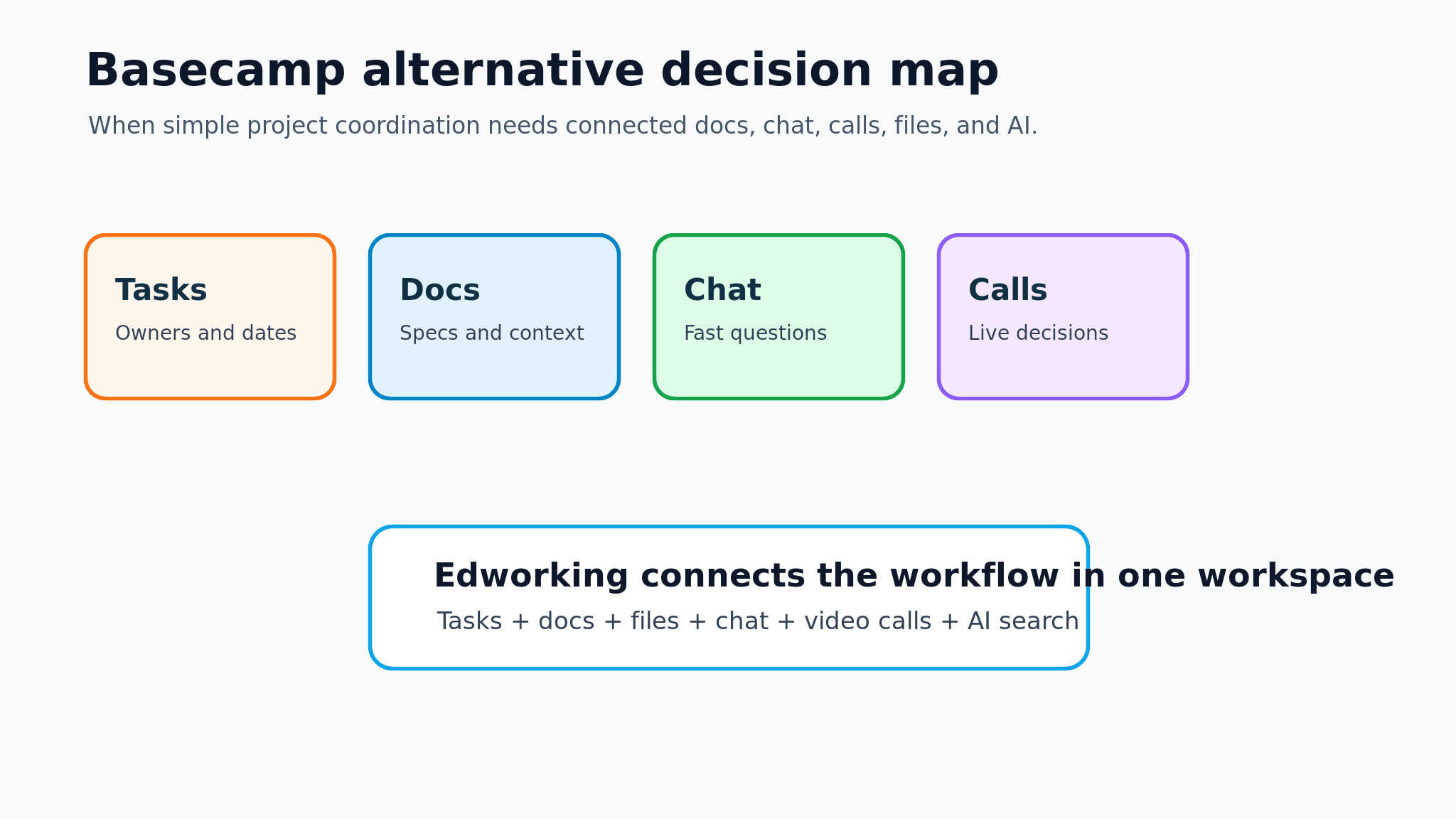
Edworking is built for teams that want project work and communication in the same workspace. Instead of treating chat, calls, files, docs, and AI as separate layers, Edworking connects them around tasks and team spaces.
That difference matters when a project creates action. A message can become a task, a doc can support the task, a file can sit beside the discussion, and a call can happen without leaving the workspace. The goal is not to make every workflow bigger. It is to reduce the number of places a teammate must check before acting.
- Need: Basecamp-style approach; Edworking-style approach
- Project tasks: To-dos inside projects; Tasks connected to spaces, docs, files, and chat
- Team communication: Message boards and comments; Real-time chat plus project context
- Meetings: Usually handled in another tool; Video calls inside the collaboration workspace
- Knowledge: Docs and files for reference; Docs connected to work, conversations, and AI
- AI support: Usually separate from project context; AI assistance and search tied to workspace content
**Edworking tip:** If your team already writes project docs, discusses work, shares files, and meets about the same deliverables, keeping those actions in one workspace can make ownership much clearer.
What small teams should compare first
Do not compare tools by feature count alone. A larger checklist can hide the real issue. The better comparison starts with the moments where work slows down.
For a small team, those moments are usually handoffs: a founder asks for an update, a designer needs a decision, an operations lead waits for a document, or a client call creates five action items. The right tool should make those handoffs visible.
- Map where tasks are assigned today.
- Map where decisions are written.
- Map where files are stored.
- Map where live conversations happen.
- Map where meeting outcomes are captured.
- Check whether AI search can answer questions across that context.
**Example:** A startup uses Basecamp for project messages, Slack for urgent questions, Google Meet for calls, and Drive for files. After each client review, the project lead copies notes into tasks manually. Moving to Edworking would make sense if the team wants the call, follow-up task, project doc, file, and discussion to stay connected.
Pricing and tool-sprawl questions
Pricing comparisons can be misleading when they only compare subscription totals. Basecamp is known for simple pricing options, including a free project option and paid plans that may be per-user or flat for the organization. The real cost question is whether the team also needs separate chat, video, document, file, and AI subscriptions.
For a five-person team, the extra cost might be small. For a growing team, the bigger cost is often coordination. Every extra tool creates another search habit, notification layer, permission model, and onboarding step.
- Cost question: Why it matters
- How many tools are required for one project?: Shows whether the workspace is truly simple
- Who pays for chat, video, and AI?: Reveals hidden subscription layers
- How often are decisions copied between tools?: Shows manual coordination cost
- How long does onboarding take?: Measures the cost of fragmented context
- Count only paid seats that are needed for real project work.
- Include file storage, meetings, chat, and AI tools in the comparison.
- Estimate the time spent rebuilding context after meetings.
- Review whether guests, clients, or contractors change the cost model.
- Recheck current vendor pricing before a final purchase decision.
Migration plan from Basecamp to Edworking
A good migration should not begin by moving everything. Start with one active workflow where disconnected context is painful. That could be a client project, product launch, onboarding process, weekly operations rhythm, or internal documentation workflow.
The goal is to prove that connected work reduces follow-up friction. If the pilot only recreates the old project folder in a new tool, the team will not feel the benefit.
- Pick one active project with tasks, files, meetings, and decisions.
- Create the matching space in Edworking.
- Move only current docs, key files, and open tasks.
- Convert upcoming meeting outcomes into tasks immediately.
- Keep chat questions in the same project space.
- Use AI search or summaries to test whether context is easier to find.
- Review after two weeks before migrating older archives.
**Mistake to avoid:** Do not migrate every historical message before the team has tested a live workflow. Archive history can move later. The first win should be clearer ownership on current work.
Implementation mistakes to avoid
A Basecamp migration can fail even when the new tool is a better fit. The usual reason is that the team changes software without changing the workflow rules. If people keep making decisions in side channels, saving files without owners, or discussing blockers away from the task, the new workspace will inherit the same friction.
Use the migration as a chance to define a small operating rhythm. Decide where project decisions are written, how meeting action items become tasks, who closes the loop with clients, and what information belongs in a doc instead of a chat thread. The rules should be short enough for a new teammate to follow on the first day.
- Migration mistake: Better approach
- Moving every old project first: Pilot one active project with current tasks and meetings
- Recreating long message threads: Summarize decisions, owners, and open blockers
- Treating docs as static archives: Link docs to tasks, files, and follow-up work
- Keeping meeting notes separate: Turn outcomes into tasks during or right after the call
- Ignoring team habits: Write simple rules for chat, docs, tasks, and AI search
**Practical rule:** A workspace migration is successful when the next action is easier to find, not when every historical item has been copied.
For Edworking, that means the first project should prove a clear loop: discuss the work in chat, capture durable context in docs, attach the right files, meet when live alignment is needed, then convert the decision into an owned task. Once the team trusts that loop, older Basecamp projects can be archived or moved selectively.
Best-fit recommendation
Choose Basecamp if the team mainly needs calm project coordination, async message boards, to-dos, schedules, and shared files. It is a practical choice when simplicity matters more than connected real-time collaboration.
Choose Edworking if the team needs one place for tasks, docs, files, chat, video calls, and AI-supported context. It is especially useful when small teams want fewer tools, faster handoffs, and clearer follow-up after discussions or meetings.
Useful Edworking paths for this comparison:
- Compare collaboration tools
- Edworking vs Basecamp
- Tasks for ownership and follow-up
- Docs for team knowledge
- Team chat organized by context
- Pricing for team planning
FAQs
Final checklist
Use this checklist before choosing a Basecamp alternative.
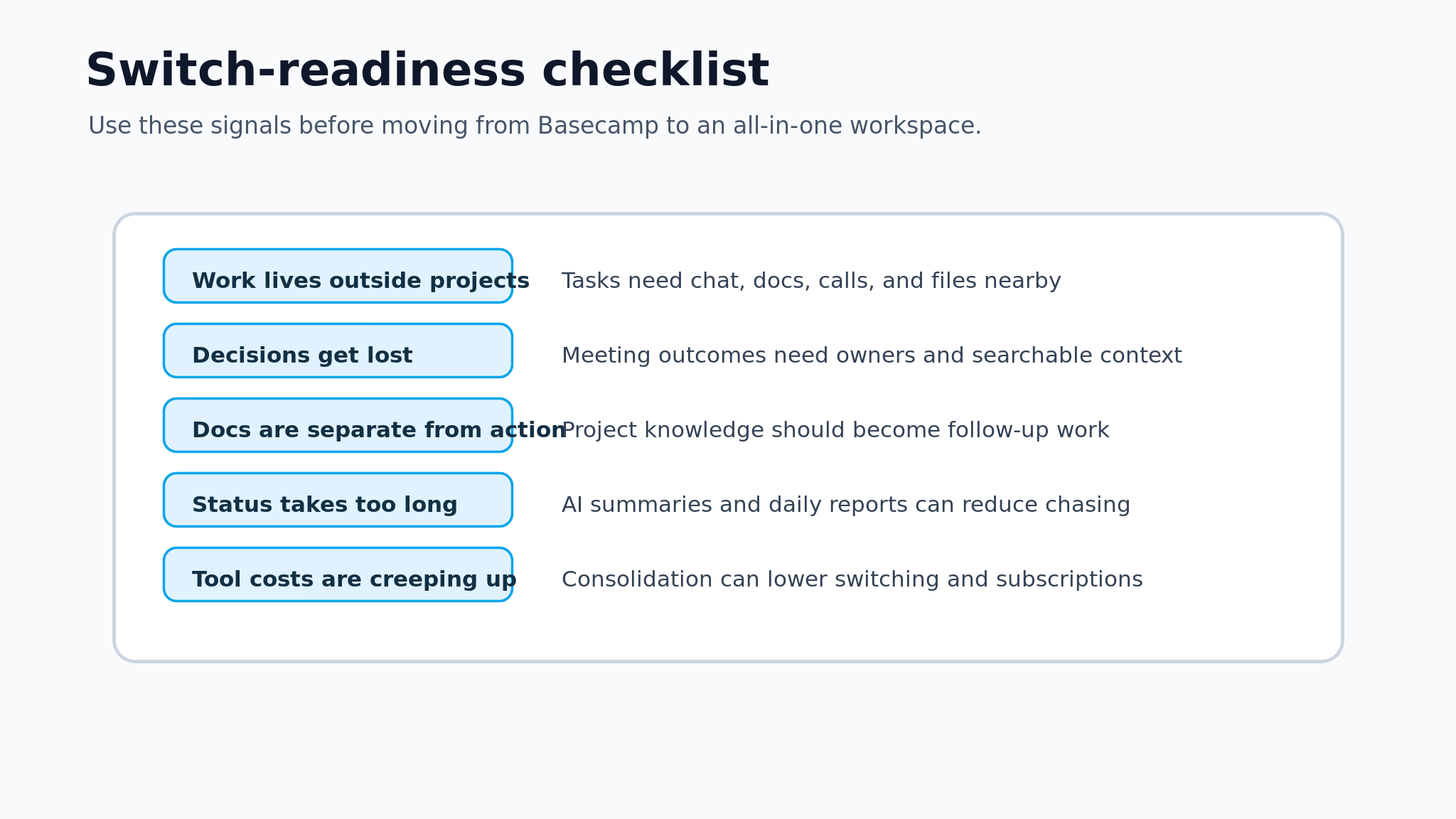
- The team knows which workflows Basecamp handles well today.
- The team has listed every extra app required for chat, calls, files, docs, and AI.
- Project decisions have a clear owner and follow-up location.
- Meeting outcomes can become tasks without manual copying.
- New teammates can understand one project without opening many tools.
- The comparison includes current vendor pricing and hidden coordination cost.
- A two-week pilot project is selected before a wider migration.
Basecamp is useful because it resists unnecessary complexity. The right alternative should keep that lesson, not bury the team in process. Choose Edworking when the next level of simplicity means connecting the work that already belongs together.