Download Mobile App
Linear is excellent when an engineering team wants fast issue tracking, clean cycles, and a product development workflow that feels purpose built for software teams. The harder question for many small teams is whether issue tracking is the whole collaboration problem.
A product team still needs decisions, meeting notes, customer files, project context, launch tasks, cross-functional questions, and a place for non-engineering teammates to follow what changed. When those parts live in separate apps, the issue tracker may be tidy while the actual work system becomes scattered.
This guide explains when a Linear alternative makes sense, what to compare, and how a team can choose between a focused engineering tool and an all-in-one workspace like Edworking.
Quick takeaway: choose Linear for engineering issue speed. Choose Edworking when the team needs tasks, docs, files, chat, video calls, and AI connected in one collaboration workspace.
 Linear alternative decision criteria for product teams
The right decision starts with the workflow you are actually trying to improve. If the main pain is backlog hygiene, sprint execution, and issue status, a focused tracker can be the best choice. If the pain is handoff friction, repeated questions, scattered documents, missing follow-up, and tool switching, the evaluation has to be wider.
- Use Linear when engineers need a fast, opinionated issue workflow and the rest of the company already has reliable tools for docs, files, meetings, and chat.
- Use Edworking when product work needs visible ownership, shared documents, team chat, files, meeting follow-up, and AI-supported context in one place.
- Avoid choosing by feature count alone. Compare how the team moves from idea to decision to task to delivery.
For a live product comparison, use the Edworking vs Linear comparison page alongside this guide.

Structured comparison: Linear vs an all-in-one workspace
A simple comparison table is useful, but the decision is easier to understand as a set of workflow trade-offs. Linear is narrow by design. Edworking is broader by design. Neither shape is automatically better; the better fit depends on how many collaboration jobs the team wants one system to handle.
- Issue tracking: Linear is purpose built for software teams. Edworking covers task ownership for product, operations, client, and general project workflows.
- Documentation: Linear can connect with other knowledge tools, while Edworking keeps docs beside tasks, files, chat, meetings, and AI context.
- Communication: Linear comments help inside issues. Edworking adds team chat and video calls so discussion can happen beside the work.
- Files and meeting follow-up: Linear usually depends on separate tools. Edworking keeps files, notes, and follow-up tasks in the same workspace.
- AI support: Linear includes AI and agent-oriented features for product work. Edworking Brain is positioned around workspace context across tasks, docs, files, chat, and meetings.
Decision rule: if most collaboration happens outside the issue tracker, evaluate the whole stack, not only the ticket workflow.
Where Linear is strongest
Linear is strongest for software teams that care deeply about speed, keyboard-driven execution, clean issue states, cycles, product roadmaps, and engineering focus. It gives product and engineering teams a tight system for deciding what to build and tracking whether that work is moving.
- Engineering teams that already have separate docs, chat, files, and meetings running smoothly.
- Product teams that want a focused issue tracker rather than a broad company workspace.
- Teams with a clear habit of writing decisions somewhere else and linking them back to issues.
The risk is not that Linear is weak. The risk is that the team expects an issue tracker to solve collaboration problems that live outside issues. A beautiful backlog does not automatically create clear meeting follow-up, shared onboarding docs, or searchable cross-functional knowledge.
Where Edworking is the stronger Linear alternative
Edworking is a stronger alternative when the team wants to reduce the number of places work has to travel through. A feature request might start in chat, become a product doc, collect files, need a short call, and turn into assigned tasks. In a fragmented stack, each step can land in a different tool.
- Small teams that want one place for tasks, docs, files, chat, video calls, and AI.
- Remote teams that need decisions and follow-up to stay visible after meetings.
- Founders, operators, agencies, and product teams where non-engineers need to participate without learning an engineering-only workflow.
Teams comparing broader consolidation can also review the collaboration stack assessment to see where separate tools create friction.
Practical example: a product launch workflow
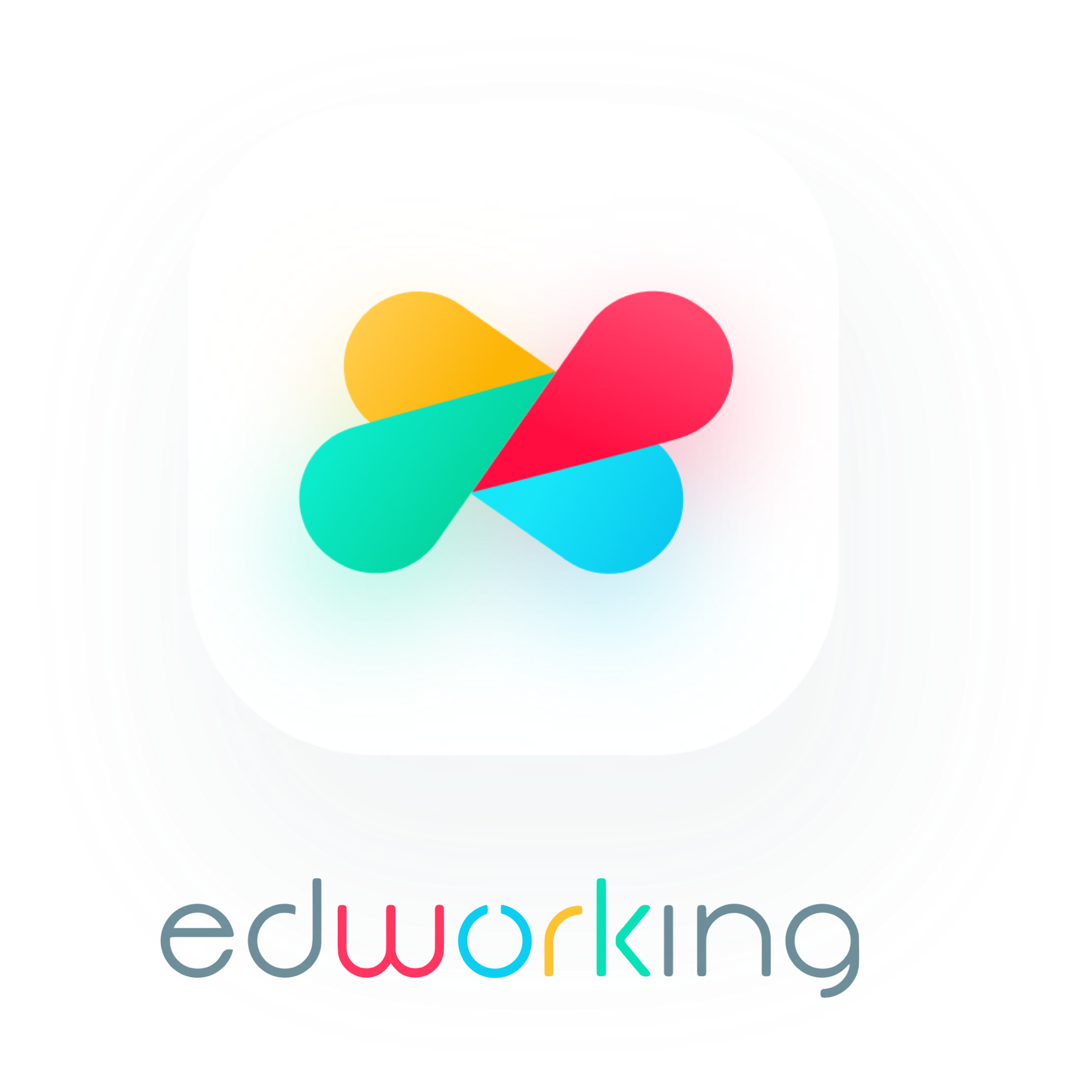
Imagine a five-person startup preparing a small product launch. Engineering needs implementation tasks. Marketing needs positioning notes. Support needs customer-facing answers. The founder wants decisions visible without asking three people for status. This is where the shape of the tool matters.
Example: in a focused issue tracker, the implementation work may be clear while launch messaging, files, meeting decisions, and support notes live elsewhere. In Edworking, the team can keep the launch doc, assigned tasks, supporting files, chat questions, meeting notes, and AI-assisted summaries connected in one workspace.
- Create one launch workspace with tasks for engineering, marketing, support, and founder review.
- Use a doc for positioning, acceptance criteria, customer notes, and launch decisions.
- Attach files and meeting notes directly to the relevant workspace or task.
- Use Edworking Brain to summarize the context and help teammates find what changed.
Checklist for choosing a Linear alternative
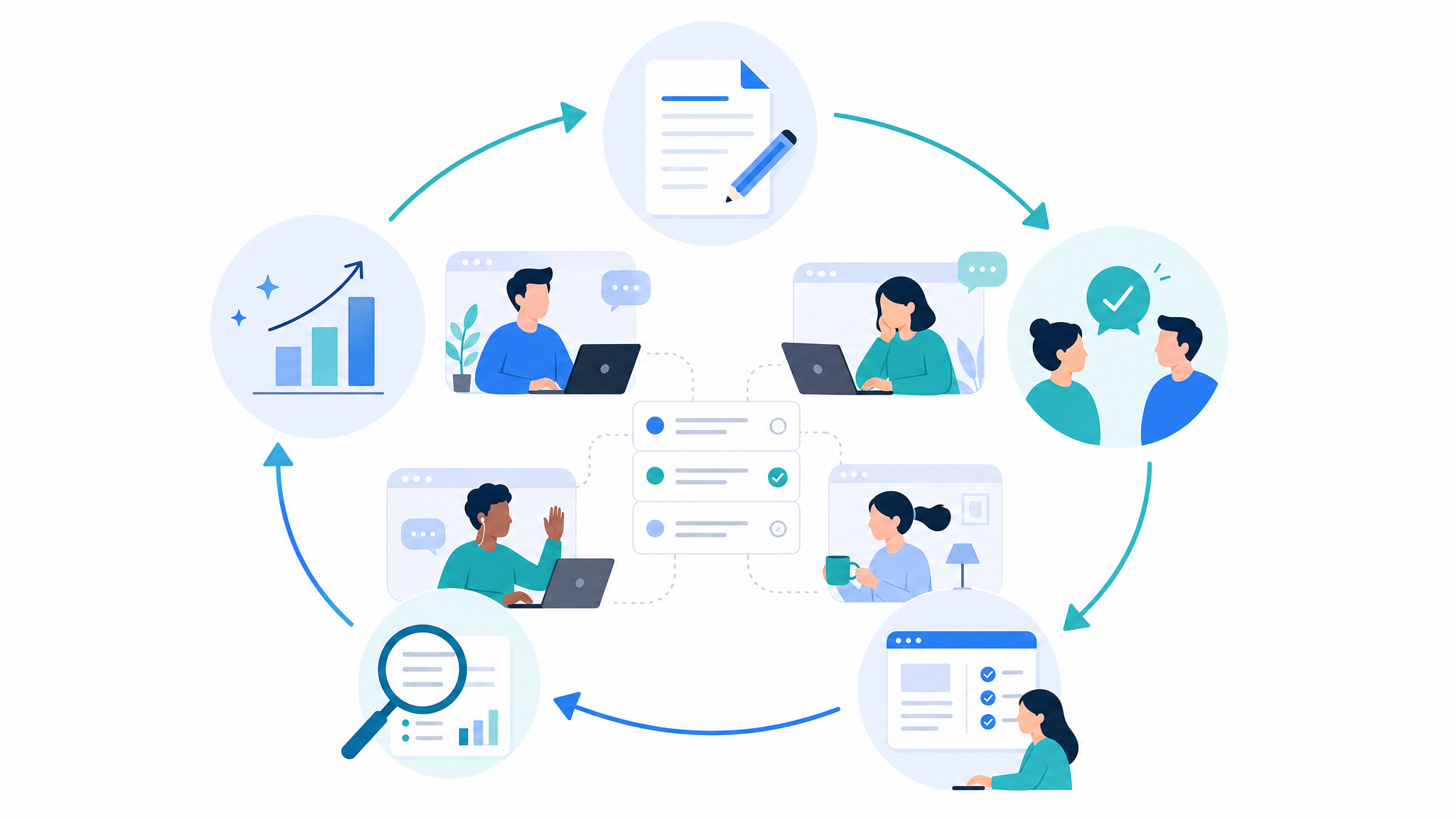
Use this checklist before switching tools or adding another app to the stack. The goal is to name the real workflow problem before deciding which product should solve it.
- List the top three work items that currently fall through the cracks.
- Identify where decisions are written and where teammates search for them later.
- Check whether meetings produce assigned tasks or disappear into notes.
- Count how many tools a product update crosses before it is delivered.
- Ask whether non-engineering teammates can understand status without needing engineering workflow knowledge.
- Decide whether the team wants a focused issue tracker or a broader collaboration workspace.
Edworking tip: if the checklist points to scattered context rather than issue speed, consolidate the workflow before optimizing the issue tracker.
Common mistakes when comparing Linear alternatives
The first mistake is comparing every feature line by line without considering workflow shape. A team can have many features and still lose time because decisions, files, messages, and follow-up actions are not connected.
- Mistake: treating issue tracking as the same thing as project collaboration. Better approach: separate engineering execution needs from cross-functional workspace needs.
- Mistake: assuming a clean product roadmap solves communication. Better approach: define where decisions, questions, and meeting outcomes live.
- Mistake: choosing a tool only for one department. Better approach: test whether product, operations, support, and leadership can all follow the workflow.
Mistake to avoid: do not replace a messy stack with another isolated tool. First decide which parts of the workflow should stay together.
Migration plan: move without breaking product delivery
If your team is moving from a focused issue tracker to a broader workspace, do not migrate everything at once. Start with one active project, one launch, or one recurring operating rhythm. The goal is to prove that context becomes easier to find, not to recreate every historical issue in a new system.
- Pick one pilot project with active tasks, a few important docs, current files, and regular team discussion.
- Define what stays in the old tool during the pilot and what becomes source of truth in Edworking.
- Move current decisions, open follow-ups, and key files first. Archive old noise instead of importing it blindly.
- Review after two weeks: fewer repeated questions, clearer ownership, and easier meeting follow-up are better signals than a perfectly migrated backlog.
Example: a product team can keep old engineering history in Linear while moving the next release checklist, launch doc, customer notes, design files, daily questions, and review meetings into Edworking. That approach limits risk and shows whether the wider workspace actually improves coordination.
Edworking tip: make the first workspace small and concrete. A focused launch workspace is easier to adopt than a company-wide reorganization that asks everyone to change habits before they see value.
How to measure whether the switch worked
A tool switch should be judged by workflow outcomes, not by how exciting the setup feels on day one. Measure whether teammates can find context faster, whether meetings create visible owners, whether documents stay connected to tasks, and whether leaders can understand status without asking for manual summaries.
- Context retrieval: can a teammate find the latest decision, file, and task owner in under two minutes?
- Follow-up quality: does every important meeting outcome become a visible task or documented decision?
- Tool switching: did the number of apps needed for one product update go down?
- Cross-functional clarity: can marketing, support, founders, and engineering follow the same project status?
- AI usefulness: can workspace AI summarize real project context instead of answering from isolated prompts?
For teams that want to quantify consolidation before switching, pair this review with the tool consolidation checklist and score the current stack honestly.
One final signal is ownership. If each team already knows where to look, who owns the next action, and how decisions are documented, a focused tracker can remain the center of delivery. If people keep asking for links, repeating meeting outcomes, or recreating project context before they can act, the team is not missing another status field. It is missing a connected workspace where the discussion, document, file, task, meeting, and AI summary can stay together. That is the situation where Edworking becomes a practical Linear alternative rather than just another project management option.
FAQs
Choose the tool that matches the work system
A Linear alternative is not only about replacing tickets. It is about deciding where the team keeps the full path from idea to delivery. If your issue workflow is the only problem, a focused tracker may be enough. If your collaboration context is scattered, the better answer may be an all-in-one workspace.
Start by reviewing the Edworking vs Linear comparison, then map your real workflow from decision to task to follow-up. The clearest choice is the one that removes handoff friction without hiding the work your team needs to see.