Download Mobile App


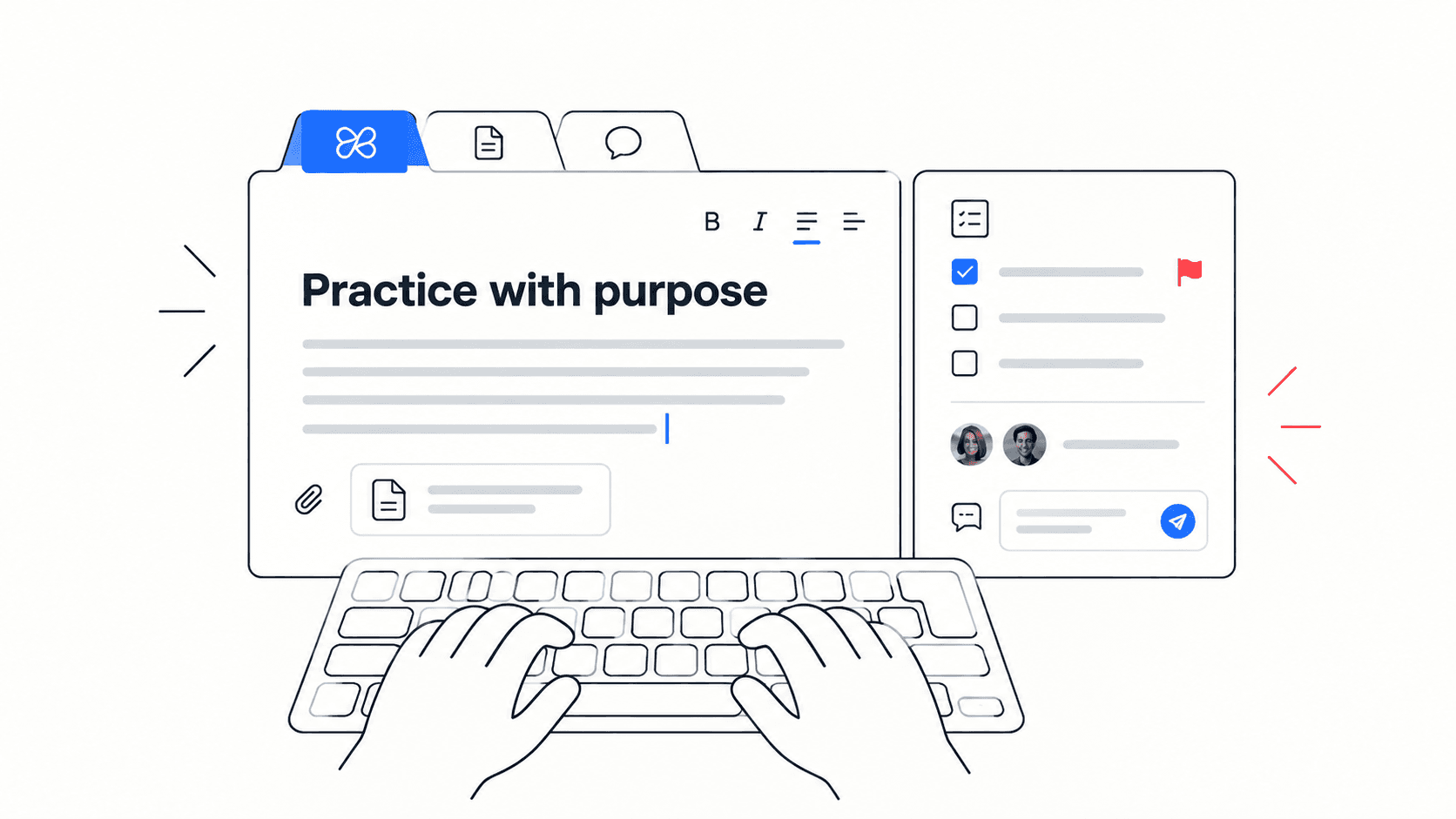
Typing speed at work is not about winning a keyboard game. It is about writing clear updates, project notes, support replies, meeting summaries, and handoffs without losing your train of thought every few words.
If you want to improve typing speed at work, the goal is not only a higher WPM number. The real goal is faster, cleaner communication with fewer corrections, fewer unfinished notes, and fewer context switches between tools.
Quick takeaway: The best typing practice for work combines accuracy, realistic paragraphs, short daily drills, and writing tasks that look like your real docs, chat updates, and handoffs.
What typing speed actually means at work
Words per minute is useful, but it can be misleading if it ignores errors. A person who types quickly and spends the next five minutes fixing typos is not saving time. A person who types a little slower but writes clean, complete updates may be more effective.
- Raw WPM measures how many words you can type in a timed session.
- Adjusted WPM accounts for errors, which is closer to real productivity.
- Accuracy shows whether speed is helping or creating rework.
- Clarity measures whether the message is useful to the person reading it.
- Context switching measures how often you stop writing to search for files, tasks, or previous decisions.
For a quick baseline, start with Edworking’s paragraph typing test and record your adjusted WPM, not just your fastest attempt.
A practical benchmark for team writing
There is no single perfect WPM score for every role. A support agent, project manager, developer, founder, and operations lead all type different kinds of text. The useful benchmark is whether your typing keeps up with your thinking while staying accurate enough for work.
- Under 35 WPM: focus on accuracy, posture, key familiarity, and short daily drills.
- 35 to 55 WPM: build rhythm with realistic paragraphs, status updates, and meeting-note summaries.
- 55 to 75 WPM: improve accuracy under pressure and practice writing from notes instead of copying text.
- 75+ WPM: protect quality by slowing down for names, numbers, links, and important decisions.
Decision rule: If faster typing causes more corrections, your next practice goal is accuracy. If accuracy is stable, your next practice goal is rhythm and realistic work text.
Use realistic typing drills, not random text forever
Random typing passages can help you learn the keyboard, but work typing is different. You type project updates, customer replies, task descriptions, document edits, handoff notes, and meeting summaries. Practice should look like that.
- Copy a project status update and focus on clean punctuation.
- Retype a meeting summary and keep names, dates, and decisions accurate.
- Write a two-sentence task update from memory, then compare it with the original context.
- Practice common phrases you actually use, such as blockers, next steps, owners, due dates, and acceptance criteria.
- End each session by noting one error pattern: missed capital letters, doubled spaces, wrong punctuation, or weak sentence rhythm.
- Keep drills short. Ten focused minutes each weekday is more useful than one long session that you quit after two weeks.
Teams that write many async updates can connect practice to a broader remote work workflow instead of treating typing as a separate habit.
Speed, accuracy, and clarity: what to optimize first
A simple comparison helps you choose the next improvement target. The best typists at work do not maximize every metric at once. They choose the bottleneck that is slowing communication down.
- Speed problem: you know what to say but your fingers lag behind. Practice short timed paragraphs and common work phrases.
- Accuracy problem: you type fast but spend too much time fixing mistakes. Slow down by 10 percent and track corrected errors.
- Clarity problem: messages are fast but vague. Practice turning notes into complete sentences with owner, action, deadline, and context.
- Focus problem: you pause because context is scattered. Keep tasks, docs, files, chat, and meeting notes close to the writing surface.
Mistake to avoid: Do not treat WPM as the only score. A clean 55 WPM task update can beat a messy 85 WPM message that creates confusion for the rest of the team.
A 10-minute daily typing practice routine
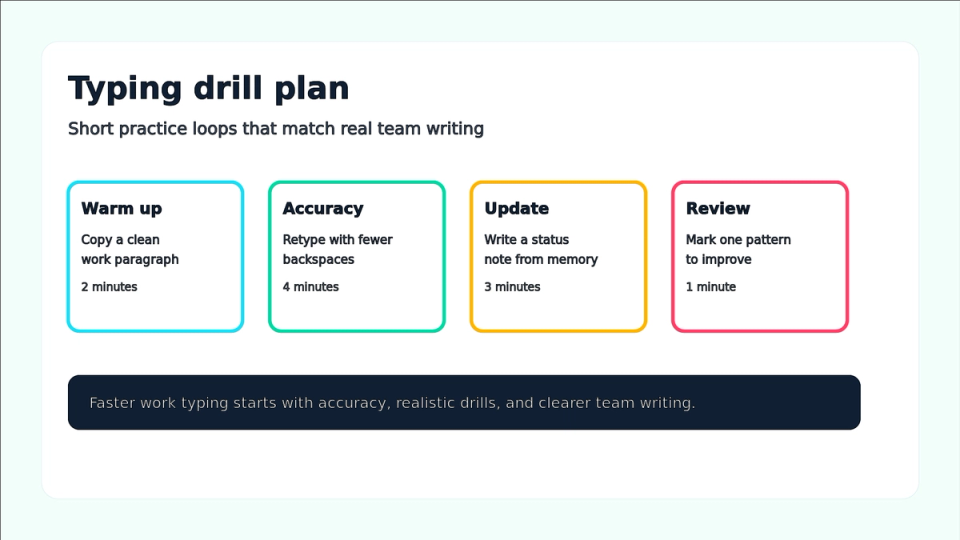
The routine below is short enough to keep, but structured enough to improve. It gives you warm-up, accuracy, real writing, and reflection in one loop.
- Minute 1 to 2: warm up by copying a short work paragraph at a comfortable speed.
- Minute 3 to 5: retype the same paragraph with fewer backspaces and cleaner punctuation.
- Minute 6 to 8: write a real status update, task summary, or handoff note from memory.
- Minute 9: compare your message with the source context and fix missing owners, dates, or decisions.
- Minute 10: record adjusted WPM, accuracy, and one error pattern to watch tomorrow.
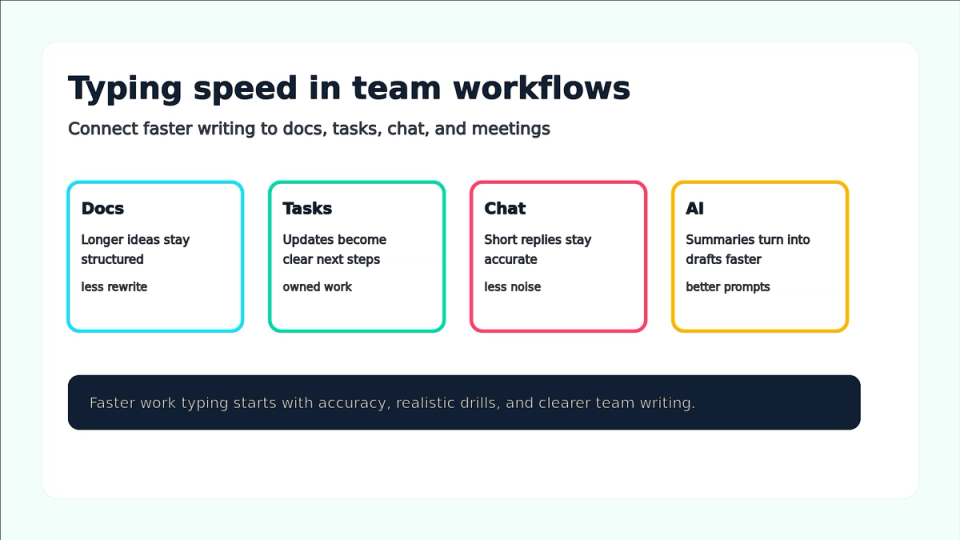
If your team writes many shared documents, Edworking’s docs feature keeps longer explanations near the tasks and discussions they support.

How better typing improves async collaboration
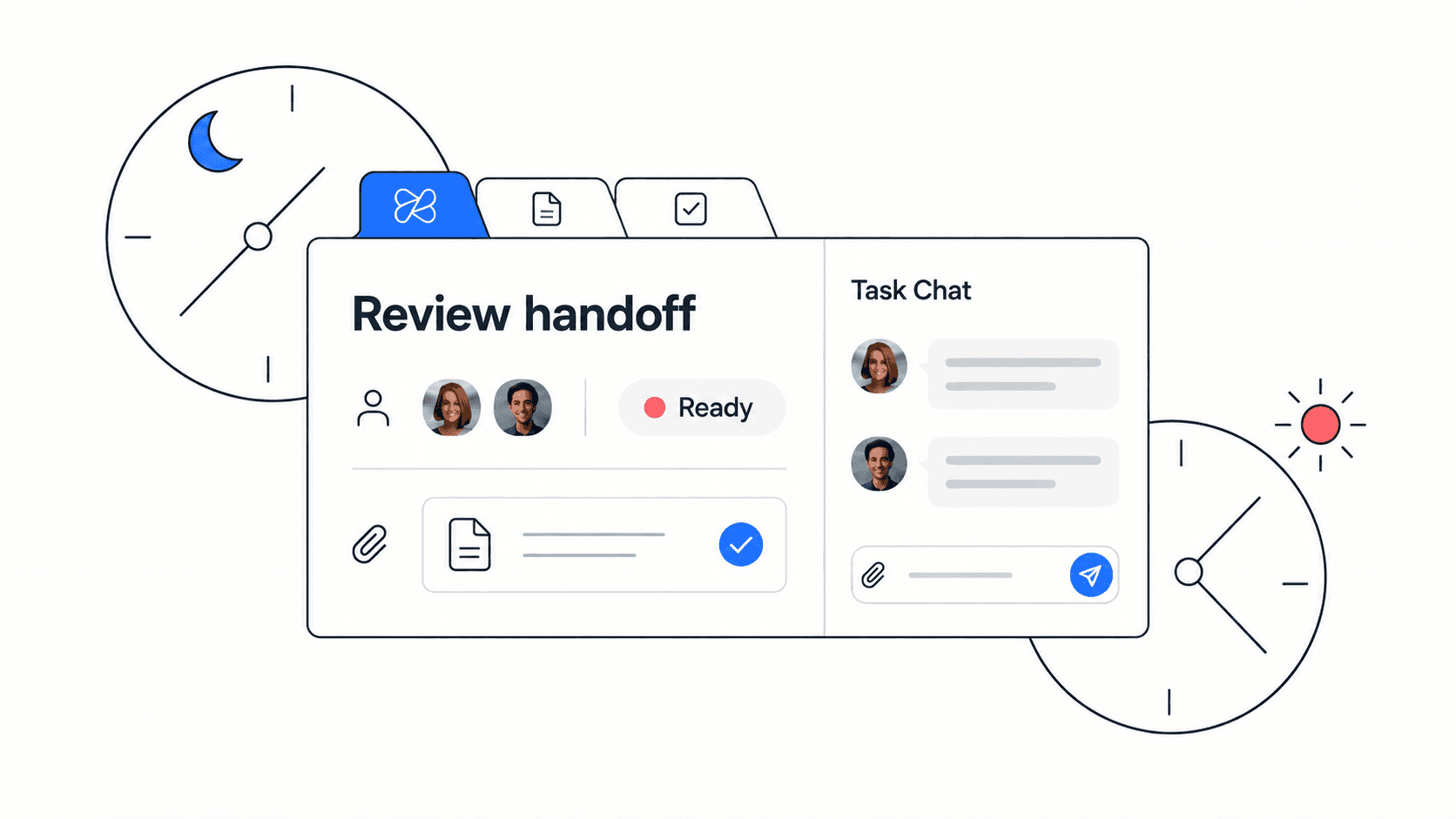
Fast, accurate typing helps async teams because written context carries more weight. A clear update can prevent a meeting. A clean task note can prevent a follow-up question. A complete handoff can prevent a delay across time zones.
- Project managers can write clearer task updates without postponing them until later.
- Support teams can answer common questions faster while keeping tone consistent.
- Founders can capture decisions before context disappears.
- Remote teams can replace some status meetings with written updates that people can scan later.
- Writers and operators can turn messy notes into usable docs with less friction.
Edworking tip: Keep the task, related doc, file, chat thread, and meeting notes in one Edworking workspace. Less searching means your typing practice turns into faster useful communication, not just a higher test score.
For quick team discussions that should not become a meeting, connect typing improvements to Edworking’s team chat feature.
Practical example: a remote product handoff
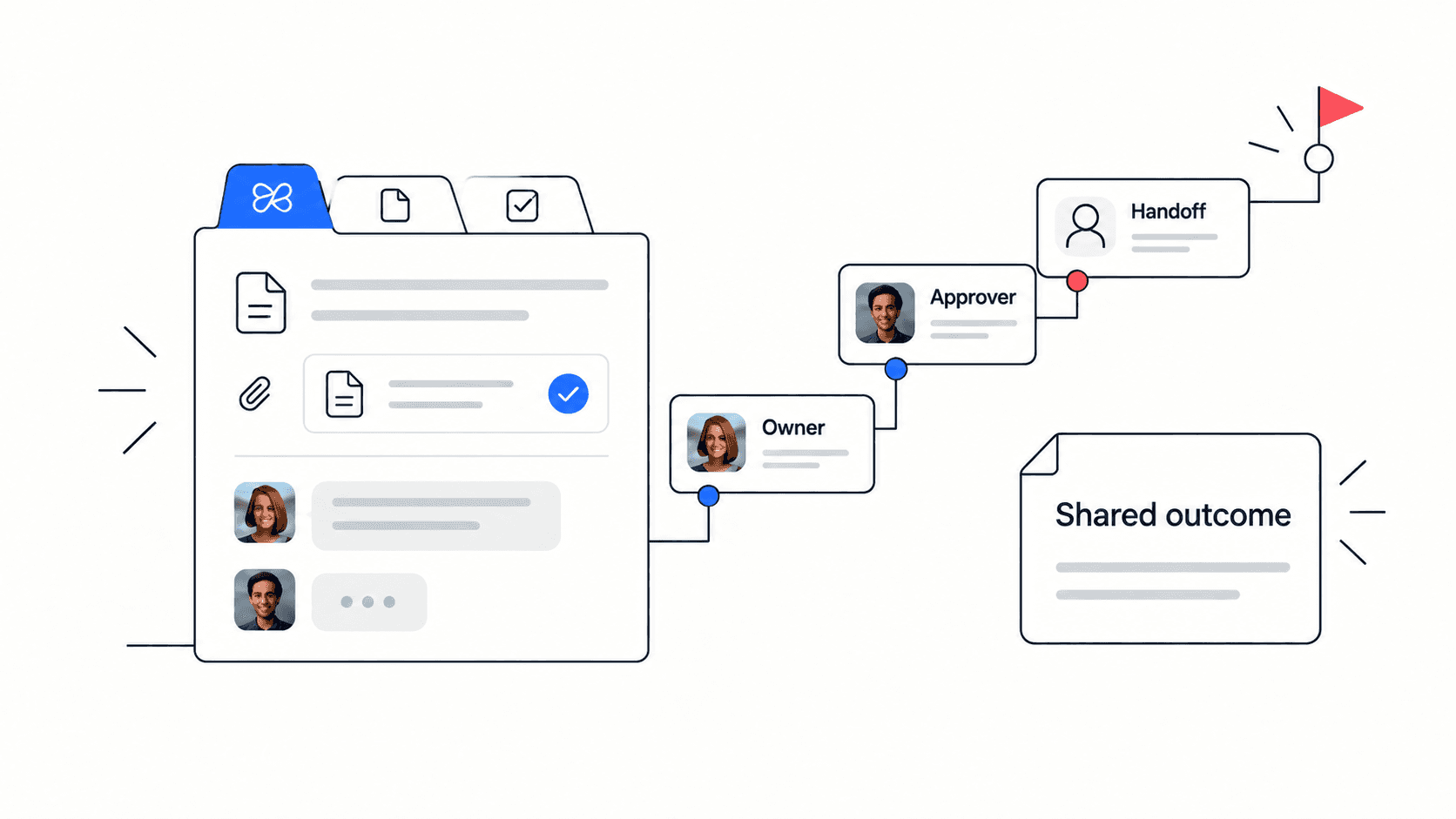
Imagine a product manager handing off a small feature to engineering and support. The raw notes include a customer quote, a priority, two acceptance criteria, one open risk, and a launch date. Slow typing is not the only problem. The bigger problem is turning those notes into a clear handoff before the team moves on.
Example: The product manager practices by writing a 120-word handoff: goal, owner, decision, acceptance criteria, risk, and next step. The first attempt is 42 adjusted WPM with three missing details. After one week of short practice, the handoff is 55 adjusted WPM and includes all required details. The win is not just speed; it is fewer follow-up questions.
- Start with the purpose of the work, not the tool name.
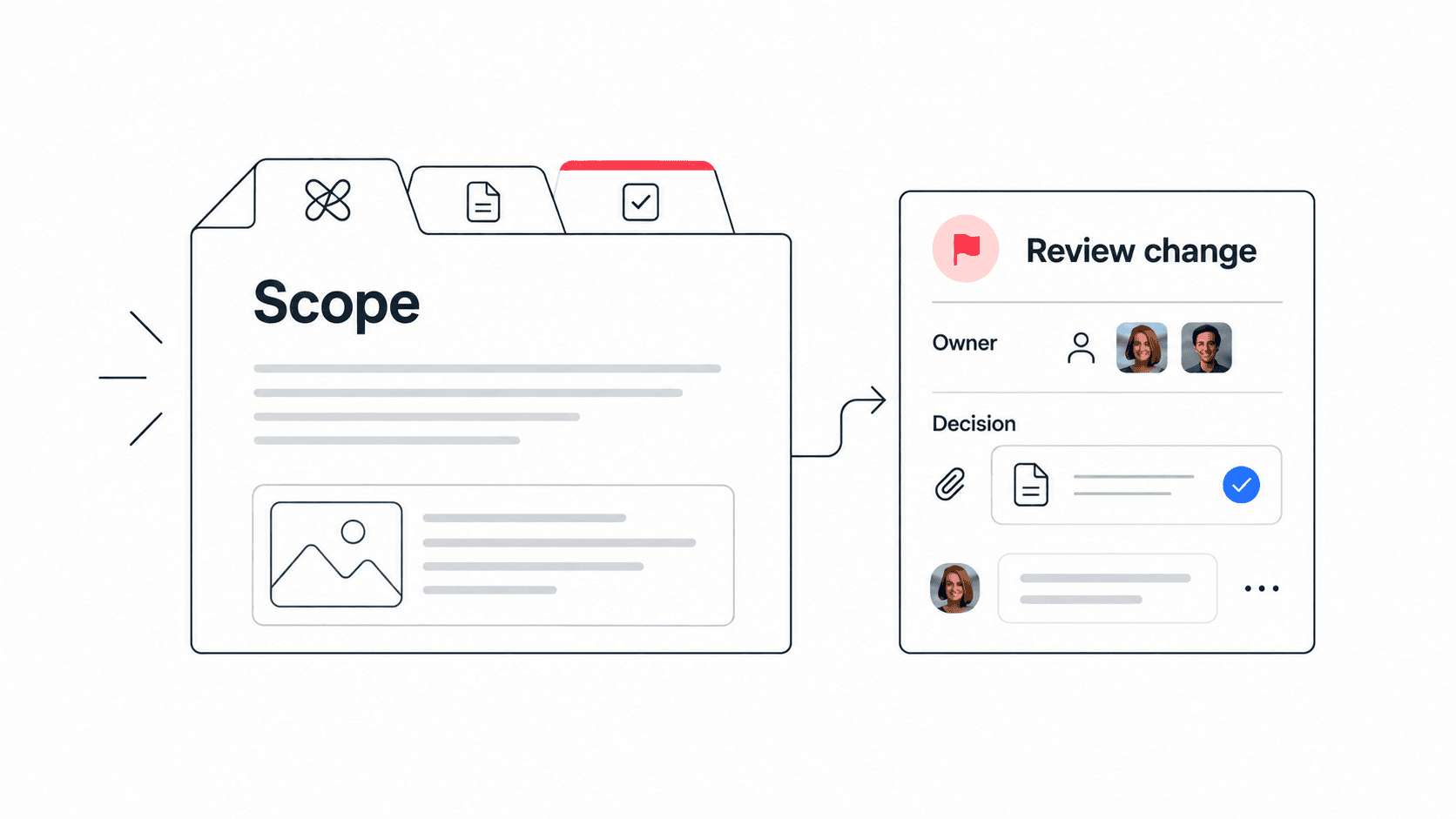
- Add owner, due date, and decision status before extra background.
- Use one short paragraph for context and bullets for criteria.
- Review names, dates, numbers, and links at a slower pace.
- Save the final handoff where the task and supporting docs live.
New teams can use Getting Started With Edworking to build a workspace where written updates, tasks, docs, files, chat, and calls stay connected.
Common mistakes that slow typing progress
Typing improvement stalls when practice is either too random or too intense. You need enough repetition to build rhythm, but enough realism to transfer that rhythm into work.
- Mistake: chasing a personal record every day. Better approach: alternate speed days with accuracy days.
- Mistake: practicing only copied text. Better approach: also write short updates from memory.
- Mistake: ignoring posture and keyboard comfort. Better approach: remove friction before blaming motivation.
- Mistake: measuring raw WPM only. Better approach: track adjusted WPM, accuracy, and correction time.
- Mistake: practicing in a separate tool and never applying it. Better approach: use the same style of text you write in docs, chat, tasks, and handoffs.
For teams choosing better writing and collaboration workflows, this guide to document collaboration tools for remote work gives useful context.
Checklist: improve typing speed without hurting quality
Use this checklist once a week. It keeps the goal practical and prevents WPM from becoming a vanity metric.
- I measured adjusted WPM, not only raw WPM.
- I practiced at least three realistic work paragraphs.
- I reviewed one recurring error pattern.
- I wrote one status update or handoff from memory.
- I checked clarity by looking for owner, action, deadline, and context.
- I kept important docs, tasks, and conversations close to the writing task.
- I know whether my next improvement target is speed, accuracy, clarity, or focus.
Next step: After the WPM calculator page is live, use it with the paragraph typing test to estimate realistic time saved on docs, chat updates, and handoffs.
FAQs
- For work, adjusted WPM and clarity matter more than a single fastest score.
- Ten focused minutes per weekday is enough to build momentum.
- Practice should eventually look like the writing you do every day.
- Use AI for drafting and summarizing, then use your typing practice to edit with control.
Make typing speed part of better teamwork
Improving typing speed at work is valuable when it improves the quality and pace of team communication. A higher WPM score is nice, but the better outcome is a cleaner task update, a clearer handoff, a faster support reply, or a meeting summary that teammates can trust.
Start with a baseline, practice realistic work paragraphs, protect accuracy, and connect the habit to the places where your team actually writes. When tasks, docs, files, chat, video calls, and AI context live together in Edworking, faster writing turns into better execution instead of more scattered text.
For a broader product bridge, explore Edworking’s team collaboration solution and use one workspace for the writing, decisions, and follow-through that keep projects moving.
- When you measure progress, write down what changed in the work itself: fewer typo fixes in docs, faster task updates, cleaner meeting notes, or shorter support reply time.
- If the number improves but teammates still ask for clarification, keep practicing clarity prompts alongside speed drills.
For a neutral definition of words per minute, see the words per minute reference on Wikipedia.