Download Mobile App
A project can look busy and still be unhealthy. Tasks move across the board, messages keep arriving, and meetings fill the calendar, yet the team may be drifting on scope, hiding risks, overloading one person, or making decisions that never reach the people doing the work.
A project health check gives small teams a practical way to pause before the project becomes a rescue mission. Instead of asking whether everyone is working hard, it asks whether the work is still clear, owned, realistic, and recoverable. This guide gives you a scorecard, a checklist, and a simple fix order you can use in a weekly review or project reset.
Quick takeaway: a project health check is not a blame exercise. It is a short diagnostic habit that turns weak signals into visible actions before they become missed deadlines, confused ownership, or stakeholder surprises.

 What a project health check should measure
A useful health check measures conditions that predict delivery quality. It should not be a decorative status report, and it should not depend on one manager’s mood. The best version combines evidence from tasks, docs, conversations, meetings, risks, and recent decisions.
- Scope clarity: the team can explain what is in scope, what is out of scope, and what changed since the last review.
- Schedule confidence: upcoming milestones have realistic dates, visible dependencies, and clear owners.
- Workload balance: no single person is carrying hidden work that could block delivery if they are unavailable.
- Risk visibility: important risks have owners, mitigation steps, and a next review date.
- Communication quality: blockers, decisions, and customer feedback are captured where the team can find them.
- Documentation and handoff readiness: the project has enough context that a teammate can join, cover, or review work without starting from zero.
If your current setup spreads those signals across five tools, start by tightening your project management workspace so tasks, docs, files, chat, meetings, and AI support point to the same source of truth.
Project health scorecard for small teams
Use a simple red, yellow, green score for each dimension. The point is not mathematical precision. The point is to make weak signals visible enough that the team can discuss them honestly and choose the next action.
- Scope health: Green means the next deliverables are clear and recent changes are documented. Yellow means there are open questions or small change requests. Red means the team is building against different assumptions.
- Schedule health: Green means milestones still match capacity and dependencies. Yellow means one milestone is at risk or estimates need review. Red means dates depend on heroic effort, unclear decisions, or blocked work.
- Workload health: Green means ownership is balanced and urgent work is visible. Yellow means one person is overloaded or support work is hidden. Red means delivery depends on one bottleneck with no backup.
- Risk health: Green means risks have owners and mitigation tasks. Yellow means risks are known but not yet acted on. Red means risks are vague, unowned, or discussed only in meetings.
- Communication health: Green means decisions, blockers, and updates are captured in the right place. Yellow means context is split between chat and meetings. Red means people learn about changes too late.
- Quality health: Green means acceptance criteria, review steps, and customer impact are clear. Yellow means quality checks are informal. Red means the team is shipping without shared standards.
Decision rule: if two or more dimensions are red, do not add more work. Run a short reset, cut or re-sequence scope, and assign owners to the riskiest signals first.
How to run a 30-minute project health check
The health check works best as a written-first review. Ask each owner to update their area before the meeting, then use the live discussion for judgment and tradeoffs. This keeps the meeting practical and avoids turning it into a tour of everyone’s task list.
- Collect the evidence before the meeting. Review the task board, open blockers, overdue items, recent decisions, active risks, and customer or stakeholder feedback.
- Score each health dimension as green, yellow, or red. Add one sentence explaining the evidence behind each score.
- Choose the top three weak signals. Do not try to fix everything in one conversation; pick the issues most likely to damage delivery.
- Turn each weak signal into an owner-led action. A risk needs a mitigation task, a scope issue needs a decision, and a communication issue needs a clearer update path.
- Set a review date. Health checks lose value when actions are assigned once and never inspected again.
Teams using Edworking can keep the scorecard in a doc, link it to follow-up tasks, discuss blockers in context, attach relevant files, and use Edworking Docs or AI assistance to summarize what changed since the last review.
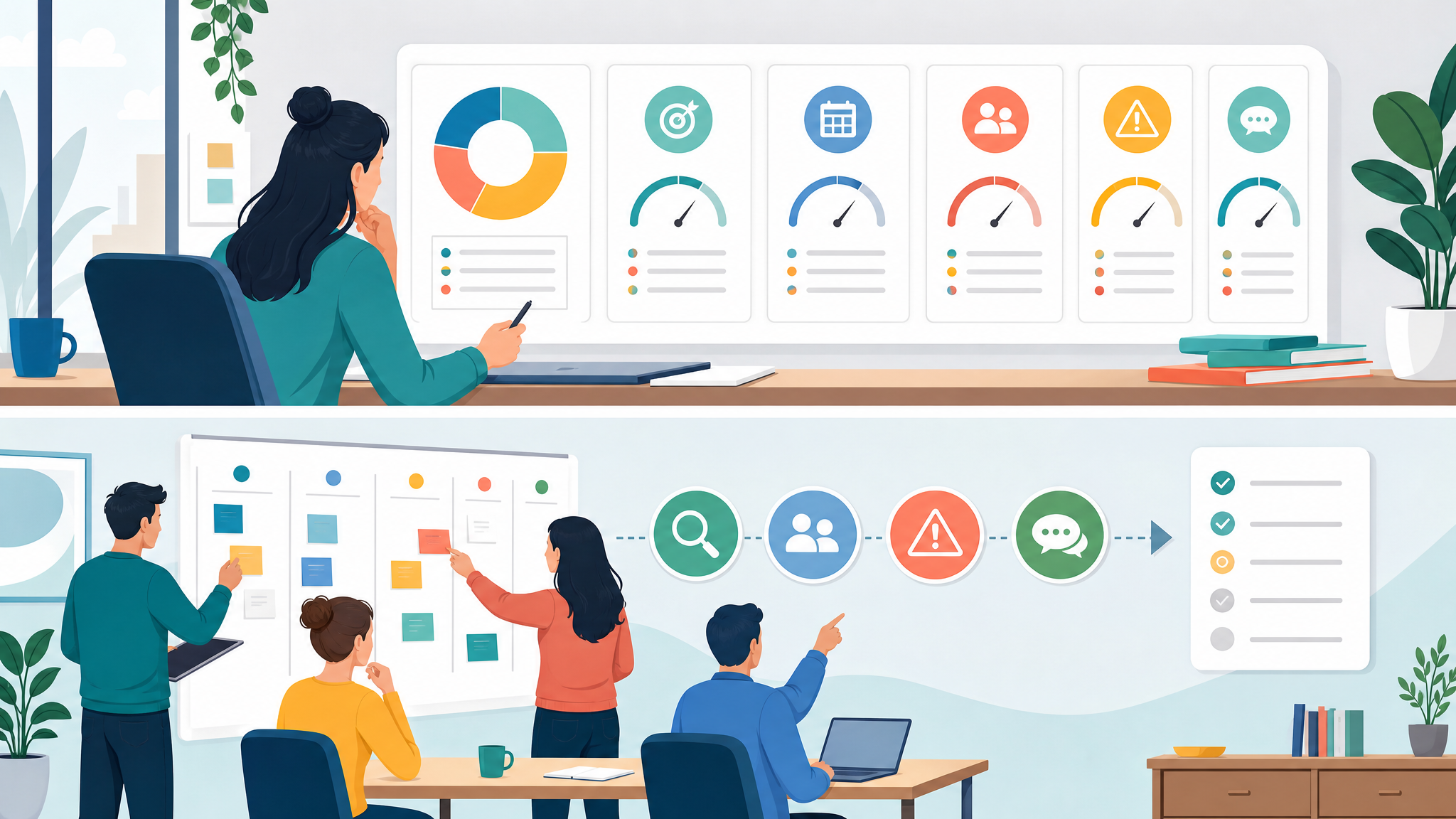

Checklist: signs your project needs a health check
You do not need to wait for a formal milestone. Run a project health check whenever the team senses drift but cannot agree on the cause. The following signs usually mean the project needs a structured diagnosis.
- The same blocker has appeared in two status updates without a named owner.
- A stakeholder keeps asking for status because the normal update path is not trusted.
- The team is adding scope while original commitments are still uncertain.
- One person has become the unofficial source for every decision, file, or dependency.
- The project board looks green, but chat threads show confusion or repeated questions.
- Risks are mentioned verbally, but no mitigation task exists.
- Meetings end with agreement, but nobody can find the decision later.
- Quality checks happen at the end instead of being built into the workflow.
Edworking tip: keep the health check close to the work. If a risk is found, create the mitigation task immediately. If a decision is made, capture it in the project doc. If a blocker needs discussion, keep that chat attached to the work item.
Example: turning a yellow project back to green
Imagine a small software team preparing a customer portal update. The task board shows steady progress, but the founder is worried because design feedback is late, a developer is waiting on API details, and the customer success lead is not sure what has changed in the rollout plan.
The health check scores scope as yellow, schedule as yellow, workload as red, risk as yellow, communication as red, and quality as green. That tells the team the project is not failing, but it is vulnerable. The problem is not code quality. The problem is unclear decisions and overloaded ownership.
- Action one: move the API dependency into a visible blocker task with one owner and a due date.
- Action two: create a decision note explaining which design feedback is included in this release and which feedback moves later.
- Action three: rebalance two review tasks away from the overloaded developer so the delivery date no longer depends on one person.
- Action four: send one customer-facing rollout update from the project doc so support, product, and leadership share the same message.
That is the value of a project health check. It gives the team enough structure to find the real issue, then enough focus to act without creating a heavy process.
What to fix first after the scorecard
A health check is only useful if it changes the next week of work. Once you have the scorecard, sequence fixes by delivery risk and reversibility. Some issues can wait. Others damage every other part of the project until they are fixed.
- Fix red ownership first. If nobody owns a risk, blocker, or decision, the project cannot reliably improve.
- Fix scope ambiguity before schedule pressure. A team cannot estimate or commit well when the target keeps moving.
- Fix communication gaps before adding meetings. More meetings rarely help if decisions still disappear afterward.
- Fix workload bottlenecks before asking for speed. Overloaded people create hidden queues, review delays, and quality risk.
- Fix documentation gaps before handoff. A project that cannot be explained is difficult to support, audit, or scale.
For deeper follow-up, pair this health check with a team workload review, a risk register, and a project retrospective so current delivery signals and long-term process lessons stay connected.
Use the project health check tool
- Open the assessment, score the six health dimensions, and copy the follow-up actions into the project workspace.
- Use the result as a conversation starter, not as an automatic pass/fail label.
A written guide is useful, but teams often move faster with a guided assessment. The planned Edworking project health check tool turns the same scorecard into a short diagnostic flow so a team can review scope, schedule, workload, risk, communication, and quality in one pass.
Use the new project health check tool as a starting point for the review, then move the results into your tasks and docs. If the route is not live yet, keep the checklist in this article as the review format and add the tool link after the Charmeleon PR is deployed.
You can also browse the broader project management tools hub for calculators and resources that support planning, estimation, risk review, team capacity, and delivery decisions.
FAQs
Bring the health check into your workspace
- Keep the scorecard, mitigation tasks, decision notes, files, meeting notes, and AI summaries connected to the same project.
- Review red and yellow signals in the next weekly check so the diagnosis turns into a habit.
The strongest project health checks are close to daily work. If the scorecard lives in one document, the tasks live somewhere else, and the discussion happens in a third tool, the team will miss context and repeat decisions. Put the health check where people already manage delivery.
In Edworking, teams can keep the scorecard in a shared doc, connect every fix to task management, attach files, discuss blockers in project chat, schedule quick video calls, and ask AI for summaries across workspace context. That makes the project health check a living operating habit rather than another static report.
External reference: PMI has also covered the value of project health checks as a practical governance habit for finding issues before they become expensive recovery work.