Scope creep rarely begins with one huge demand. It usually starts with a small client request, a quick executive preference, an extra edge case, or a “while you are there” improvement that nobody wants to reject. One change feels harmless. Five changes later, the team is late, tired, and unsure which version of the plan is still true.
A scope creep calculator gives small teams a simple way to spot that pattern before it becomes hidden work. Instead of waiting until a deadline slips, you score the signals that make expansion likely: incoming requests, unclear goals, weak approval paths, overloaded capacity, and missing decision records.
Quick takeaway: calculate scope creep risk before approving new work. If a request has no owner, no tradeoff, no documentation, and no capacity check, it is not a tiny change. It is unmanaged project expansion.
Why scope creep is expensive for small teams
Large companies can sometimes absorb extra work with more people, longer timelines, or formal change-control teams. Startups and small teams usually cannot. When scope grows quietly, the same people still carry the work, the same deadline stays on the calendar, and the same project manager has to explain why delivery feels chaotic.
Structured comparison: a clear change request has a named owner, written reason, capacity check, and visible tradeoff. Scope creep has no real owner, no explicit tradeoff, and no shared record that everyone can find later. The difference is not the size of the request. It is whether the request is managed.
If you need a quick browser-based score, use the new scope creep calculator to rate the risk before your next planning review.

The five signals a scope creep calculator should score
A useful calculator should focus on signals a team can observe today. You do not need a perfect model. You need a practical score that starts a better conversation before the team accepts more work.
Checklist: count how many new requests entered this week; confirm the project goal is still written clearly; name the person who approves changes; compare planned work against available focus hours; check whether decisions, files, and meeting notes are stored in one place.
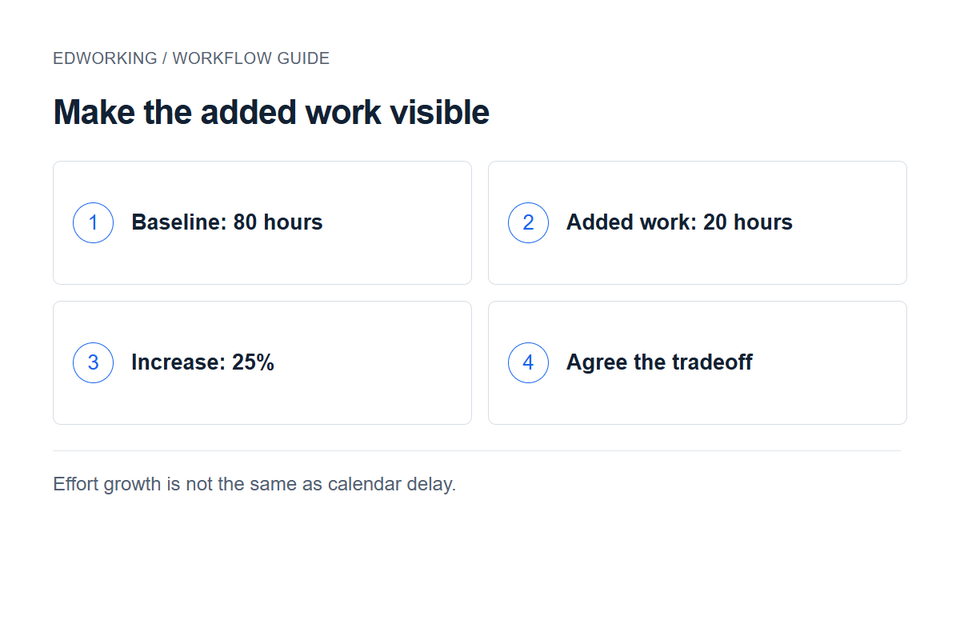
Decision rule: if two or more signals are weak, do not approve extra scope in chat. Move the request into a visible task, document the tradeoff, and agree what moves out, who owns it, or which date changes.
Signal 1: change requests keep arriving
Frequent change requests are not automatically bad. They can mean the team is learning from customers and improving the outcome. The risk appears when requests arrive faster than the team can decide which ones matter. Small requests also tend to hide real cost because each one looks easy in isolation.
Practical example: a client asks for one extra dashboard filter. Then they ask for a new export option, a different permissions rule, and a custom onboarding email. None of those requests sounds enormous. Together, they change the product, the QA plan, the documentation, and the launch timeline.
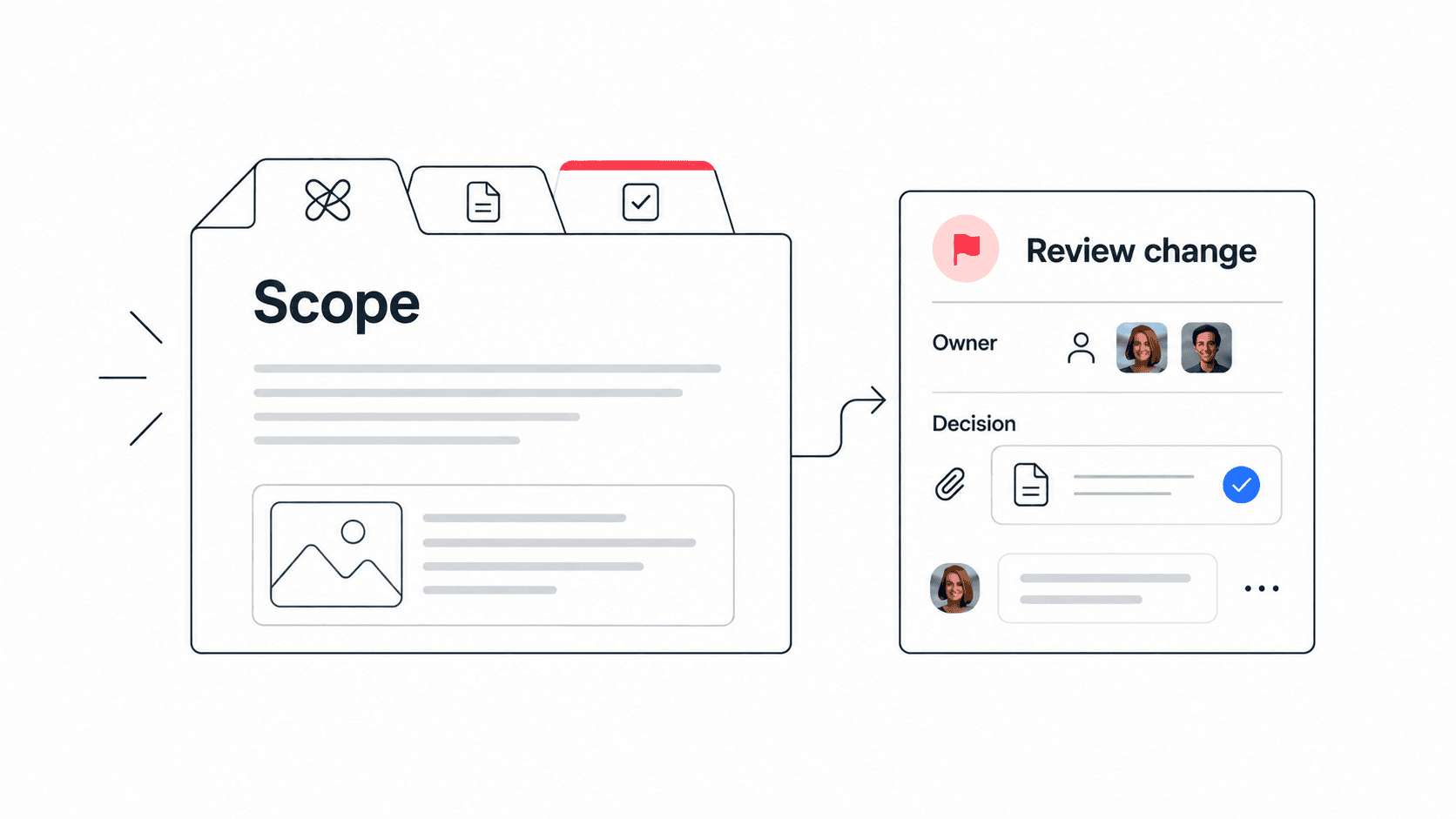
Edworking tip: keep every requested change as a task with the source note, owner, due date, related file, and chat context attached. That makes the real volume of change visible instead of scattered across messages.
Signal 2: the original goal is vague
Scope creep is easier when the team cannot repeat the original outcome in one sentence. If the goal is vague, every extra idea can sound reasonable. A written goal gives the team a way to say yes, no, or later without turning the decision into a personal debate.
Use this simple structure: outcome, audience, deadline, quality bar, and out-of-scope list. The out-of-scope list matters most because it protects the team from pretending every adjacent idea belongs in the current phase.
For broader project setup, pair the calculator with a project communication plan template so stakeholders know where changes should be discussed.
Signal 3: approvals happen informally
Informal approvals are one of the most common causes of hidden project expansion. Someone says yes during a meeting, another person interprets the yes differently, and the team discovers later that nobody checked capacity, budget, QA, documentation, or dependencies.
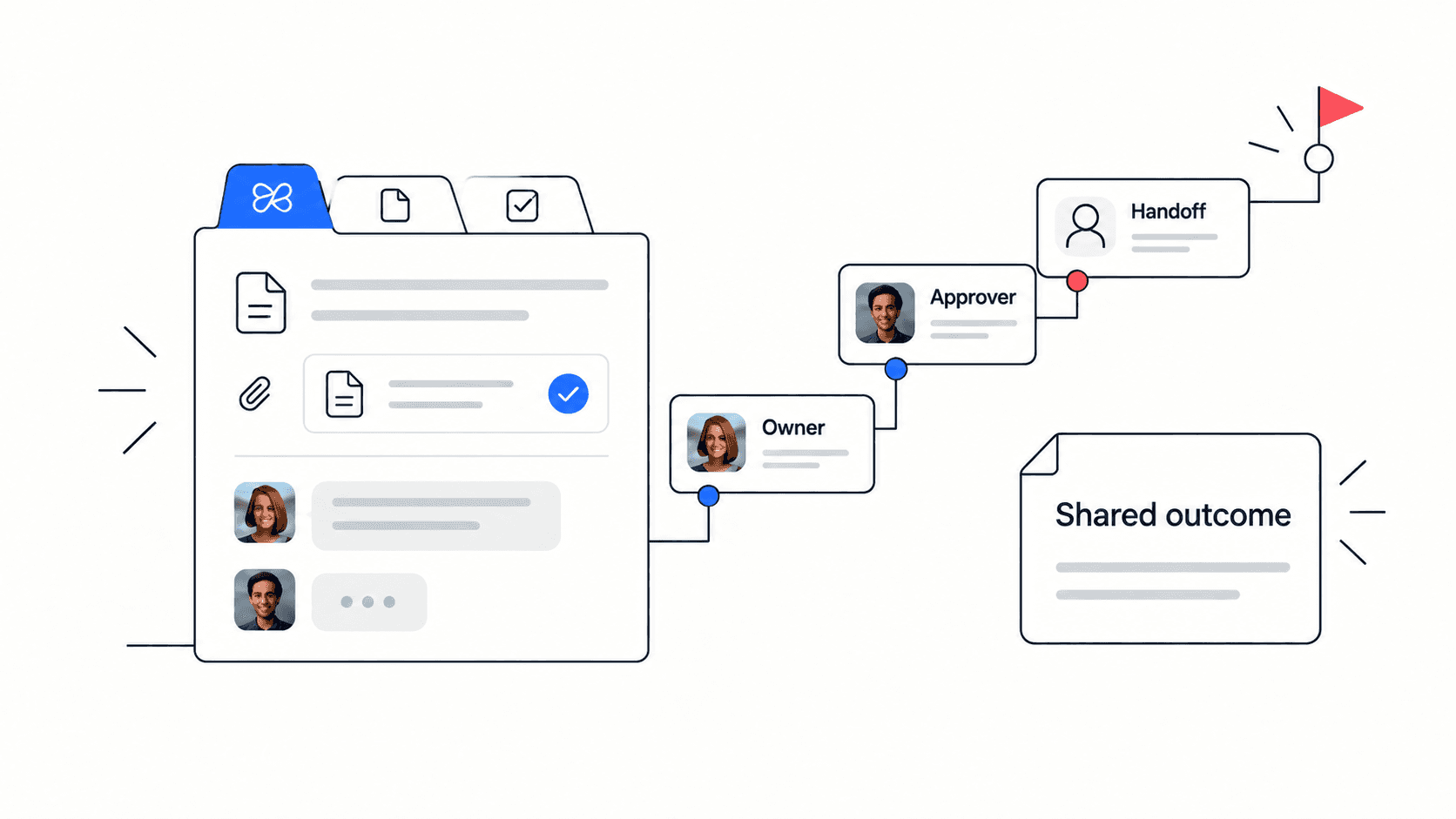
A strong approval path does not need to be bureaucratic. It needs three things: one named approver, one written tradeoff, and one visible decision record. If those three pieces are missing, the request should not enter the active plan yet.
Mistake to avoid: do not let the loudest stakeholder become the approval process. Clear ownership protects both the requester and the team doing the work.
Signal 4: team capacity is already tight
Scope creep becomes dangerous when the team is already near capacity. The work may still be possible, but something else must move. Without a capacity check, teams pay for scope expansion with overtime, quality issues, delayed support work, or rushed documentation.
Use grouped inputs instead of guessing: available focus hours, current commitments, support load, meeting load, review time, and buffer. If the extra request consumes the buffer, the team needs a tradeoff before saying yes.
The team capacity calculator can help estimate whether the team has enough focus time for the new work.

Signal 5: decisions are hard to find
Even good decisions can create scope creep if nobody can find them later. A request approved in a call, clarified in a chat, and documented in a private note is not really documented. The team will re-litigate the decision or accidentally implement a different version.
Store the decision with the work: project brief, change request, related tasks, files, meeting notes, and comments. This is where an all-in-one workspace matters. The more tools involved, the easier it is for the scope record to fragment.
Checklist for decision records: request summary, reason, approver, accepted tradeoff, affected tasks, due date impact, files or specs, and next review date.
How to use the score in a project review
The score is not a verdict. It is a prompt for a better conversation. A low-risk score means the team can keep documenting decisions and reviewing requests normally. A medium score means the team should pause and clarify tradeoffs before approving more work. A high score means active scope should be frozen until ownership, approvals, and capacity are visible.
Example workflow: run the calculator before the weekly project review; list the two weakest signals; create one follow-up task for each weak signal; attach the result to the project doc; revisit the score after major change requests. This turns the calculator from a one-off tool into a working management habit.
What to do when the score is high
A high score is not a failure. It is a sign that the team needs a stronger boundary before more work is accepted. Start by listing all open requests. Mark each one as now, later, reject, or needs decision. Then ask what moves if a “now” item is accepted.
Do not solve high scope risk with more meetings alone. Meetings can clarify decisions, but the output must become written scope, visible tasks, owners, and dates. Otherwise the same ambiguity returns after the call.
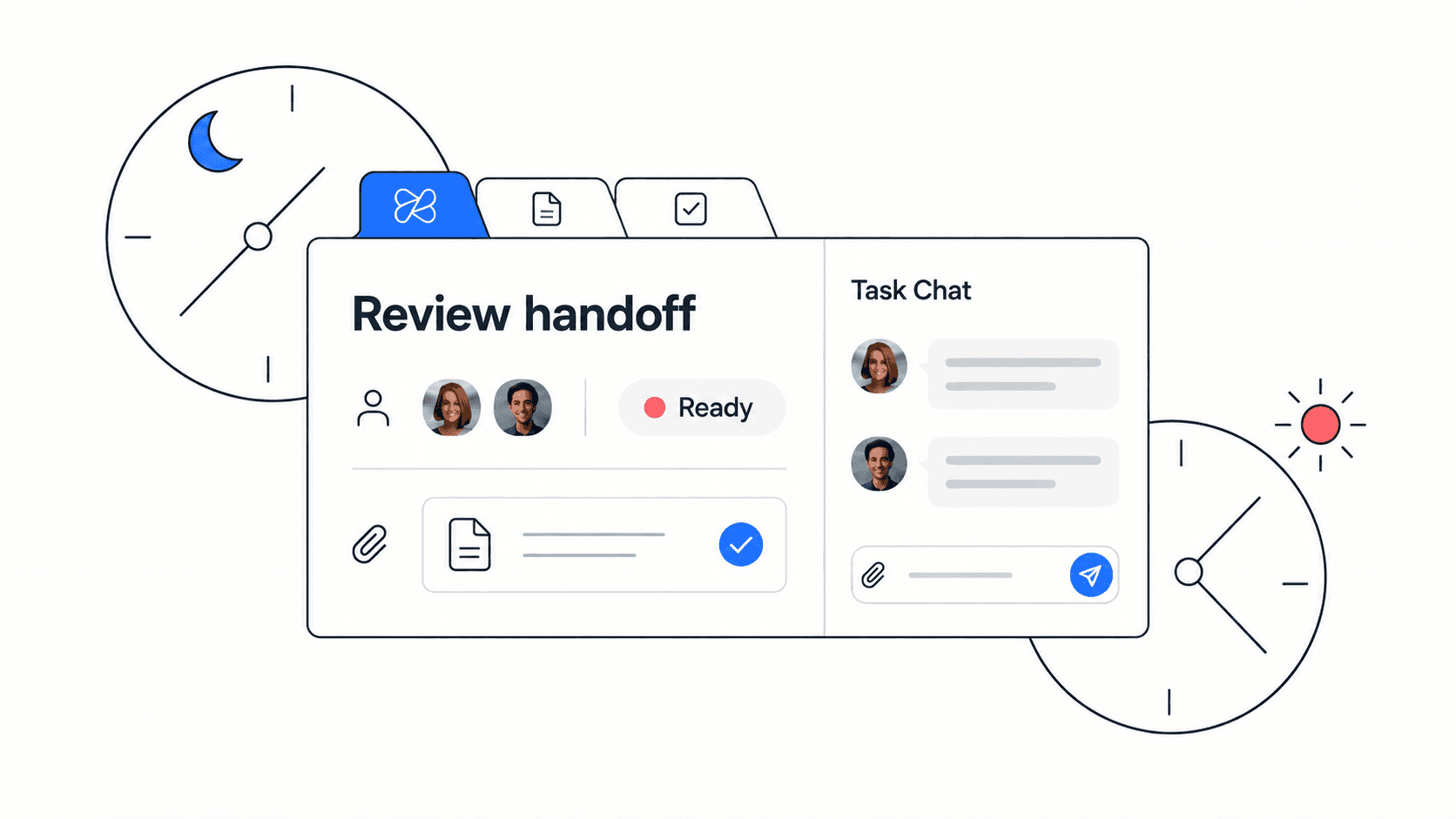
Edworking workflow: keep the scope note in Docs, convert approved changes into tasks, discuss blockers in chat, attach supporting files, use meetings for tradeoff decisions, and use Edworking Brain to find the latest decision later.
How to discuss scope creep without slowing the team
A common fear is that scope control will make the team slow, rigid, or difficult to work with. The opposite is usually true. When a team has a lightweight change habit, stakeholders get faster answers because everyone knows what information is needed before a request can move forward.
Use a simple meeting pattern. First, restate the requested change in one sentence. Second, name the user, customer, or business reason behind it. Third, identify the affected tasks, files, docs, QA steps, or launch dates. Fourth, decide whether the request is now, next, later, or no. That structure keeps the conversation practical instead of emotional.
Example: a founder asks the product team to add an approval workflow before launch. The project lead does not reject it immediately. They ask what risk the workflow solves, which customers need it, what current task would move, and who approves the extra QA. The team can still say yes, but the yes becomes visible work rather than a hidden promise.
A practical scope creep review checklist
Use this checklist whenever the calculator score moves into the watch or high-risk range. It works in sprint planning, client delivery, product launches, internal operations projects, and agency retainers.
Checklist: confirm the original goal is still correct; list new requests separately from committed work; mark which requests are customer-critical; estimate effort before saying yes; identify what moves out if work moves in; assign one approver; document the decision in a shared place; create follow-up tasks immediately; review the score again after the next major change.
Do not treat this as paperwork. The checklist is a protection against memory loss. Small teams move quickly, which means verbal decisions can disappear quickly too. A few written fields can prevent hours of rework later.
For a broader delivery review, combine this with the project health check tool to see whether schedule, workload, risk, communication, and quality are also weakening.
How Edworking keeps scope decisions connected
Scope control is easier when the request and the follow-up live together. In a fragmented stack, a request might start in chat, get discussed in a meeting, become a task in another tool, and rely on a file in a shared drive. That creates too many places for the true decision to drift.
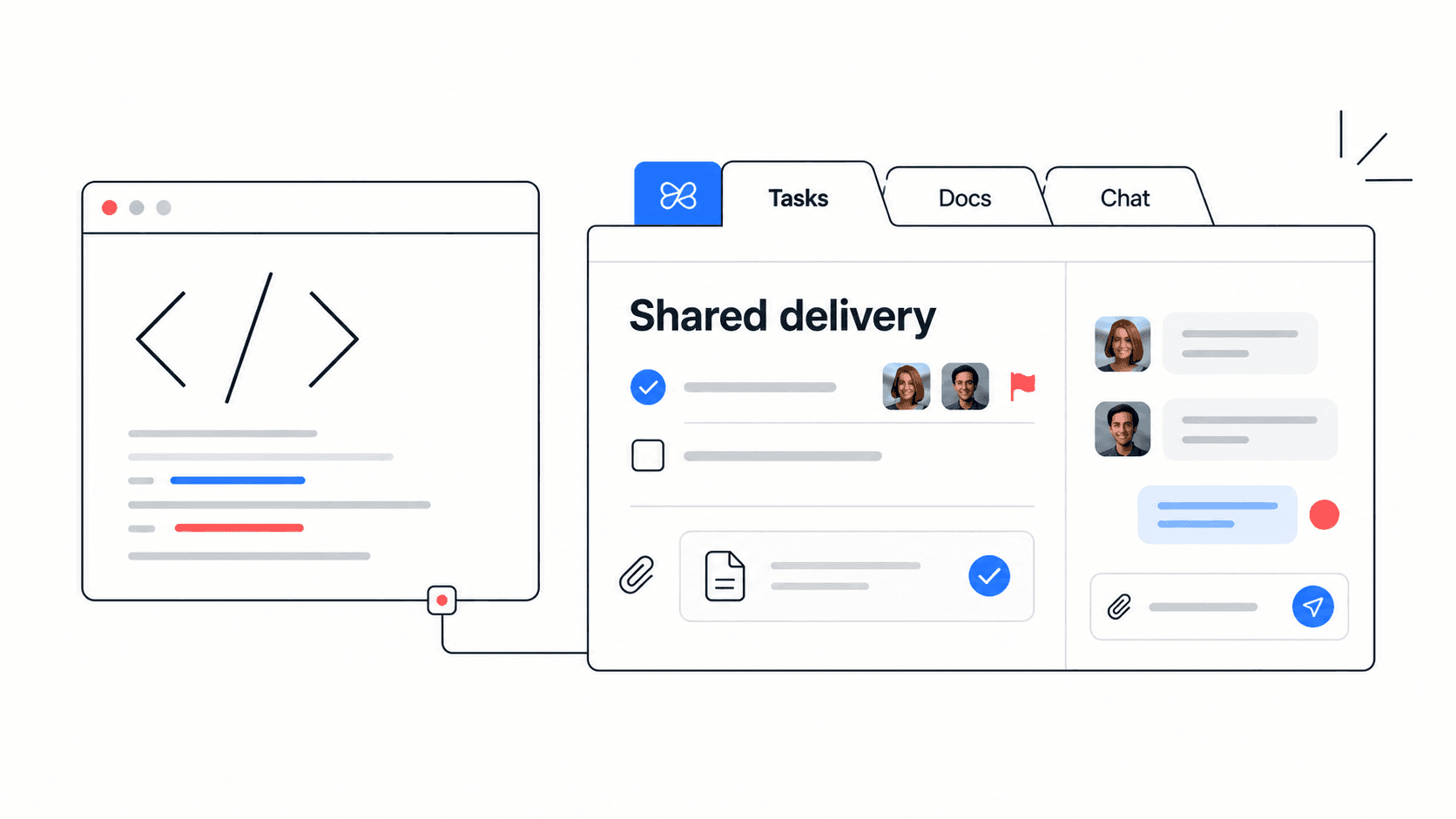
In Edworking, a team can write the scope note in Docs, create the accepted change as a task, attach supporting files, discuss tradeoffs in chat, run a quick meeting when needed, and use AI search to recover the latest decision later. The point is not to add process. The point is to keep process close to the work.
Edworking tip: when a request is accepted, add a short comment to the task that starts with “Scope decision.” Include who approved it, what moved, and where the supporting file lives. That phrase makes the decision easier to search later.
FAQs
The bottom line
Scope creep is not only a planning problem. It is a visibility problem. Teams get into trouble when new requests, approvals, files, and decisions spread across tools and conversations without a shared record.
A scope creep calculator helps by making the risk visible early. Use the score to decide what needs clarification, then keep the follow-up work inside a workspace where tasks, docs, files, chat, meetings, and AI context stay connected.