Download Mobile App


Async handoffs look simple until a teammate opens a task in a different time zone and has to reconstruct the story from chat threads, meeting notes, files, and half-finished decisions. A good handoff is not a long status report. It is a compact package of context that helps the next owner continue the work without waiting for the previous owner to come back online.
This guide gives small project teams a practical async handoff planner they can use before work changes owner, phase, function, or time zone. It is especially useful for remote teams, startup operators, product squads, client delivery teams, and any group that needs fewer clarification meetings without sacrificing accountability.
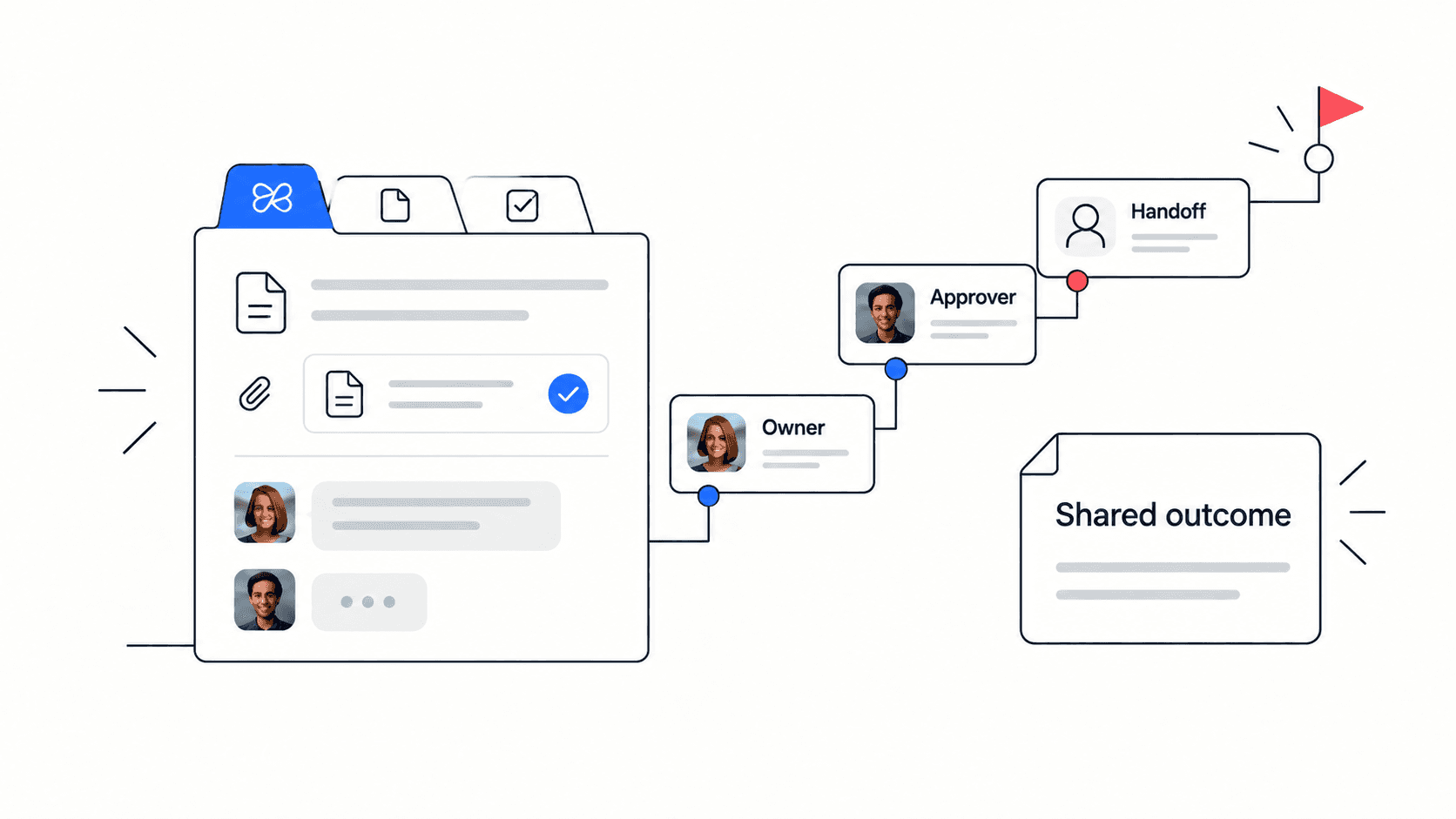
Quick takeaway: a useful async handoff names the current state, next owner, evidence links, open risks, and first follow-up task in one visible workspace.
Why Async Handoffs Break Down
Most handoff problems are not caused by careless teammates. They happen because the work depends on context that lives in different places. One part is in the project document, another in a chat reply, another in a file name, and the final decision happened in a meeting. When the next owner receives only the task title, they inherit uncertainty instead of progress.
A handoff also fails when the sender describes activity instead of decision-ready context. “I worked on the launch page” does not tell the receiver what changed, what is blocked, what evidence matters, or what action should happen next. The receiver has to ask follow-up questions, which slows the team and creates avoidable meetings.
- The next owner is unclear, so multiple people assume someone else will continue.
- The current state is vague, so the receiver has to compare files and messages manually.
- The blockers are hidden in chat, so risks reappear after the deadline is already close.
- The next action is missing, so the handoff becomes an archive instead of a working plan.
Async Handoff vs Status Update
A status update explains what happened. A handoff explains what the next person needs in order to act. That difference matters because remote and hybrid teams often send status updates when they really need operational transfer. If nobody is expected to continue the work, a status update is enough. If ownership is changing, use a handoff.
Think of the handoff as a small operating document. It should be short enough to read quickly, but structured enough that a teammate can answer the basic delivery questions without opening five tools. The goal is not documentation for its own sake. The goal is faster continuation.
- Status update: progress, blockers, and general confidence.
- Async handoff: context, owner, evidence, first action, and escalation path.
- Project archive: final decisions, assets, lessons learned, and long-term references.
Decision rule: if the receiver must make a decision, approve work, unblock a dependency, or continue a deliverable, write a handoff instead of a loose status note.
The Five Fields Every Handoff Needs
A lightweight handoff works when every field reduces ambiguity. You do not need a complex template. You need the minimum information that makes the next action obvious and trustworthy. These five fields are enough for most small-team project transfers.
- Current state: what is complete, what changed, and what is still open.
- Next owner: one accountable person, not a team name or vague function.
- Evidence links: the doc, file, task, decision, or meeting note that proves the context.
- Open risks: the blockers, assumptions, or dependencies that may change the plan.
- First action: the specific next task, due date, and success condition.
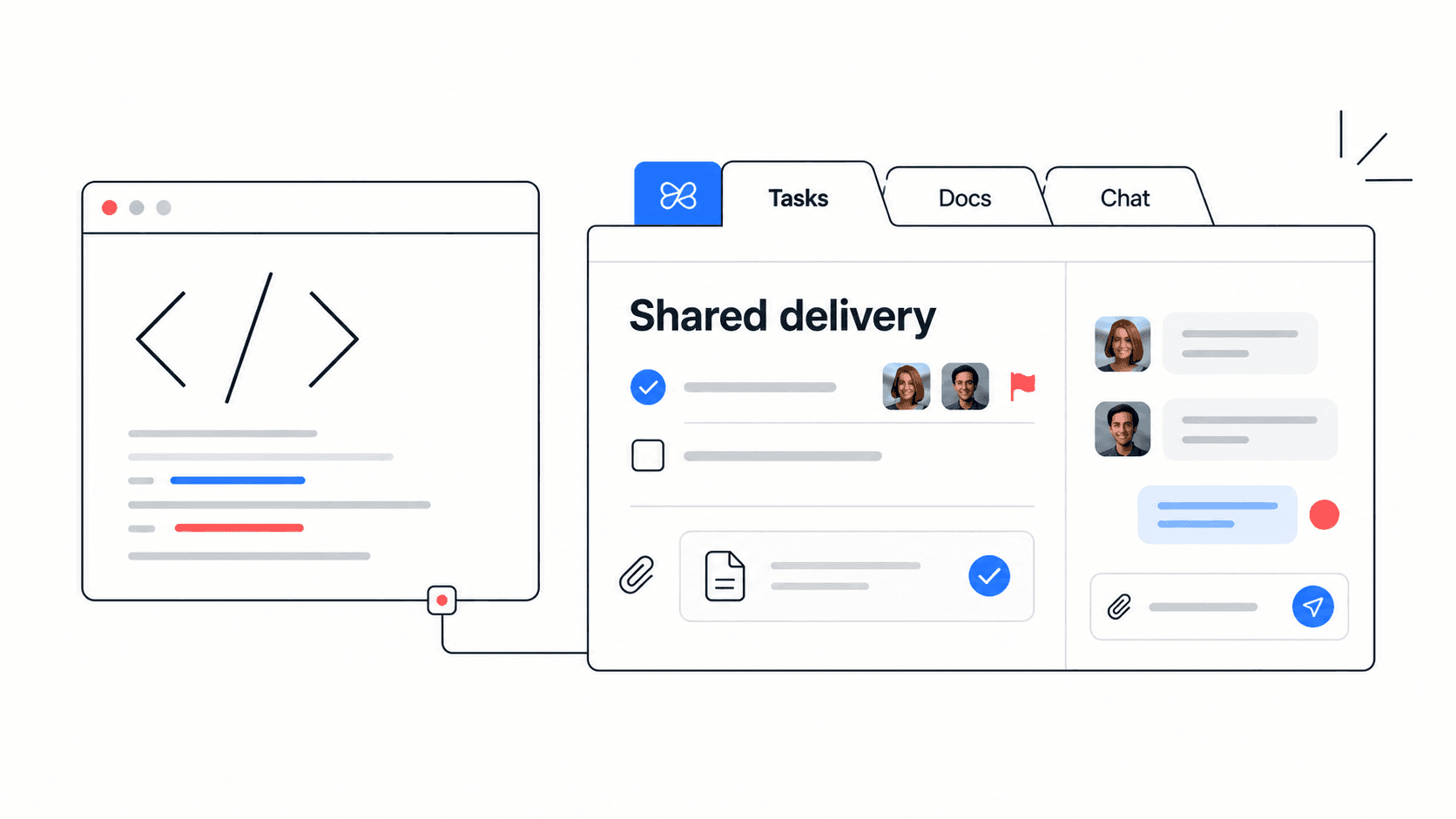
This structure keeps the handoff actionable. It also makes the document easy to review later because the team can see whether the next action actually happened. In Edworking, the same handoff note can live in Docs, link to Tasks, attach files, and keep chat questions near the source context.
Structured Comparison: Weak Handoff vs Strong Handoff
A weak handoff usually sounds polite but leaves the receiver guessing. A strong handoff removes the guesswork. Use this structured comparison when reviewing your own note before sending it.
- Weak: “The draft is almost ready.” Strong: “The draft has approved structure, missing pricing proof, and needs legal review by Thursday.”
- Weak: “Can someone take this next?” Strong: “Maya owns the next edit; Leo is backup for design questions.”
- Weak: “Files are in the folder.” Strong: “Use the latest deck, launch brief, and customer quote doc linked in this handoff.”
- Weak: “There may be a risk.” Strong: “The blocker is unresolved API copy; escalate to product if no answer by 15:00 UTC.”
- Weak: “Follow up later.” Strong: “Create final QA task, assign owner, and confirm completion in the launch chat.”
Async Handoff Planner Template
Use this planner whenever a project moves between people, teams, or phases. Keep each answer short. If a field takes too long to write, that is usually a sign the project context is still scattered and should be cleaned up before the transfer happens.
- Project or deliverable: name the work and link the main project doc.
- Current state: write three to five sentences explaining what changed since the last review.
- Next owner: name the directly responsible person, backup, due date, and review point.
- Evidence: link the source file, task board, doc, decision log, meeting notes, and reference assets.
- Risks and assumptions: list what could delay the work and what the receiver should verify first.
- First action: turn the next step into a real task with owner, deadline, and definition of done.
Edworking tip: keep the planner in Edworking Docs, link the first action to a Task, attach source files, and use Chat for questions so the handoff remains connected to execution.

Practical Example: Passing a Launch Page Between Time Zones
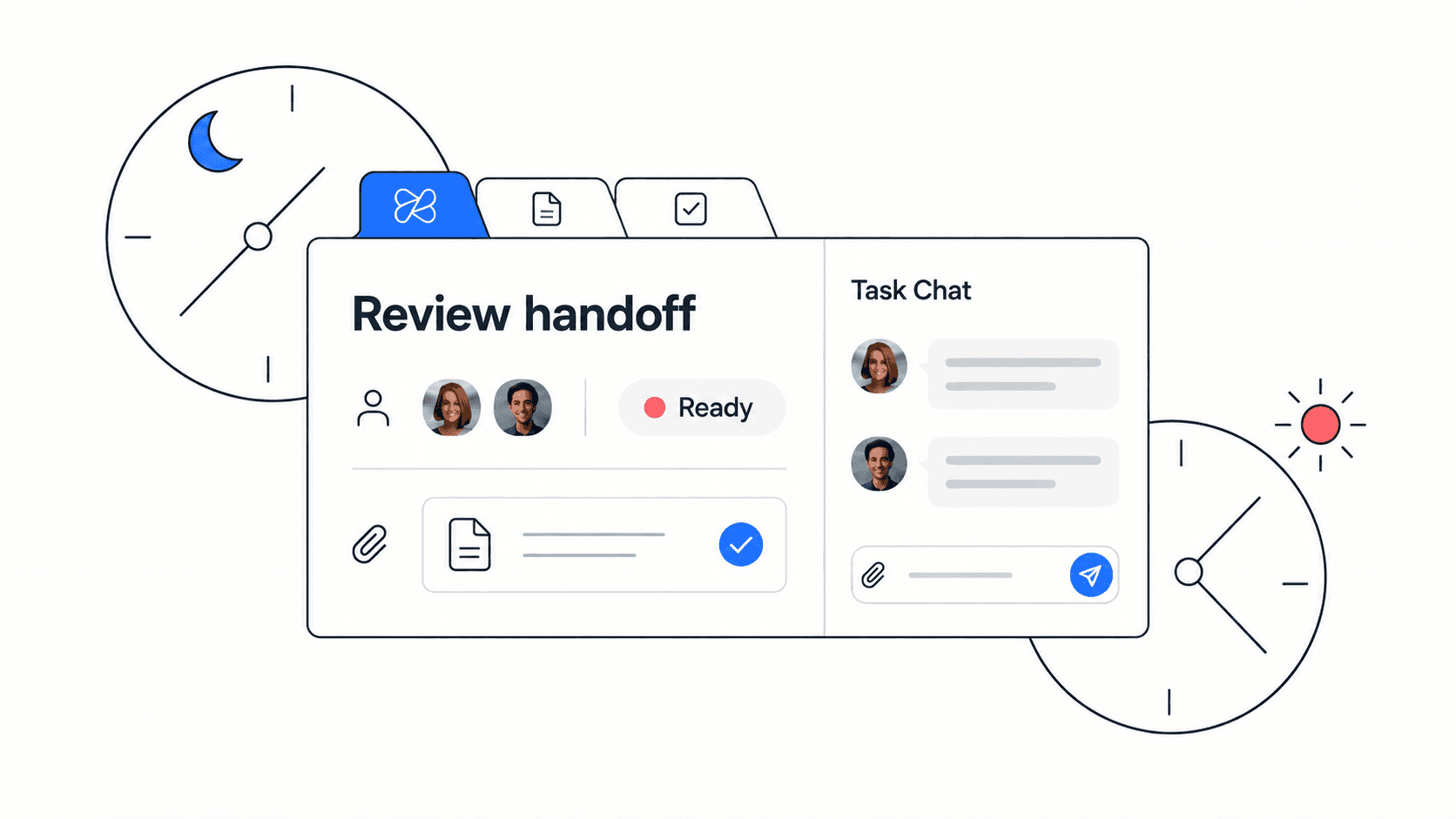
Imagine a small startup preparing a new comparison page. The content lead in London finishes the draft at the end of the day, but the designer in Mexico City needs to continue while the writer is offline. A weak handoff would say that the copy is ready and ask the designer to “take a look.” A useful handoff would be much more specific.
The current state says that the hero, comparison table, FAQ, and CTA copy are approved, but pricing claims still need source verification. The next owner is the designer, with the product marketer as backup for messaging questions. The evidence links include the draft, screenshot folder, decision log, and task thread. The open risk is that one competitor claim may need to be softened. The first action is to create the first visual pass and tag the marketer if the pricing source is not confirmed by noon.
That example is short, but it lets the designer act. It also lets the product marketer see the risk without rereading the whole project. Most importantly, it turns a handoff into shared operational memory instead of a one-off message.
Checklist Before You Send the Handoff
Run this checklist before sending or assigning the handoff. The goal is not perfection. The goal is to make sure a teammate can continue the work with confidence even if you are offline.
- The current status can be understood in under one minute.
- The next owner and backup contact are named.
- The first follow-up action is a task, not a vague instruction.
- Important docs, files, decisions, and meeting notes are linked.
- Open risks and assumptions are visible.
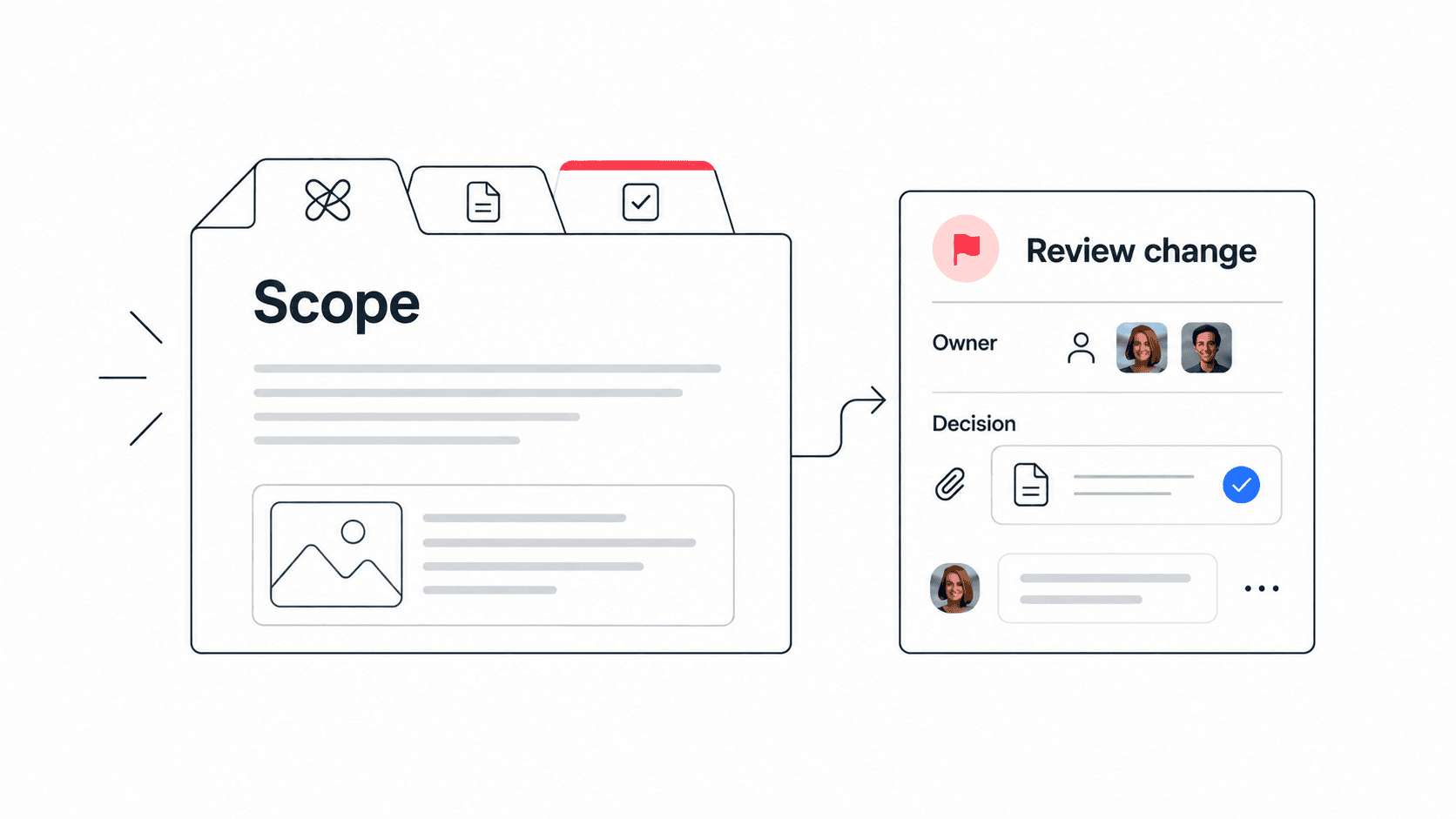
- The receiver knows when to escalate and who can approve changes.
- The handoff is stored where the team will keep working, not buried in a private message.
Common Mistakes to Avoid
The most common mistake is writing a handoff that documents everything except the next action. Long background notes can feel thorough, but they still fail if the receiver does not know what to do first. A second mistake is handing off to a group instead of a person. Teams can collaborate, but accountability still needs an owner.
Another mistake is hiding uncertainty. If a blocker is unresolved, write it down. If a decision depends on approval, name the approver. If a file is outdated, say so. Clear uncertainty is easier to manage than hidden uncertainty.
- Do not turn the handoff into a full project archive. Link the archive instead.
- Do not assign ownership to “the team” when one person needs to act first.
- Do not leave risks in chat if they affect the next owner.
- Do not send the handoff only as a message when the project work lives elsewhere.
How Edworking Helps Keep Handoffs Connected
Async handoffs are easier when the project workspace already connects the pieces. In Edworking, the handoff note can sit in Docs, the first actions can become Tasks, source files can stay attached, and questions can happen in Chat without losing the link to the work. Video calls and meeting notes can be added when an async handoff needs a short live review.
Edworking Brain can also help teammates find context across the workspace when they need to understand why a decision was made. That does not replace human review, but it reduces the time spent searching through disconnected tools. For small teams, that combination makes handoffs more reliable without adding process weight.
Mistake to avoid: do not use AI to invent missing context. Use it to summarize workspace information that already exists, then have the owner verify the handoff before it becomes the team record.
FAQs
For recurring projects, keep one handoff template and one example handoff close to the active workspace. The template gives the team a repeatable structure, while the example shows the expected level of detail. This reduces over-documentation because teammates can see that a handoff should be specific, not long. Review the template after a missed deadline or confusing transfer, then update only the field that would have prevented the problem.
Make the Next Action Visible
A handoff is successful when the next teammate knows exactly what to do and where to verify the context. Keep the note short, name the owner, link the proof, and convert the first action into a visible task. When the handoff lives in the same workspace as the work, your team spends less time asking for context and more time moving the project forward.
Keep the planner small enough to reuse
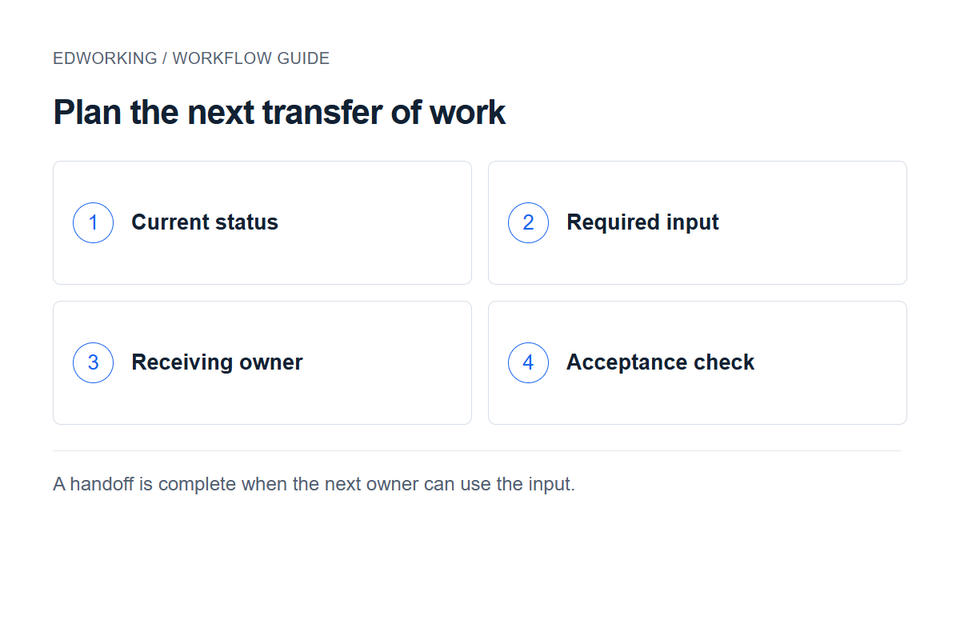
Use this planner for the next transfer of work, and use the async handoff guide for the wider team process. The planner should identify the next owner, the required input and the moment when that owner accepts the handoff.
If a handoff changes the plan, record the decision in a decision log. In Edworking, link the handoff document from the receiving task so the explanation stays accessible when the owner starts work.