Client Collaboration Portal for Teams

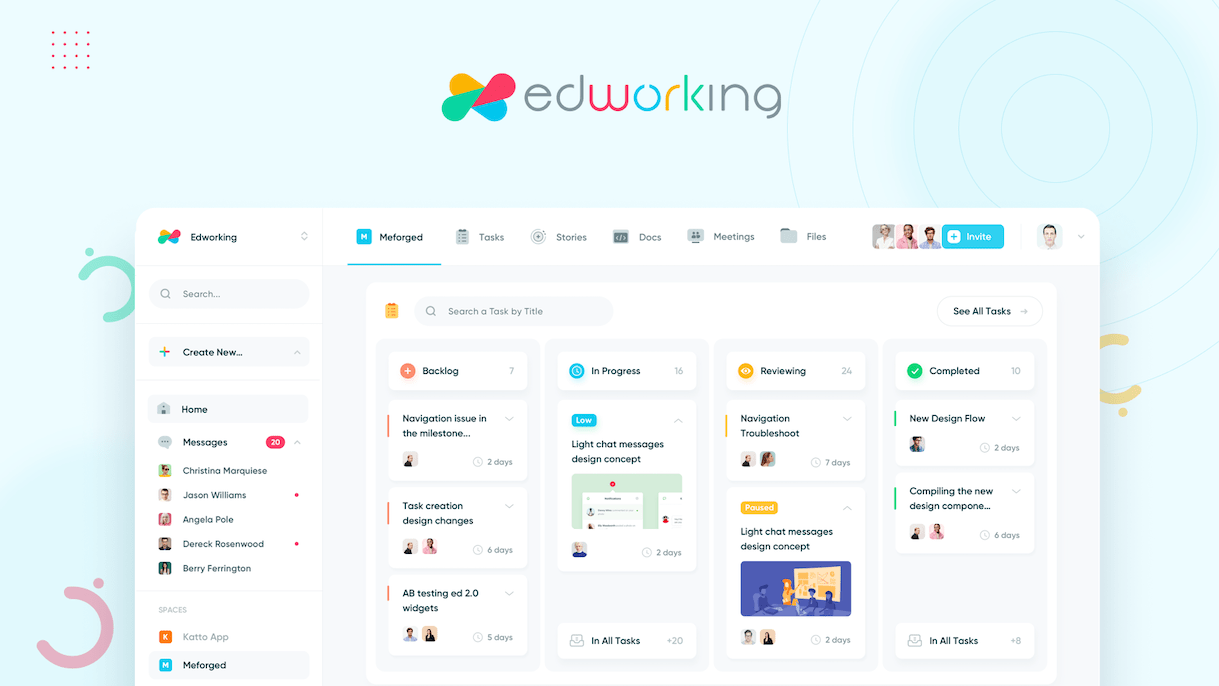
Give clients one workspace for tasks, docs, files, chat, video calls, approvals, and AI context. Keep project updates clear without scattered email threads.

Chats - client-collaboration

Trusted by 100,000+ users worldwide

TelefonicaOrangeF45HuaweiManualto
capterra
Sandra SCMO

I love the simplicity of this app. The interface is beginner-friendly and super-efficient in managing tasks, working with my team members, sending and receiving files, and even chatting and video conferencing. It's right there on one single page. And it's available on iOS and Android!

capterra
R
Roberta RSenior Civil Engineer

It's perfect for managing multiple teams and small businesses that need all their communication and information in one place. I like how the app integrates seamlessly with Google Calendar, making it very easy to sync my team's schedules with Edworking. It's a feature-rich, easy-to-use collaboration and productivity tool that helps people get more done.

g2
Kate LDigital marketing specialist

Edworking is a perfect tool for freelancers and remote teams! Edworking is a perfect tool for freelancers and remote teams. It's a collaboration platform that's built specifically for remote workers. It's a one-stop-shop for managing your tasks, creating invoices, and sending payments. It's super easy to use, and it's super affordable.

capterra
Anton BBDO

We are a team of writers who use the workspace to collaborate. The workspace is where we dump all ideas and instructions, and once we decide on the content and overall flow, we format it right there and publish it. For blog publishing, the features of the workspace are still incomplete (if you will compare it to the features of WordPress, for example.) What problem is the product solving, and how is that benefiting you? In our old collab software, we used to just send and receive files if we wanted to collaborate on an article. With Edworking, we can write and edit all at the same time.

appsumo
MalcolmDigital marketing specialist

Edworking has given me a real alternative to Slack. I needed a way to communicate one-to-one with students, share files and provide feedback. Edworking does that efficiently. Also excellent support with Ivan providing a video call to work out my onboarding. Video call worked great too.

capterra
Sandra SCMO

I love the simplicity of this app. The interface is beginner-friendly and super-efficient in managing tasks, working with my team members, sending and receiving files, and even chatting and video conferencing. It's right there on one single page. And it's available on iOS and Android!

capterra
R
Roberta RSenior Civil Engineer

It's perfect for managing multiple teams and small businesses that need all their communication and information in one place. I like how the app integrates seamlessly with Google Calendar, making it very easy to sync my team's schedules with Edworking. It's a feature-rich, easy-to-use collaboration and productivity tool that helps people get more done.

g2
Kate LDigital marketing specialist

Edworking is a perfect tool for freelancers and remote teams! Edworking is a perfect tool for freelancers and remote teams. It's a collaboration platform that's built specifically for remote workers. It's a one-stop-shop for managing your tasks, creating invoices, and sending payments. It's super easy to use, and it's super affordable.

capterra
Anton BBDO

We are a team of writers who use the workspace to collaborate. The workspace is where we dump all ideas and instructions, and once we decide on the content and overall flow, we format it right there and publish it. For blog publishing, the features of the workspace are still incomplete (if you will compare it to the features of WordPress, for example.) What problem is the product solving, and how is that benefiting you? In our old collab software, we used to just send and receive files if we wanted to collaborate on an article. With Edworking, we can write and edit all at the same time.

appsumo
MalcolmDigital marketing specialist

Edworking has given me a real alternative to Slack. I needed a way to communicate one-to-one with students, share files and provide feedback. Edworking does that efficiently. Also excellent support with Ivan providing a video call to work out my onboarding. Video call worked great too.

starstarstarstarstar
5/5Based on Reviews on:
G2 ReviewsGetApp ReviewsSoftware Advice ReviewsCapterra Reviews

Keep client work visible, accountable, and easy to review

Use Edworking to connect client actions, shared documents, files, conversations, meetings, and AI-assisted context in one workspace.

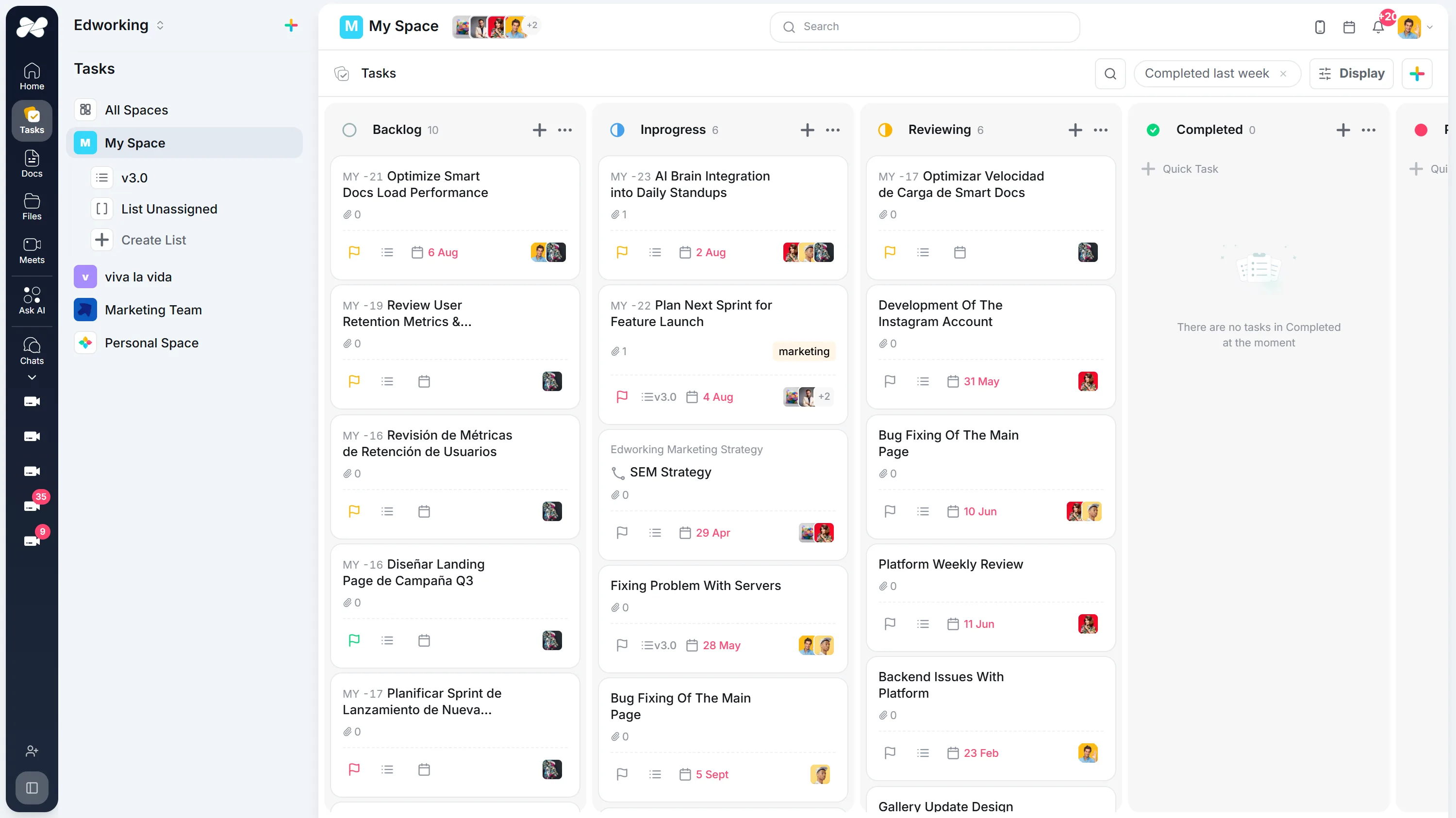
Turn client requests into accountable tasks

Assign client approvals, feedback, access requests, and next steps with owners, due dates, subtasks, comments, and files attached to the work.

Turn client requests into accountable tasks

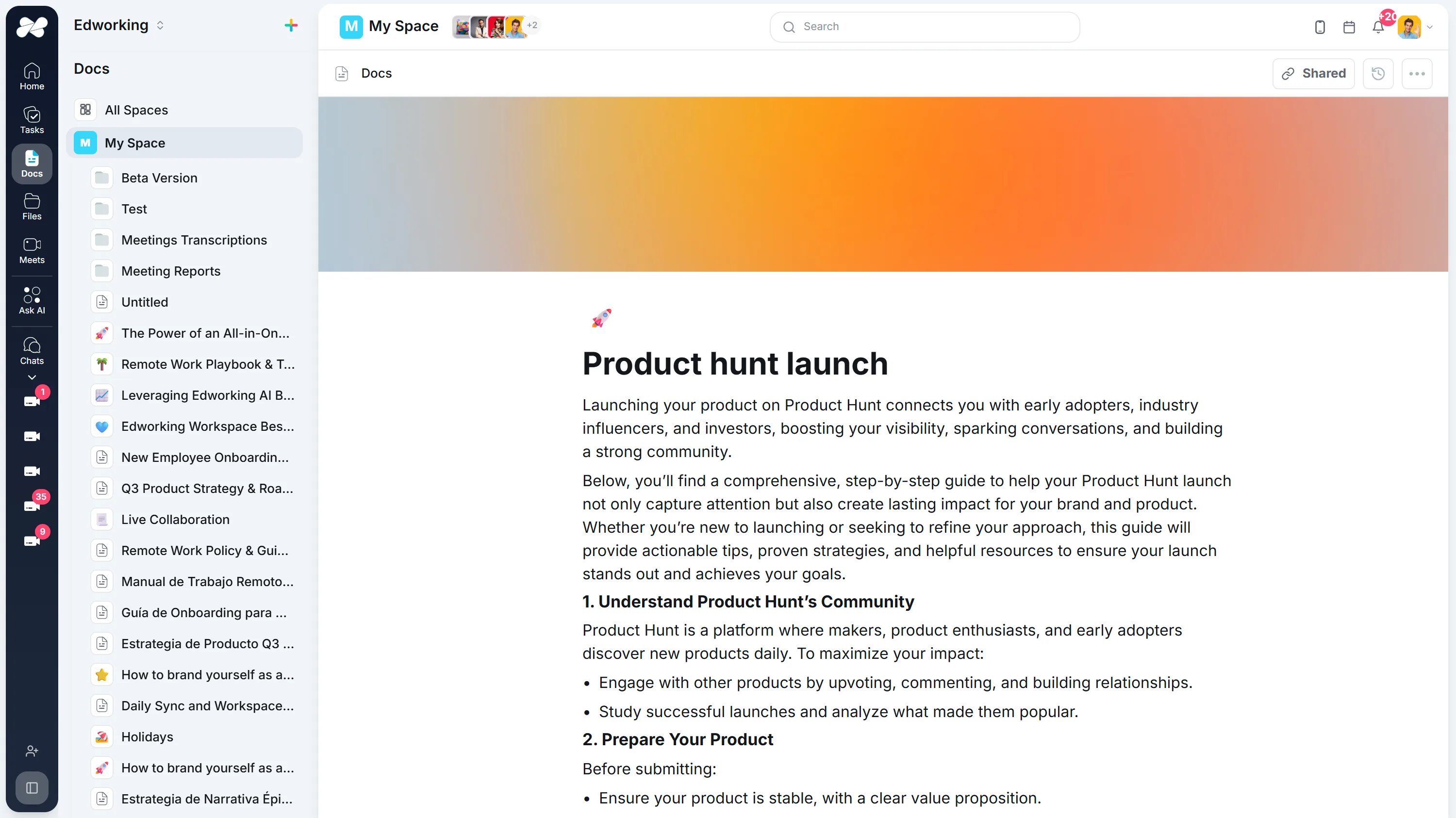
Keep briefs, notes, and decisions in shared docs

Create client-ready briefs, meeting notes, decisions, and handoff docs so everyone can see the latest context without digging through email.

Keep briefs, notes, and decisions in shared docs

Use AI to recover client context faster

Ask Edworking Brain about tasks, docs, files, and discussions so your team can answer client questions and prepare updates with less searching.

Use AI to recover client context faster
AI Agents

AI teammates that work for you

Autonomous agents that monitor, report, and answer around the clock. Delegate the repetitive work so your team can focus on what matters.

Live

Reports Agent

Automated intelligence reporting

Generates project reports, sprint summaries, and performance insights on a schedule you set. Always accurate, always on time. No manual work required.

Weekly summariesSprint reportsTeam analyticsScheduled delivery
Live

Ambient Answer

Instant workspace intelligence

Ask anything about your workspace. Searches across tasks, docs, chat, and files to deliver precise, context-aware answers in seconds.

Instant answersCross-workspace searchContext-awareAlways available

Explore More Resources

Discover guides, tools, and insights to help you succeed

Frequently Asked Questions

Client collaboration software gives teams and clients a shared workspace for project status, tasks, documents, files, questions, meetings, and approvals.

Edworking brings tasks, docs, file sharing, chat, video calls, and AI into one workspace, so client communication stays connected to the work being delivered.

Teams can attach files to tasks, keep review notes in docs or comments, and make next steps visible so approvals do not get buried in email threads.

Team collaboration focuses on internal work. Client collaboration adds a client-facing layer for status, approvals, questions, files, and shared decisions.

Yes. Small teams can create a simple workspace for each client, share selected docs and files, assign client-facing tasks, and keep meeting notes in context.

A new way to work from anywhere, for everyone for Free!

Get Started Now