Download Mobile App


GitHub Projects can be a good home for cross-functional work when the team is comfortable in GitHub. An alternative becomes useful when contributors struggle to find context or keep the shared plan current. The decision should come from those problems, rather than a rule that non-developers cannot use GitHub.
What GitHub Projects already supports
GitHub's Projects documentation describes table, board and roadmap views, custom fields, automation, draft issues and project status updates. Projects links directly to issues and pull requests, with changes reflected in the associated records.
That connection is valuable when delivery depends on engineering work. Before moving a project, list the repository context and automation your team would lose or need to replace.
Test whether the problem is access or organisation
Ask a support or marketing teammate to find the next launch milestone. If they cannot access it, review permissions and the sharing model. If they can access it but cannot understand it, review the language, project views and task descriptions. These are different problems with different fixes.
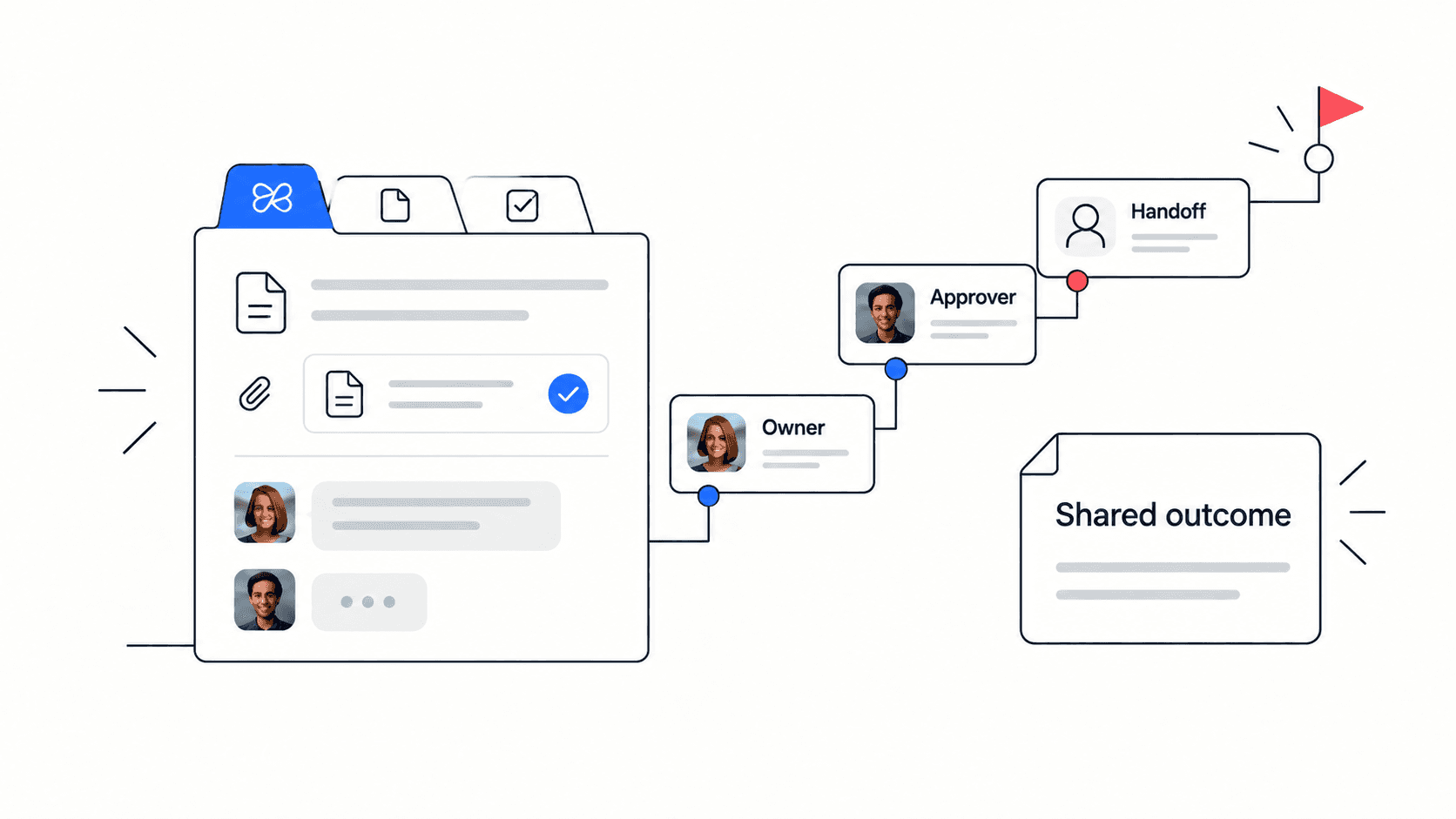
Changing tools will not make an unclear milestone clear. “Release work” needs an owner and acceptance condition wherever it lives. A more useful milestone is “Support can onboard pilot customers after the release owner approves the rollout.”
A practical boundary for a mixed team
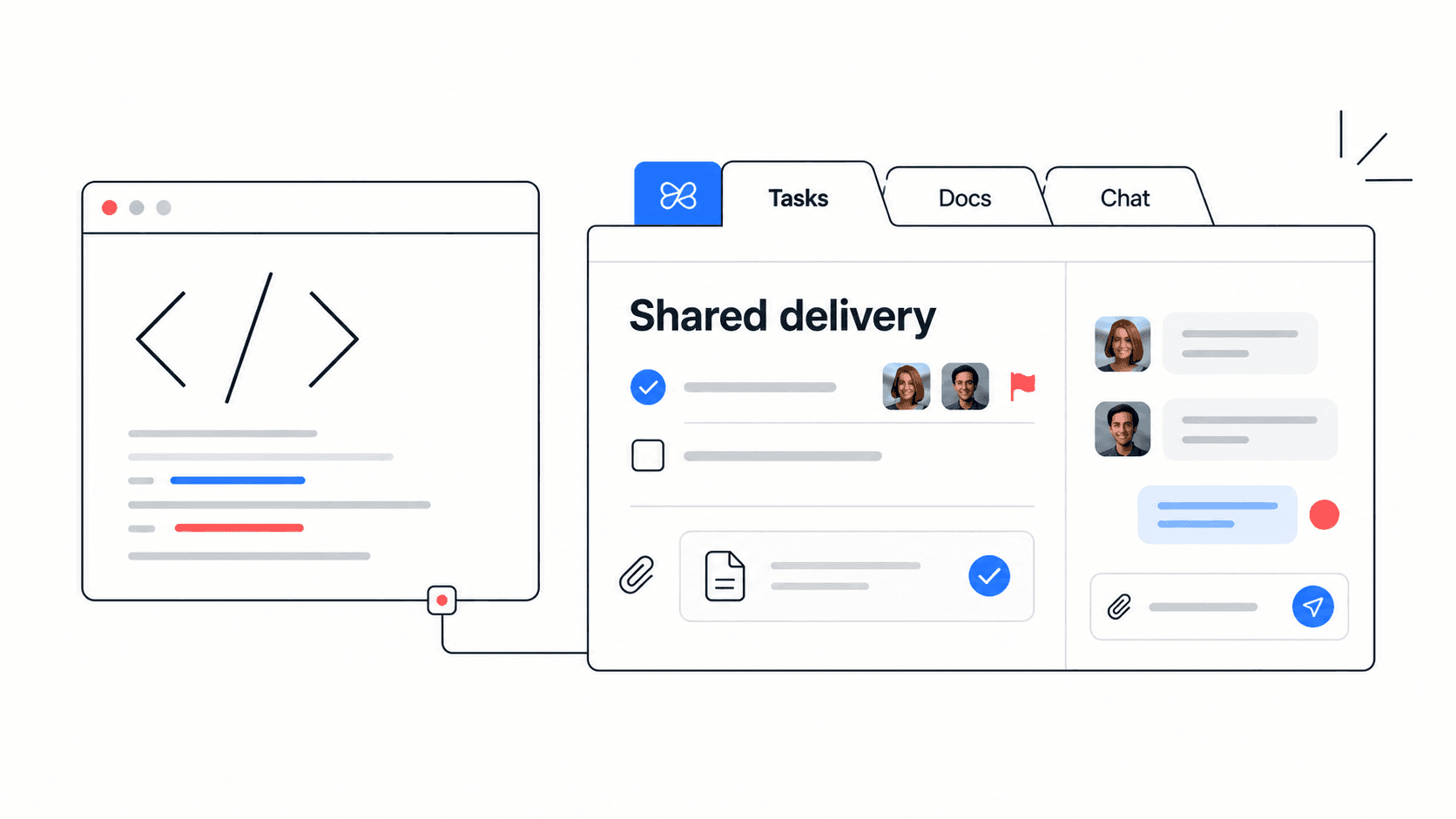
Imagine a launch with code changes, help content and a customer announcement. Keep implementation issues and pull requests in GitHub if that is the engineering team's reliable record. If the wider team prefers Edworking, organise the launch brief, customer-facing tasks and discussions there.
- Link the exact GitHub issue or milestone that blocks the launch. A repository homepage is usually too broad.
- Name the person who will update the shared launch task when the engineering decision changes.
- Keep the customer-facing acceptance condition in plain language, including who can approve readiness.
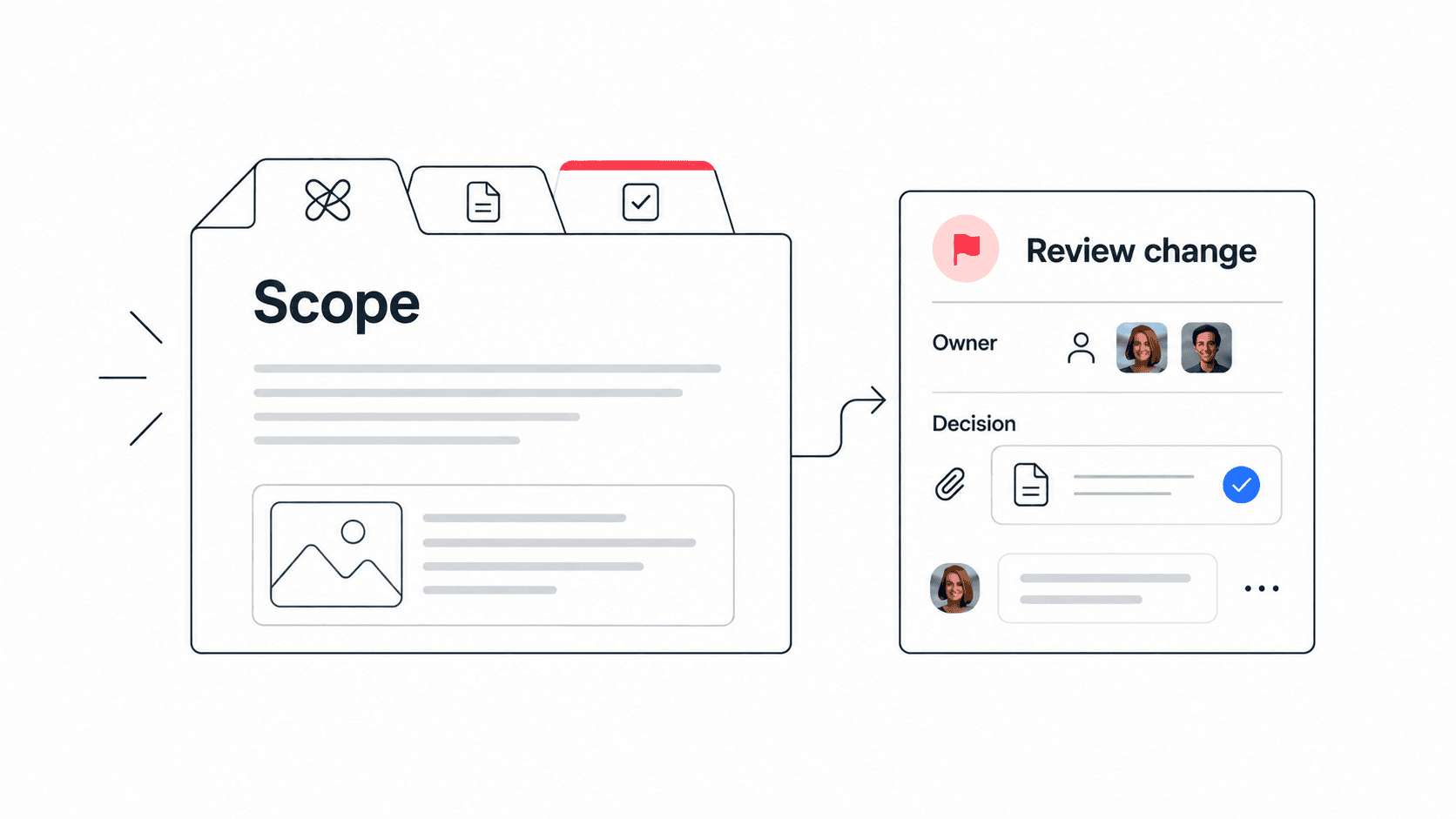
- Record scope changes once and link to that decision from both places.
This is a manual linking workflow unless you have separately verified and configured an integration. Do not promise automatic synchronisation just because the two records contain links.

Example: prevent an early customer announcement
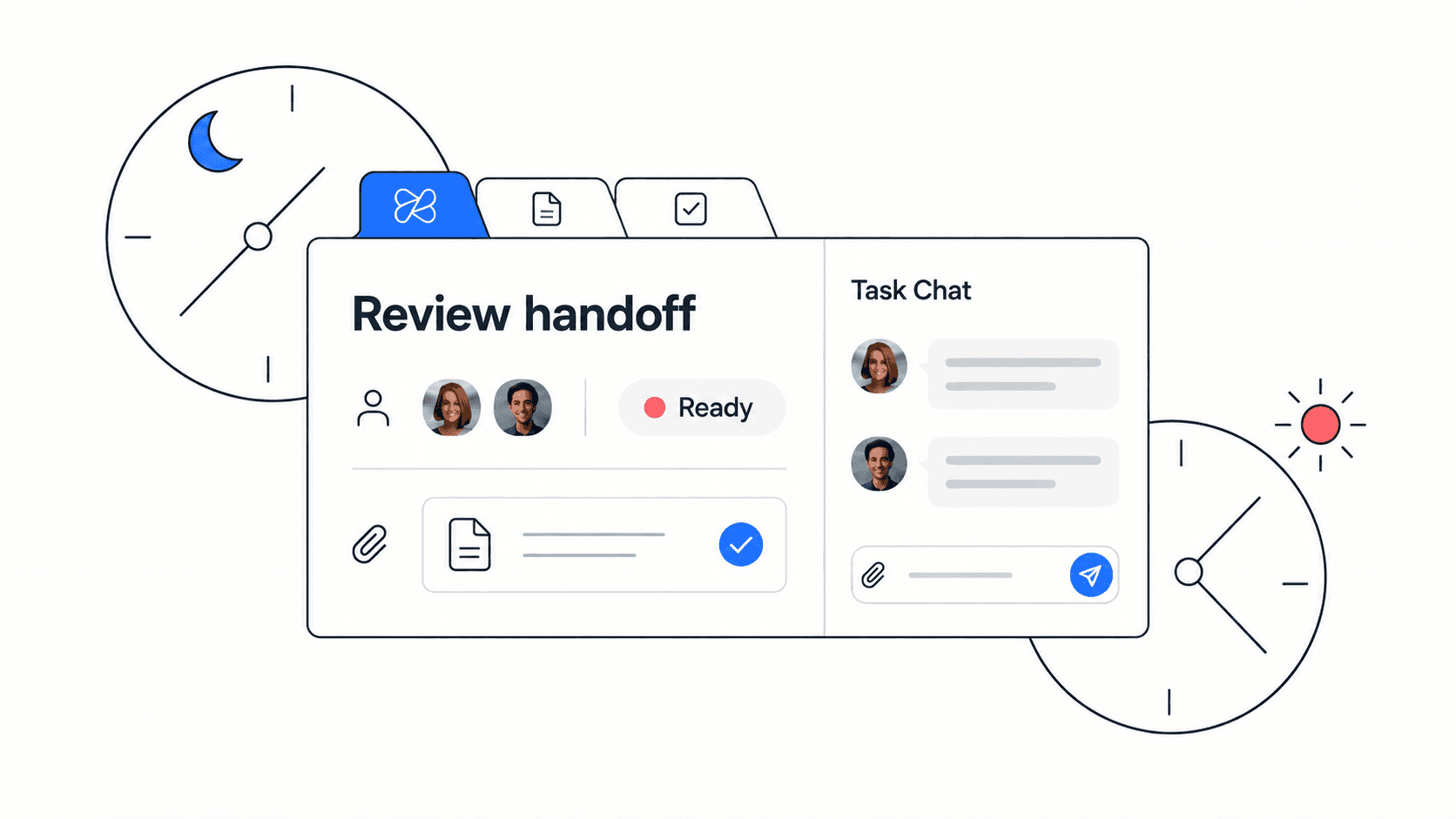
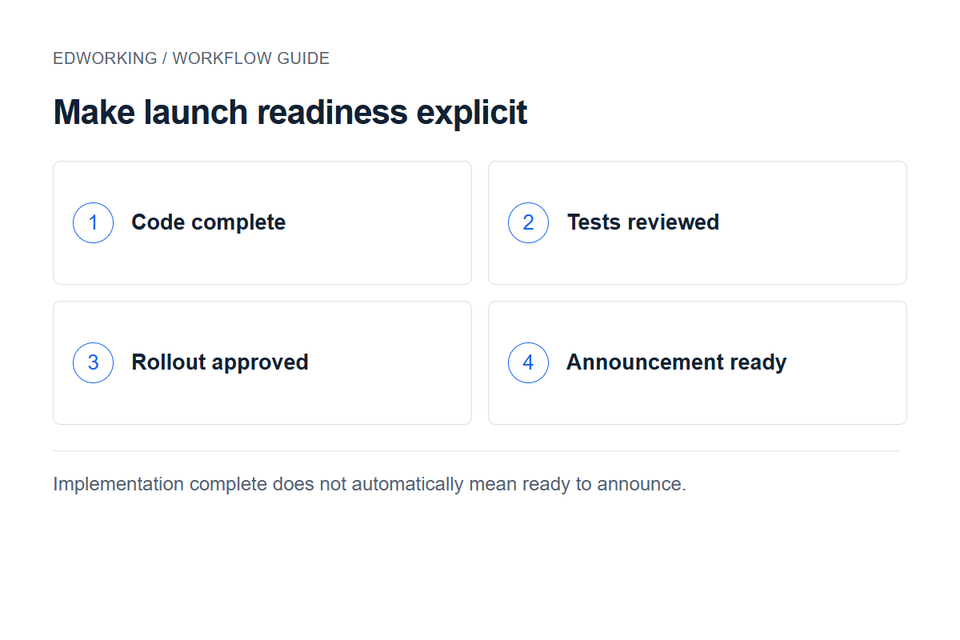
The engineering task is marked complete, but the release owner has not approved rollout. Marketing sees the completion update and prepares to send an email. A clear shared milestone should distinguish implementation complete from approved for customers.
Write the dependency as “Announcement waits for rollout approval,” assign a release owner and link the approval record. The team dependency map explains how to make the receiving team's acceptance visible. A decision log preserves why the release moved or paused.
Evaluate Edworking without duplicating the backlog
Use the product demo to explore a workspace with tasks, documents and conversations. Then pilot only the shared launch work. Leave granular engineering issues where developers maintain them.
Ask a non-engineering contributor to identify the next action and supporting file. Ask an engineer to find the implementation issue from the shared milestone. Review whether either person has to copy the same update into two task lists.
Keep GitHub Projects as the central plan when its views and permissions work for everyone. Use Edworking for a distinct collaboration workflow when the pilot improves participation and context. Avoid moving the entire issue history merely to make the tools look consolidated.
Before the final decision
Check access, historical references, attachments and reporting requirements. Compare the time spent maintaining the shared plan before and after the pilot. A useful result is a clearer workflow with fewer disputed statuses; a different-looking board alone is not evidence of improvement.