Download Mobile App


A remote team working agreement records how colleagues coordinate daily work. It answers practical questions: where updates belong, when a reply is expected, how decisions are recorded and what to do when work is blocked. Keep it short enough for a new teammate to use on their first day.
Copy this working agreement
- Team and purpose: [team name], [the work this agreement covers].
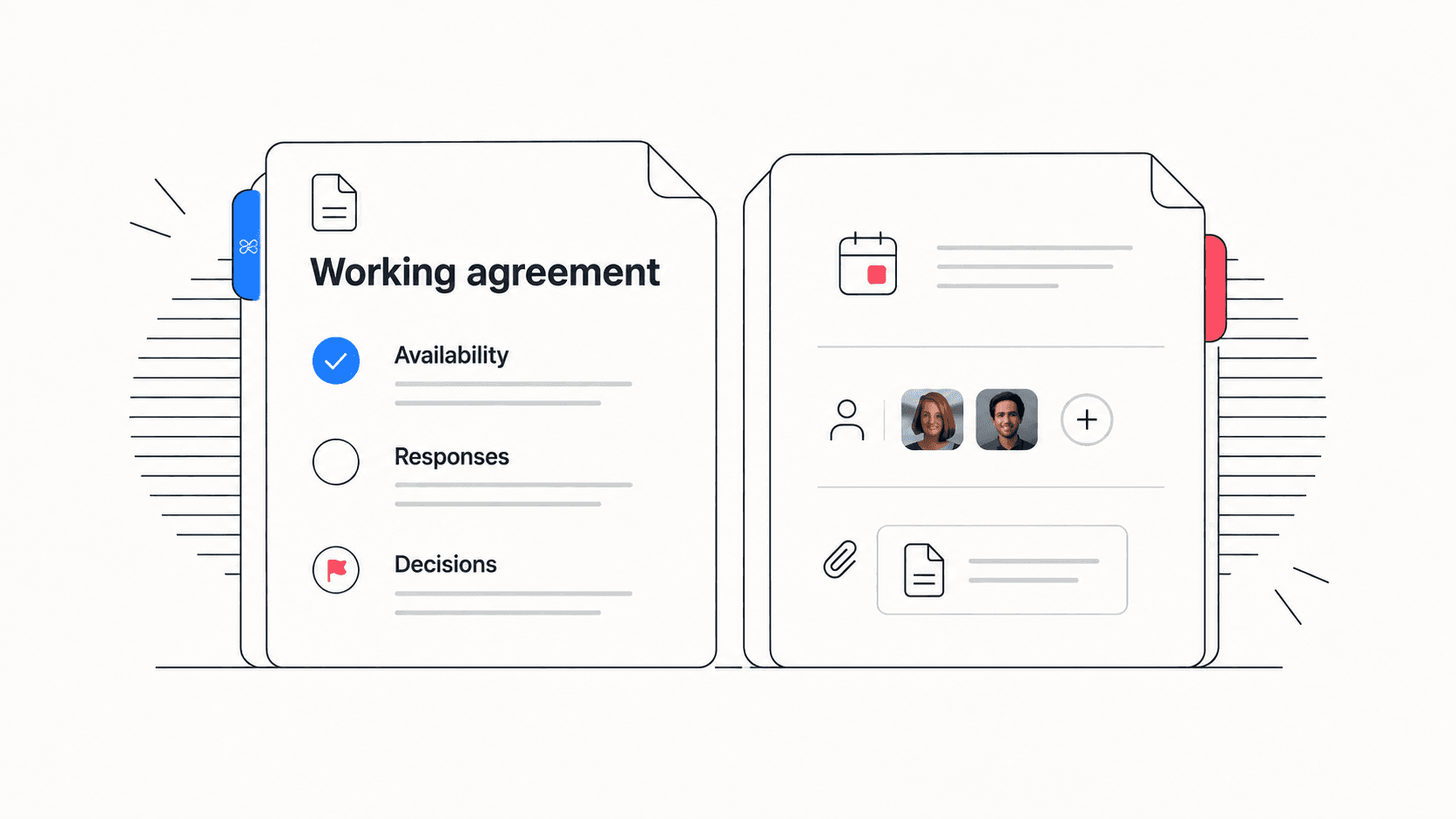
- Availability: [normal working hours and time zones]. Record leave and exceptions in [location].
- Routine communication: use [channel] for questions and [project location] for progress updates. Expected response: [within each person's working hours].
- Urgent issues: use [escalation channel] when [specific condition] occurs. Contact [responsible person or role], then [backup].
- Focus time: show [availability signal]. A delayed routine reply during focus time is expected.
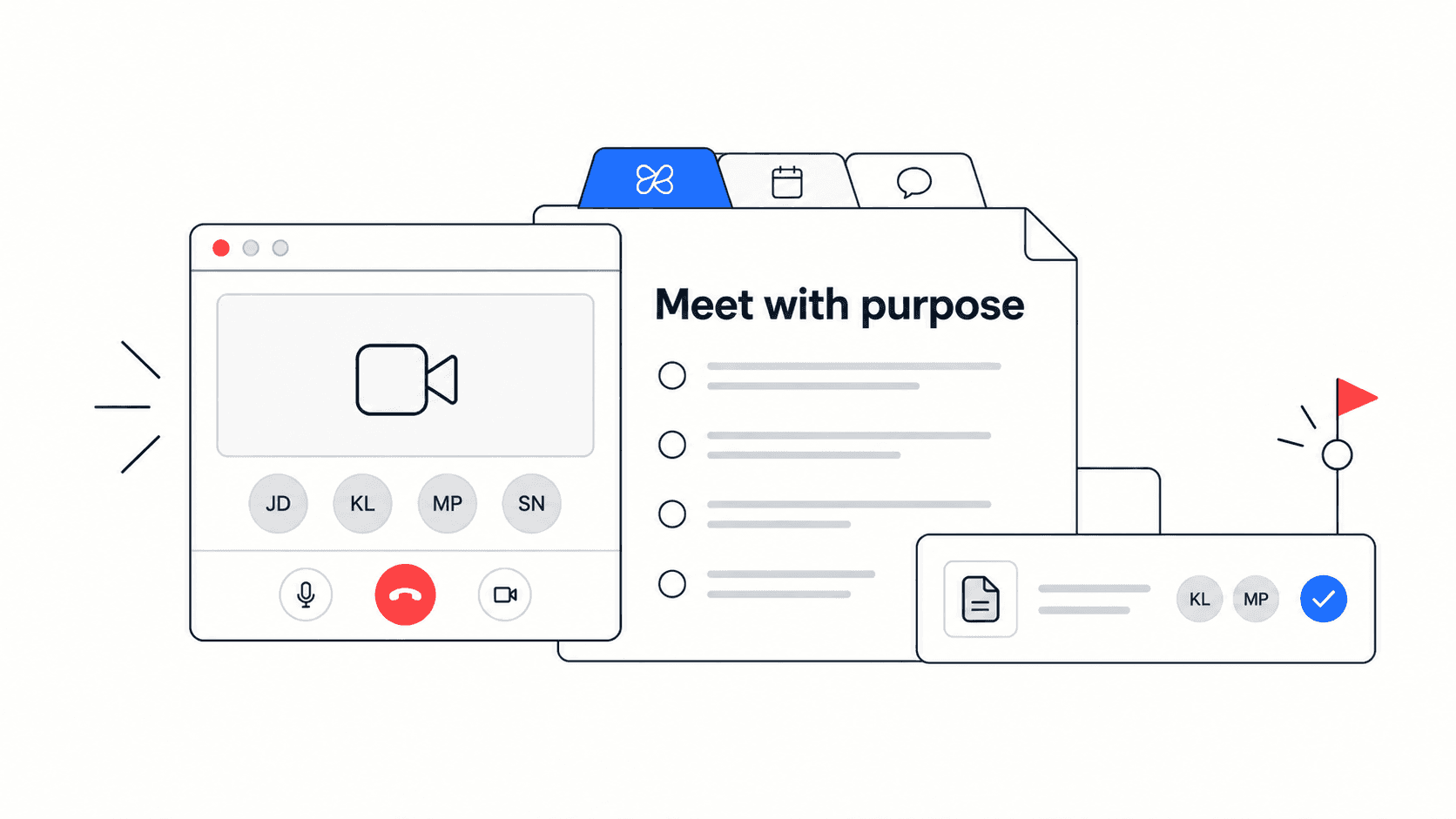
- Meetings: share [agenda location] beforehand. Record decisions, owners and due dates in [notes location].
- Decisions: [role] decides [decision type]. Consult [people] by [deadline] and record the reason.
- Handoffs: include the current file, acceptance criteria, receiving owner, deadline and known blockers.
- Disagreement: explain the issue and options in writing. Escalate unresolved tradeoffs to [role].
- Review: [owner] collects feedback on [date] and records agreed changes.
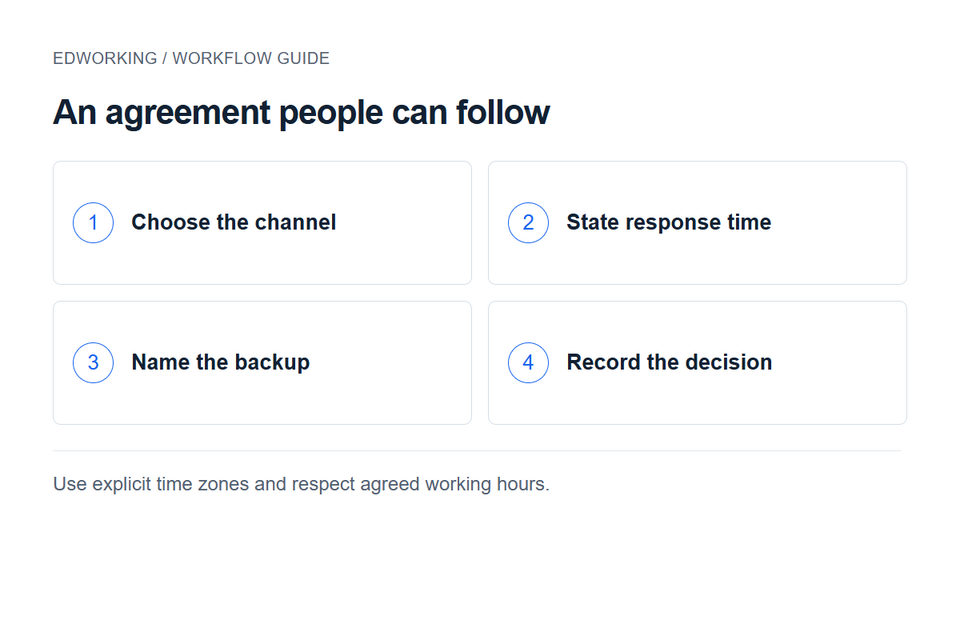
A filled example for a distributed delivery team
Consider a fictional design and development team working across two time zones. They agree to reply to routine questions by the next working day. Someone finishing their workday does not owe a reply overnight. Each task owner adds an update before handing work to the next region: what changed, what needs review and the next decision.
They use the project discussion for delivery questions and keep personal availability in a shared calendar. A production incident follows their existing incident process. A routine review request does not become urgent because its sender labels it urgent. When a planned deadline is at risk, the owner states the impact and contacts the project lead during the lead's working hours.
For a design handoff, the designer links the approved file and lists unresolved states. The developer acknowledges whether the inputs are sufficient. If the scope changes, the project lead records the decision and revises affected tasks. This makes the agreement useful at the moment work moves between people.
Agree on response times together
A response expectation should fit the work and the actual overlap between schedules. Separate acknowledging a question from resolving it. A teammate can say when they will investigate without promising an immediate answer. Do not turn the agreement into an assumption that everyone is always available.
Before adopting a rule, test it against leave, a full meeting day and colleagues with little time-zone overlap. Identify a backup for time-sensitive decisions. Where customer support or incident coverage requires a different schedule, reference that arrangement explicitly instead of applying it to every team member.

Introduce the agreement in one working session
Ask teammates to name recent coordination problems. Draft a rule for each recurring issue, walk through a realistic handoff, and remove rules nobody can follow. Choose a review date after the team has used the agreement on real work. The aim is shared expectations, so invite people to challenge unclear wording before recording agreement.
At the review, discuss missed handoffs, repeated interruptions and decisions made in private conversations. Update only the rules that need changing. Keep the current agreement in one shared document and include its link in onboarding, rather than circulating copies that will drift apart.
In Edworking, you can keep the agreement in a shared document and connect everyday delivery to tasks and discussions. Copy the template, replace every bracketed field with your team's decision, and test it with the next handoff.
Use a meeting notes template to preserve the decisions behind the agreement.
Create a shared workspace in Edworking.
Filled example: make the response rule usable
For a fictional distributed product team, the agreement might say: “Project questions go in the relevant task. The owner acknowledges them by the end of their next working day. If a release decision cannot wait, contact the named backup through the agreed urgent channel.” This is an example to adapt, not a rule requiring teammates to remain available outside working hours.
- Normal questions: include the task link, the decision needed and the latest useful response time.
- Urgent blockers: state the consequence of waiting and contact the agreed owner or backup.
- Availability: publish working hours and planned absences in the team's agreed calendar or document.
- Handoffs: include current status, supporting links, open questions and the receiving owner.
- Decisions: move the final outcome from discussion into a durable project record.
Write times with an explicit time zone. “By 10 tomorrow” is ambiguous across locations and daylight-saving changes. If the team has no overlap on a particular day, agree on an asynchronous decision route rather than assuming someone will attend outside their schedule.
Test the agreement with a real scenario
Ask a new teammate to find the latest decision on a task and identify whom to contact if it is blocked. Then simulate an owner being absent. If the teammate cannot find a backup or a useful response expectation, revise the agreement before treating it as complete.
For work crossing time zones, use the async handoff guide. For decisions that change scope or priorities, use a decision log. Link these records from the agreement rather than copying their entire contents into it.
Introduce it during onboarding
Give the new teammate one small task that uses the agreement: ask a question in the right place, record a handoff and locate an approval. Invite them to flag any rule that was difficult to interpret. That is more informative than asking them only to confirm that they read the document.
Review the agreement after the first project cycle and whenever recurring confusion appears. Assign an owner for updates and record the reason for a changed rule. Keep the agreement focused on expectations the team can actually follow.