Download Mobile App


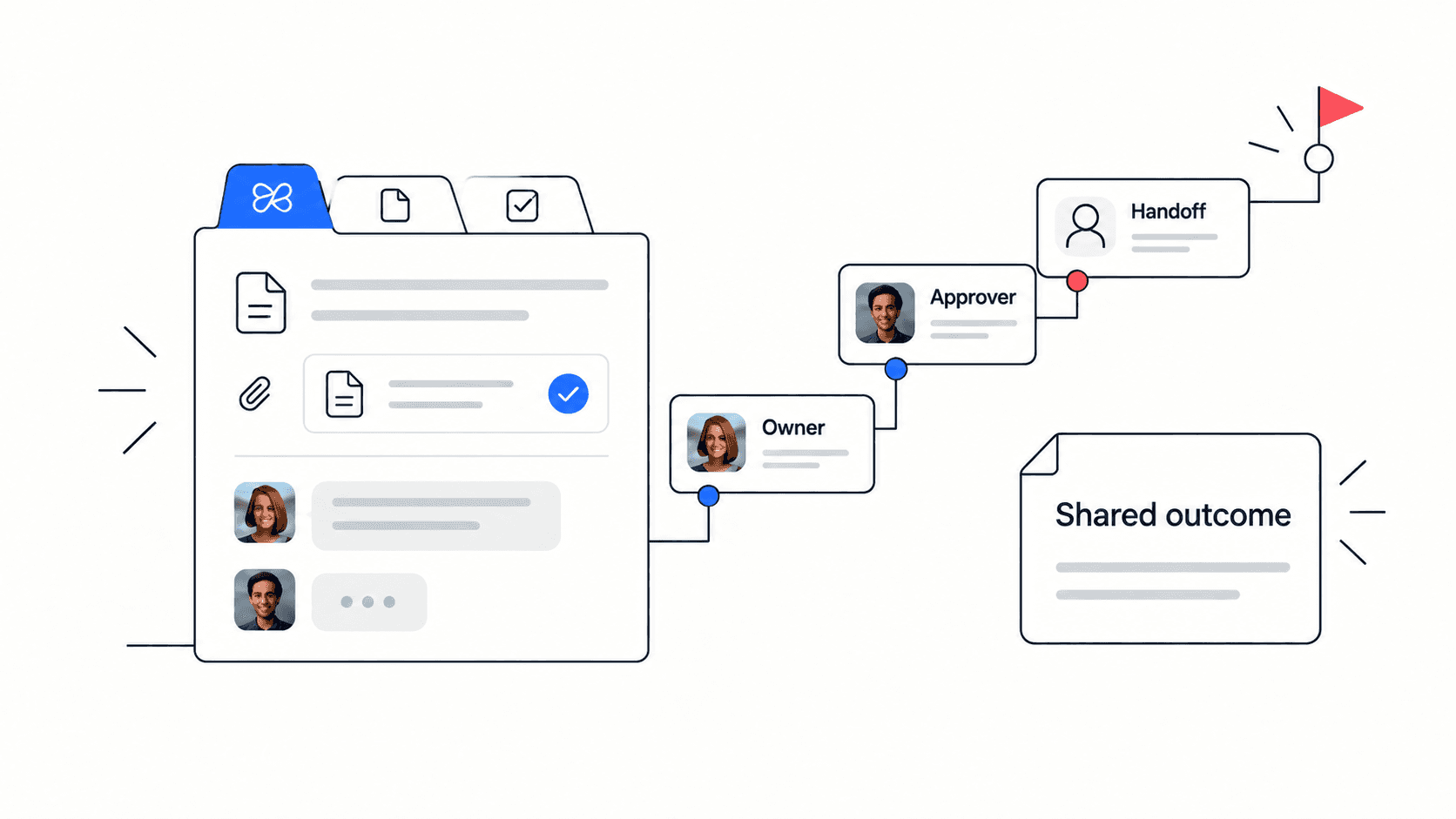
Remote team management is not about watching people more closely. It is about making priorities, ownership, decisions, files, conversations, and meeting outcomes easy to find when people are not in the same room. When those pieces live in different apps, managers spend too much time asking for updates and teammates spend too much time explaining context that should already be visible.
This guide shows a practical way to manage remote teams without turning every question into a meeting. It is written for founders, operations leads, project managers, and team leads who need a lightweight operating system for distributed work. The focus is simple: make work visible, keep decisions attached to the work they affect, and use real-time conversations only when they move the work forward.
Quick takeaway: strong remote team management depends on clear ownership, async updates, documented decisions, and a connected workspace where tasks, docs, files, chat, video calls, and AI support reinforce each other.
What remote team management really has to solve
Remote managers usually do not struggle because people are far away. They struggle because the work system was designed for proximity. A hallway conversation becomes a missing decision. A meeting note becomes a forgotten document. A file link sits in chat, while the task it supports sits somewhere else. The manager then becomes the search layer for the whole team.
A better system answers three questions without a meeting: what is the priority, who owns it, and where is the context? If the answer requires checking a project board, a document folder, a chat thread, a calendar invite, and a separate AI tool, the system is too fragmented for a small remote team.
Problem: priorities are discussed in calls; Why it matters: teammates in other time zones miss the decision; Better system: tasks and decisions are updated in the same workspace.
Problem: files are shared in chat; Why it matters: people search the conversation instead of the project; Better system: files are attached to the task, doc, or space they support.
Problem: managers ask for status manually; Why it matters: updates feel like interruption; Better system: async check-ins are part of the task workflow.
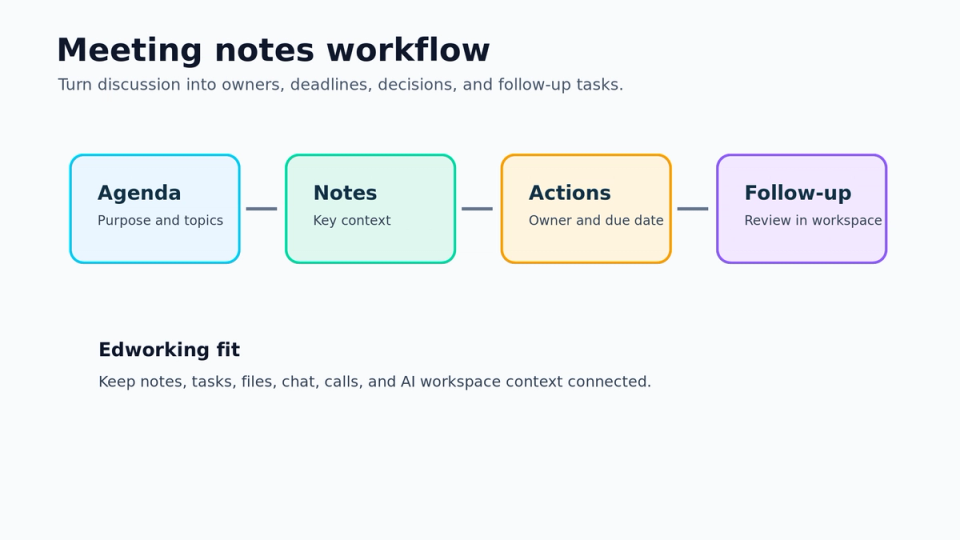
Build a remote team operating rhythm
The rhythm should be predictable enough that people know where to look, but light enough that it does not become process theater. For most small teams, a weekly planning checkpoint, short async daily updates, and one decision review are enough. The details matter less than the habit of keeping the workflow visible.
Step 1: Start each week with a short priority reset. Name the outcomes that matter, the owners, and the risks. Do not turn the reset into a task dump. The goal is to make tradeoffs clear before the week fills with reactive work.
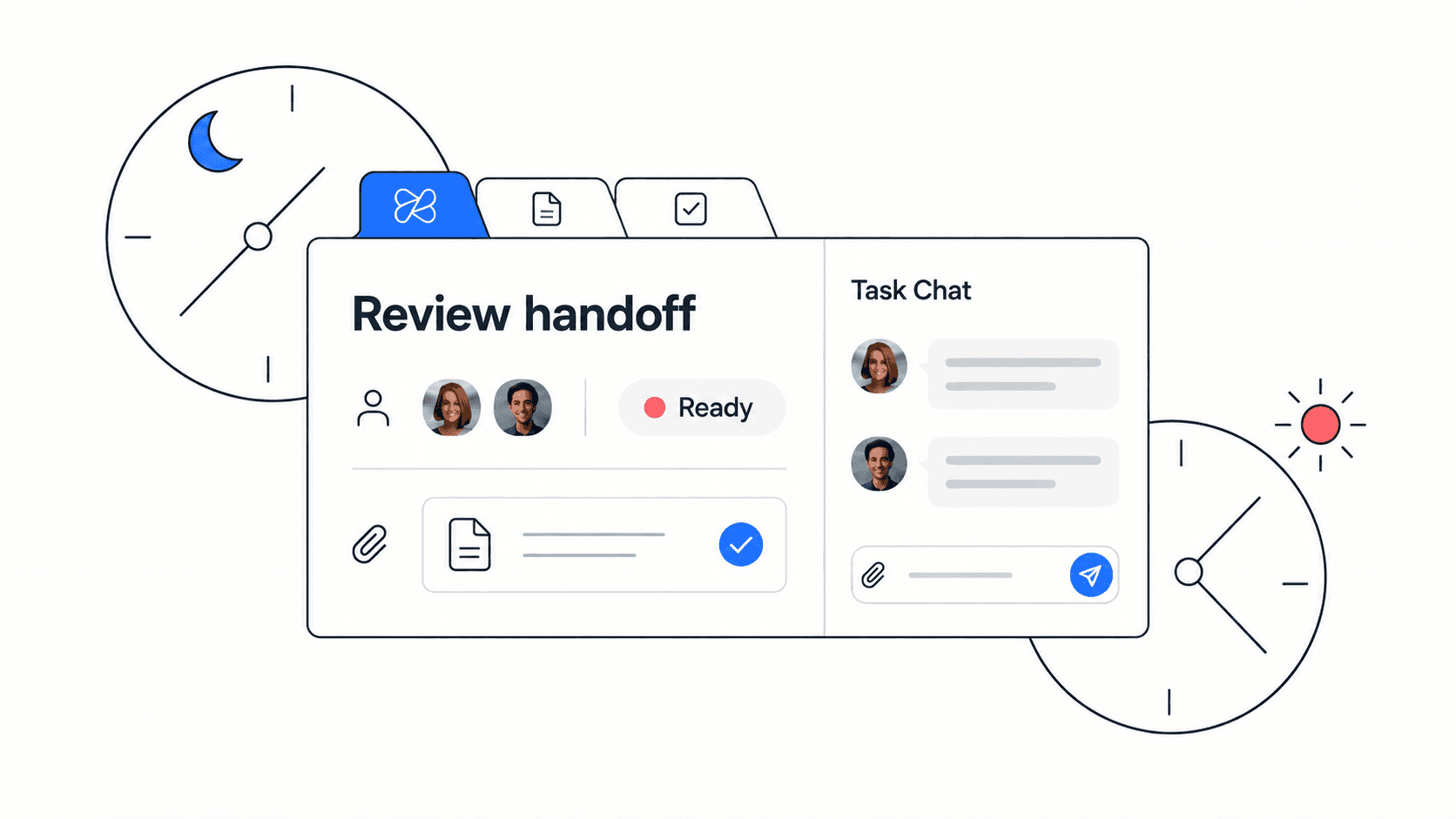
Step 2: Use async updates for progress and blockers. A useful update says what changed, what is blocked, what decision is needed, and what will happen next. It should take less than five minutes to write and less than two minutes to scan.
Step 3: Reserve live meetings for ambiguity, conflict, creative review, and decisions that need conversation. If a meeting only reports status, it should probably become an async update inside the project workspace.
Edworking tip: teams using Edworking can keep the weekly plan, task ownership, project docs, shared files, chat questions, meeting notes, and Edworking Brain answers in one workspace, so the rhythm is visible by default.
A practical remote management checklist
Use this checklist when a remote team feels busy but unclear. The goal is not to add ceremony. The goal is to remove hidden work and make the next action obvious.
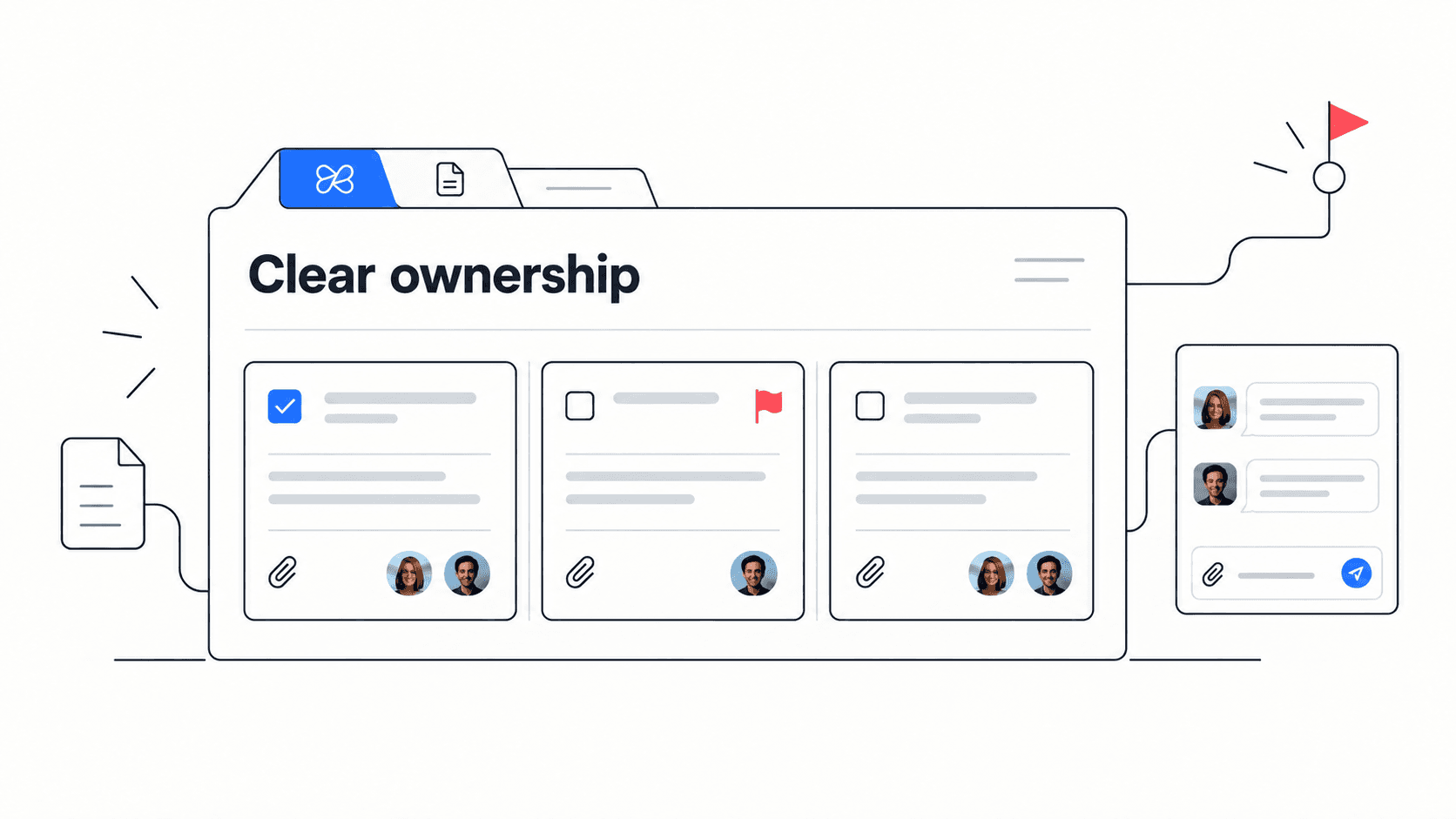
- Every active project has one owner and one clearly written outcome.
- Each task has enough context for another teammate to understand why it matters.
- Important decisions are written down next to the project or task they affect.
- Files are attached to the relevant task, doc, or space, not only dropped in chat.
- Async updates include progress, blocker, decision needed, and next step.
- Meetings end with owners, due dates, and notes saved where the team already works.
- New teammates can find the current priorities without asking a manager first.
Decision rule: if a remote teammate cannot understand the current state of a project from the workspace, the management system is relying too heavily on memory and meetings.
How to balance async work and meetings
Async-first does not mean meeting-free. It means teams use written context for information transfer and live conversation for judgement. That distinction keeps remote work calm. It also makes meetings better because people arrive with context instead of spending the first twenty minutes reconstructing it.
Use async updates for routine progress, simple handoffs, deadline changes, file reviews, and follow-up notes. Use meetings for unresolved priorities, emotionally sensitive feedback, major project tradeoffs, creative disagreement, and situations where a fast conversation prevents days of back-and-forth.
Async is best when the work is factual, repeatable, and easy to summarize. Meetings are best when the work is ambiguous, cross-functional, or emotionally loaded. A healthy remote team uses both deliberately instead of treating one as the default for everything.
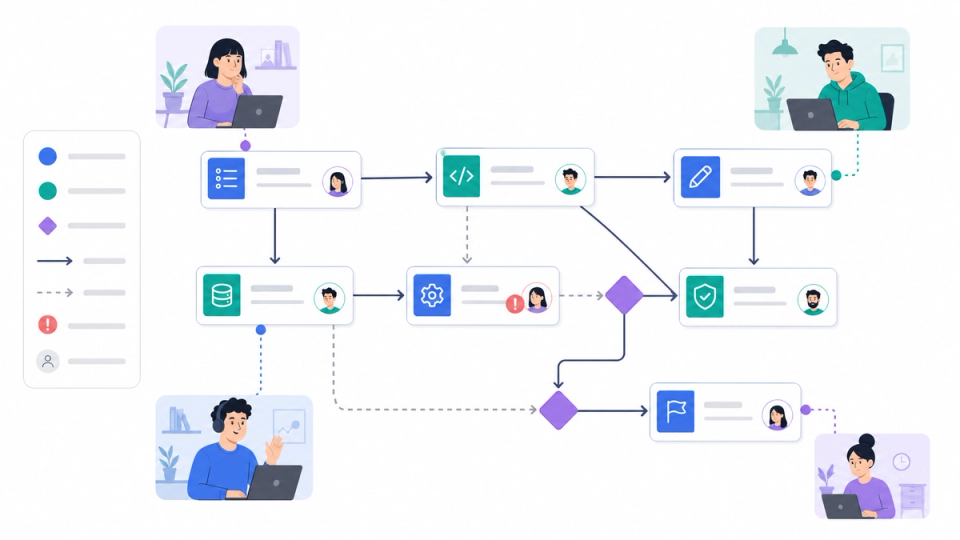

Example: a startup managing a product launch remotely
Imagine a twelve-person startup preparing a product launch across product, design, marketing, and support. In a scattered setup, the launch plan lives in a document, tasks live in a project manager, files live in cloud storage, questions live in chat, and launch meetings live in a calendar tool. The founder has visibility only by asking each owner for updates.
In a connected setup, the launch workspace starts with outcomes: beta checklist completed, launch page approved, onboarding emails ready, support FAQ reviewed, and release notes published. Each outcome has an owner, tasks, linked docs, attached files, and a place for questions. Meeting notes are saved back into the launch workspace. AI can help summarize blockers or find older decisions because the context is not scattered.
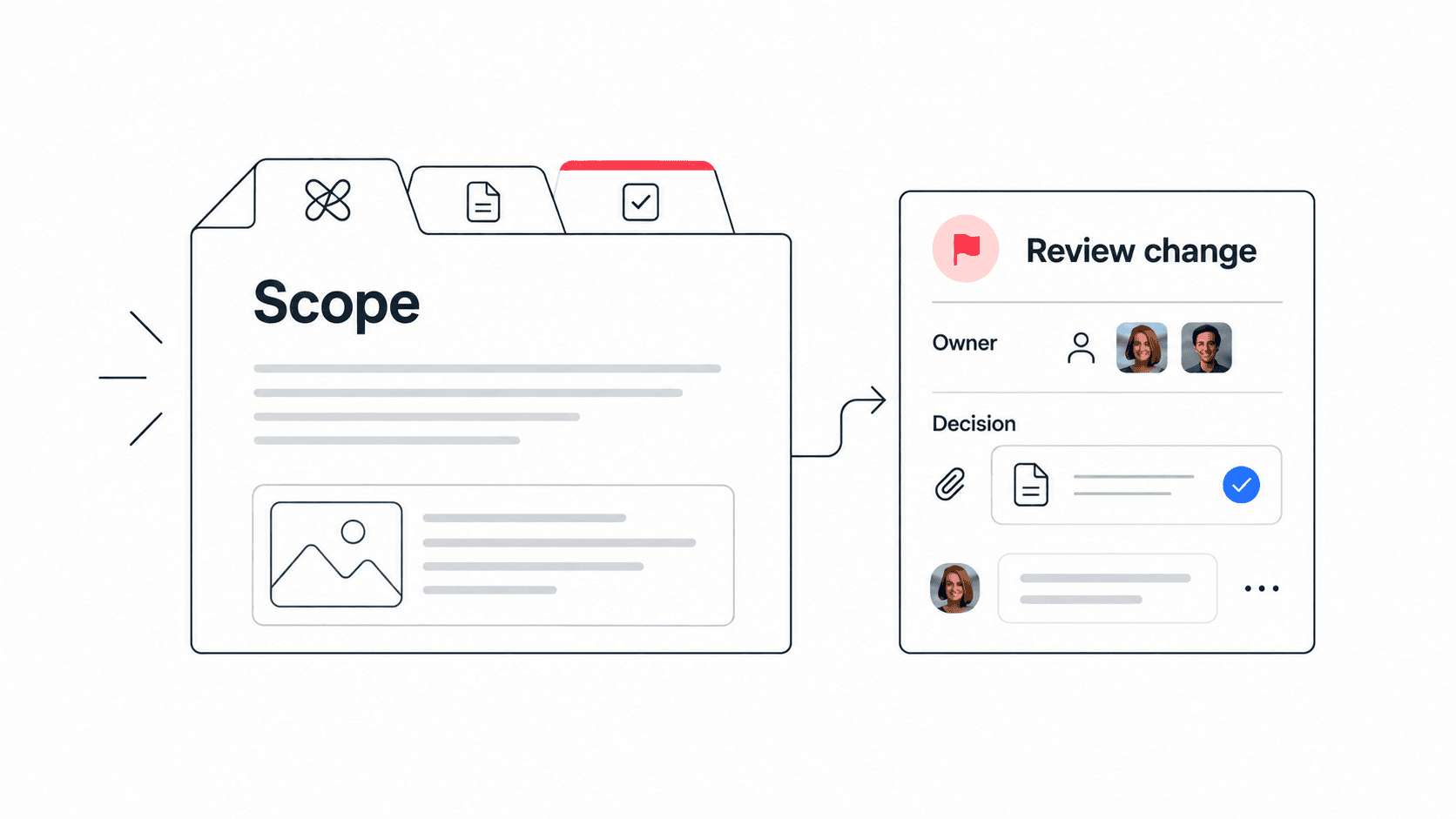
Example: when marketing asks whether the launch page can mention a new feature, the team does not search old chat threads. They open the decision doc linked to the launch task, see the product owner’s note, and add the approved wording. The manager stays informed without becoming the messenger.
Mistakes that make remote management harder
The most common mistake is adding a tool for every symptom. A team misses deadlines, so it adds a planning tool. People ask repeated questions, so it adds a wiki. Meetings feel inefficient, so it adds a meeting notes app. Soon every improvement creates another place to check.
Mistake: measuring activity instead of outcomes. Better approach: define the result, owner, deadline, and blocker path.
Mistake: letting chat become the source of truth. Better approach: use chat for discussion, then save decisions in the task or doc.
Mistake: treating all remote problems as communication problems. Better approach: check whether priorities, files, ownership, and decisions are visible first.
Mistake: making managers the only people who can explain status. Better approach: design the workspace so the team can self-serve context.
Mistake to avoid: do not replace trust with surveillance. Remote team management works best when visibility comes from clear work systems, not from tracking every minute.
Where Edworking fits in a remote management stack
Edworking is useful when a team wants one workspace for the everyday pieces of remote management: tasks, docs, files, chat, video calls, and AI. Instead of asking people to maintain context in several tools, Edworking lets managers create spaces around projects, teams, clients, or workflows. The work and the conversation stay closer together.
That does not mean every team should remove every specialist tool immediately. A sensible migration starts with one workflow where context switching hurts most, such as launch planning, client delivery, onboarding, or weekly operations. Move the tasks, docs, files, updates, and meetings for that workflow into one space. Then compare whether ownership is clearer and status questions drop.
For small teams, the biggest win is often onboarding. A new teammate can open one workspace and see current projects, recurring docs, recent decisions, shared files, and the conversations around their first tasks. That reduces manager repetition and gives the new person a safer way to ask questions.
How to review remote team health each month
A remote management system should be reviewed like any other operating system. Once a month, look for friction patterns instead of isolated complaints. If people keep asking where files live, the file structure is unclear. If blockers appear late, async updates are too vague. If meetings keep expanding, decisions are not being written clearly enough after they happen.
Use a short review with four signals: repeated status questions, missed handoffs, unclear decision ownership, and tool-switching complaints. Each signal points to a system fix. Repeated questions may need a better project home. Missed handoffs may need checklist templates. Unclear decisions may need a decision log. Tool-switching complaints may need consolidation into a workspace that connects tasks, docs, files, chat, meetings, and AI.
The manager’s job is to tune the system, not to personally compensate for every gap. When remote teams improve the system each month, visibility becomes calmer and teammates can work with more autonomy.
Monthly review checklist
- Check whether every active project has a visible owner and next milestone.
- Check whether recurring questions have been converted into docs, templates, or saved answers.
- Check whether handoffs include enough context for a teammate in another time zone.
- Check whether meetings are producing saved decisions and assigned follow-up tasks.
- Check whether the team can find files without searching chat history.
FAQs
What is the best way to manage a remote team?
The best approach is to make priorities, ownership, decisions, and context visible in one place. Use async updates for routine status, meetings for judgement-heavy decisions, and a shared workspace so people can find answers without waiting for a manager.
How often should remote teams meet?
Most small remote teams need fewer status meetings than they think. A weekly planning session, focused decision meetings, and async updates are usually better than daily calls that only repeat task status.
How can managers know what remote employees are doing?
Managers should look at outcomes, task progress, blockers, and documented decisions rather than monitoring activity. A connected workspace makes this possible because progress and context are visible without constant check-ins.
Can AI help with remote team management?
AI can help summarize decisions, answer questions from existing workspace context, draft updates, and find older project information. It works best when the team keeps tasks, docs, files, and conversations in a searchable system.
Remote team management becomes easier when the team does not have to remember where work lives. Start with one workflow, make ownership visible, attach decisions to the work, and move routine status into async updates. When the workspace is clear, managers can spend less time chasing information and more time helping the team do better work.