Download Mobile App


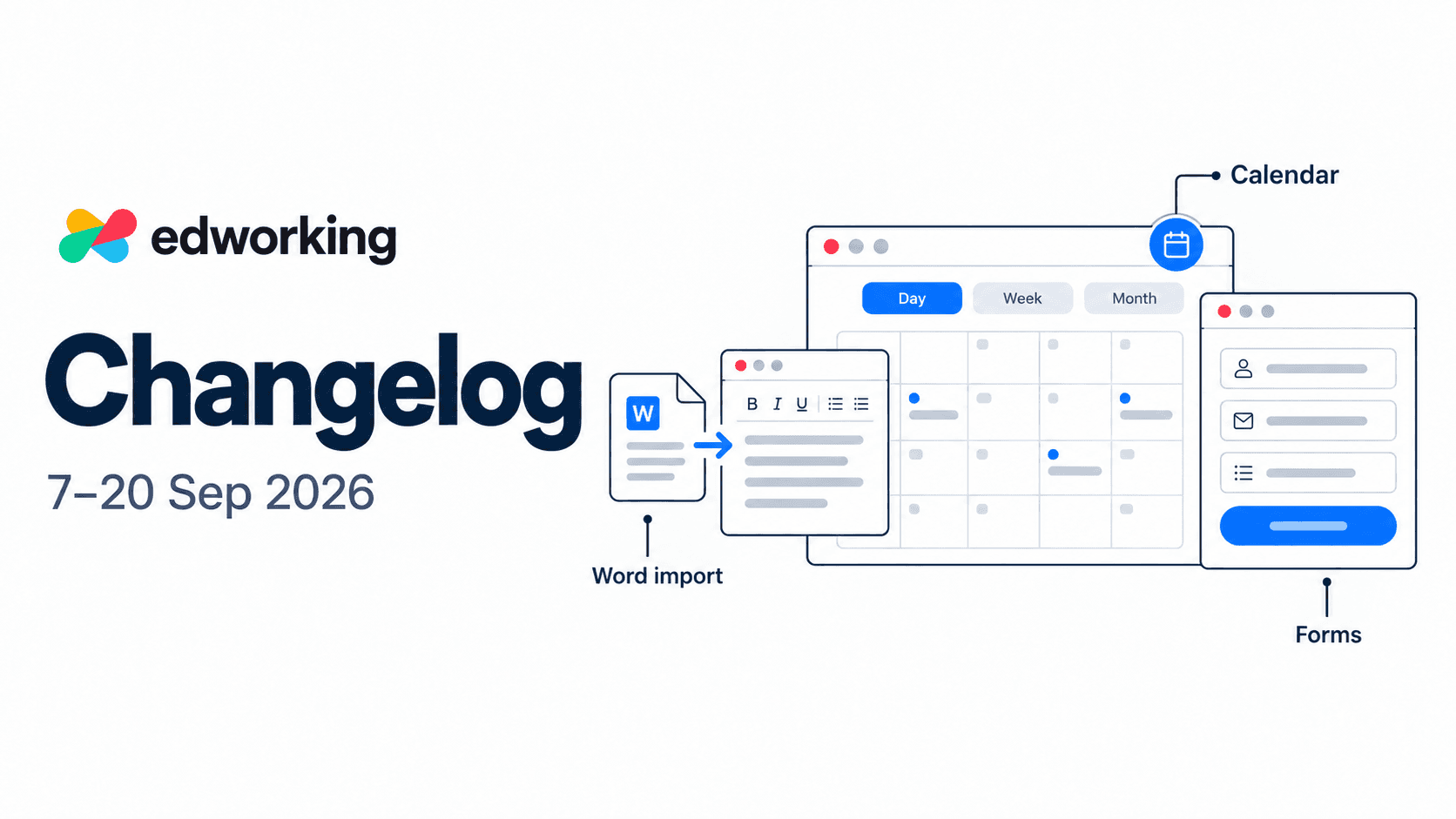
A larger calendar, Word document import and Forms lead this fortnight’s web update. Here’s what changed, alongside report preferences and refinements to everyday navigation.
See your day, week or month at a glance
Web · Calendar improvements
Give your schedule more room. Expand the dashboard calendar to open a full-page view, then switch between Day, Week and Month to see the detail you need.
Day and week views give timed events more space, with all-day events shown separately. The month view helps you scan upcoming dates and shows when a busy day contains more events than fit in its cell.
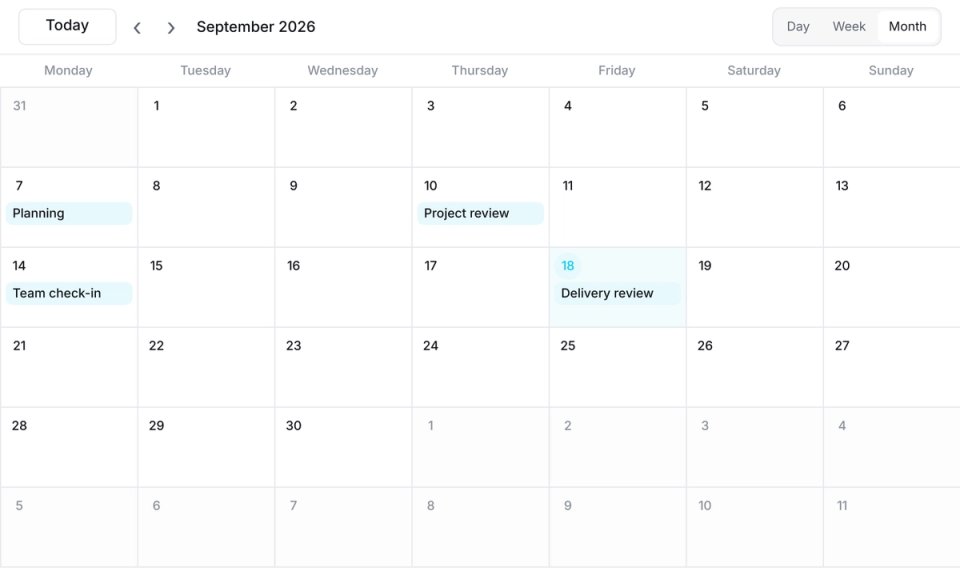
The agenda also supports continuous scrolling through days. Look ahead through your schedule, use calendar visibility controls to adjust what appears, and return to Today when you need the current date.
Try it before your next planning meeting: scan the month, compare commitments in the week view, then open a day for the details.
Bring Word documents into your workspace
Web · New DOCX import · Document limits apply
Keep working on an existing brief or project note inside Edworking. Open the Docs menu and choose Import Doc to convert supported .docx content into an editable Edworking Doc.
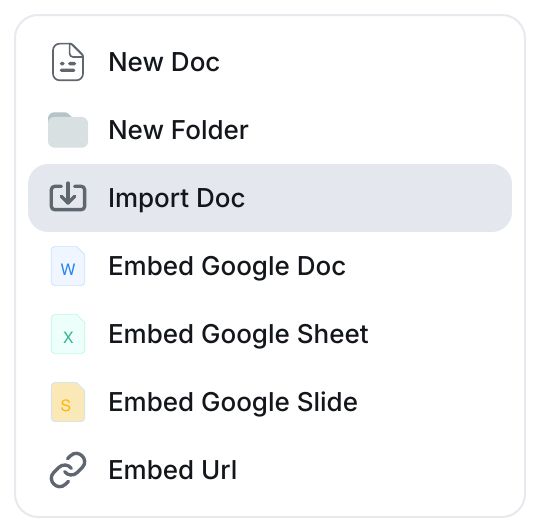
The import handles common paragraphs, headings, lists and tables, with basic bold and italic formatting. Drawings, macros and multi-column layouts are not imported, and the import flow warns when unsupported content is skipped. Workspace document limits still apply.
You can also preview a Word attachment without importing it. If a preview cannot be displayed, the viewer offers a download fallback.
Start with one document and review the converted content before sharing it, especially if the original has a complex layout.

Collect requests and choose what happens next
Web · Forms · Business plan
Use Forms to gather a project brief, request or feedback in a consistent format. Choose a blank form or template, select its destination space and edit the fields alongside a live preview.
Publishing creates a shareable link. Review who can submit before you share it: workspace access limits submissions to members, while public access lets people submit through the link. Sharing settings also include password protection and an expiration date.
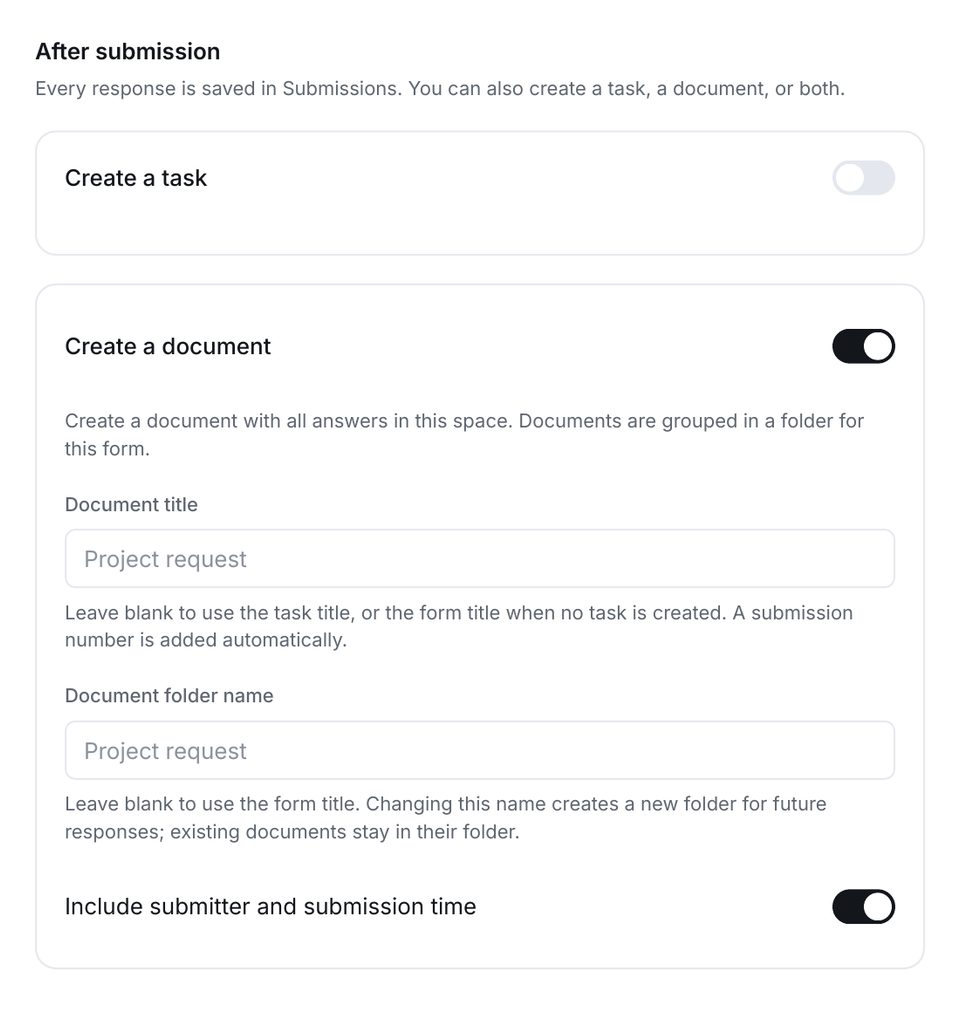
In After submission, choose whether responses create a task, a document, both or neither. Task output supports defaults such as list, status, priority and assignee. Document output can include the answers, with options for the title, folder and submitter information. Responses remain available in Submissions.
Try it with one request form. Check access and output settings before publishing, then review the responses and any linked task or document in Submissions.
Small improvements to everyday work
Web · Improvements and fixes
- Report notification and email preferences give you more control over report-related updates.
- Calendar controls in teammate profiles and compact task controls have been refined.
- Layout and scrolling adjustments improve navigation on narrower screens.
- The startup experience has been refreshed, and cookie preferences can be revisited from account settings.
Try the updated workspace
Start with a change that fits your day: expand your calendar, import a Word brief or create a request form. Forms creation requires the Business plan; document limits and workspace permissions still apply.
If you are exploring the platform, the interactive demo introduces the workspace. Individual recent features may not yet appear there.