Download Mobile App


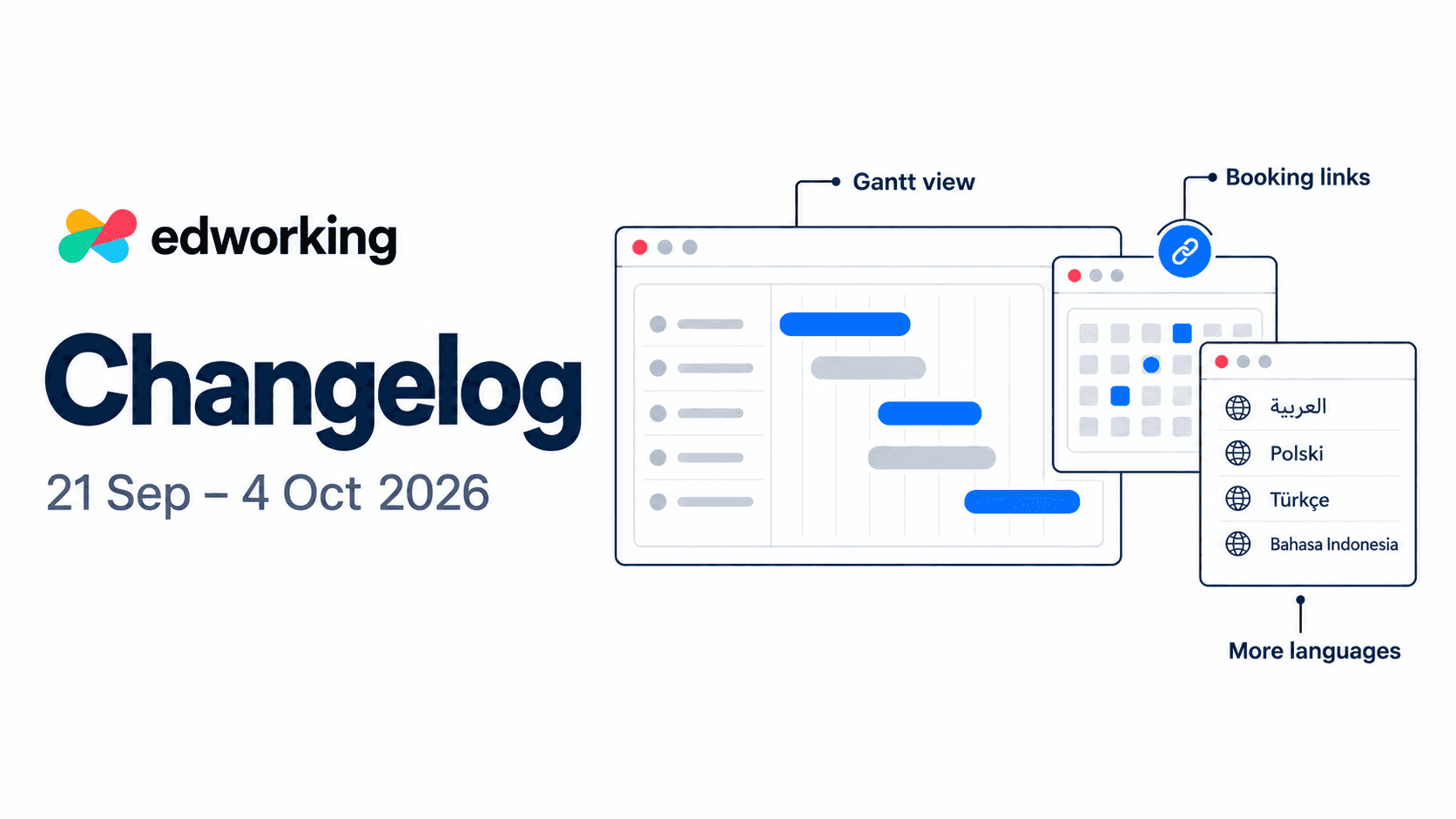
Plan tasks on a timeline, let guests book time with you, and work in four more interface languages. These web updates lead the 21 September–4 October fortnight, alongside fixes to chat and task navigation.
See the plan across your task timeline
Web · New Gantt view and scheduling improvements
Within a space, open Tasks → Display → Gantt to see dated work as bars on a timeline. Choose day, week, month, quarter or year, use Fit all tasks to bring dated work into view, or jump back to Today.
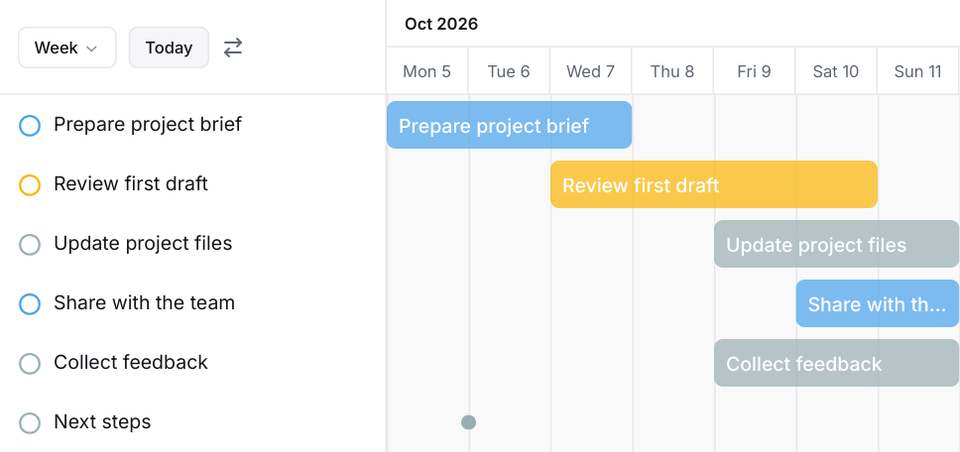
Code-rendered Gantt view with sample tasks and dates.
Drag a bar to move its dates, or resize either end. Undated tasks stay in list order: click or drag their timeline row to schedule them. You can also remove both dates from the task menu.
Try it with one project: check the dates, fit the timeline, then adjust the next piece of work. Existing task access and editing permissions still apply.
Explore task management in Edworking
Let guests choose a time that works
Web · New personal booking links
Preferences → Booking page gives you a personal scheduling link. Guests can choose an available time without an Edworking account. Set your meeting duration, time zone, weekly hours, buffers, minimum notice and how far ahead people can book.
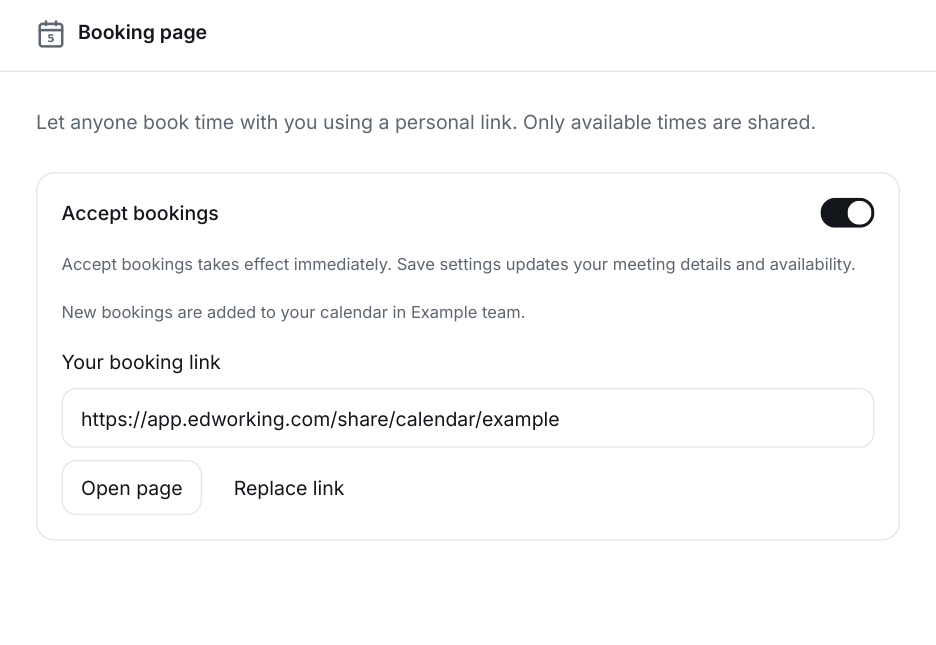
Code-rendered booking settings; the workspace and link are examples.
Accept bookings creates or activates the link immediately. Save settings updates the meeting details and availability; pausing bookings keeps the link but stops new reservations. Bookings use the workspace selected when you save the settings.
Review your hours and workspace, save the settings, then use Open page to check the guest view before copying your link. Existing calendar events and selected synced Google calendars are used to avoid busy times.

Work in a more familiar language
Web · Four new interface languages
Arabic, Polish, Turkish and Indonesian join the language picker, bringing the available choices to 14. Arabic also brings right-to-left layout handling to shared controls and calendar settings.
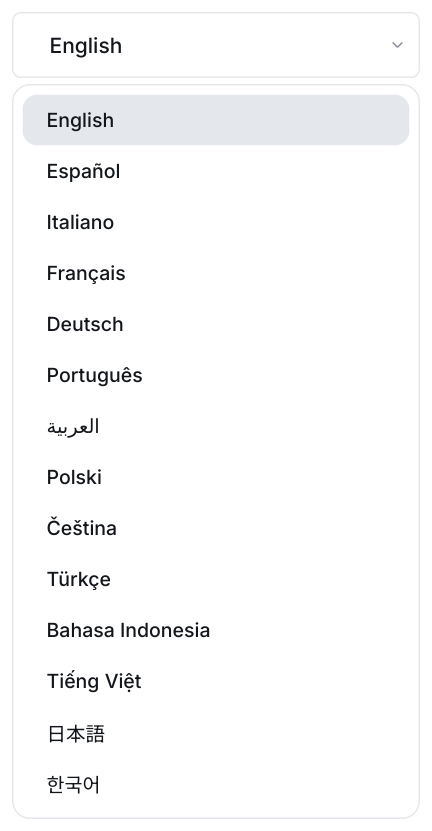
Code-rendered language picker using the current interface labels.
Language switching now handles regional preferences, loading failures and quick successive selections more reliably. Some older screens and messages still fall back to English; this is not a claim of complete application-wide translation.
Open your account preferences, choose your language, and check the screens you use most often.
Smoother everyday navigation
Web · Improvements and fixes
- Chats better preserve the message you are reading when older history loads, media appears or the composer changes height. Sending your own message returns you to the latest messages.
- Ordinary sent chat text clears before the network response, so you can start the next message. Failed text recovery is held in memory during in-app navigation, not across a full reload.
- Returning from Docs to Tasks reuses cached task columns and restores board scroll within the same account, team, project and filter scope.
Try the updated workspace
Open Edworking to try the web updates. If you are exploring the platform, the interactive product demo introduces the workspace; individual new features may not yet appear in the demo.
Read the previous fortnight’s changelog for earlier updates.