Download Mobile App


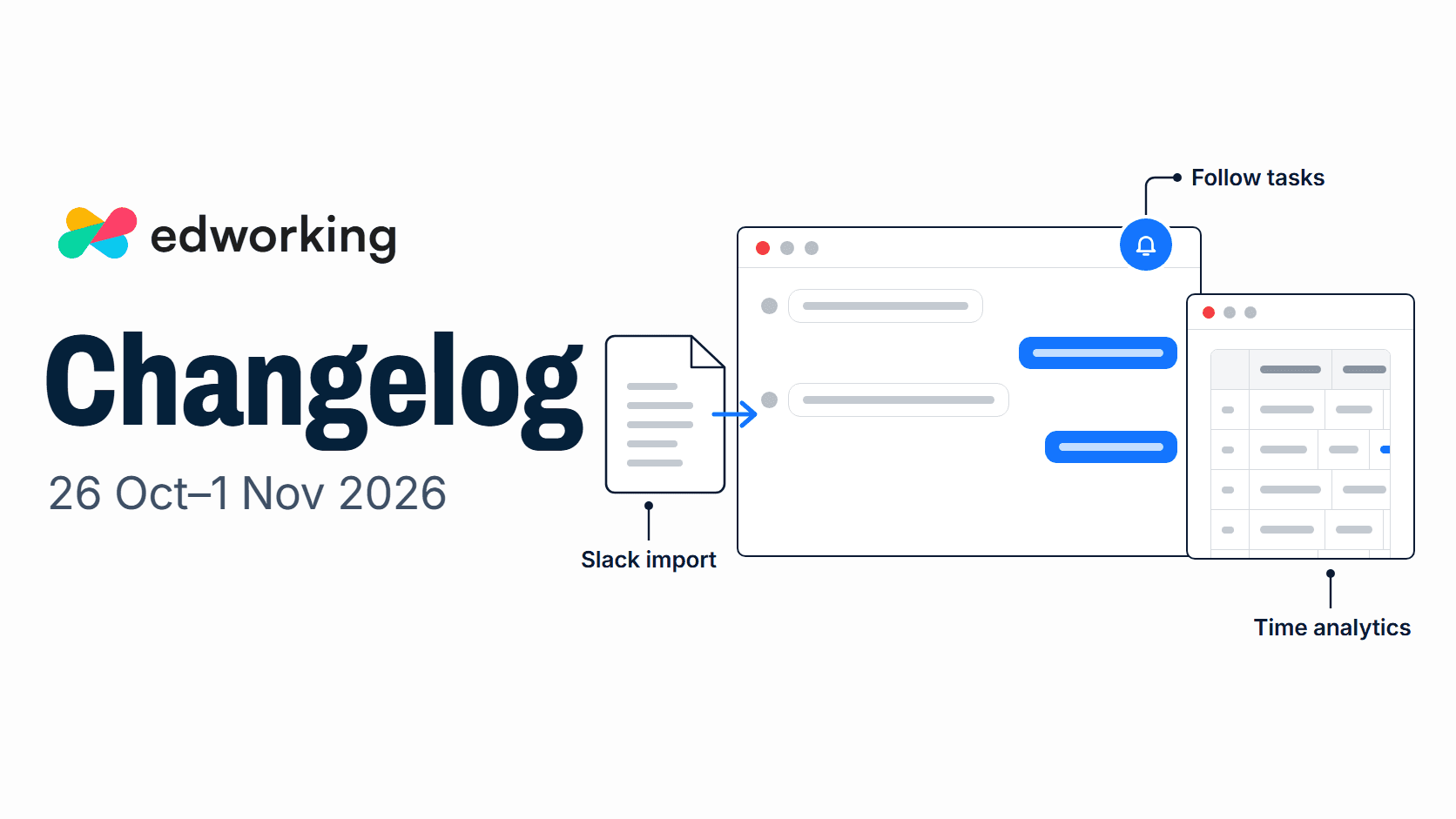
Bringing your Slack history into Edworking and seeing where your team’s time goes lead this week’s update, alongside a quicker way to follow a task and better formatting in chat. Here’s what changed on the web.
Bring your Slack conversations into Edworking
Web · New
The import assistant now accepts Slack. Upload the ZIP export from Slack, then choose which channels and conversations to bring across: public and private channels, group messages and direct messages. Archived channels, and direct messages with someone you have not matched, start unchecked.
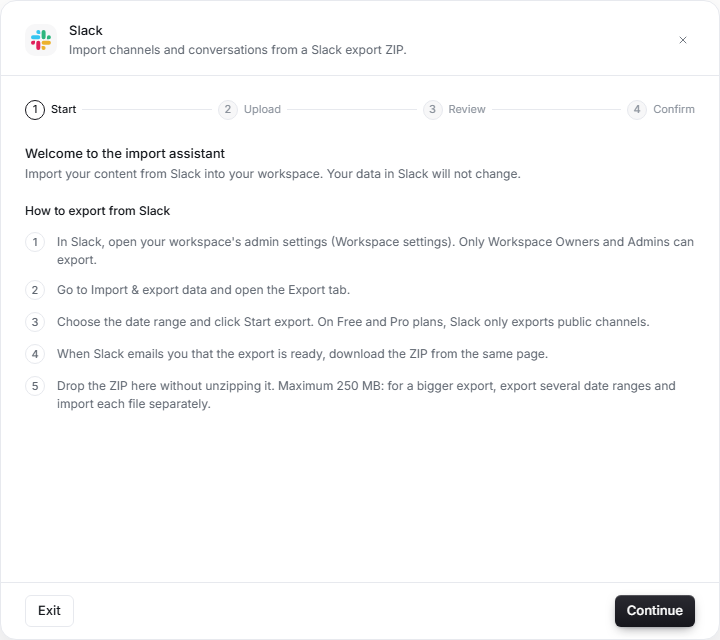
Match each Slack person to a workspace member, or invite them by email. Messages from people you leave unmatched are posted by you, with their name in front. Files are copied into your workspace while your plan has storage for them; if not all of them fit, the newest are copied and the rest stay as links to Slack.
Only Slack Workspace Owners and Admins can export, and on Slack’s Free and Pro plans the export only includes public channels. Each ZIP can be up to 250 MB. For a bigger export, export several date ranges and import each file separately. Your data in Slack does not change.
Start with one busy channel, check that people are matched correctly, then import the rest. Explore chat in Edworking

See where your team’s time goes
Web · New · Business plan
Analytics has a new Time tab. It shows the time your team tracked in the selected period as hours per day, week or month, stacked by person, space or task. Above the chart you see the daily average, how tracked time compares with estimates, and how many tasks and people the time covers. Click a bar to see the time entries behind it.
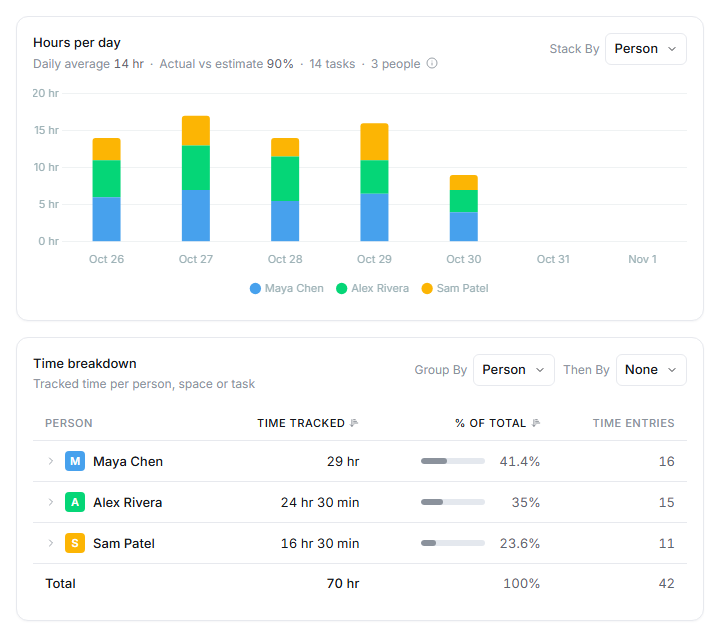
Time breakdown lists tracked time per person, space or task, with each one’s share of the total and its number of entries. Group by one and then by another, for example by person and then by task. Only saved time entries count, by their start date. Actual vs estimate covers tasks finished in the period that have both an estimate and tracked time, counting 1 day as 8 hours and 1 week as 5 days.
Open Analytics, choose Time and pick Last Week to see where the hours went before your next planning meeting. Explore tasks in Edworking
More improvements
Web · Improvements and fixes
Other changes this week include:
- Subscribe to a task from the bell in its header or from Subscribe to task in its menu, to get its updates. People assigned to a task stay subscribed.
- The chat formatting toolbar has a menu to switch a line between paragraph, headings and lists. Shift+Enter in a list starts a new item or ends the list, and sent messages show numbered lists and text alignment correctly.
- Scrolling inside a menu or picker now works when it opens over a dialog.
- The Support chat settings, inbox and visitor widget are now fully translated into Arabic, Indonesian, Polish and Turkish.
- The Agents step of the setup guide lists each assistant’s features instead of placeholder text.
Try the updated workspace
Open Edworking to explore the web updates. If you are evaluating the platform, the interactive product demo introduces the workspace; individual new features may not yet appear in the demo.
For desktop and mobile installation options, visit Edworking downloads.