Download Mobile App


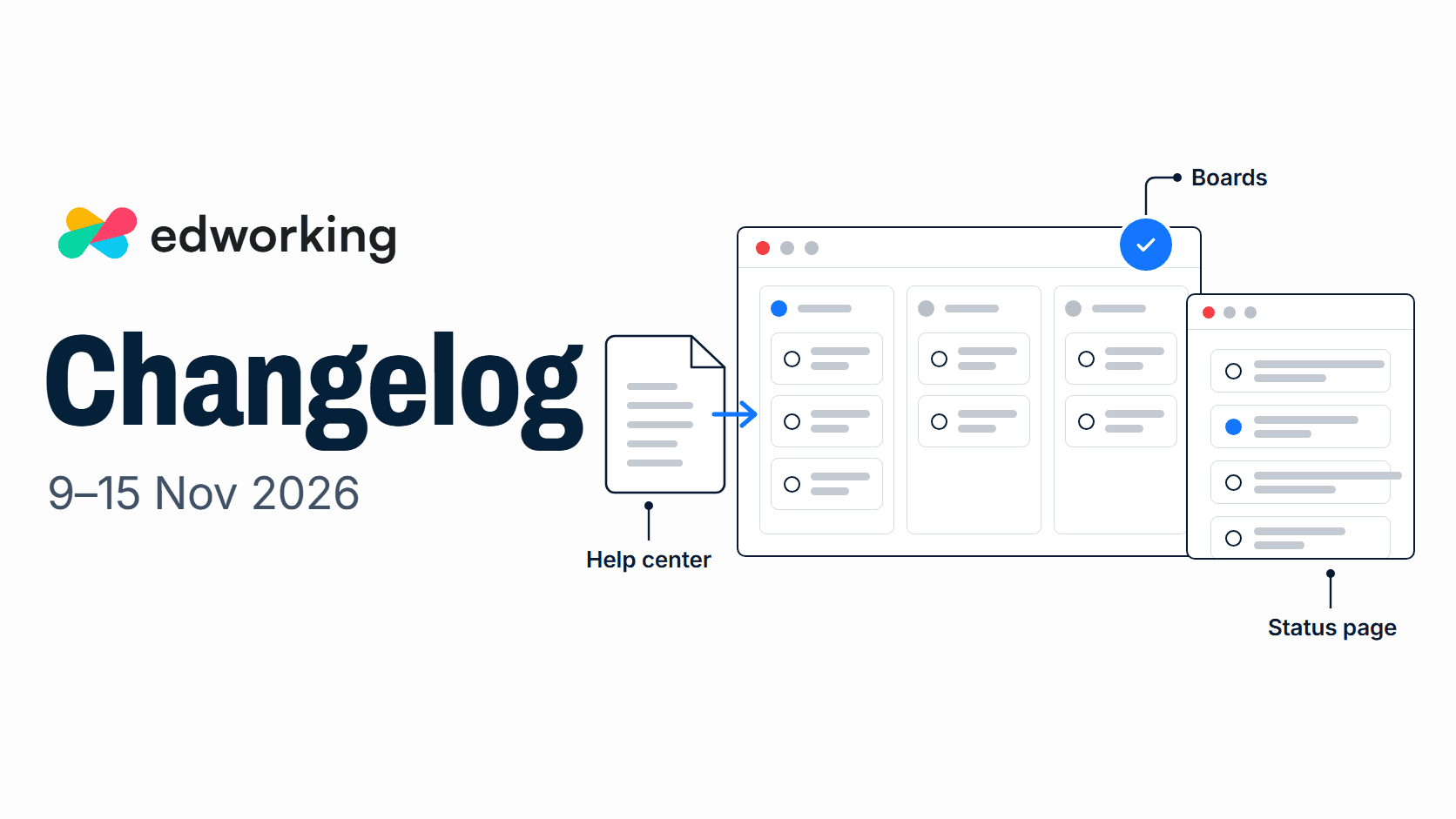
This week brings a help center you can publish from Edworking, a status page that checks your services every minute, and Boards, a free-form canvas for each space. Here’s what changed on the web, along with a configurable sidebar, voice conversations with Brain and a Stripe integration.
Publish a help center from your knowledge base
Web · New
Write help articles in Edworking and publish them as a public help center. In Settings → Tools → Knowledge base, organise articles into categories, write each one in the Docs editor, and see its views and how many readers found it helpful. Articles can be drafts or published, pinned, and translated into other languages, by hand or starting from Translate with AI.
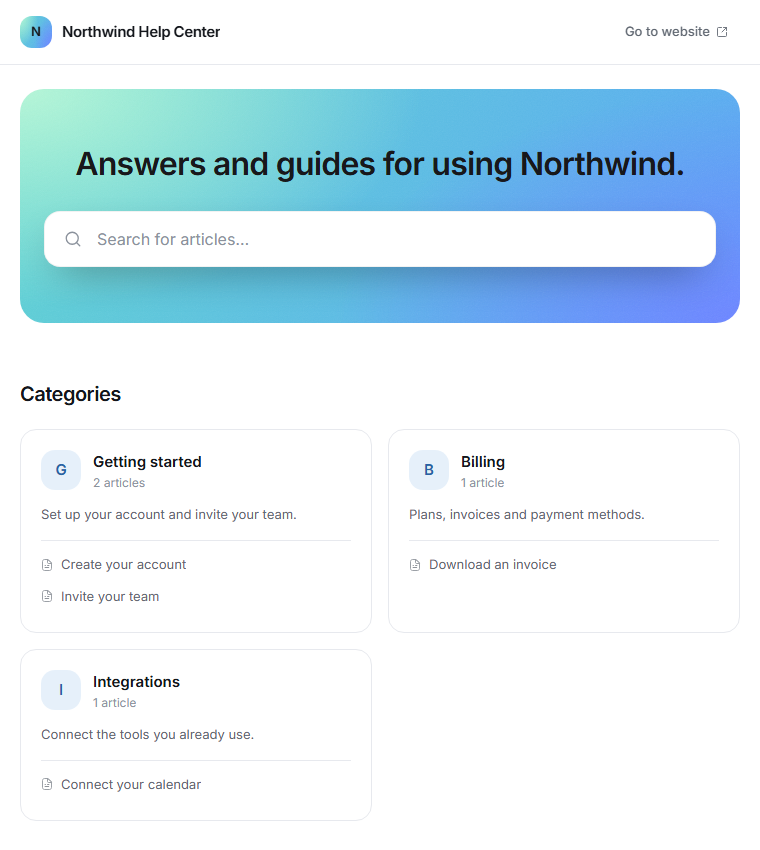
The help center has its own address, a design in your colours, and a language picker for visitors. You can also connect it to your own domain, such as help.yourcompany.com, from the knowledge base’s Settings tab. Your support chat suggests articles before a visitor writes, and a Customer Support Agent can answer from the knowledge base when you turn that on in its sources.
Start with the five questions your team answers most often, publish them, and connect the help center to your support chat. Workspace owners and admins manage the knowledge base.
Show customers how your services are doing
Web · New
A status page lists your services and Edworking checks each one every minute. Visitors see whether each service is Operational, Degraded or Down, when it was last checked, and any notice you post during an incident or planned maintenance.
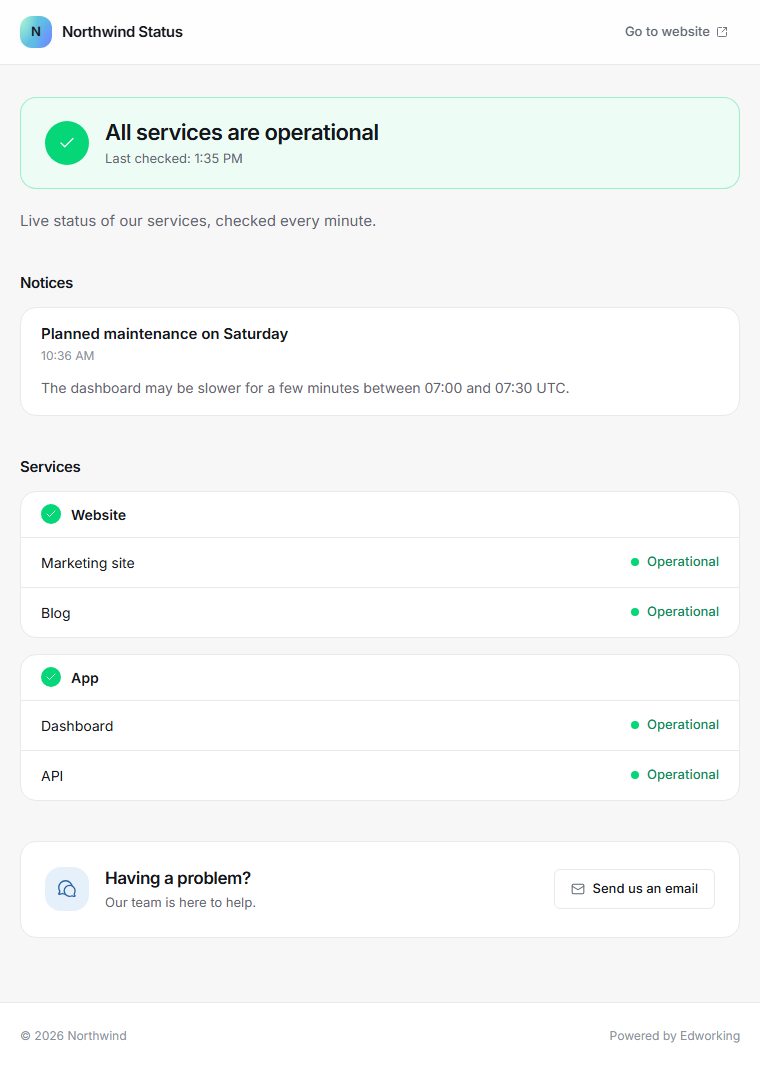
Set it up in Settings → Tools → Status page: group your services, add the address to check for each one, write an introduction, and choose your colours and contact details. You can publish it at your own address, such as status.yourcompany.com, and choose a channel that receives outage and recovery messages, including how long a service was down.
Add the two or three services your customers rely on most, check the preview, then switch the page on and share its link.

Plan and brainstorm on Boards
Web · New
Boards gives each space a free-form canvas. Put notes, photos, docs and tasks on it, sort them into folders and frames, and work on it together: everyone in the space sees the same board and who else is on it.
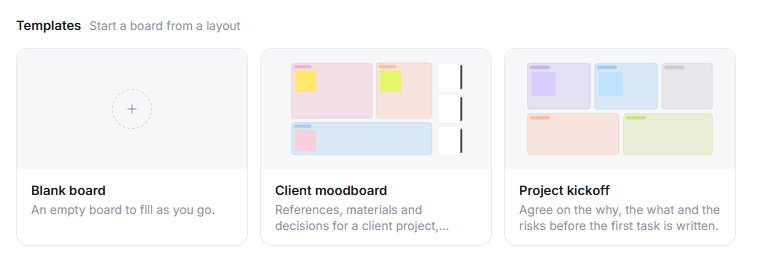
The tray at the bottom has a pen, shapes, sticky notes, text, folders and frames, plus a button to bring in docs, tasks, files and meetings from Edworking. Tools adds a timer, voting and reactions for workshops, and Share shows who can open the board and copies its link. Boards sits under More in the sidebar by default.
Run your next retrospective on a board: start from the Retrospective template and let everyone add notes before you vote.
More improvements
Web · Improvements and fixes
Other changes this week include:
- Choose what sits in the sidebar. Customize sidebar, under the new More menu, lets you pin sections to the rail and reorder them; the rest stay under More.
- Talk to Brain by voice: a live conversation that carries on in the AI bar while you work, written out as it goes. Brain can propose a meeting, task or Doc for you to create.
- Connect Stripe from Integrations to follow payments, invoices, refunds and disputes in a Stripe channel, and see Stripe records linked to tasks.
- Boards, lists and Your work on Home show every task as you scroll, with no Load more button.
- When a task moves to another space, it keeps its state if the new space has one with the same name, and asks you when it doesn’t. Its files, folders and subtasks move with it.
- New file previews for calendar invites (.ics), contact cards (.vcf), design files (PSD, AI, EPS) and draw.io diagrams. Audio a browser can’t play now says so and offers a download.
- Support conversations: reply by email through a connected Gmail mailbox, visitors get a User guides button in the support chat, and every member can see Support chats in Settings, read-only unless they can manage them.
- Delete or leave a channel from its menu; deleted channels appear in Recently Deleted.
- Invitation links open on registration with the invitee’s email filled in, and a workspace with no admin lets a member take the role.
- Open AI conversations reopen after a reload, and an expired meeting invitation lets the guest request access again.
- Parts of the app that were still English-only, such as the email inbox and Forms, are now translated into every supported language.
- Plan limits now show the AI allowance that applies: 30 AI requests per person a month on Unlimited, and 400 during a Business trial.
- The sign-in page appears straight away for signed-out visitors, and Live Support in your profile opens Edworking’s support chat inside the app.
Try the updated workspace
Open Edworking to explore the web updates. If you are evaluating the platform, the interactive product demo introduces the workspace; individual new features may not yet appear in the demo.
For desktop and mobile installation options, visit Edworking downloads.