Download Mobile App


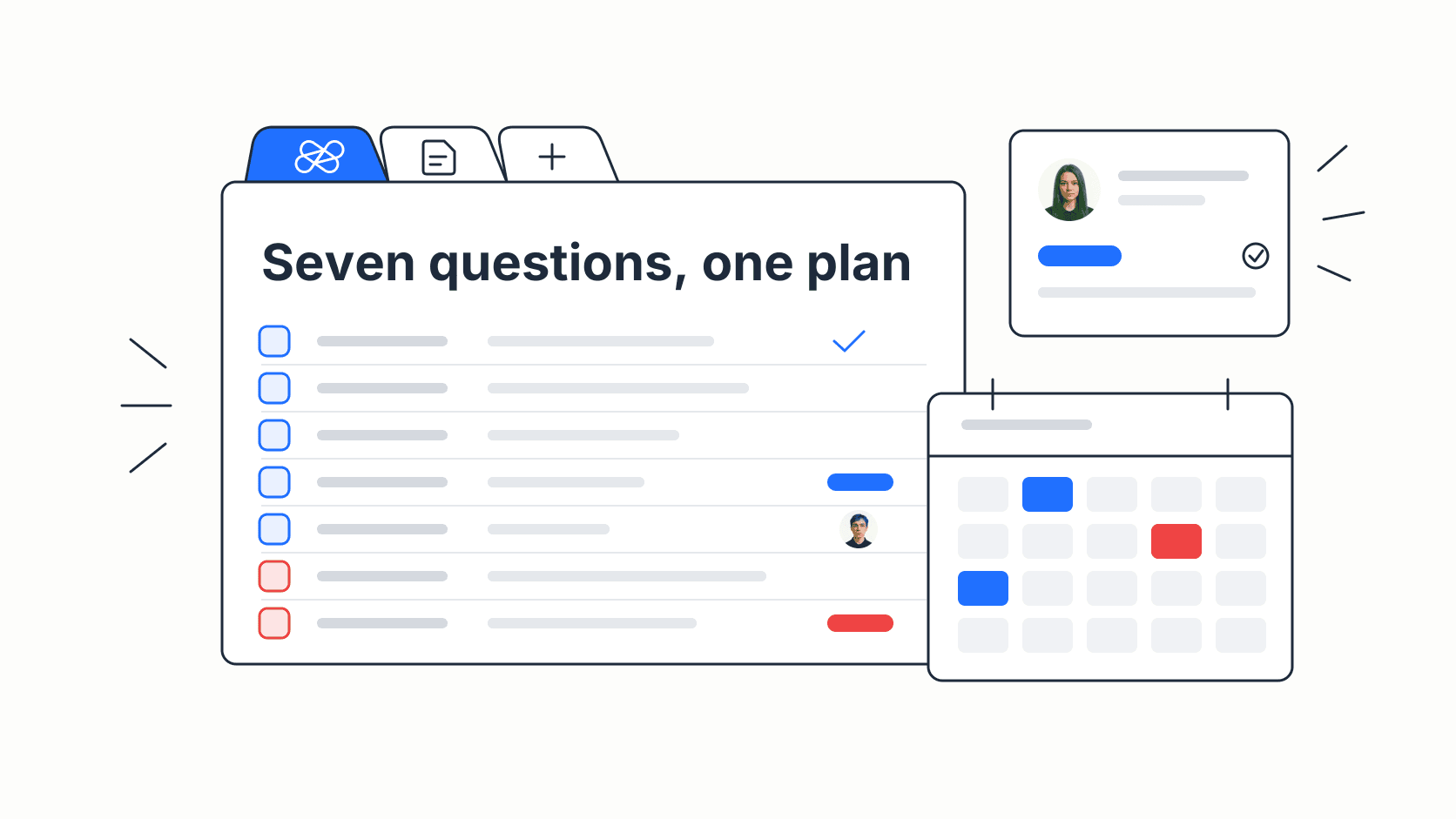
The 5W2H method is a way to turn a decision into an action plan by answering seven questions for every action: What, Why, Where, When, Who, How and How much. If an action has a clear answer to all seven, anyone on the team can see what will happen, who owns it, when it is due and what it costs.
It works for a single task or a full plan, and it fits on one page. This guide explains each question with examples of good and weak answers, gives you a copyable template, walks through a filled-in example from a six-person startup, and shows how 5W2H fits next to RACI, SMART goals and PDCA.
What 5W2H stands for
Each letter is a question. The answer should be short and specific enough that someone who missed the meeting could act on it.
- What will be done? One concrete action with a visible result. Good: "Publish a help center article for the 10 most common tickets". Weak: "Improve support".
- Why is it being done? The problem or goal it serves, ideally with a number. Good: "Tickets about billing take 40% of support time". Weak: "Because it matters".
- Where will it happen? A place, system, channel or part of the product. Good: "In the help center and the billing page". Weak: "Online".
- When will it be done? A due date, and a start date for longer work. Good: "Starts 2 December, due 13 December". Weak: "Soon" or "Q1".
- Who is responsible? One named person who owns the result, plus helpers if needed. Good: "Ana (owner), Luis reviews". Weak: "Marketing" or "Everyone".
- How will it be done? The main steps or the method, in two to four lines. Good: "Export last quarter's tickets, group by topic, write one article per topic, link it in the auto-reply". Weak: "As usual".
- How much will it cost? Money and time. Good: "No spend, about 12 hours of Ana's time". Weak: leaving it blank.
The first five questions (the 5W) define the action. The two H questions turn it into something you can actually schedule and fund. Some teams drop "How much" and use 5W1H; keep it whenever budget or capacity is tight, which in a small team is almost always.
Where the method comes from
The 5W1H questions are the classic checklist of journalism and investigation. Rudyard Kipling summed them up in the poem that follows "The Elephant's Child" in Just So Stories (1902): "I keep six honest serving-men (They taught me all I knew); Their names are What and Why and When And How and Where and Who" (Kipling Society text of the poem). Quality management and operations teams later added "How much" to cover cost, and the 5W2H table became a standard action plan format, especially popular in Brazil and in lean and quality programs.
When to use a 5W2H action plan
5W2H is most useful right after a decision, when a team agrees on what to do but nobody has written down who does what by when.
- After a meeting or retrospective: turn the decisions into actions before people leave the call.
- After a problem analysis: once a root cause is found (with 5 whys or an Ishikawa diagram), plan the fixes.
- For a small project or initiative: a launch, a process change, a hiring push, an office move.
- For corrective actions: a missed deadline, a customer complaint, an audit finding.
It is less useful for large projects with many dependencies. There you need a schedule, a work breakdown and a risk register; 5W2H can still describe each work package, but it will not show sequence or critical path. For planning at that level, see our guide to project planning and execution.
How to build a 5W2H action plan in 6 steps
- Write the goal at the top. One sentence with a number and a date, for example "Cut first response time on support tickets from 9 hours to 2 hours by 31 January". Every action below must serve this goal.
- List the actions. Brainstorm what has to happen, then cut the list to the actions that move the goal. Three to eight actions is a manageable plan for a small team.
- Answer the seven questions for each action. Start with What and Who, because those are the answers people avoid. If two people claim the same action, split it.
- Check the When column against capacity. Add up the hours in How much per person and per week. If someone is booked for 30 extra hours next week, move dates now rather than miss them later.
- Agree on the plan in one short review. Read each action aloud. The owner says "yes, I own this" or the action changes.
- Track it every week. Add a status (not started, in progress, done, blocked) and review blocked items first. A plan nobody checks is a wish list.
5W2H template
Copy this block once per action into a document, a spreadsheet (one row per action, one column per question) or a task in your project tool.
Goal: [what you want to achieve, with a number and a date]
- What: [the action, starting with a verb]
- Why: [the problem it solves or the goal it serves]
- Where: [system, channel, location or part of the product]
- When: [start date and due date]
- Who: [one owner by name, plus helpers]
- How: [two to four steps or the method]
- How much: [budget and estimated hours]
- Status: [not started, in progress, done or blocked]
In a spreadsheet, keep the eight columns in this order and add a "Notes" column for links to files and decisions. Our project management templates include ready-made versions of the documents that usually sit next to an action plan, such as a decision log and a status report.

Example: a 5W2H plan for a six-person startup
A six-person SaaS startup notices that customers wait about 9 hours for a first reply on support tickets, and two customers mentioned it before cancelling. In the monthly review the team decides on three actions. This is an illustrative example; the names, hours and amounts are invented to show the level of detail that works.
Goal: first response time under 2 hours on working days by 31 January.
Action 1: set up a support rotation
- What: Create a weekly rotation so one person answers new tickets each working day.
- Why: Tickets wait because everyone assumes someone else will answer.
- Where: Shared support inbox and the team calendar.
- When: Starts 2 December, first full week by 9 December.
- Who: Marta (owner), all six team members take turns.
- How: Publish the rota in the calendar, set inbox notifications for the person on duty, hand over open tickets on Friday.
- How much: No spend. About 4 hours a week for the person on duty.
Action 2: write answers for the most common questions
- What: Publish help center articles for the 10 most common ticket topics.
- Why: About half of the tickets ask questions that already have a standard answer.
- Where: Help center and the ticket auto-reply.
- When: 2 to 20 December.
- Who: Ana (owner), Luis checks technical accuracy.
- How: Export last quarter's tickets, group them by topic, write one article per topic, link the top three in the auto-reply.
- How much: No spend. About 16 hours for Ana and 4 for Luis.
Action 3: measure response time every week
- What: Report the median first response time every Monday.
- Why: Without a number the team cannot tell whether actions 1 and 2 work.
- Where: The Monday team meeting.
- When: From 9 December to the end of January.
- Who: Javier (owner).
- How: Pull the median and the slowest 10% of tickets from the help desk report and post them in the team channel before the meeting.
- How much: About 30 minutes a week.
Notice what the plan does not say: "improve support", "the team", "ASAP". Every action has one owner, a date and a cost, so the Monday review can ask a yes or no question for each one.
Common mistakes
- Teams as owners. "Marketing" cannot be late; a person can. Name one owner per action.
- Vague dates. "Q1" and "next sprint" hide slippage. Use calendar dates.
- Skipping How much. Small teams fail on capacity, not on ideas. Estimate hours even when there is no spend.
- Why without a link to the goal. If you cannot connect an action to the goal at the top, cut it.
- Too many actions. A 25-row plan for a five-person team will not be tracked. Keep the few that matter.
- No follow-up. Put the review on the calendar when you write the plan.
5W2H vs other planning tools
5W2H plans actions. Other tools answer different questions, and they work well together:
- SMART goals define the goal at the top of the plan. 5W2H defines the actions that reach it.
- The RACI matrix spreads responsibility across many people and tasks (responsible, accountable, consulted, informed). Use it when ownership is shared or political; 5W2H's Who is enough when one owner per action is clear. See what the RACI model is.
- PDCA (plan, do, check, act) is an improvement cycle. A 5W2H table is a common way to write the "plan" step.
- A risk register lists what could go wrong and who watches it. Actions that reduce a risk can be written in 5W2H format inside the register, as in this risk register template.
- A decision log records why a choice was made. Link each action to the decision that created it with a decision log.
Running the plan with your team
A 5W2H plan lives longer when each action becomes a real task. Create one task per action with the owner as assignee, the due date from When, and the What, Why, Where, How and How much in the description. In Edworking you can keep the plan as a document, create the tasks on a board next to it and discuss blocked items in the same workspace, so the plan and the work stay connected.
Next steps
- Pick one decision your team made this month that has no clear owner yet.
- Write the goal with a number and a date.
- Fill in the template for each action and add up the hours per person.
- Review the plan with the owners and book a weekly 15-minute check.
After two or three weeks, look at the status column. If most actions are done or moving, keep the format for the next decision.