Download Mobile App


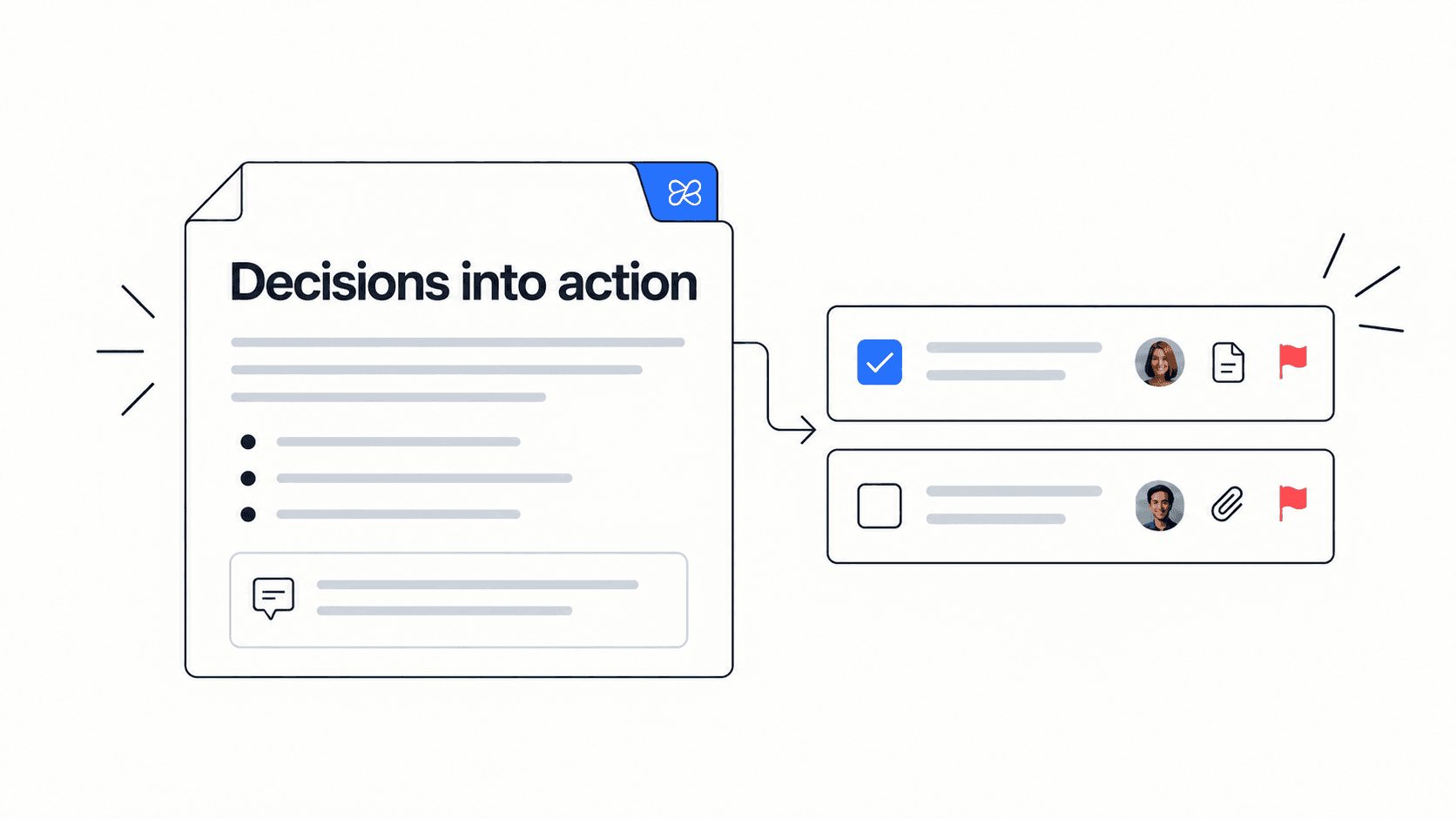
Action items are where many project meetings either become useful or quietly fail. A team can have a thoughtful discussion, agree on a decision, and still lose momentum if nobody captures the owner, deadline, context, and next checkpoint in a place where work actually happens.
This guide explains how to build an action item tracker that connects meeting decisions to accountable project work. It is written for small teams, founders, project managers, operations leads, and remote teams that need fewer loose follow-ups and more visible progress.
Quick takeaway: an action item tracker should capture the task, owner, due date, source decision, status, and follow-up location. If any of those are missing, the action is more likely to become a reminder than a real commitment.
Why action items get lost after meetings
Most action items fail for simple reasons. They are written as vague notes, assigned to a group instead of one owner, or stored in a document that nobody checks after the meeting. Remote and hybrid teams feel this more because decisions often happen across calls, chats, docs, and async updates.
The problem is not that teams need more meeting notes. They need a bridge between the meeting note and the project system. A useful tracker turns a sentence like “follow up with the client” into a task with an owner, a decision trail, a deadline, and a place for the final update.
- Vague action: “Update the proposal.”
- Better action: “Maya updates the proposal pricing section by Thursday and links the revised draft to the client project.”
- Strong action: “Maya updates the proposal pricing section by Thursday because the client approved option B; Alex reviews it before the Friday client call.”
Mistake to avoid: do not assign an action to “the team.” If everyone owns it, nobody owns it. Use one accountable owner and add reviewers only when review is truly required.
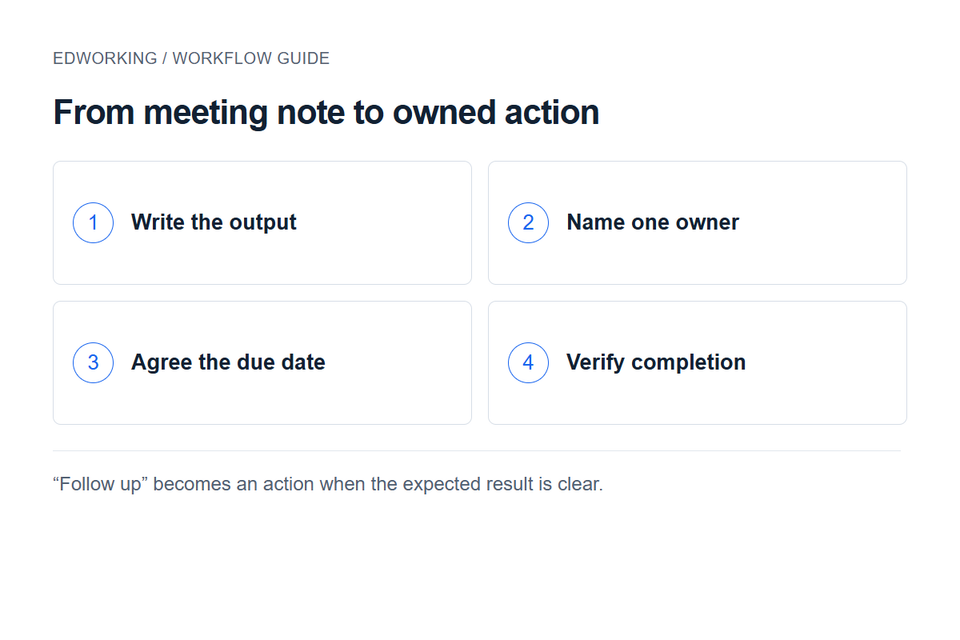
The action item tracker fields that matter
A tracker does not need to be complex. It needs the fields that prevent ambiguity. The best structure is simple enough to use during a meeting and complete enough to support follow-up without another clarification thread.
Use this field structure
- Action: a verb-led task that describes the next visible step.
- Owner: one accountable person who moves the action forward.
- Source decision: the meeting decision, risk, client request, or blocker that created the action.
- Due date: a real date or the next review checkpoint.
- Status: open, blocked, waiting, in review, or done.
- Workspace link: the task, document, file, chat, or project area where the work continues.
This structure works because it connects the action to both accountability and context. When someone asks why the task exists, the answer is visible. When the owner needs the source file or client note, the link is already there.
Action item tracker template for project meetings
Use the following template after sprint planning, client calls, weekly reviews, retrospectives, project health checks, stakeholder updates, or async decision reviews. The exact columns can change, but the accountability logic should stay the same.
Action item fields to copy
- Action: What needs to happen next?
- Decision or reason: What created this action?
- Owner: Who is accountable?
- Reviewer: Who approves or confirms it, if anyone?
- Deadline: When is the next visible checkpoint?
- Status: What is the current state?
- Link: Where does the work continue?
Example: “Sam sends the revised onboarding checklist to the new hire by Tuesday because the manager approved the 30-60-90 day plan. Priya reviews the checklist before it is shared. The task links to the onboarding doc and the kickoff call notes.”
How to capture action items during the meeting
The best time to capture an action item is while the decision is fresh. Waiting until after the meeting often strips away the reason behind the task, and that missing context is what causes rework later.
- Pause when a decision creates work and write the action immediately.
- Ask “who owns this?” before moving to the next topic.
- Confirm the deadline out loud or in the shared meeting note.
- Add the action to the project task board before the meeting ends when possible.
- Flag blockers while the decision maker is still available.
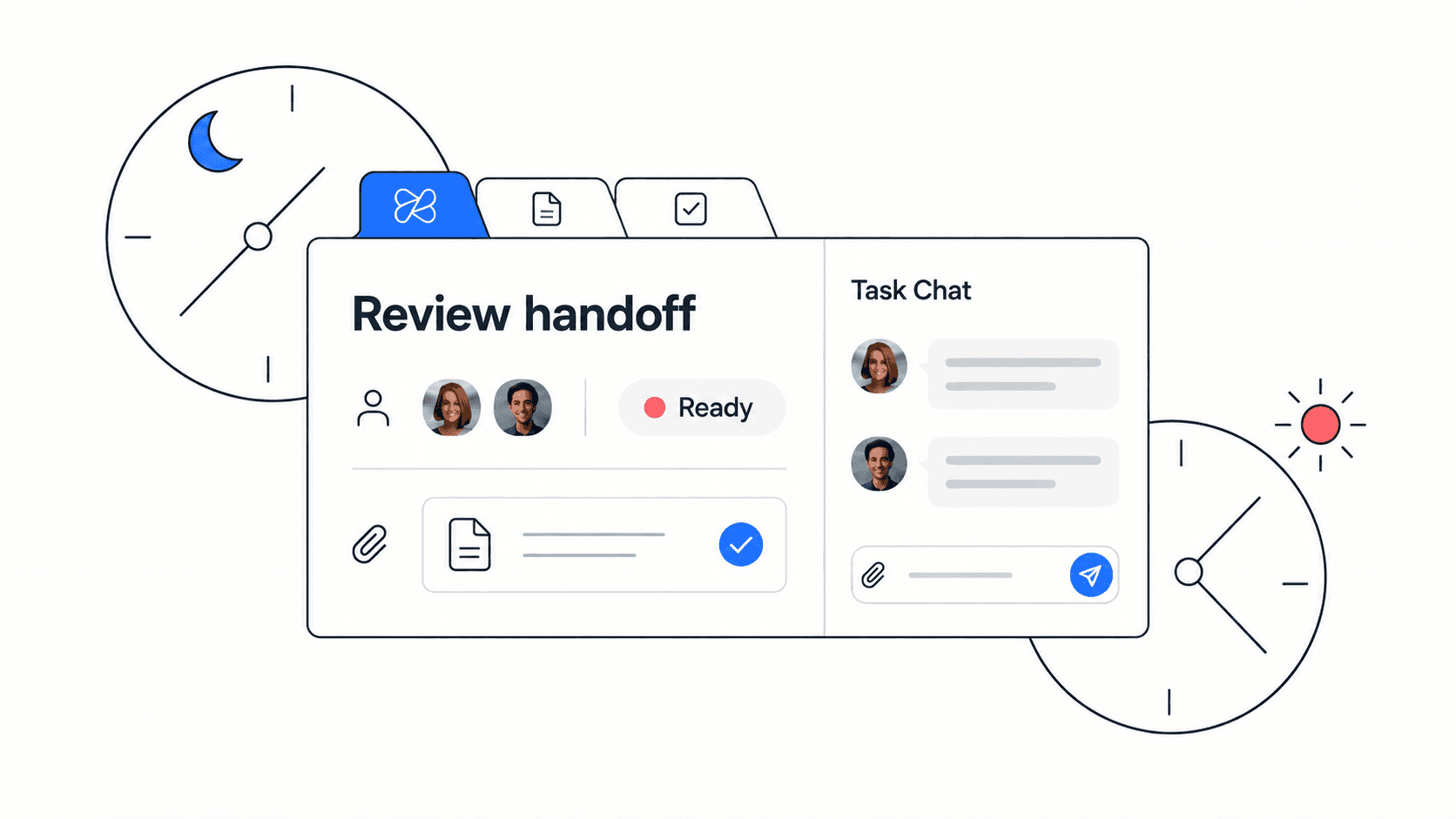
Capture the owner, date and expected output while the decision is fresh. This helps prevent follow-up from depending on someone searching the meeting recording later.
How to follow up after the meeting
Follow-up is where the tracker proves its value. The goal is not to create a perfect archive. The goal is to make sure the next project check-in starts with the current state of open commitments, not another round of “what happened with that?”
Post-meeting checklist
- Review each action item for a clear owner and due date.
- Move real work into the project board instead of leaving it only in the notes.
- Attach the source decision, file, or document to the task.
- Send a short summary of open actions to the team or client.
- Review blocked or overdue actions at the next project checkpoint.
Edworking tip: teams using Edworking can keep the meeting note, project task, source file, chat thread, video call context, and AI-assisted recall in one workspace. That makes the action item easier to find after the meeting ends.

Action item tracker examples
The tracker should adapt to the type of meeting. A client call, retrospective, and project risk review all create action items, but each one needs slightly different context.
Client project call
- Action: update scope notes and confirm the new delivery date.
- Owner: project lead.
- Source decision: client approved a smaller phase-one launch.
- Follow-up link: client project doc and timeline task.
Sprint retrospective
- Action: reduce QA handoff delay by adding acceptance criteria before development starts.
- Owner: product manager.
- Source decision: team identified unclear tickets as the largest delay source.
- Follow-up link: sprint improvement task and definition-of-ready doc.
Project risk review
- Action: create mitigation plan for vendor delay.
- Owner: operations lead.
- Source decision: vendor response time crossed the risk threshold.
- Follow-up link: risk register and stakeholder update task.
Common mistakes to avoid
A tracker is only useful when people trust it. If it becomes a dumping ground for half-formed reminders, the team will stop checking it. Keep the rules clear and lightweight.
- Do not record discussion points as action items unless a next step is required.
- Do not create actions without a single accountable owner.
- Do not use “ASAP” as a deadline. Use a real date or checkpoint.
- Do not leave the task disconnected from the decision or document that created it.
- Do not mark an action done until the agreed output is visible.
Decision rule: if an item does not have an owner, date, and next visible output, it is not ready to enter the tracker.
Where Edworking fits in the workflow
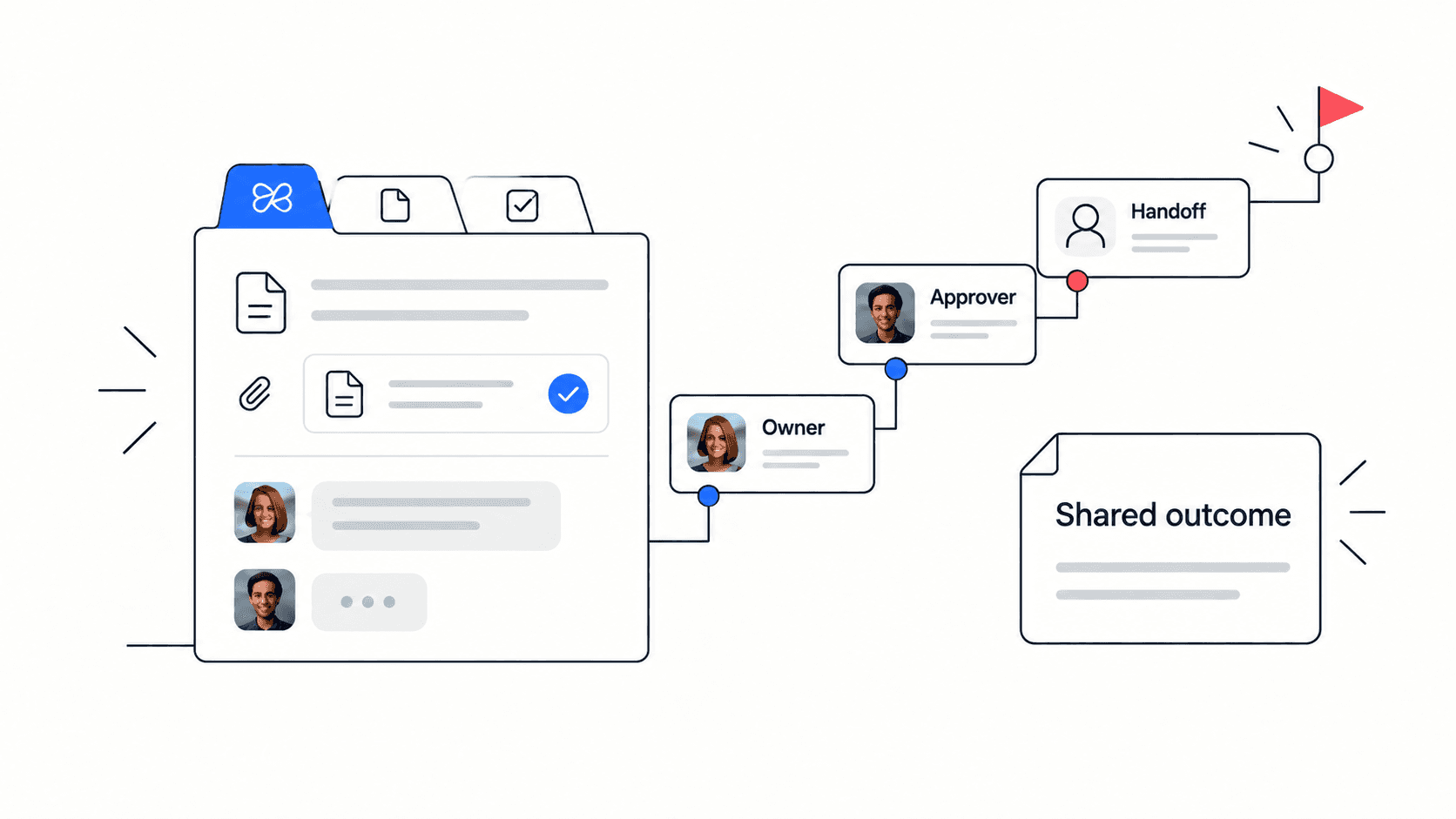
Edworking is useful when action items are part of a broader project workflow. Instead of keeping meeting notes in one tool, tasks in another, files in a drive, and follow-up questions in chat, a team can keep the commitment and the context together.
For example, a project manager can create a meeting note in Edworking, turn the follow-up into a task, attach the source file, discuss blockers in chat, schedule a video check-in, and use Edworking Brain to retrieve the decision later. The tracker becomes a living project workflow rather than a static note.
- Use tasks for the action item and owner.
- Use docs for the meeting note and source decision.
- Use files for supporting materials.
- Use chat and calls for quick clarification.
- Use Edworking Brain to find the context when the team needs it later.
FAQs
Practical example for a remote product team
Imagine a remote product team finishes a weekly planning call. The team decides to delay a minor feature, ship a bug fix first, and prepare a customer update. Without a tracker, those decisions might live in the meeting recording, the product manager’s notes, and a chat thread. With a tracker, each commitment becomes visible work.
The product manager creates three action items: update the roadmap doc, assign the bug fix owner, and draft the customer note. Each task links back to the meeting note and source file. The engineering lead reviews the bug fix task before Friday. The customer success lead reviews the customer note before it is sent. At the next check-in, the team can see what changed, what is blocked, and which decision caused each task.
That is the real value of an action item tracker. It does not create more administration. It reduces the number of places a team needs to search before it can continue the work.
How many action items should a meeting create?
There is no perfect number, but fewer clear actions are better than many vague ones. Group actions by owner, priority or project area when that makes the summary easier to use.
Should action items live in a document or task board?
The source decision can live in a document, but the action should live in the team task system. That keeps ownership, deadlines, and status visible during daily project execution.
Turn meeting decisions into accountable project work
A good action item tracker gives the team a shared memory for commitments. It keeps decisions, owners, due dates, and follow-up context connected, so meetings produce visible progress instead of loose reminders.
If your team already uses Edworking, create a project space where the meeting note, action tasks, files, chat, video calls, and AI context live together. If you are evaluating collaboration tools, use the tracker as a practical test: the best workspace is the one that makes follow-up easier after the meeting ends.
Example: turn a vague action into a deliverable
“Follow up with the customer” is difficult to verify. A clearer action is: “Alex will send the approved onboarding checklist to the customer by Thursday and record the response in the task.” The owner knows the output, the reviewer knows what to check, and the team can distinguish sending the message from completing onboarding.
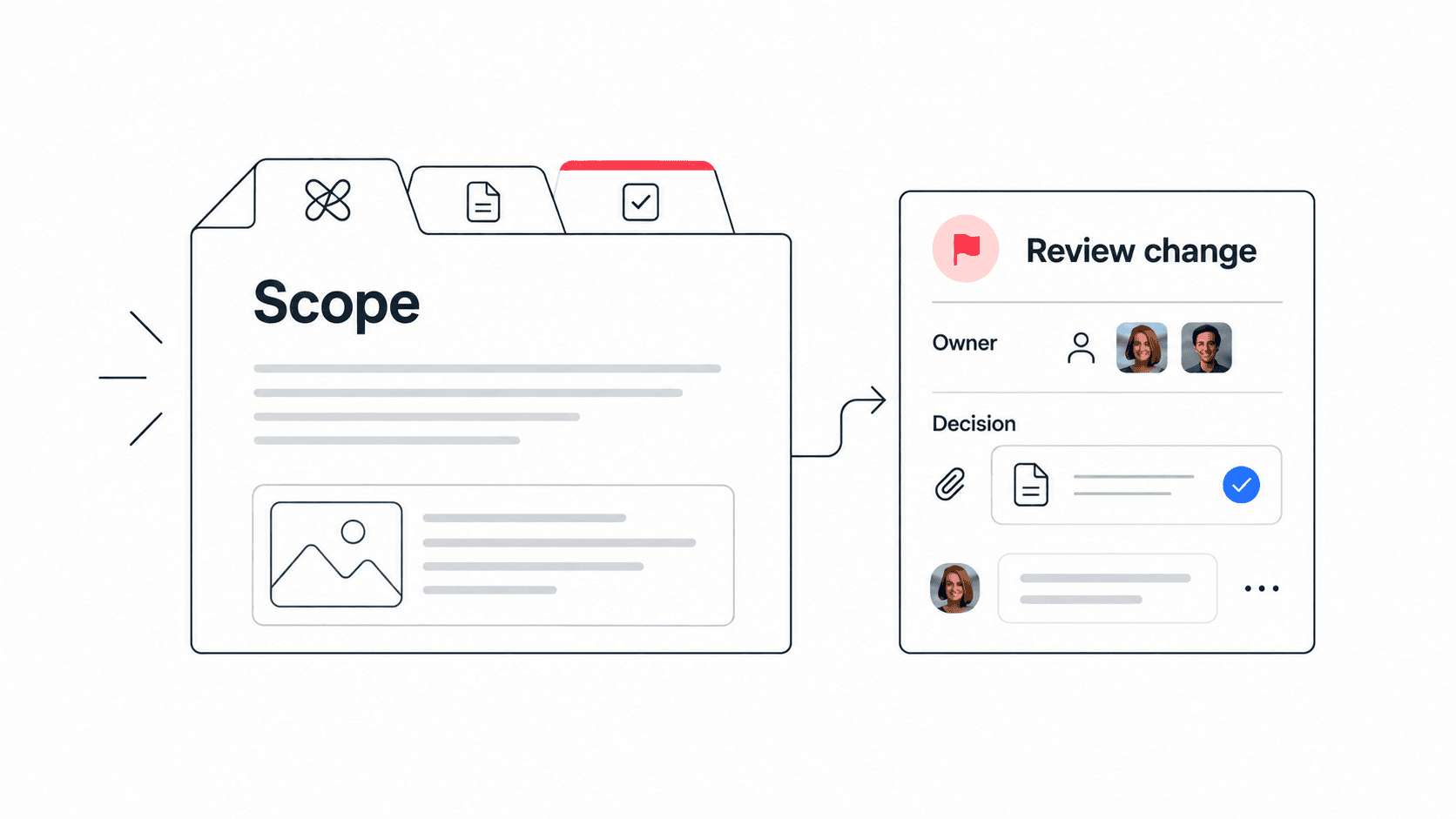
Start with the meeting notes template to separate decisions from actions. If an action changes the agreed scope, link the relevant decision log entry rather than relying on a short task title to explain the change.