Download Mobile App


Choosing a Basecamp alternative starts with a specific workflow problem. If your team already keeps projects, discussions and files together, moving them to a new workspace needs a clearer justification than a longer feature list. This guide helps small teams compare Basecamp with Edworking using an actual client delivery project.
What Basecamp already covers
Basecamp's feature guide includes to-dos, message boards, Campfire real-time chat, schedules, documents and files, and Card Tables. It also describes connections for AI agents. Basecamp is already a collaboration workspace; describing it as a task list without chat would give buyers the wrong starting point.
The useful question is whether your team can complete its daily work comfortably in that structure. If clients find updates, owners keep tasks current and approvals are easy to recover, a migration may offer little benefit.
When Edworking is worth evaluating
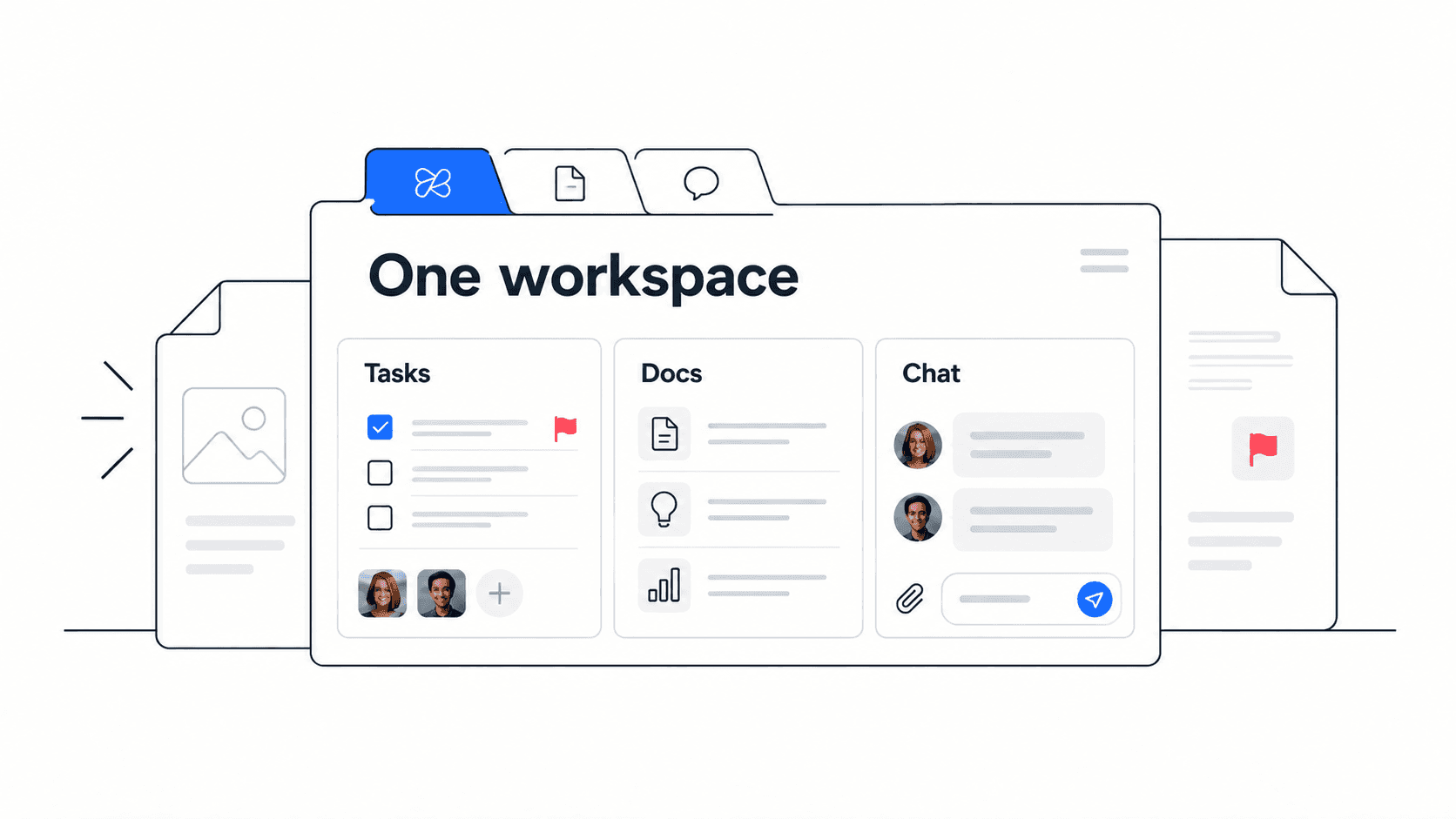
Consider Edworking when the team wants to bring project tasks, collaborative documents, conversations and calls into its daily working space. Try the interactive product demo with the people who will use it, including someone responsible for client communication.
Write down the problem before the demonstration. For example: “Our account manager has to reconstruct the approved scope before every client review.” That is a testable problem. “We need something more modern” is not enough to guide a purchase.
- Keep Basecamp on the shortlist when its current project structure already works for both clients and staff.
- Test Edworking when the team wants a different daily experience for coordinating tasks, documents and communication.
- Retain a specialist tool when a required workflow cannot be reproduced. A consolidation target should not override a real delivery requirement.

A client approval test you can run
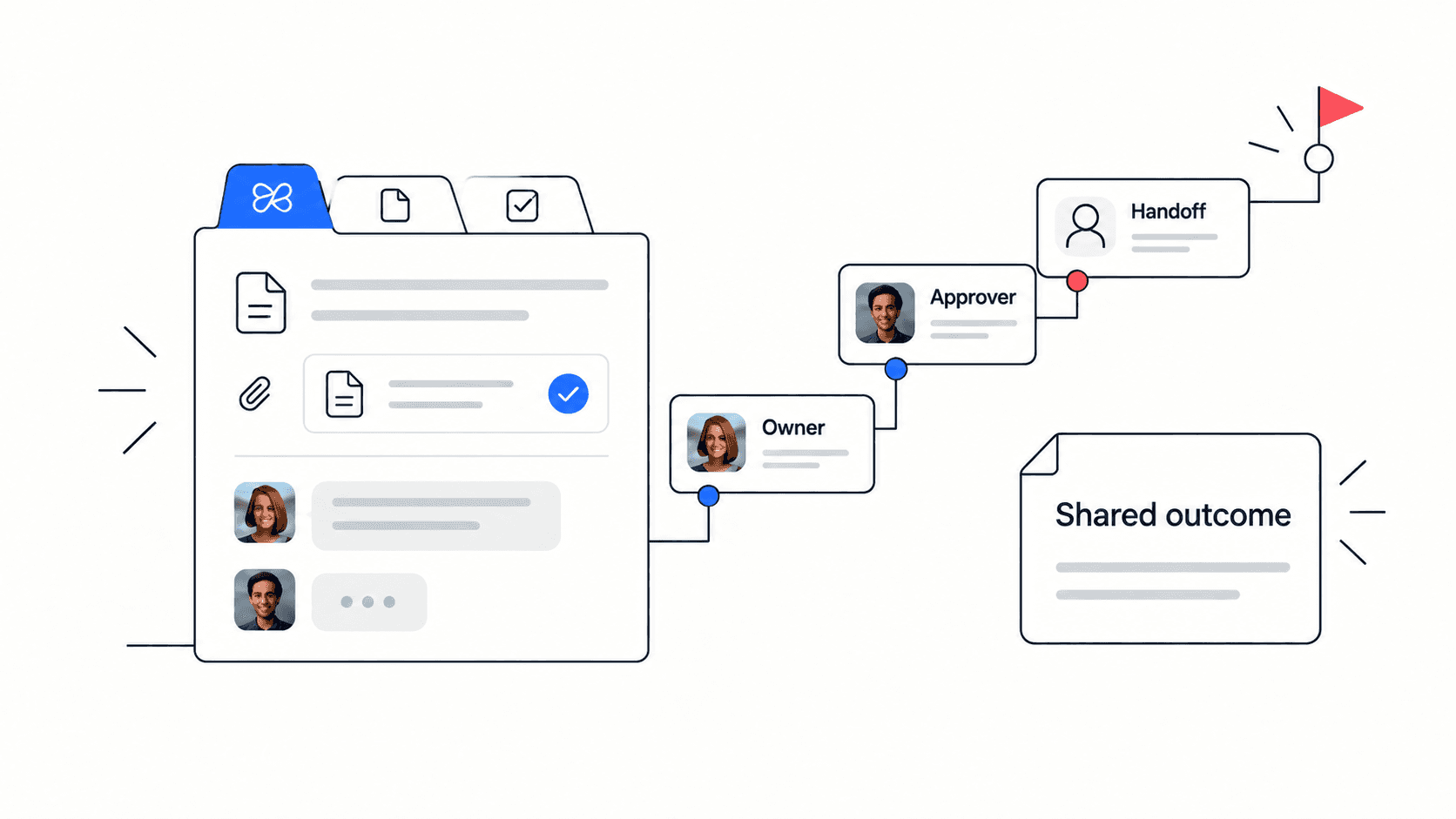
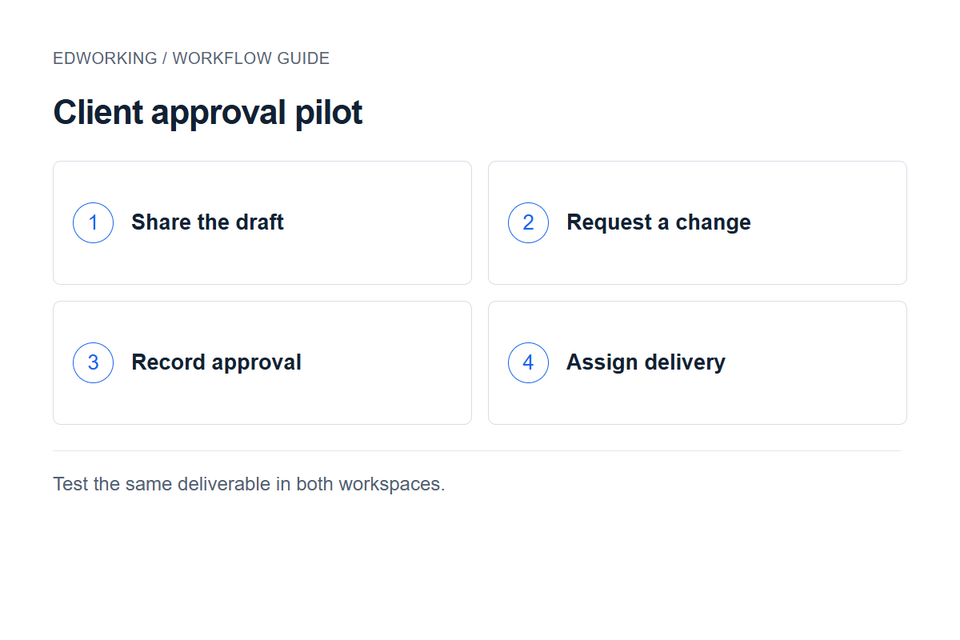
Use a fictional website project with three deliverables: a brief, homepage copy and a final design. Choose one internal owner and one client reviewer. Give both products the same files and the same tasks so you can compare the process fairly.
- Ask the reviewer to find the latest copy without help. Record where they looked and whether they opened the right version.
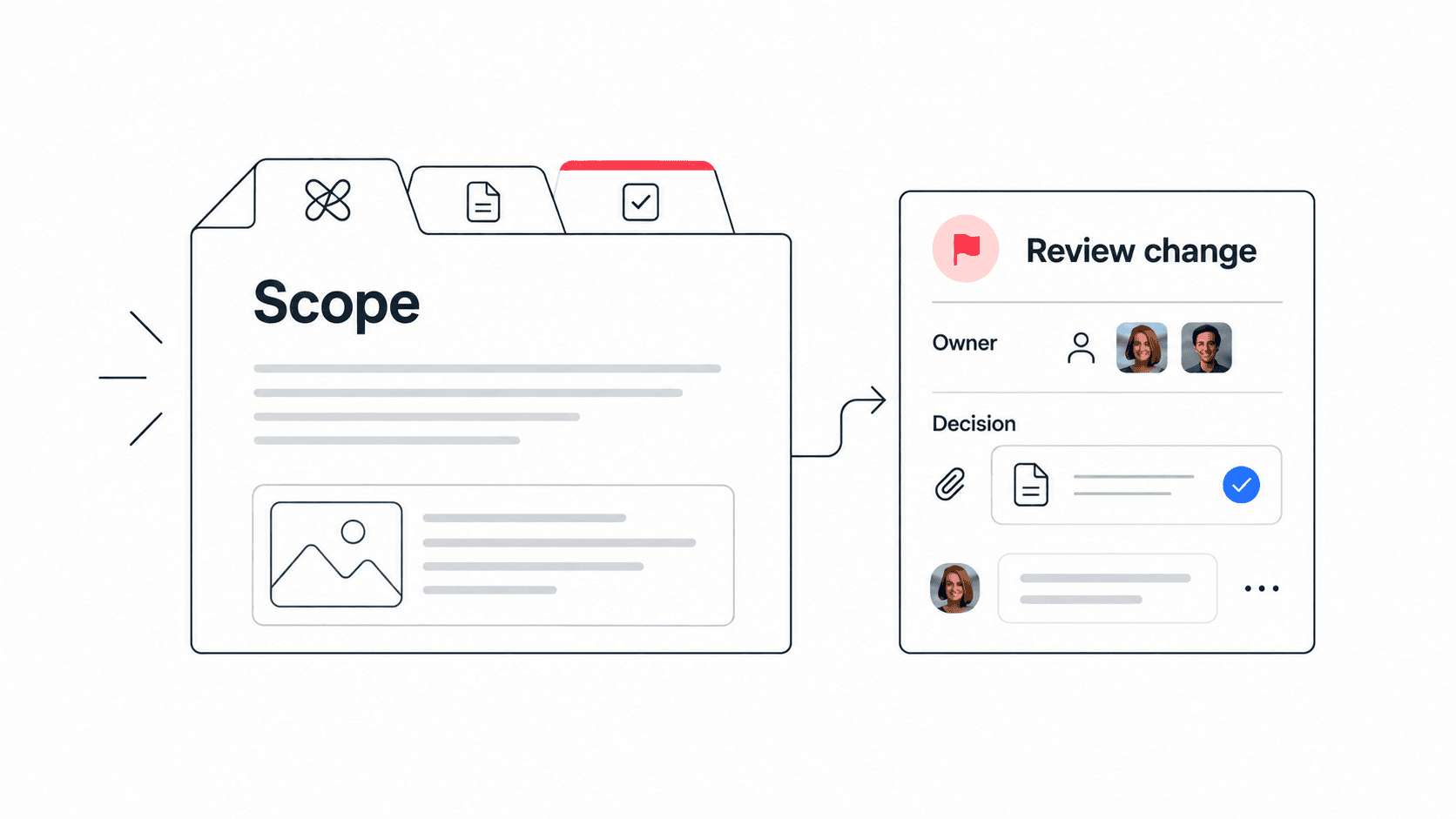
- Request a change to the main headline. Check that the writer can find the request, its owner and its deadline together.
- Record approval in writing. The delivery owner should be able to show which version was approved and which changes remain open.
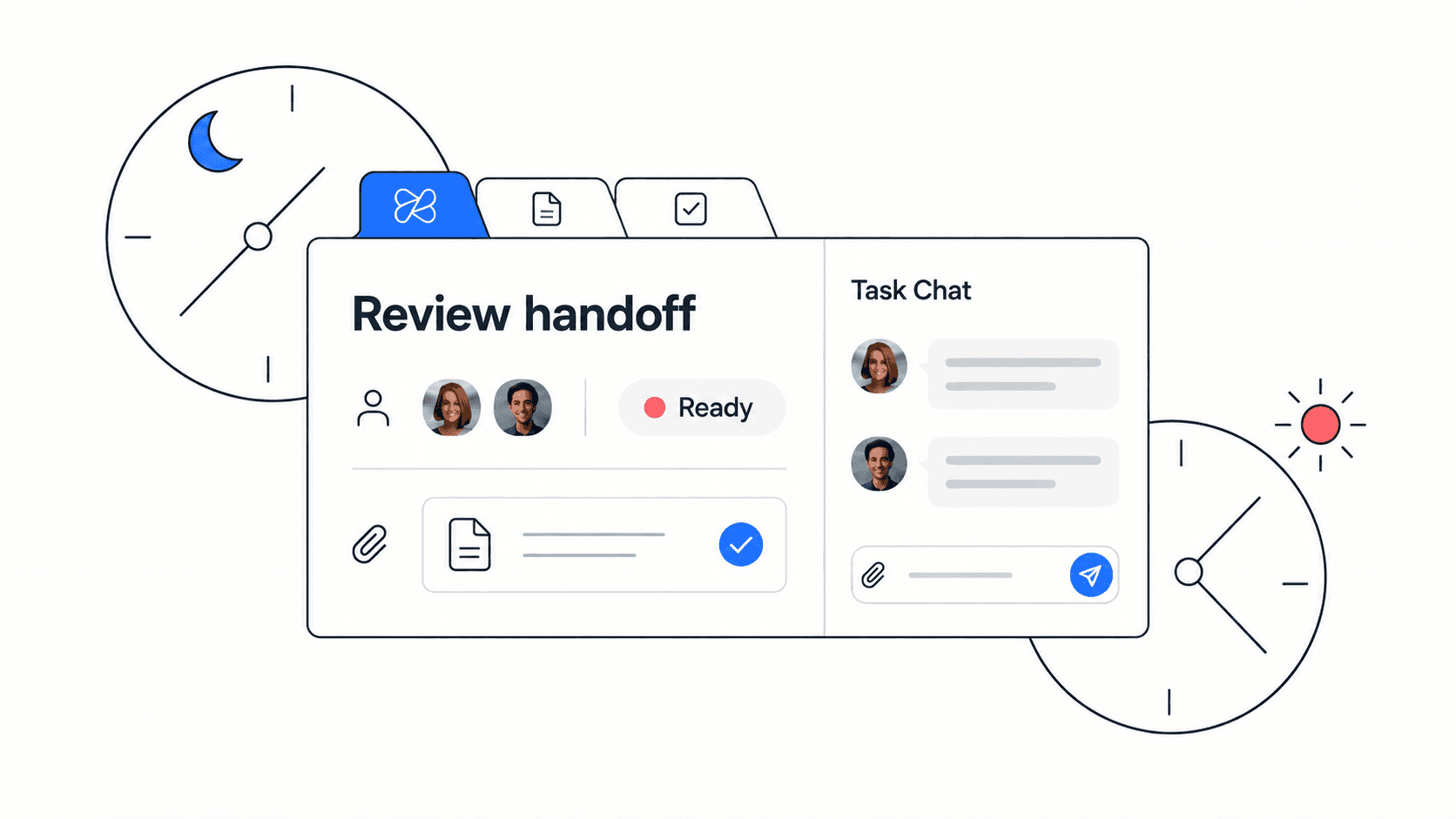
- Invite a teammate who missed the discussion to prepare the next action. Note every clarification they need.
This test separates a software gap from a process gap. If neither workspace has a named approver or an agreed final version, changing tools will not resolve the ambiguity. Use a decision log to make approval records consistent before comparing the results.
Migration checks before committing
List active projects, archived references, external participants and recurring check-ins. Migrate one live project first, while keeping its previous records accessible. Do not assume that comments, permissions, links or recurring schedules will transfer automatically.
Ask a client to test access with their own account. Confirm that they can see the intended project and cannot see unrelated internal material. Check the current plans for both products against your actual participants, storage and feature needs rather than assuming one will cost less.
Agree on a cutover date for the pilot project. From that date, update its tasks in one place. Keeping two editable copies makes it difficult to know whether the new workflow is working.
How to make the decision
At the end of the pilot, compare missing approvals, time spent finding the current file, and the number of reminders needed to assign follow-up. Record problems as well as improvements. If Basecamp performs better for your team, keep it. If Edworking resolves the specific friction without losing needed capabilities, expand to the next project.
For the next client review, use a meeting notes template and turn each agreed action into an owned task. That habit matters in either product.