Download Mobile App


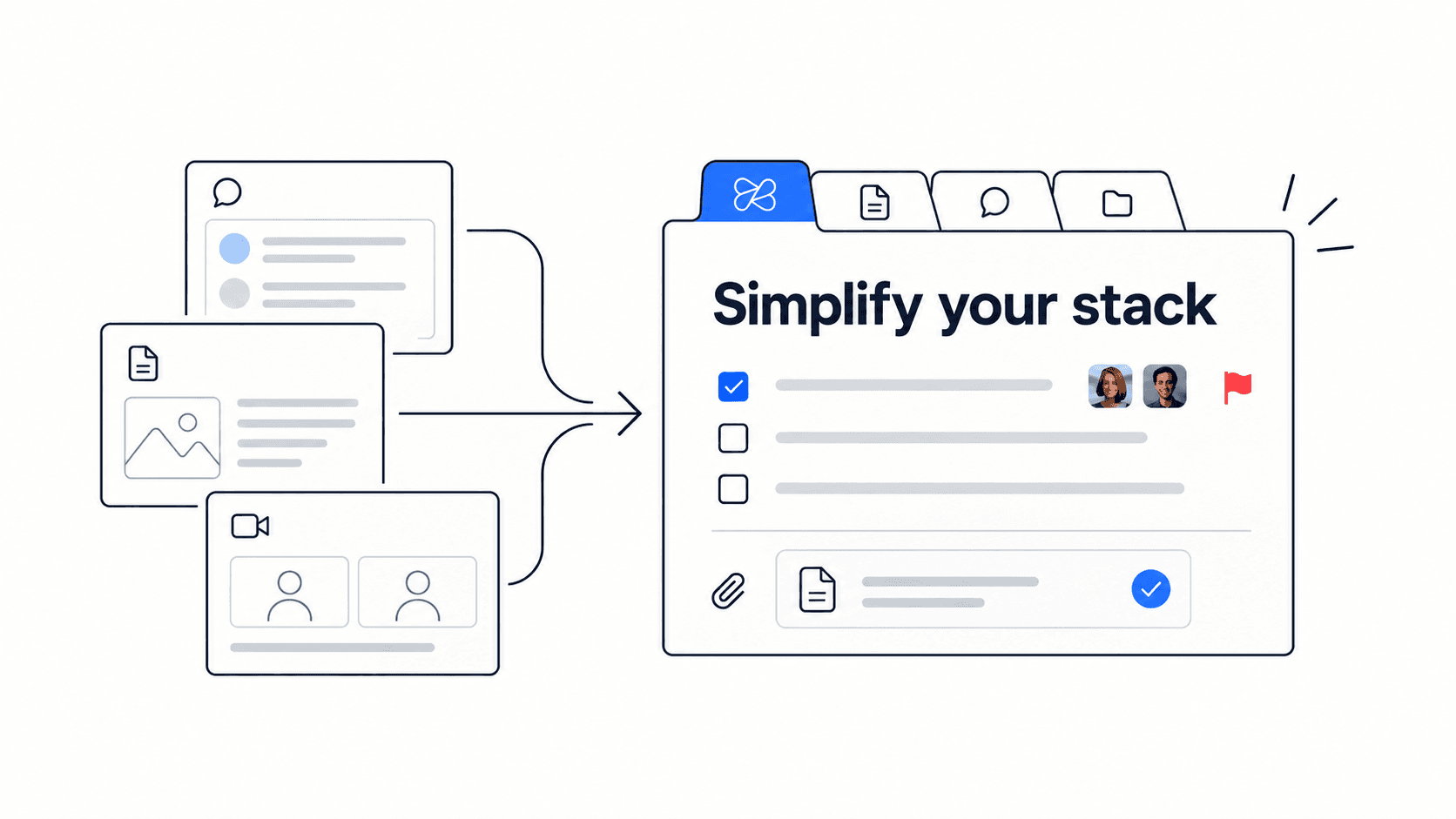
A collaboration stack assessment helps a startup decide whether its tools are helping the team move faster or quietly creating more work. Most teams do not create tool sprawl on purpose. They add a task app for deadlines, a doc app for notes, a chat app for urgency, a drive for files, a meeting tool for calls, and an AI tool for drafting. Each choice is reasonable by itself, but the combined stack can become hard to search, hard to own, and expensive to maintain.
This guide gives founders, operators, and team leads a practical way to review that stack before adding another subscription. It pairs with the Edworking collaboration stack assessment and the tool consolidation checklist so the team can move from a vague feeling of tool fatigue to a clear decision about what to keep, connect, or consolidate.
Quick takeaway: a healthy startup stack keeps tasks, docs, files, chat, meetings, and AI context connected enough that people can answer what matters, who owns it, where the evidence is, and what happens next without opening six tools.
What a collaboration stack assessment measures
The goal is not to punish a team for using multiple tools. A good assessment asks whether the stack makes the core work visible. If a team can quickly find project ownership, the latest document, the decision behind a task, the file that supports it, and the meeting note that changed the plan, the stack is probably doing its job. If every answer requires another search, another message, or another status meeting, the stack is creating drag.
A useful assessment looks at six areas together, not one app at a time. The areas are task ownership, docs and decisions, chat and updates, meetings and follow-up, files and context, and AI or search. A low score in one area can damage the others. For example, strong docs do not help much if tasks never link back to them, and fast chat can become a liability if decisions stay buried in threads.
- Tasks should show owner, priority, deadline, and the source context behind the work.
- Docs should capture decisions, policies, plans, and meeting outcomes in places the team can find later.
- Chat should speed up coordination without becoming the only source of truth.
- Meetings should produce visible notes, tasks, files, or decisions.
- Files should sit beside the projects, docs, or tasks they support.
- AI and search should retrieve context that already exists, not compensate for a messy workspace.
Decision rule: score the workflow, not the brand names. A popular app can still be a poor fit if it hides context, adds manual copying, or requires people to maintain the same project in multiple places.
The assessment scorecard
Use a simple one-to-five score for each area. A one means the workflow is scattered and mostly manual. A three means the team can function, but handoffs are inconsistent. A five means the information is connected, easy to find, and easy to act on. The exact number matters less than the pattern. A stack with six average scores may be less risky than a stack with one severe gap that affects every project.
- Score 1: scattered. People regularly ask where things are, duplicate work, or recreate context from memory.
- Score 2: fragile. The team has a process, but it depends on one person remembering to copy information between tools.
- Score 3: workable. Most work moves forward, but the team still loses time finding decisions, ownership, files, or follow-up.
- Score 4: connected. The main handoffs are visible and most people can find the current state of work without asking.
- Score 5: reliable. Tasks, docs, files, chat, meetings, and AI/search reinforce one another, so the workspace becomes a durable operating system.
Practical example: a founder scores tasks at four, docs at three, chat at two, meetings at two, files at three, and AI/search at one. The problem is not only AI. The team has not made meeting outcomes and chat decisions durable enough for AI or search to retrieve them. The next move is to connect meeting notes and decisions to tasks before buying another AI note-taking tool.
How to interpret your result
A high score means the team should keep refining the current system. It does not mean the stack is perfect. It means the biggest gains probably come from small improvements: naming conventions, recurring review tasks, cleaner ownership, or a rule that every meeting creates a visible next action.
A middle score means the team is living with hidden coordination tax. Work is possible, but people spend avoidable time translating updates between apps. This is where a startup should compare the cost of separate tools with the cost of an all-in-one workspace. The monthly subscription line is only one part of the decision. The bigger cost is the time spent recreating context.
A low score means consolidation should be treated as an operating priority. The team is likely paying for tools and paying again in manual coordination. Start by mapping the core workflow from idea to task, task to document, document to review, review to decision, and decision to follow-up. Then decide which tools truly need to remain separate.
Signals that consolidation should be considered
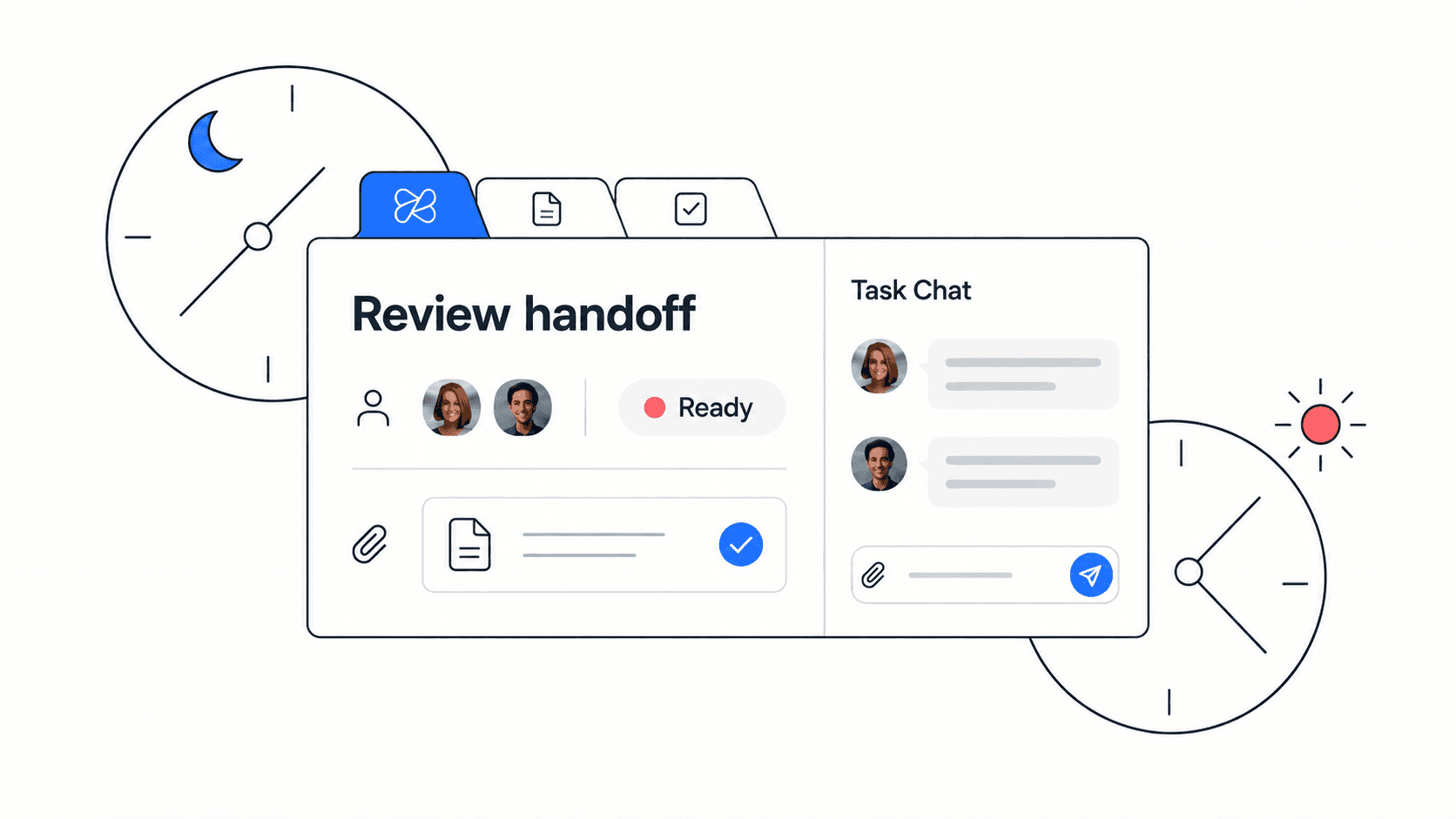
The clearest signal is repeated context recovery. If teammates often ask for the latest file, the final decision, the owner, the meeting summary, or the reason a task changed, the stack is not preserving context well enough. Another signal is meeting inflation. When teams cannot trust written context, they add calls to resync. Those calls then produce more notes and more follow-up, which creates more places to maintain.
Cost is another signal, but it should be read carefully. A team may spend less on subscriptions and still lose more in wasted coordination. The best assessment combines software spend, switching time, search time, meeting overhead, and the risk of missed work.
- Repeated questions about the same decision or file.
- Tasks that mention work but do not link to the doc, file, or discussion behind it.
- Chat threads used as decision records.
- Meetings that require separate manual summaries before anyone can act.
- AI tools that produce drafts but cannot access the team context needed for useful answers.
- Onboarding that depends on a person explaining where everything lives.
What to consolidate first
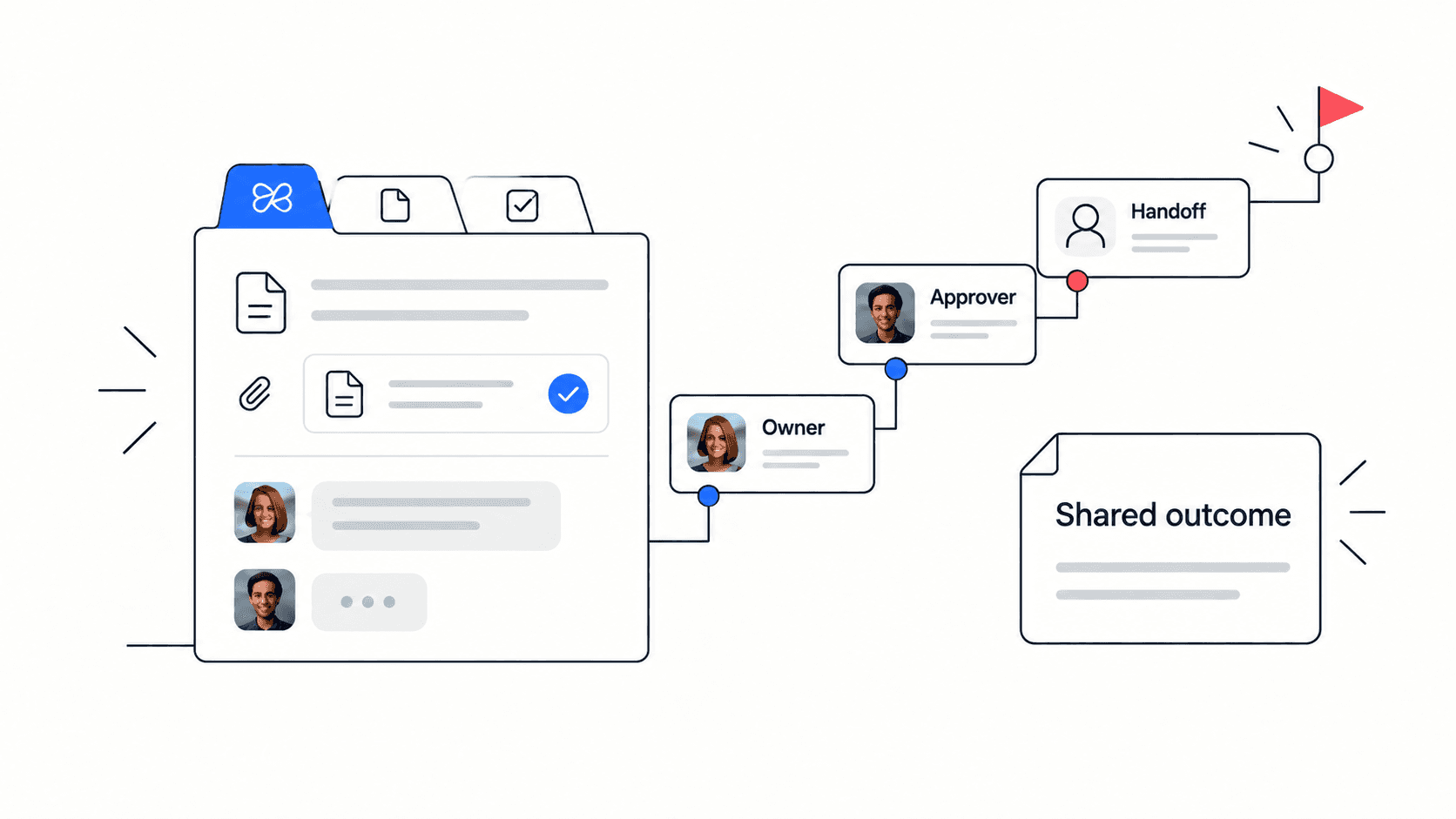
Do not start with the easiest app to cancel. Start with the workflow that creates the most handoffs. For many startups, that is project execution: tasks, docs, decisions, files, chat, and meetings around the same customer, launch, or sprint. If those pieces are split, the team spends every week stitching the same context together.
The safest consolidation path is gradual. Choose one team or one recurring workflow, define the source of truth, move the related docs and tasks into a connected workspace, and keep the old tools available during the transition. Measure whether fewer status meetings, fewer search questions, and cleaner ownership follow.
- Pick one workflow, such as weekly planning, customer onboarding, or launch management.
- List every tool touched by that workflow in a normal week.
- Mark where ownership, files, decisions, or meeting notes move between tools.
- Choose which parts need one connected workspace.
- Run a two-week pilot and compare search time, meeting follow-up, and task clarity.

Where Edworking fits
Edworking is useful when the assessment shows that work is split across the core collaboration layer. Instead of managing separate apps for tasks, docs, files, chat, meetings, and AI assistance, a startup can use one workspace where the conversation, document, file, meeting, and task stay closer together. This does not mean every specialist tool disappears. It means the operating layer becomes simpler.
For example, a startup may keep a finance tool, a design tool, or a code repository, but use Edworking as the place where priorities, execution, decisions, and team communication live. The assessment helps define that boundary. The team can keep specialist tools where they add clear value and consolidate the collaboration layer where switching costs are highest.
Use the collaboration stack assessment to score the current workflow, then use the tool consolidation checklist to decide what to keep, connect, or replace.
Checklist for your next stack review
- Score tasks, docs, chat, meetings, files, and AI/search from one to five.
- Write down the two lowest-scoring areas and the handoffs causing the pain.
- Estimate the weekly time spent searching, copying updates, or repeating context.
- Choose one workflow for a consolidation pilot.
- Define what must live in one workspace before the pilot starts.
- Review the pilot after two weeks using the same scorecard.
Common mistakes to avoid
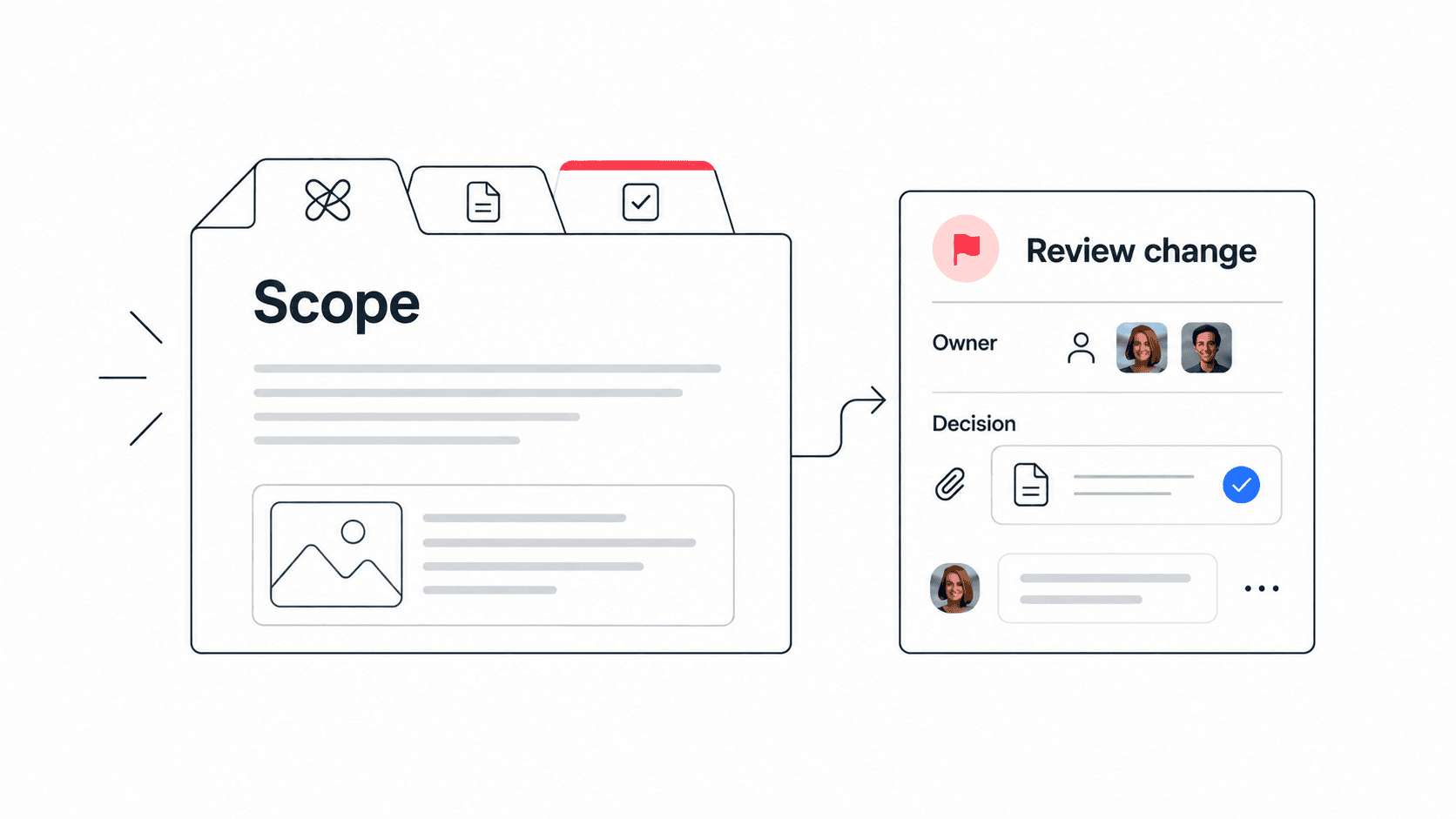
The first mistake is treating consolidation as a purely financial exercise. Lower subscription spend is helpful, but the real value comes from clearer ownership and less context switching. The second mistake is moving everything at once. A big-bang migration creates confusion and makes it hard to tell which change improved the workflow. The third mistake is ignoring behavior. A connected workspace only works if the team agrees how to name work, where decisions live, and how meeting outcomes become tasks.
Mistake to avoid: do not replace five tools with one workspace and then keep making decisions in private chats. Consolidation works when the operating habits change with the software.
How to run the assessment with your team
The assessment works best when it is not completed by one founder in isolation. Ask the people who actually move work through the system to score it too. A project manager may see ownership gaps, a designer may see file-version problems, a support lead may see repeated customer context questions, and a founder may see meeting overload. The discussion around the score is often more valuable than the score itself.
Run it in a short working session. Give everyone five minutes to score the six categories, compare the lowest areas, and choose one workflow to improve. Keep the first improvement small enough to complete in a week. That could mean linking meeting notes to tasks, moving launch files beside the launch plan, or making one Edworking space the source of truth for weekly priorities.
Facilitation checklist:
- Ask each participant to score the six areas before group discussion.
- Compare only the two lowest areas first so the conversation stays focused.
- Choose one workflow where consolidation would remove repeated status updates.
- Assign one owner to test the change and report back in the next team review.
Decision rule: the best first improvement is the one that removes a repeated question. If people stop asking where the file is, who owns the task, or what the meeting decided, the stack is becoming healthier.
FAQs
Conclusion
A collaboration stack assessment turns tool sprawl from a vague complaint into a practical operating decision. It shows where the team is connected, where context gets lost, and where consolidation could reduce wasted coordination. For startups, the right answer is rarely more software by default. The right answer is a stack that keeps work, decisions, files, meetings, and AI context close enough for people to move without constant resync.
Keep the score tied to evidence
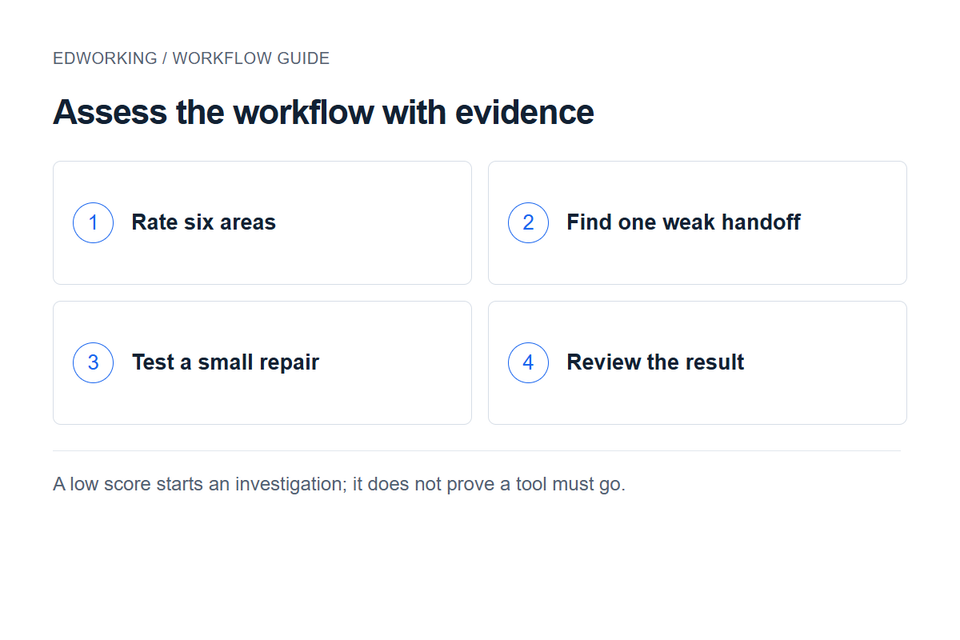
This six-area worksheet is a discussion aid, not a validated benchmark. Keep each rating on its 1–5 scale and record a recent example behind it. Do not convert it into an unexplained score out of 100 or use the result to claim a guaranteed saving.
Start with one weak handoff, such as decisions not becoming assigned actions. Use the meeting notes template to repair that step and the decision log to preserve the outcome. Re-rate the same workflow after the change before deciding whether you need different software.