Download Mobile App


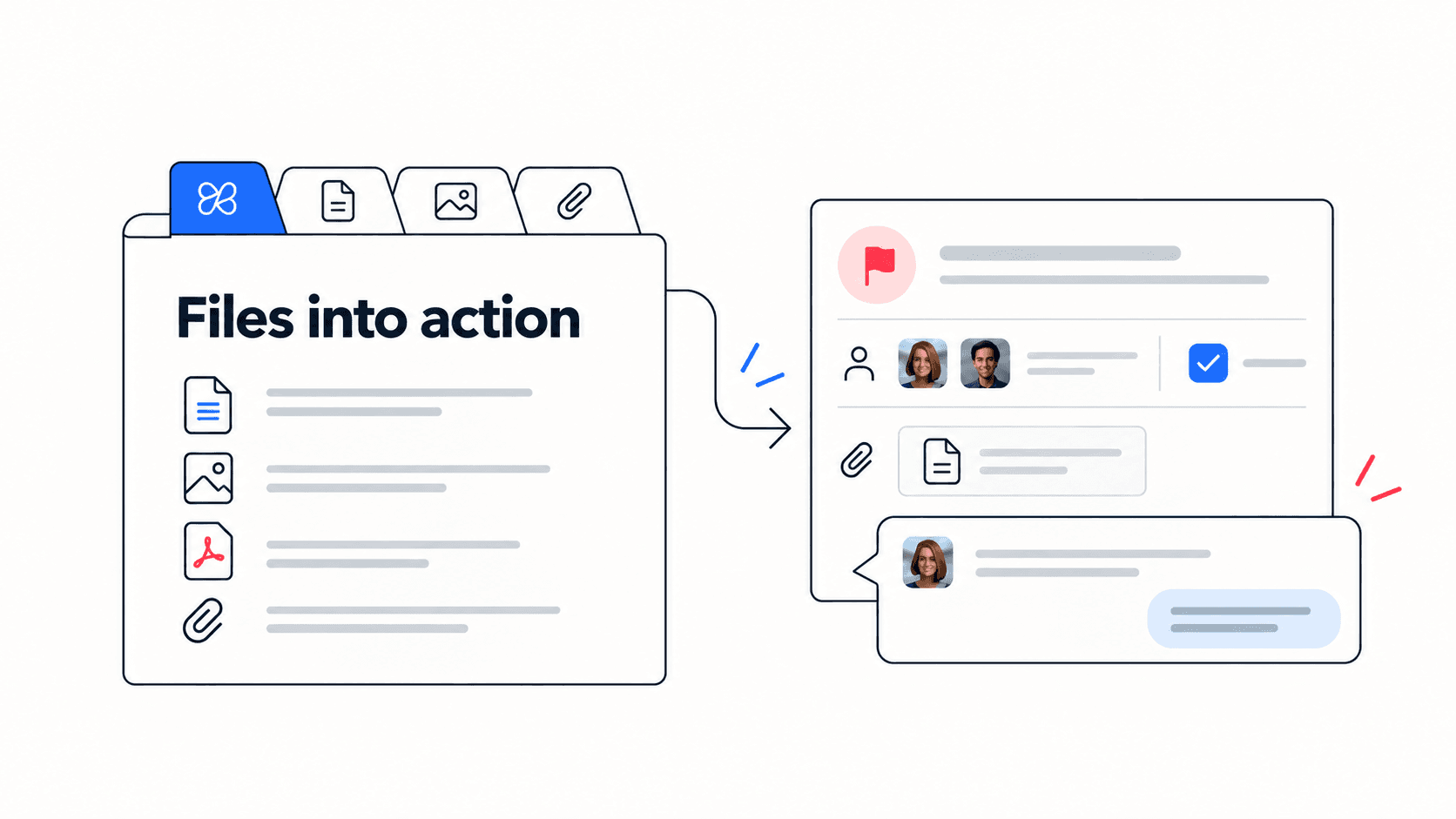
If your team is searching for a Dropbox alternative, start by separating file storage from the work around the files. Replacing a repository and improving project follow-up are different projects. Edworking is worth evaluating for active collaboration, while your storage requirements still need their own assessment.
Dropbox already supports collaboration
Dropbox's feature overview covers file sharing and sync as well as collaboration capabilities, including Paper and connections to tools such as Zoom and Microsoft Teams. Do not assume a Dropbox workflow is limited to uploading files into a folder.
Review the capabilities your team currently uses before changing anything. File access, version history and established external sharing arrangements may be as important as the task workflow you want to improve.
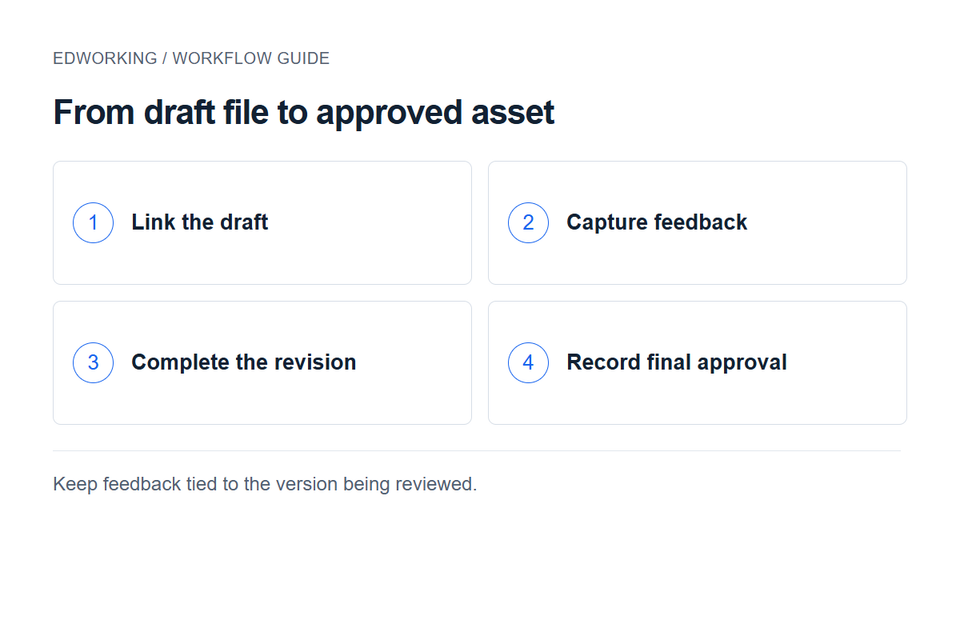
Identify the missing step around a file
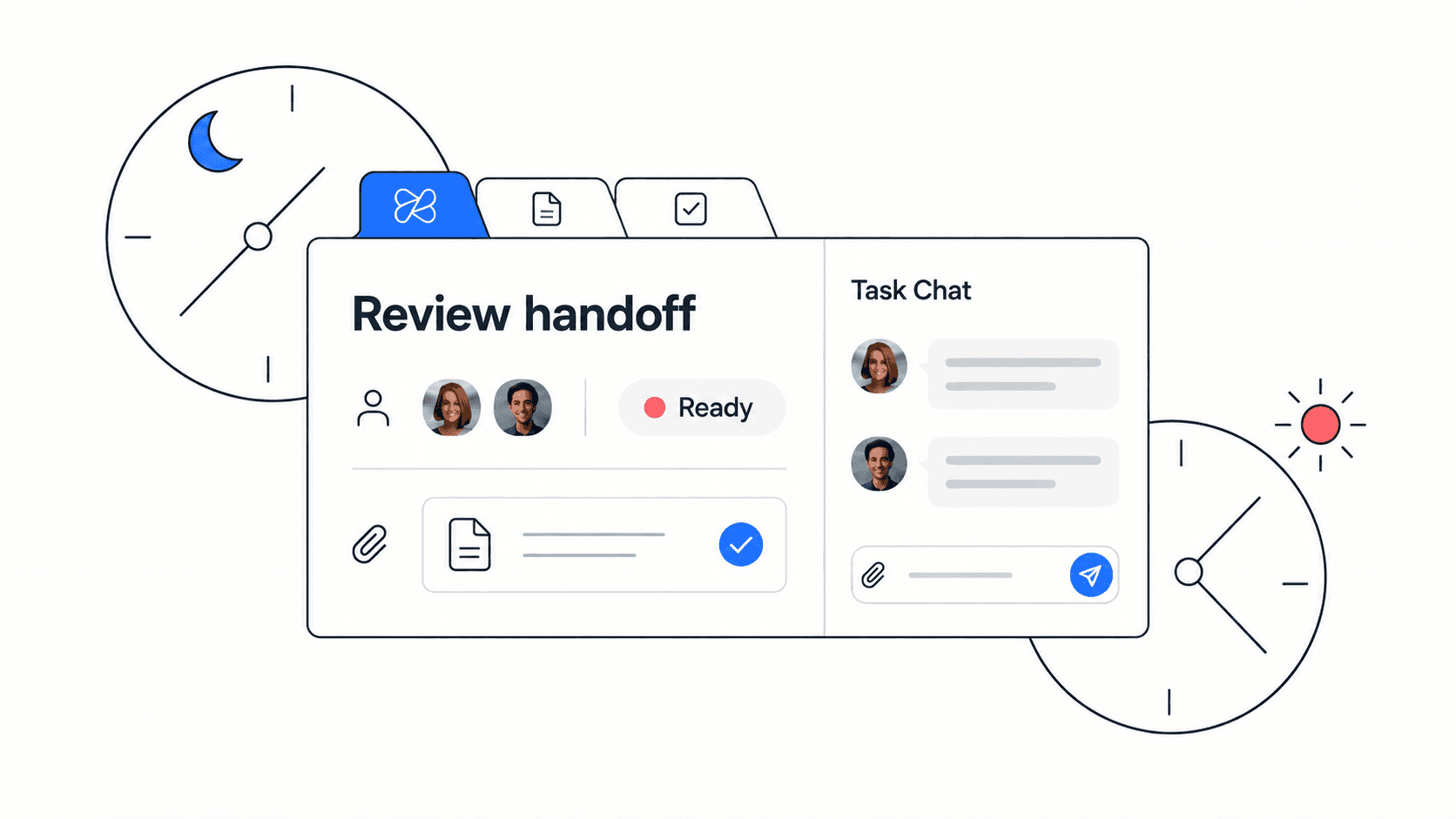
Choose one recent deliverable and trace it from draft to approval. Where did the reviewer leave feedback? Who turned that feedback into work? How did the team identify the approved version? These questions reveal whether the problem is storage, process or project coordination.
A folder with unclear names can be improved with naming and review rules. A design request with no owner needs an assigned task. Moving the folder alone will not fix the second problem.
A worked example: approve a launch asset
Imagine a small agency preparing a homepage illustration. The designer uploads a draft, the client requests a change and the account manager must approve the final version before launch.
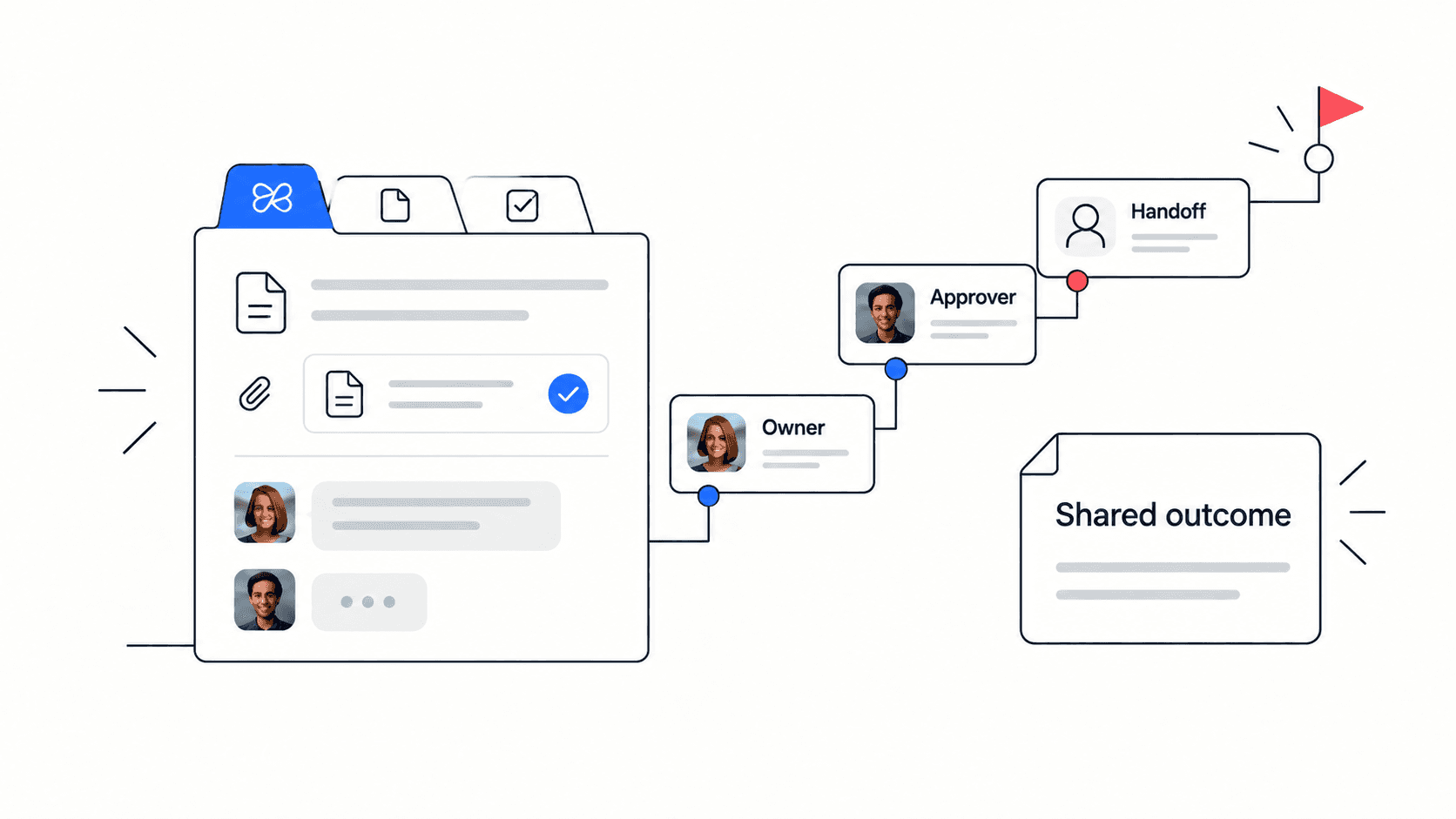
- Give the deliverable a named owner and link the current draft from its task.
- Record feedback against the version being reviewed. Avoid an instruction such as “use the latest one” when several revisions exist.
- Translate the agreed change into a task with a due date and an acceptance condition.
- Record which version the approver accepted, then link that asset from the launch checklist.
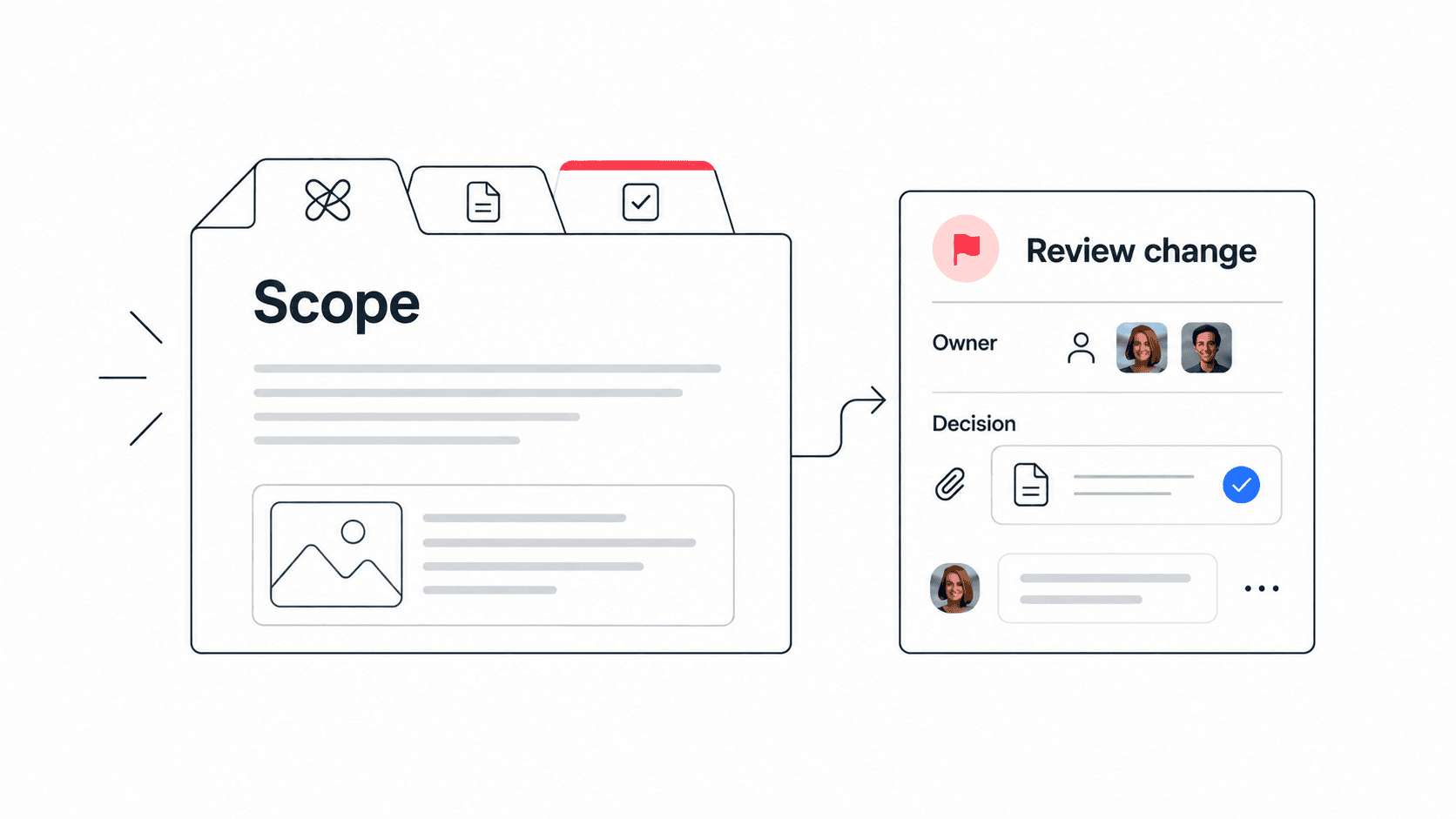
In an Edworking pilot, organise the brief, active task and discussion together. Keep the original archive available while you test. A decision log can record an approval that changes the scope, and meeting notes can capture follow-up from a review call.

What to test before moving files
Use representative files rather than empty folders. Check the types and sizes you work with, who needs access and how collaborators find the final version. Test a guest account if external reviewers are part of the process.
Confirm required storage, recovery, permissions and export behaviour directly in the relevant plans. Do not infer feature parity from the fact that both products allow file uploads. If a specialist storage requirement is essential, retain the system that meets it until a replacement is verified.
Try the Edworking product demo to explore the active workspace, then run the approval example with your team. Record questions participants ask while finding the source file and the next action.
Move active work first
Choose one project with an explicit cutover date. Document where new feedback should be recorded and which location contains the approved deliverable. Keep old material readable without asking the team to maintain duplicate editable versions.
Historical archives can stay where they are if moving them has no practical benefit. Linking to an existing file may be enough for the pilot, provided every participant has access. A link should not be described as an automatic integration.
Decide based on the review workflow
Compare missing feedback, time spent locating approved assets and the number of reminders needed to assign changes. Also record any access or file-handling problems introduced by the new setup.
Keep Dropbox when it meets both storage and collaboration needs. Use Edworking for active delivery when it improves the workflow and satisfies the requirements you tested. Using both is reasonable when the archive and the project workspace have clearly defined roles.