Download Mobile App


Knowledge management for small teams should not feel like maintaining a corporate wiki that nobody opens. In a growing team, useful knowledge is scattered across project tasks, meeting notes, chat threads, files, customer decisions, and onboarding docs. The problem is not a lack of information; it is that the right context is hard to find when someone needs to act.
This guide shows how to keep docs, decisions, and tasks connected without building a heavy knowledge program. It is written for founders, operators, team leads, and remote teams that need practical answers, not another folder structure that looks clean for one week and then falls apart.
Quick takeaway: small-team knowledge management works when every important decision has an owner, a home, and a path back to the task or project it affects.
What knowledge management means for a small team
Knowledge management is the habit of capturing, organizing, updating, and reusing the information a team needs to work well. For a small team, that includes project decisions, customer context, onboarding notes, reusable templates, process docs, meeting outcomes, and lessons learned after delivery.
The goal is not to document everything. The goal is to make the next similar task easier, faster, and less dependent on one person remembering the details. Good knowledge management reduces repeated questions and makes handoffs smoother.
- Project knowledge: briefs, requirements, deadlines, risks, and decision history.
- Team knowledge: responsibilities, workflows, meeting rhythms, and ownership rules.
- Customer knowledge: feedback, preferences, approvals, support patterns, and open promises.
- Operational knowledge: checklists, templates, account steps, recurring reports, and escalation paths.
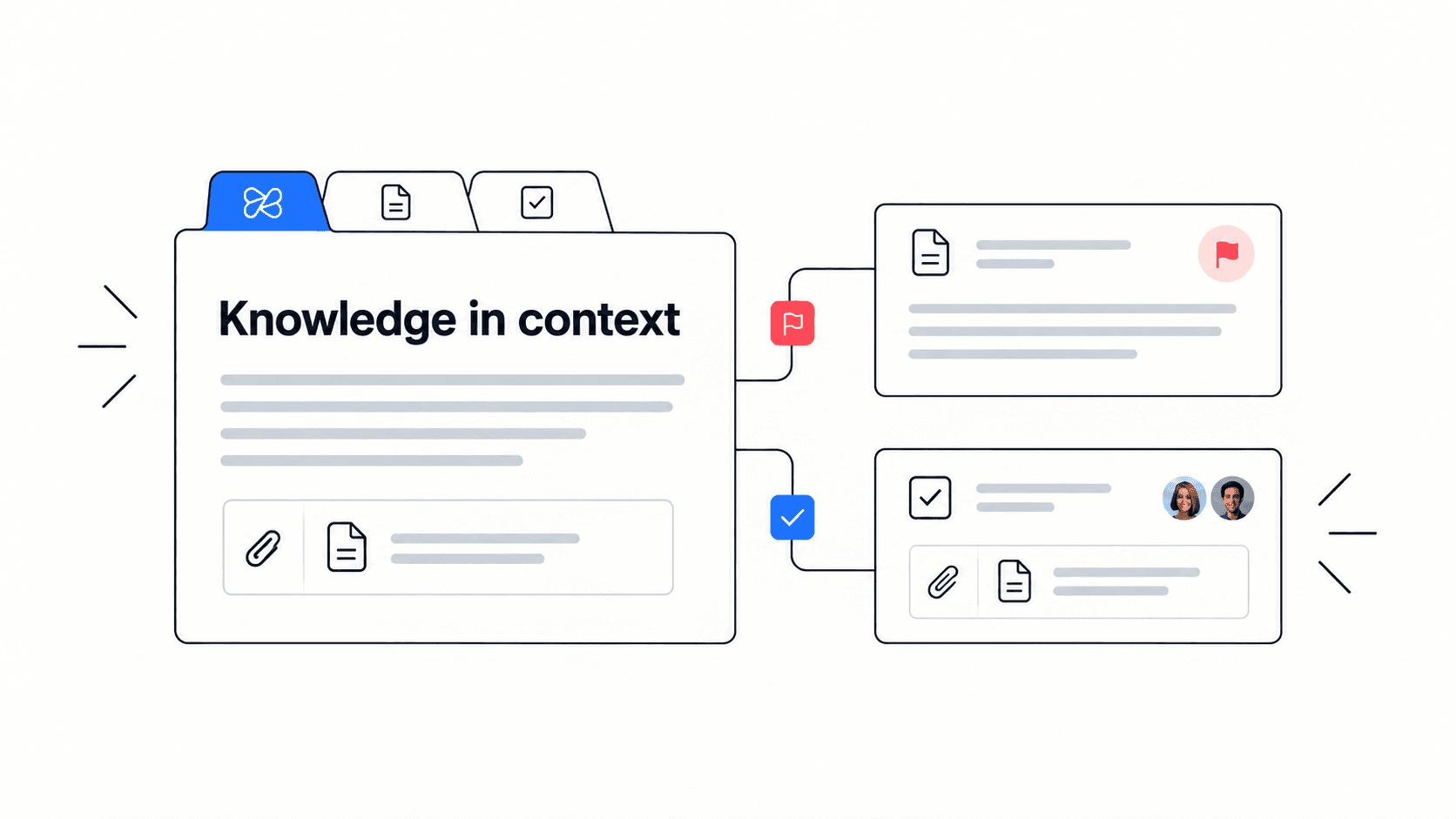
Edworking tip: if a doc explains a decision but the related task lives somewhere else, the team will still lose context. Link the doc, task, file, and discussion together while the work is active.
Why knowledge gets lost in growing teams
Most knowledge problems start quietly. A teammate writes a useful process in a private doc. A founder explains a decision in chat. A project manager stores the final client feedback in an email. None of these choices feel wrong in the moment, but together they create a system where search depends on memory.
Small teams are especially vulnerable because people often hold multiple roles. The same person may own delivery, client communication, hiring, and operations. When that person becomes busy, unavailable, or leaves, hidden knowledge turns into project drag.
- The final decision is in a chat thread, but the task only shows the next step.
- The project brief is current, but the attached files are outdated.
- The onboarding checklist exists, but it does not link to the real docs new hires need.
- Meeting notes summarize discussion but do not assign owners or deadlines.
- The team has many docs, but no one knows which one is trusted.
A useful test: ask a teammate to find the latest decision behind a current task. If they need to ask three people or search four tools, the knowledge system needs work.
A simple framework for connected knowledge
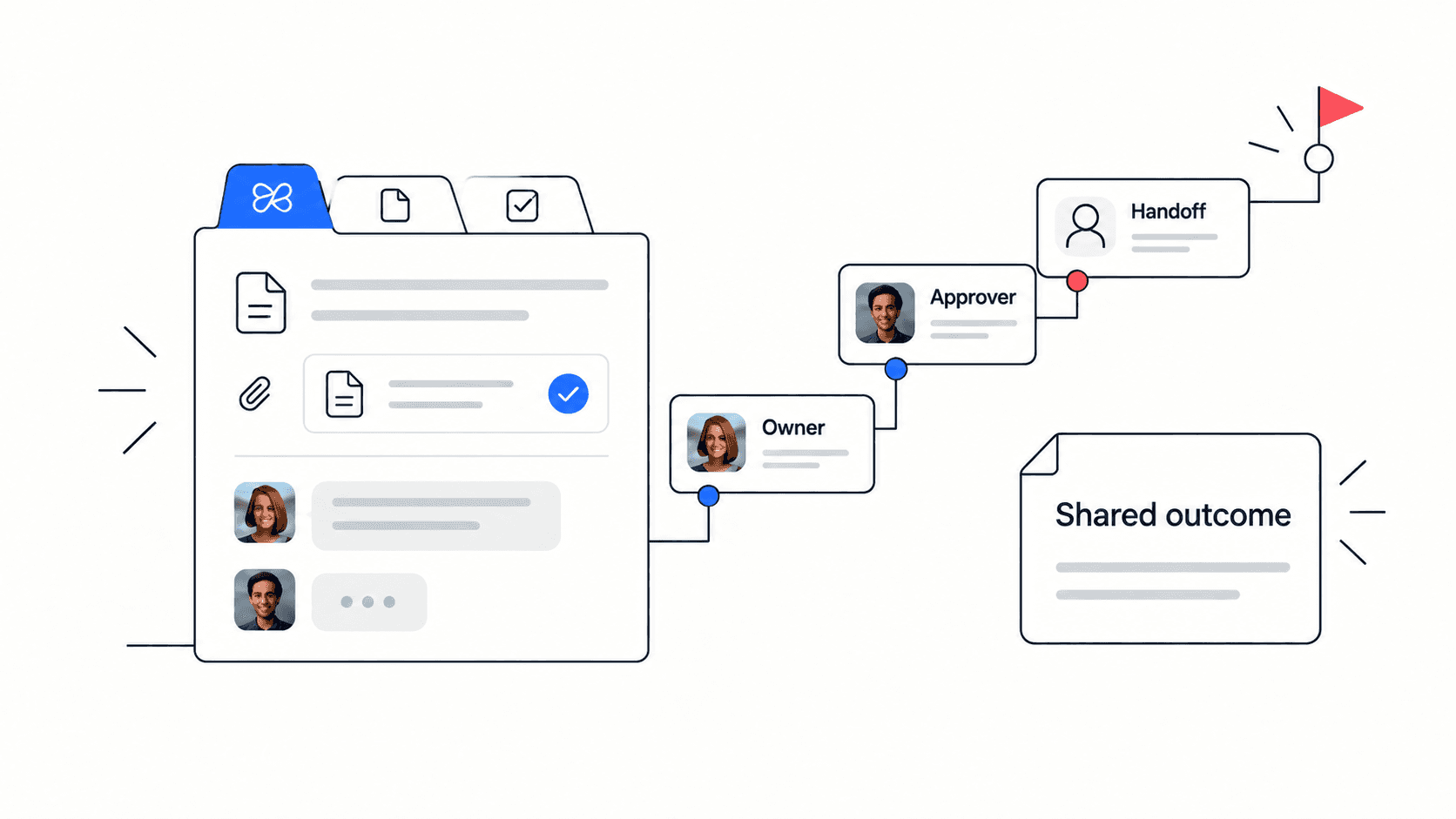
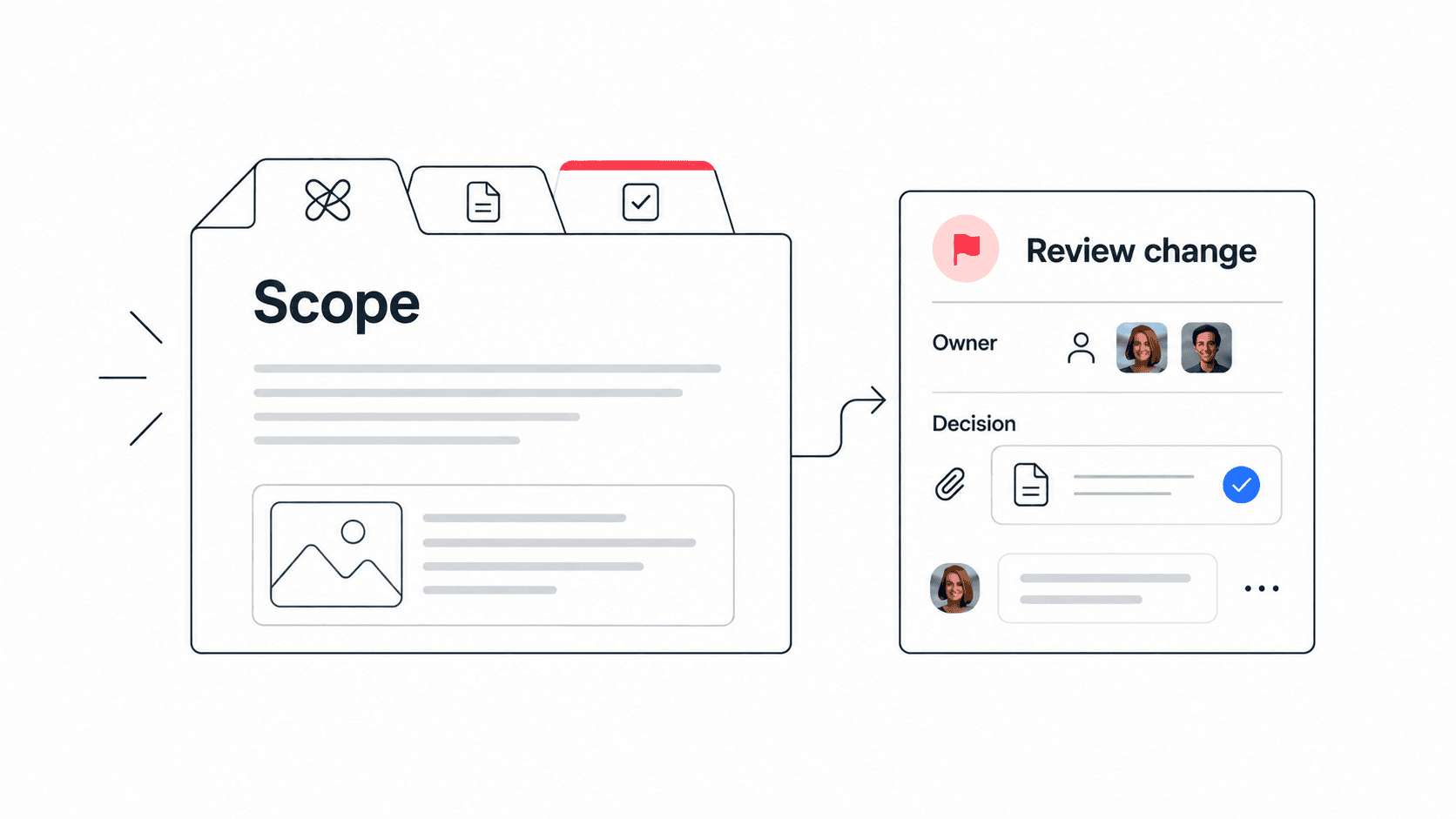
You can improve knowledge management without redesigning every folder. Start by creating a simple operating rule: important knowledge should connect to the workflow it changes. A decision about a client deliverable should live with that client project. A process checklist should link to the recurring task that uses it. A meeting note should create visible follow-up work.
- Capture the decision or reusable lesson in a clear doc, not only in chat.
- Link the doc to the task, project, or client workspace where the knowledge is needed.
- Assign one owner who keeps the doc useful and removes outdated advice.
- Add a short summary at the top so teammates know whether the doc is relevant.
- Review the most-used docs monthly and archive what no longer reflects reality.
This framework is intentionally lightweight. It gives knowledge a place, a purpose, and an owner without forcing every team to maintain a complex taxonomy.
Structured comparison: scattered notes versus connected knowledge
- Scattered notes: decisions live in chat, emails, private docs, and meeting recordings. Connected knowledge: decisions are summarized in a shared doc and linked to the task or project.
- Scattered notes: teammates ask the same questions because search results are noisy. Connected knowledge: each core process has a short trusted source and an owner.
- Scattered notes: onboarding depends on whoever has time to explain. Connected knowledge: new teammates follow a checklist with links to the right docs, files, and tasks.
- Scattered notes: project retrospectives are forgotten. Connected knowledge: lessons learned become updates to templates, checklists, or decision guides.
- Scattered notes: AI tools summarize isolated text. Connected knowledge: AI can work with the same workspace context that contains tasks, docs, files, and discussions.
Decision rule: if a document does not help someone make a decision, complete a task, or understand a customer/project, it may not need to exist.
For teams building this foundation, a dedicated knowledge management workspace gives docs, tasks, files, chat, meetings, and AI context one place to connect.

Knowledge management checklist for small teams
- Name the five knowledge areas your team reuses most often, such as onboarding, client delivery, product decisions, meeting notes, and support answers.
- Choose one trusted home for each area instead of letting docs multiply across personal drives.
- Give every important doc a short summary, owner, last-reviewed date, and related project or task link.
- Turn meeting decisions into assigned tasks, not just paragraphs in notes.
- Link files and reference material to the task or doc where they matter.
- Archive or label outdated docs so teammates do not follow stale advice.
- Use AI search to find context faster, but keep human ownership for what is accurate and approved.
Practical example: a remote startup ships a new feature and records the launch checklist, customer objections, pricing decision, release notes, and follow-up tasks in one workspace. The next launch starts from that connected record instead of a blank page.
How AI changes knowledge management
AI can make knowledge easier to retrieve, but it does not fix messy ownership by itself. If docs are outdated, decisions are unclear, or tasks have no context, AI may only help the team find confusion faster. The best results come when the workspace has clear docs, linked tasks, and enough structure for AI to summarize reliably.
For a small team, AI is most useful when it answers practical questions: What did we decide about this client? Which file is the latest version? What tasks are blocked by this decision? What should a new teammate read first?
- Use AI to summarize long docs before handoffs.
- Use AI search to find related tasks, files, and discussions.
- Use AI writing help to turn rough notes into clean process docs.
- Use AI reports to highlight repeated questions that deserve better documentation.
This is where Edworking’s AI workspace for teams is useful: AI sits next to the tasks, docs, files, and chats where the knowledge is created.
Common mistakes to avoid
- Mistake: documenting every tiny detail. Better approach: document repeatable decisions, handoffs, risks, and processes.
- Mistake: treating folders as the strategy. Better approach: connect knowledge to the projects and tasks where it is used.
- Mistake: leaving docs ownerless. Better approach: give each important doc a responsible person and review rhythm.
- Mistake: using meetings as the only knowledge transfer. Better approach: turn meeting outcomes into docs and tasks.
- Mistake: assuming search solves stale content. Better approach: prune and label outdated information.
Mistake to avoid: do not make a knowledge base another place people must update after doing the real work. Build it into the work by connecting docs, tasks, files, and conversations as the project moves.
A 30-day rollout plan for connected knowledge
A knowledge system becomes useful when the team can adopt it in small steps. Do not start by moving every old document. Start with the decisions and workflows that create the most repeated questions, then build a habit around those areas.
- Week one: choose the five documents or workflows that teammates ask about most often. Add a short summary, owner, and related task or project link to each one.
- Week two: connect meeting notes and decision records to active tasks. Every recurring meeting should produce either a decision, a follow-up task, or a clear note that no action is needed.
- Week three: review onboarding and handoff material. Remove outdated instructions, add links to current docs, and mark one person as the owner for each reusable checklist.
- Week four: run a lightweight cleanup. Archive stale docs, merge duplicates, and ask AI or search to surface the questions teammates still cannot answer quickly.
- Success signal: a new teammate can find the current process without asking three people.
- Success signal: project decisions are linked to the tasks they affect.
- Success signal: recurring questions decline because the answer has a trusted home.
Practical note: knowledge management gets easier when the first version is modest. A small team does not need a perfect taxonomy; it needs enough structure that people trust the content they find.
What to measure after the first month
The best metrics are operational, not vanity metrics. Page views can show activity, but they do not prove that knowledge is helping the team move faster. Look for signals that the system reduces repeated questions and improves handoffs.
- Repeated questions: track the questions that still appear in chat or meetings and turn the frequent ones into clearer docs.
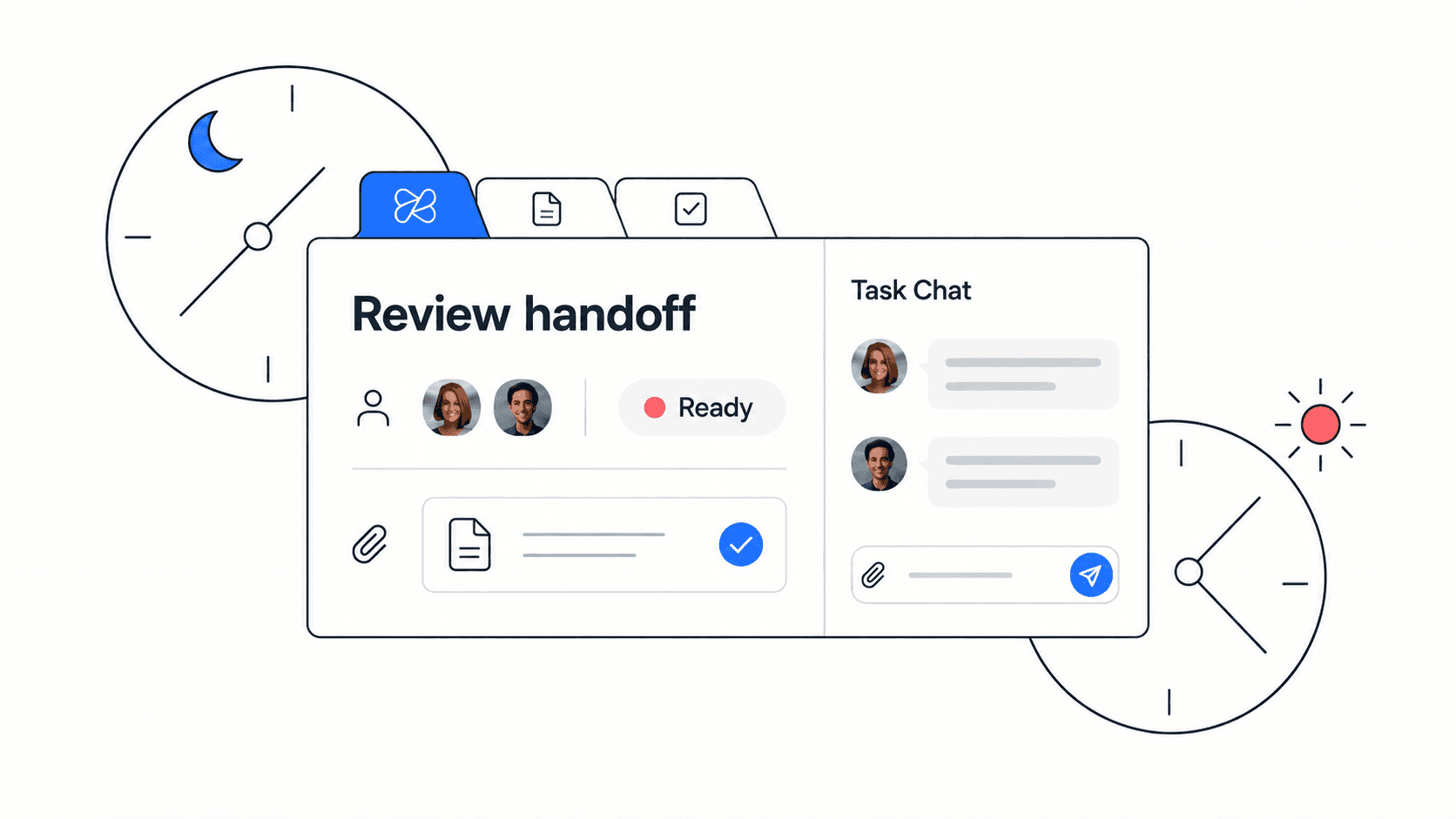
- Handoff time: ask whether a teammate can take over a project using the linked docs, tasks, and files without a long live explanation.
- Decision retrieval: test whether someone can find why a decision was made, not just what the decision was.
- Onboarding friction: note where new teammates get stuck and update the related checklist immediately.
If these signals are hard to measure because work is spread across too many apps, consider consolidating the process in Edworking’s features overview where tasks, docs, files, chat, meetings, and AI are part of the same workspace.
FAQs
Build knowledge where work already happens
The strongest knowledge system for a small team is not the prettiest wiki. It is the system teammates actually use when they plan work, make decisions, hand off projects, and onboard new people. Keep it simple, connected, and owned.
- Connect docs to tasks.
- Connect files to decisions.
- Connect meeting notes to owners.
- Connect AI search to a workspace that has accurate context.
Edworking combines tasks, docs, files, chat, meetings, and AI assistance in one place. If your team is trying to make knowledge easier to find, start by building the next shared project in Edworking’s all-in-one workspace.