Download Mobile App


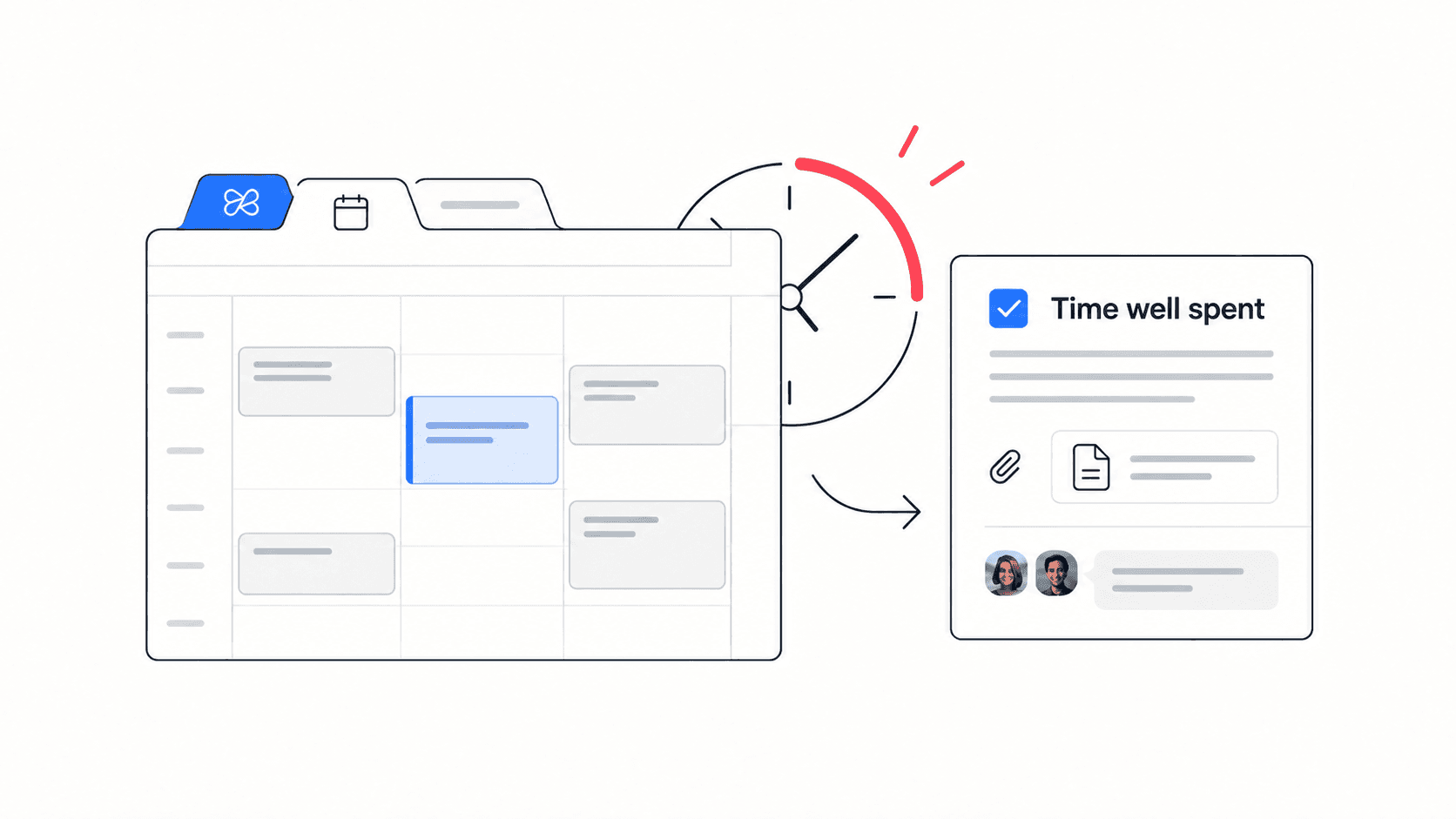
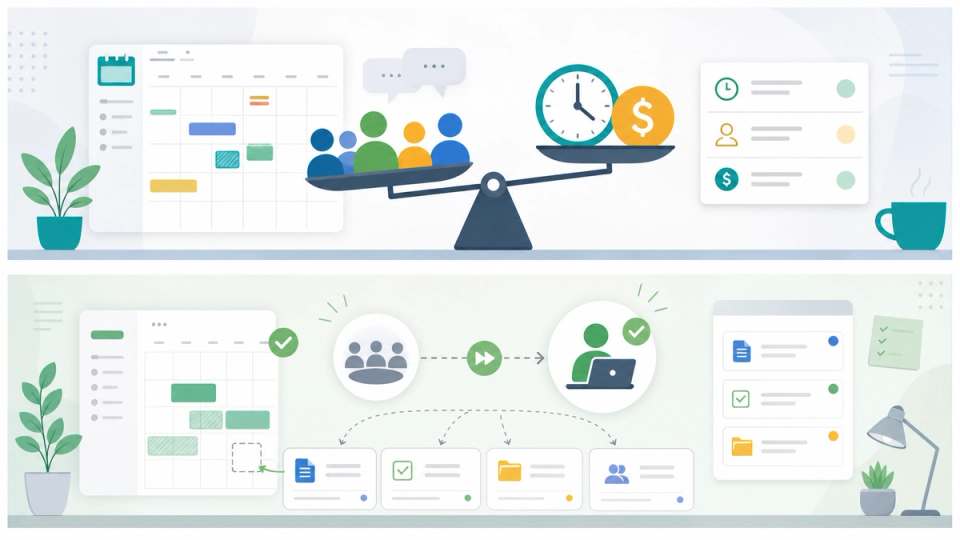
Most teams know some meetings feel expensive. Fewer teams can explain exactly why. A meeting cost calculator turns that vague feeling into a practical planning signal: how much team time goes into a meeting, what that time could have produced instead, and whether the outcome is worth the interruption.
This does not mean every meeting is bad. Some conversations need live discussion, shared judgment, or fast conflict resolution. The goal is to separate valuable meetings from calendar habits that quietly drain focus from project work.
**Quick takeaway:** Calculate meeting cost with people multiplied by duration multiplied by loaded hourly cost, then judge the number against the decision, alignment, risk reduction, or delivery progress the meeting creates.
What a meeting really costs
A meeting costs more than the salary time inside the calendar invite. It also includes preparation, context switching, waiting for late joiners, follow-up notes, and the cost of pulling several people away from focused work at the same time.
- **Direct time:** attendee count, meeting duration, and hourly cost.
- **Preparation time:** agenda writing, pre-reading, and context gathering.
- **Recovery time:** the minutes people need to return to deep work.
- **Follow-up time:** notes, action items, decisions, and status updates.
- **Opportunity cost:** product work, customer support, sales follow-up, or project delivery that did not happen during the meeting.
For a small startup, the opportunity cost can matter more than the direct wage cost. A weekly meeting with six people might look harmless, but if it blocks the only engineer who can ship a critical fix or the only founder who can close a customer, the real cost is strategic.
A simple meeting cost formula
Use a simple formula first. Precision is less important than creating a shared standard your team can use consistently.
- **Base meeting cost:** number of attendees multiplied by meeting length in hours multiplied by average loaded hourly cost.
- **Preparation cost:** total preparation time multiplied by average loaded hourly cost.
- **Follow-up cost:** total follow-up time multiplied by average loaded hourly cost.
- **Total meeting cost:** base meeting cost plus preparation cost plus follow-up cost.
If you do not know exact loaded hourly cost, use a practical average. For planning, many teams estimate salary plus taxes, benefits, tools, and overhead, then divide by workable hours. The point is not accounting precision. The point is to make tradeoffs visible before recurring meetings become invisible overhead.
**Decision rule:** If the meeting cost is higher than the value of the decision, risk reduction, or alignment it creates, redesign the meeting before deleting it.
When the number should change the meeting
The calculator is useful only if it changes behavior. A high-cost meeting can still be worth it when the stakes are high. A low-cost meeting can still be wasteful when it creates no decision, no owner, and no next action.
- **Keep it live** when the work needs debate, conflict resolution, creative collaboration, sensitive feedback, or fast executive judgment.
- **Shorten it** when the agenda has one decision, one blocker, or a predictable weekly check-in.
- **Reduce attendees** when some people only need the outcome, not the discussion.
- **Move async** when the meeting is mostly status reporting, document review, FYI updates, or repeated context sharing.
- **Cancel it** when nobody can name the decision, owner, or next action before the meeting starts.
A good meeting cost calculator should therefore ask for more than people and minutes. It should also force a decision about purpose. Is this meeting for a decision, alignment, problem solving, relationship building, or reporting? Each purpose deserves a different format.
Meeting cost examples for small teams
Here is a practical way to read the numbers without pretending the calculator knows everything.
- **Five-person weekly status meeting:** If each person attends for 30 minutes and the team uses a blended loaded cost, the meeting may look modest. But if every update could have been a task comment, a shared doc, or an async video, the recurring annual cost becomes harder to defend.
- **Three-person launch decision:** A focused 25-minute meeting with the founder, product lead, and engineer can be expensive per minute but valuable if it removes risk and creates a clear decision.
- **Eight-person brainstorming call:** The cost is usually worth questioning. If the first half is context sharing, move that context into a doc before the call and use live time only for discussion.
- **Client escalation meeting:** Live time is often justified because tone, speed, and shared ownership matter. The improvement is not cancellation; it is better preparation and clearer follow-up.
**Example:** A startup team can replace a 45-minute weekly status meeting with a shared Edworking doc, task updates, and a 15-minute decision call. The team still gets alignment, but live time is reserved for blockers and tradeoffs.
A meeting audit checklist
Before you cancel every recurring call, audit the meeting like a workflow. The best outcome is not fewer meetings at any cost. The best outcome is fewer low-value meetings and better live conversations.
- **Confirm the purpose:** decision, alignment, planning, review, problem solving, or relationship building.
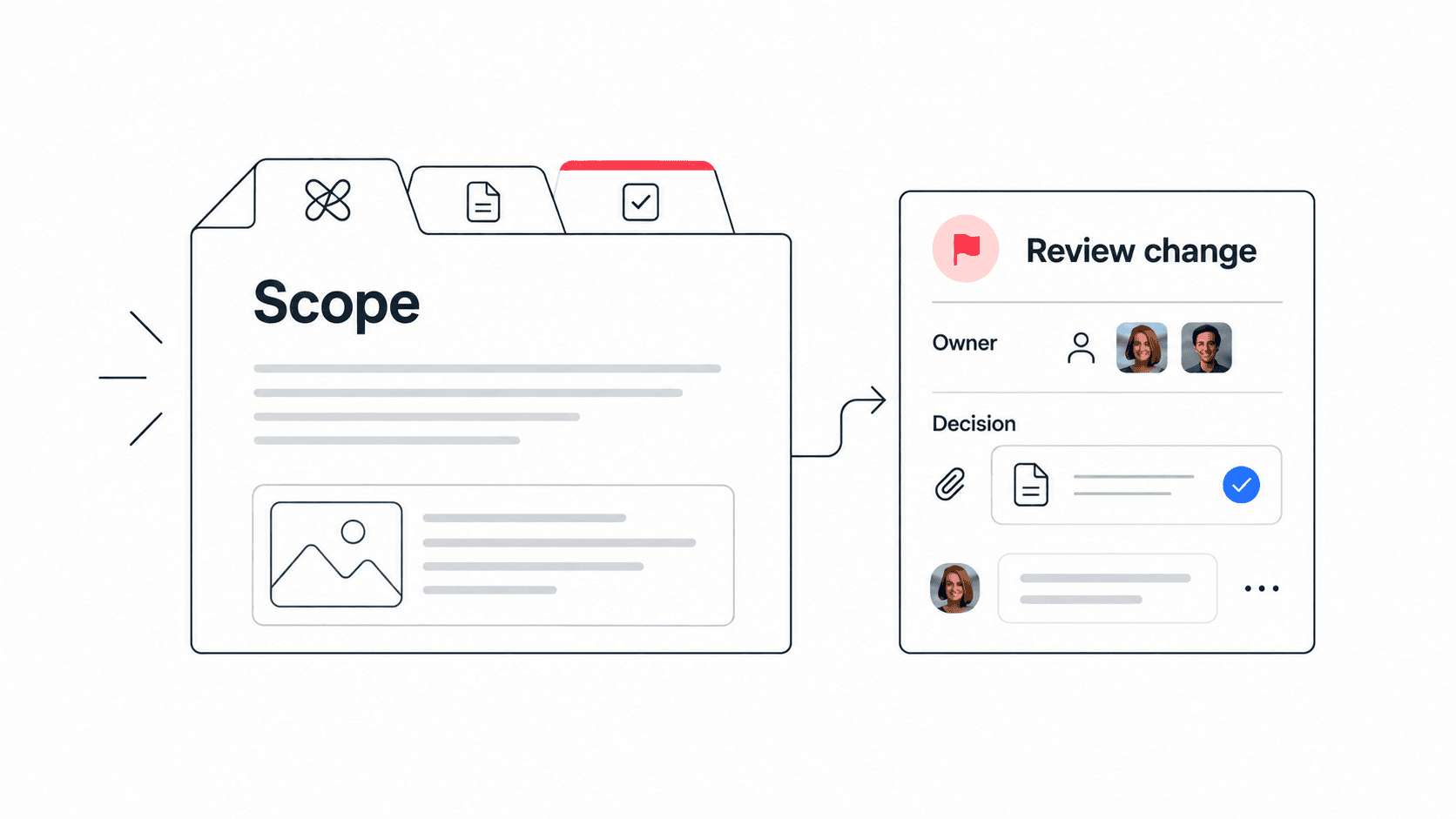
- **Name the owner:** one person should own the agenda and the follow-up.
- **Write the expected output:** decision, task list, documented answer, project risk, or next milestone.
- **Check attendee necessity:** every attendee should contribute to the decision or need live context.
- **Move context out of the meeting:** send background, links, and options in advance.
- **Set a shorter default:** try 15 or 25 minutes before accepting 30 or 60.
- **Capture action items:** every action should have an owner and due date.
- **Review recurring meetings monthly:** keep, shorten, merge, move async, or cancel.
This checklist works especially well for remote teams because calendars fill up with coordination work quickly. When each meeting has a purpose, output, and owner, people stop treating every unclear topic as a reason to book another call.


Async alternatives that still keep teams aligned
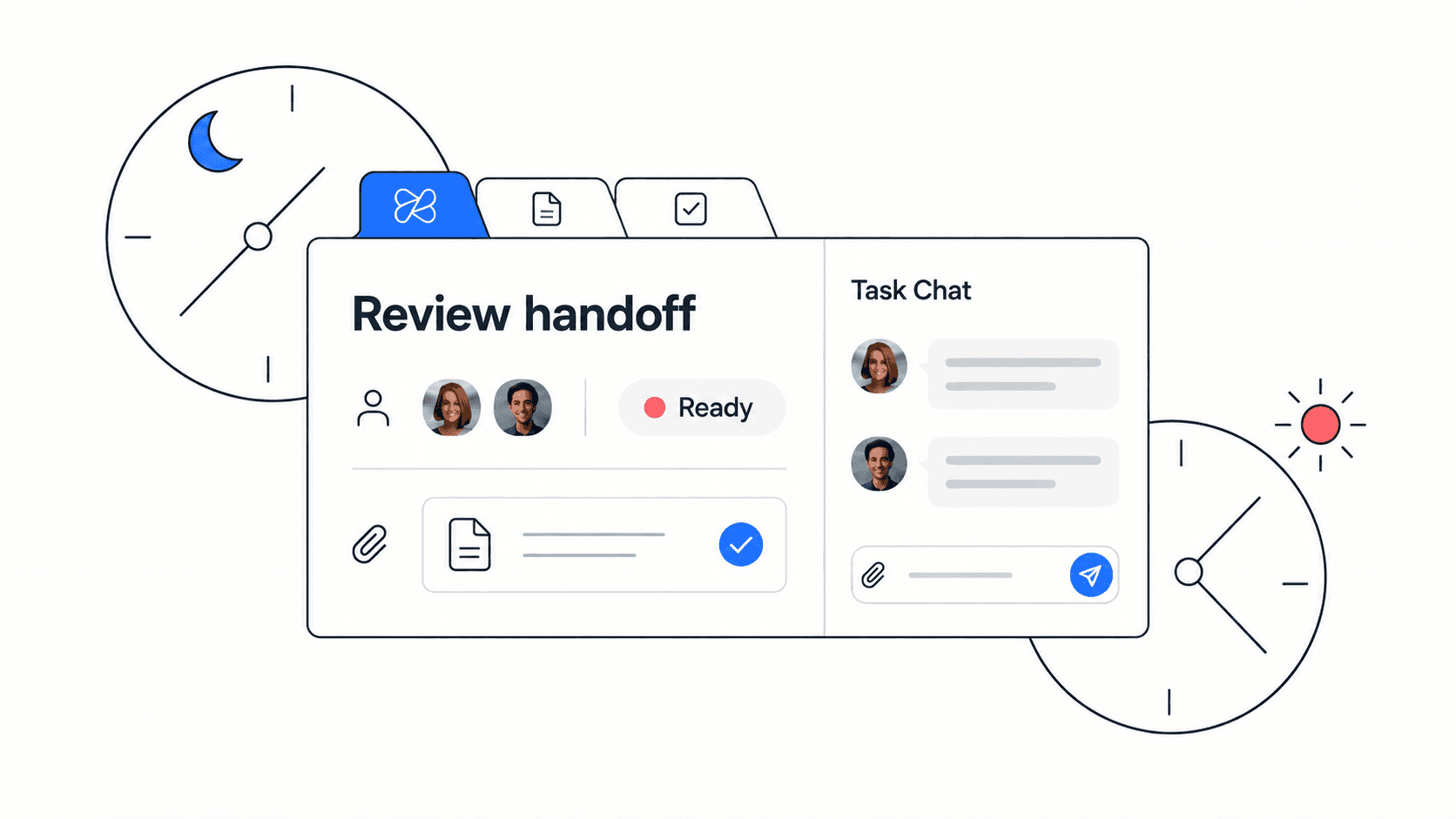
Moving a meeting async does not mean dropping communication. It means choosing a better format for the job. Status updates belong close to the work. Decisions belong next to the options and tradeoffs. Files belong where the team can review them without hunting through chat history.
- **Task updates:** Use when the team needs progress, blockers, and ownership.
- **Shared docs:** Use when people need context, options, notes, or a written decision trail.
- **Chat threads:** Use for lightweight clarification and quick follow-up.
- **Short video updates:** Use when tone or explanation matters but a live meeting is not necessary.
- **Decision logs:** Use when the team must remember why a choice was made.
Edworking brings these formats into one workspace: tasks, docs, files, chat, meetings, and AI assistance stay connected. That matters because the alternative to a meeting should not be scattered across five tools. It should be a clearer workflow with the same context.
**Edworking tip:** Put the meeting agenda in a doc, link the related tasks, run the call only if a decision needs live discussion, and let Edworking Brain help teammates find the decision later.
How to use a meeting cost calculator without hurting culture
The biggest mistake is using meeting cost as a weapon. If people feel judged for wanting live discussion, they will hide problems or overuse async updates even when a conversation would solve the issue faster.
Use the calculator as a design tool. Show the cost, ask what value the meeting creates, and then improve the format. Sometimes the answer is a shorter meeting. Sometimes it is a smaller attendee list. Sometimes it is a better agenda. Sometimes it is a shared document instead of a call.
- **Good use:** "This recurring meeting costs a lot of team time. Can we move status updates async and keep 15 minutes for decisions?"
- **Poor use:** "This meeting costs too much, so nobody can meet anymore."
- **Good use:** "The launch review is expensive, but it reduces risk. Let's keep it live and improve preparation."
- **Poor use:** "All meetings over a certain cost are wasteful."
Build a simple meeting policy
Once the team understands meeting cost, write a lightweight policy. It should guide behavior without becoming bureaucracy.
- **Default async for status:** updates go into tasks, docs, or short recorded notes.
- **Live meetings for decisions:** bring options, constraints, and owners.
- **Required agenda:** no agenda means no recurring meeting.
- **Smaller rooms:** invite contributors, not spectators.
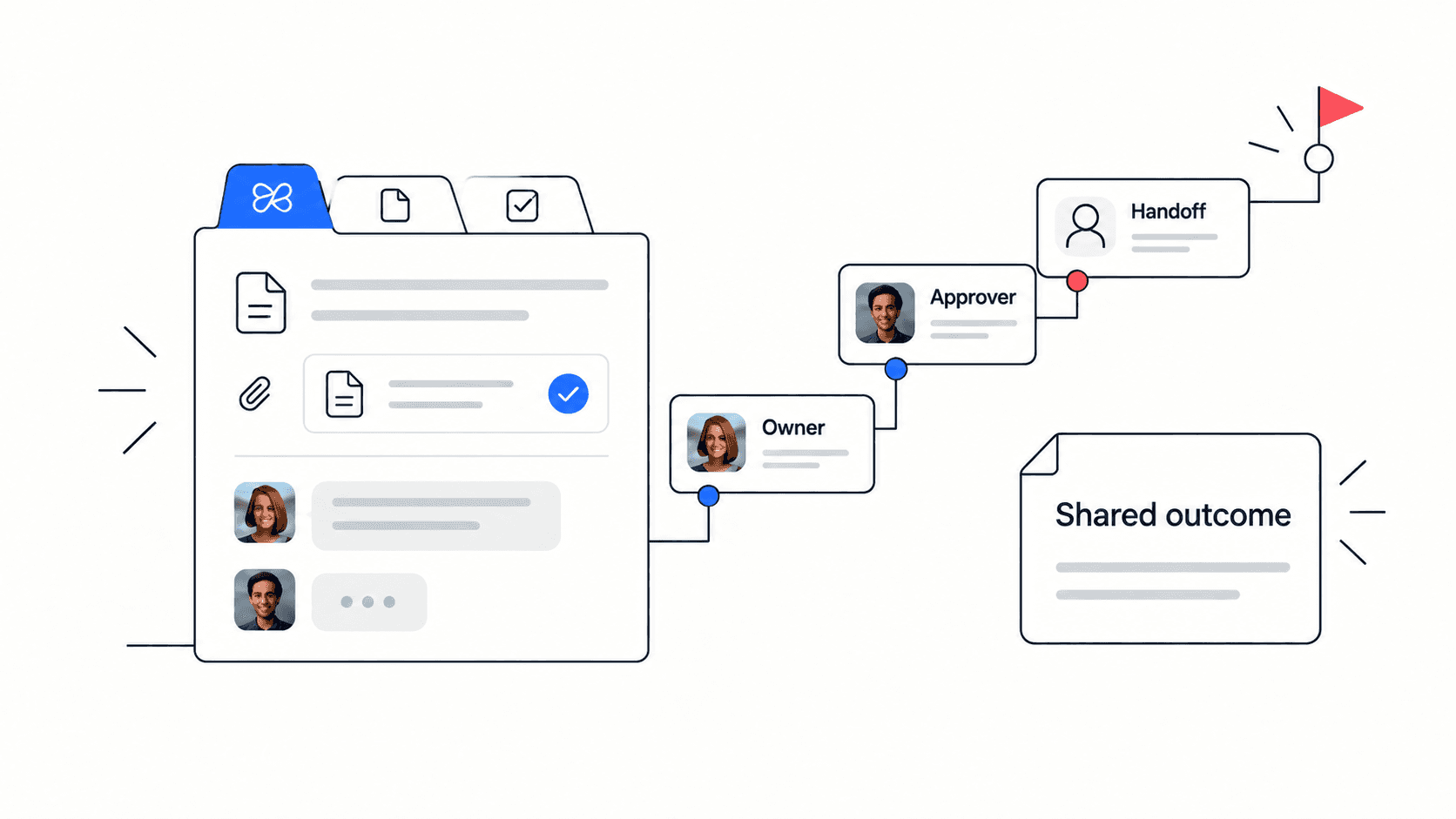
- **Clear output:** every meeting ends with decisions, owners, and next actions.
- **Monthly review:** audit recurring meetings and remove stale ones.
The policy should be visible in your workspace and easy to reuse. For example, a startup can keep a "meeting decision filter" doc with three questions: What decision do we need? Who must be present? What can be handled asynchronously first?
FAQs
Turn the calculation into a better workflow
Meeting cost is not just a finance number. It is a workflow signal. If a meeting costs a lot and creates little output, redesign it. If a meeting costs a lot and protects an important decision, prepare it better and keep it focused.
Use the calculator, write the agenda, reduce the room, and capture the result where the work already lives. Teams using Edworking can connect the meeting doc, action items, chat, files, and AI search in one place, so the value of the conversation survives after the call ends.
Where to connect the calculator in your workflow
Use the new meeting cost calculator before renewing recurring calls. If the calculator shows a high cost, compare the meeting against your startup meetings workflow and decide whether the same outcome belongs in a shorter live discussion, a task update, or a shared document.
When a meeting stays live, pair it with a reusable meeting notes template so decisions and action items do not disappear after the call. Then link follow-up work to Edworking task management, keep background context in collaborative docs, and use Edworking AI to help teammates find decisions later.
This is the practical bridge between calculator output and team behavior. The number tells you where time is going; the workspace tells everyone what changed because of that insight.