Download Mobile App


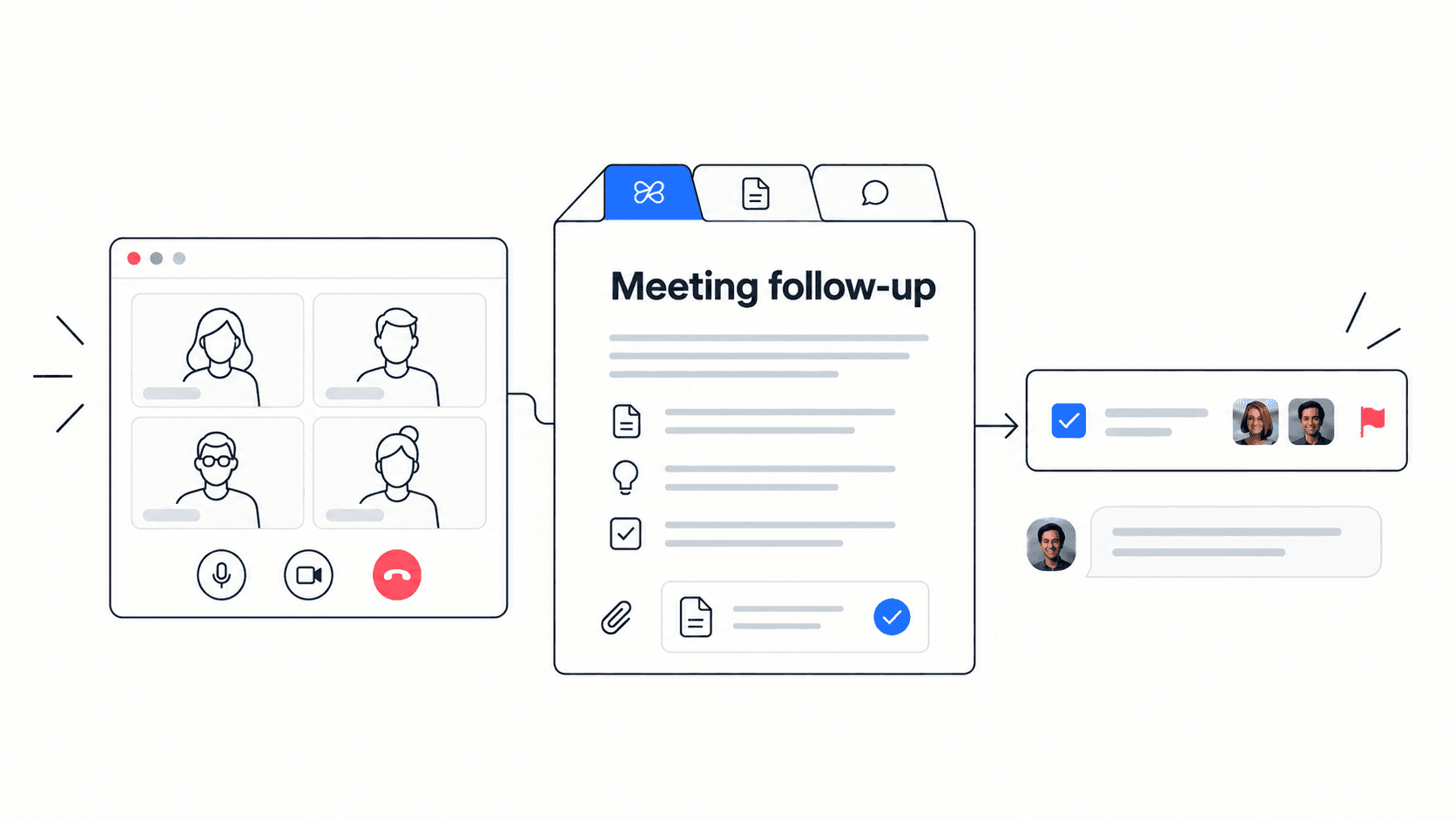
A team looking for a Zoom alternative may have two different needs: a different meeting experience, or a better way to manage the work that follows a call. Separate those needs before choosing software. Edworking is worth testing for project collaboration, but a meeting platform should be judged against your actual calling requirements too.
Zoom is more than a meeting app
Zoom Workplace includes collaboration products such as Team Chat, Docs, Whiteboard and Clips alongside meetings and AI capabilities. Feature availability depends on the product and plan. A comparison that assumes Zoom only supports video calls misses much of the current offering.
Start by checking what your existing subscription can do. You may be able to improve follow-up with a clearer process, configuration or an existing feature before changing platforms.
Define the job your alternative must do
For an internal project review, the outcome might be three assigned actions and one recorded decision. For a large external event, audience access, moderation and presentation requirements may matter more. These are different evaluation scenarios.
- Internal collaboration: can participants find the project brief, talk through a blocker and assign the next task?
- External calls: can a guest join successfully from the devices and networks your customers actually use?
- Meeting requirements: verify recording, accessibility, administration and any event-specific requirements directly in the relevant plans.
- Follow-up: can someone who missed the call find the decision and act without watching the entire meeting?
Use Edworking's demo to explore the workspace, then run a real trial for the calling features you depend on. A demonstration is not evidence that every production requirement is covered.

Turn one review meeting into a fair comparison
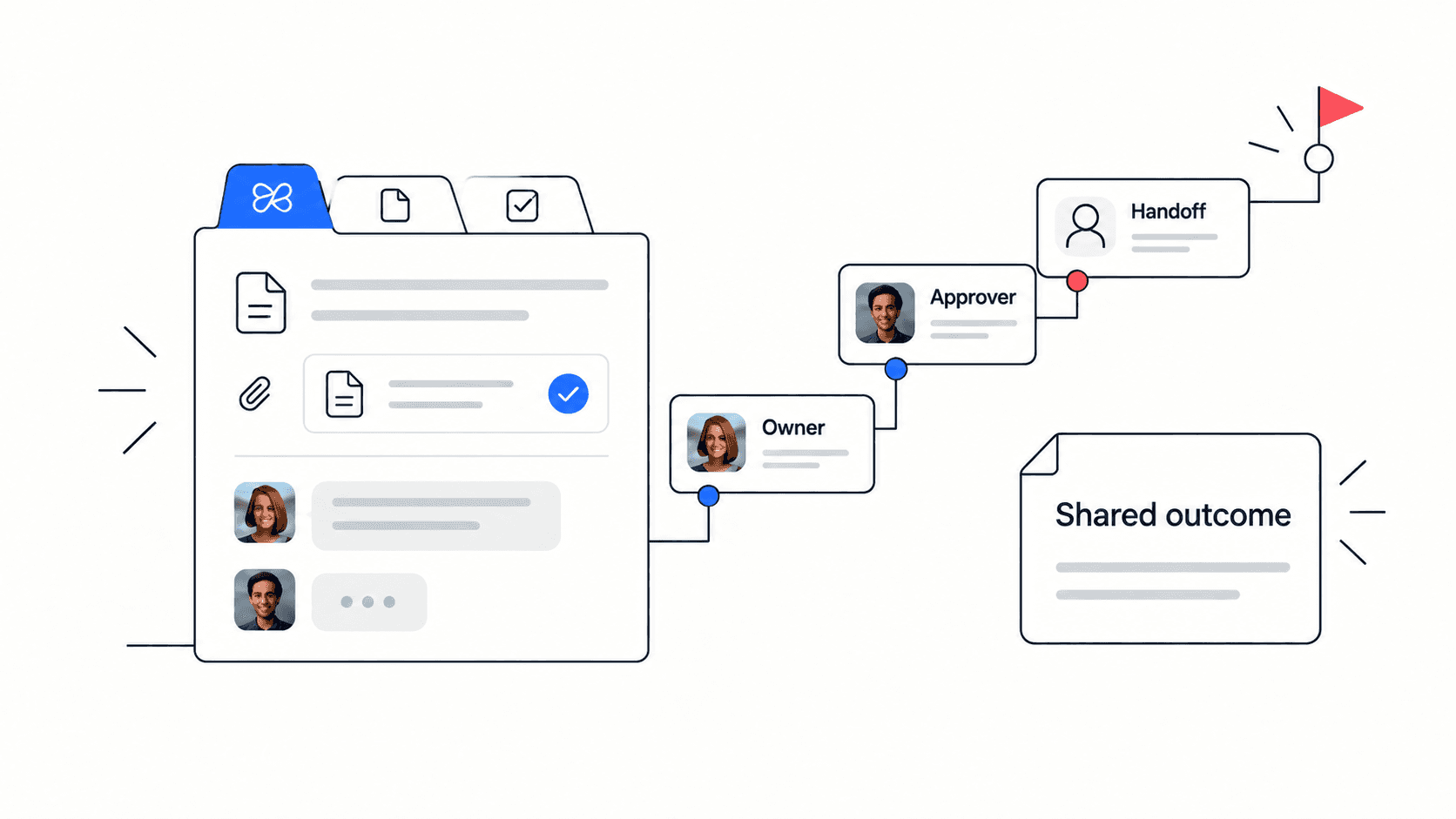
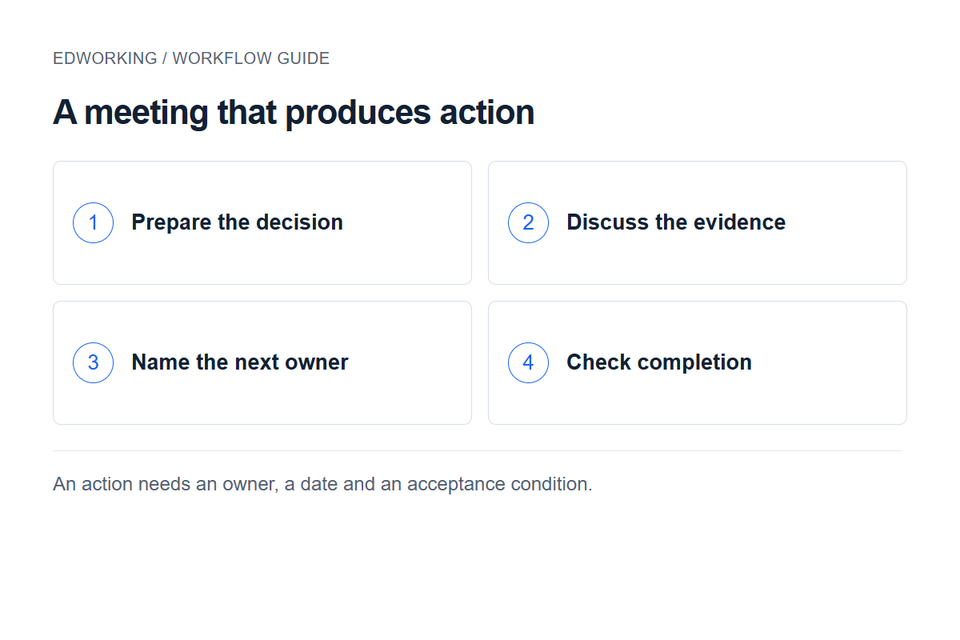
Choose a recurring launch review. Before the call, write the decision needed: “Can support start onboarding the pilot customers?” Attach the readiness checklist and name the person who can approve the next step.
During the call, separate observations from decisions. “The help article is unfinished” is an observation. “Support will delay onboarding until the article is approved” is a decision. “Maya will submit the draft on Thursday” is an action.
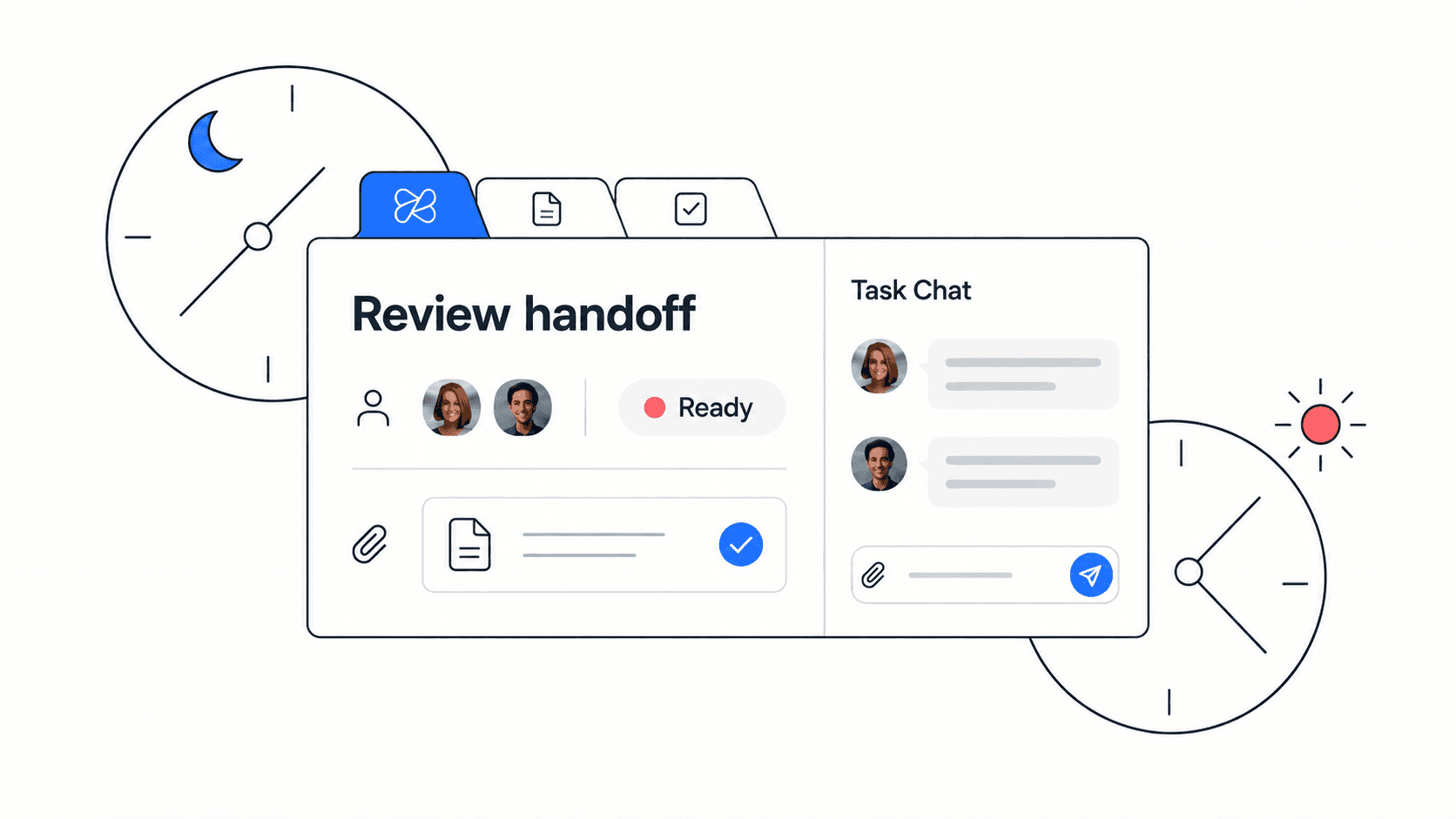
After the call, create an action with an owner, due date and acceptance condition. Link the relevant source material. Ask a teammate who was absent to explain what they should do next. Their answer is a useful test of the handoff.
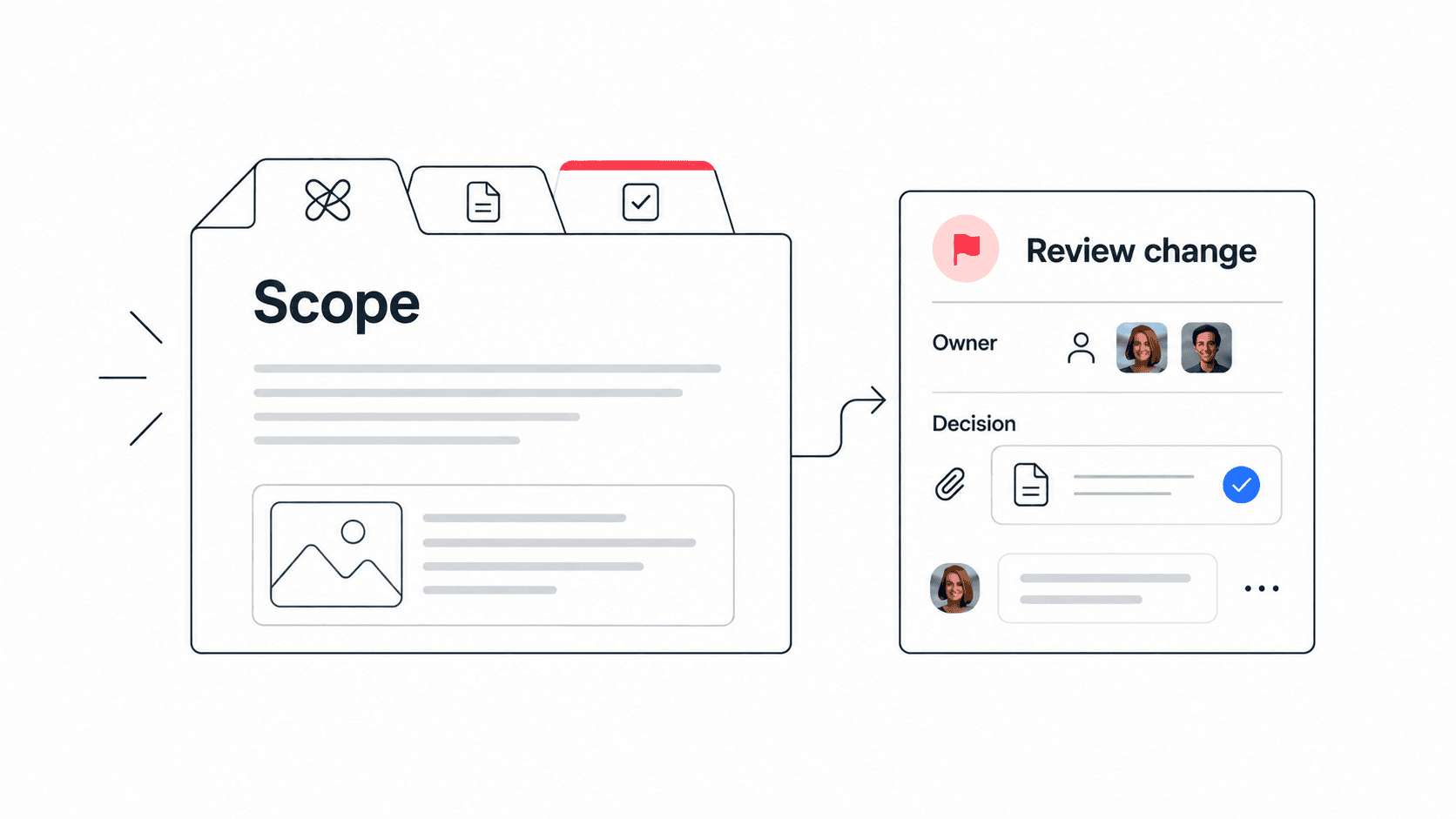
The meeting notes template provides a structure for decisions and actions. A separate decision log helps when an approval changes the scope or timing of the project.
Measure follow-through, not just call quality
Track both sides of the experience. Note joining problems, audio interruptions and guest friction. Then check how many actions had owners by the next working day, whether any decisions were disputed, and how often the team asked for missing context.
Use the same meeting type and similar participants when comparing tools. One successful call cannot establish reliability for every device or client environment. If your team uses specialised meeting features, include those in the trial rather than assuming they are interchangeable.
When to keep Zoom and when to test Edworking
Keep Zoom where it satisfies important meeting or event requirements and the follow-up process works. Consider Edworking when your main problem is coordinating project work around conversations and you want tasks, documents and communication in a shared workspace.
Using both can also be reasonable. In that case, decide where the written decision and follow-up task will live. A meeting link can point back to that record; avoid maintaining two competing action lists.
Before cancelling a subscription, check retention needs, access to past recordings and the requirements of external participants. Expand the new workflow only after the pilot demonstrates that the team can both meet successfully and complete the resulting work.