Download Mobile App


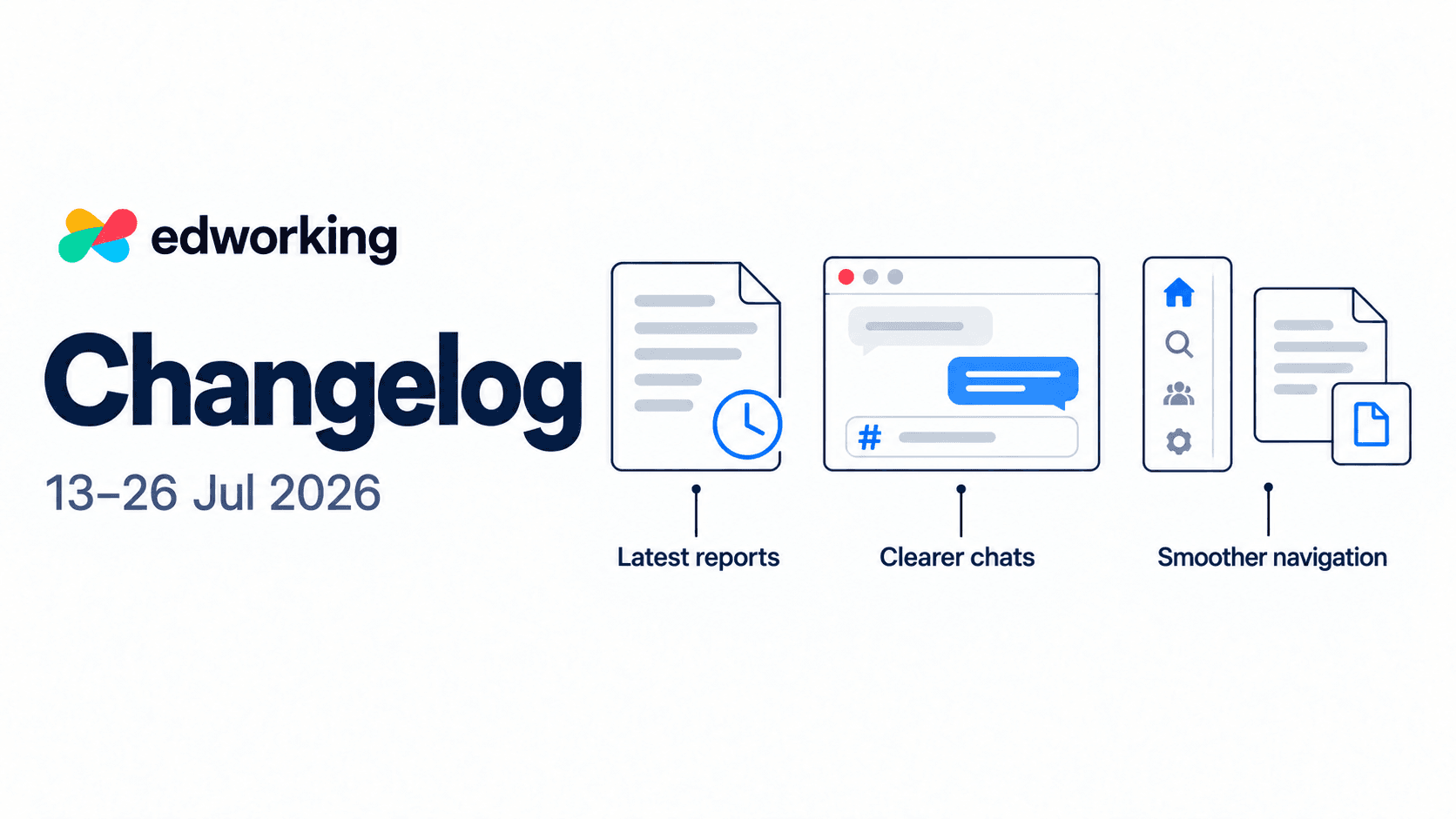
This fortnight focuses on getting back into your work with less friction. Latest reports become easier to find on Home, chat interactions get clearer, and navigation receives a series of refinements.
Screenshots show the current web interface. Some visual details have evolved since this edition’s reporting period.
Find your latest reports from Home
Web · Improved report discovery
The Home screen now brings your most recent personal and space reports into a Latest reports section. Open a report card to read the full report in a dedicated panel without leaving Home.
Each card identifies the space or personal report, includes a short content preview and shows a date label. The latest available report can remain visible even when it was created before today, so check the date when reviewing it.
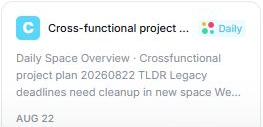
This update makes existing AI daily reports easier to discover. It does not mean every workspace has a newly generated report each time you open Home.
Try it: start from Home, find Latest reports and open the report for a space you are working in. Use it to orient yourself, then check the underlying tasks and conversations before deciding what to do next.
Explore task management in Edworking
Bring work references into the conversation
Web · Improved chat composer
The chat composer adds a # control for referencing tasks, documents and files. This gives teammates a direct route to the work being discussed, instead of relying on a title that may be hard to find later.
Input hints also adapt to the type of conversation. The message-editing state becomes clearer, with an edit indicator and a reminder that Escape cancels the edit.
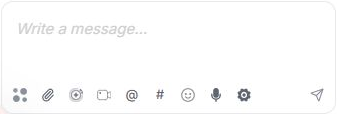
Editing older messages is improved too, including messages stored in an older plain-text format. You can correct the original message rather than adding a separate clarification beneath it.
Try it: when discussing a brief or deliverable, use the # control to select the relevant item. Review the message and reference before sending.

Read chats with fewer jumps
Web · Chat readability and interaction fixes
Messages receive more consistent typography, avatar sizing and spacing. The message-action toolbar is reorganised, while send and chat-switch animations are simplified.
There are also fixes for the moments when a conversation shifts unexpectedly. Loading older messages better preserves your reading position, media has more stable space while loading, and returning to a chat avoids unnecessary resets to the bottom.
Sending a message also gets more reliable handling of its temporary on-screen copy, reducing duplicate flashes while the saved message arrives.
Try it: scroll back in an active conversation, open another chat, then return. These changes are intended to make following longer discussions more comfortable.
Keep a quick chat beside your work
Web · Navigation improvements
Quick-chat shortcuts can open a conversation in the right-hand panel. Click the same shortcut again to close it. The panel moves the main workspace alongside it, keeping the conversation and your current work visible together.
The navigation sidebar can also be resized. Unread indicators and row actions have more consistent positions, and empty AI conversations are filtered from chat lists to reduce clutter.
Try it: open a quick chat while reviewing work, then adjust the sidebar width so space and conversation names are easy to read.
Get back to recent documents and files
Web · Home refinements
Recent activity on Home brings documents and files together through a unified loading flow. This is a refinement to the existing section, helping it present recent work consistently.
Use Recent activity when you want to pick up a document or file you were just working with, without navigating through its space again.
Try the updated workspace
Open Edworking and start with one practical step: read a recent report, add a work reference to your next message or use a quick chat alongside a task.
New to Edworking? Take the interactive demo to see how tasks, documents and conversations fit together. Individual recent features may not yet appear in the demo.
Continue with the 27 July–9 August 2026 changelog for version history, HTML previews and task completion improvements.