Jira Alternative for Software Teams: When Issue Tracking Is Not Enough
Jira is often the default choice when software teams need issue tracking, agile boards, and release planning. But many teams that search for a Jira alternative are not trying to replace engineering discipline. They are trying to fix the work around Jira: project conversations in chat, launch docs in another tool, meeting follow-ups in a third app, and files spread across storage.
This guide explains when Jira should stay in your stack, when Edworking is a better collaboration layer, and how small teams can choose without losing the structure they still need. It supports the comparison route Edworking vs Jira and connects it to Edworking task management, collaborative docs, team chat, and AI search.
Why teams look for a Jira alternative
Jira is a strong product for software teams. It gives engineering groups structured issue tracking, sprint planning, releases, boards, permissions, and reporting. For many product organizations, that depth is exactly the reason Jira becomes central to delivery.
The problem starts when Jira becomes the default place for every kind of work. Marketing tasks, customer follow-ups, hiring projects, founder priorities, meeting notes, files, status updates, and cross-functional decisions often need a lighter system than a full engineering issue tracker. When those workflows are forced into Jira, non-technical teammates can lose context or work around the process in chat and documents.
Quick takeaway: Jira is best when the work is primarily software issue tracking. Edworking is a better fit when a small team needs tasks, docs, chat, files, calls, and AI context in one operating workspace.

The decision is not Jira versus a task list
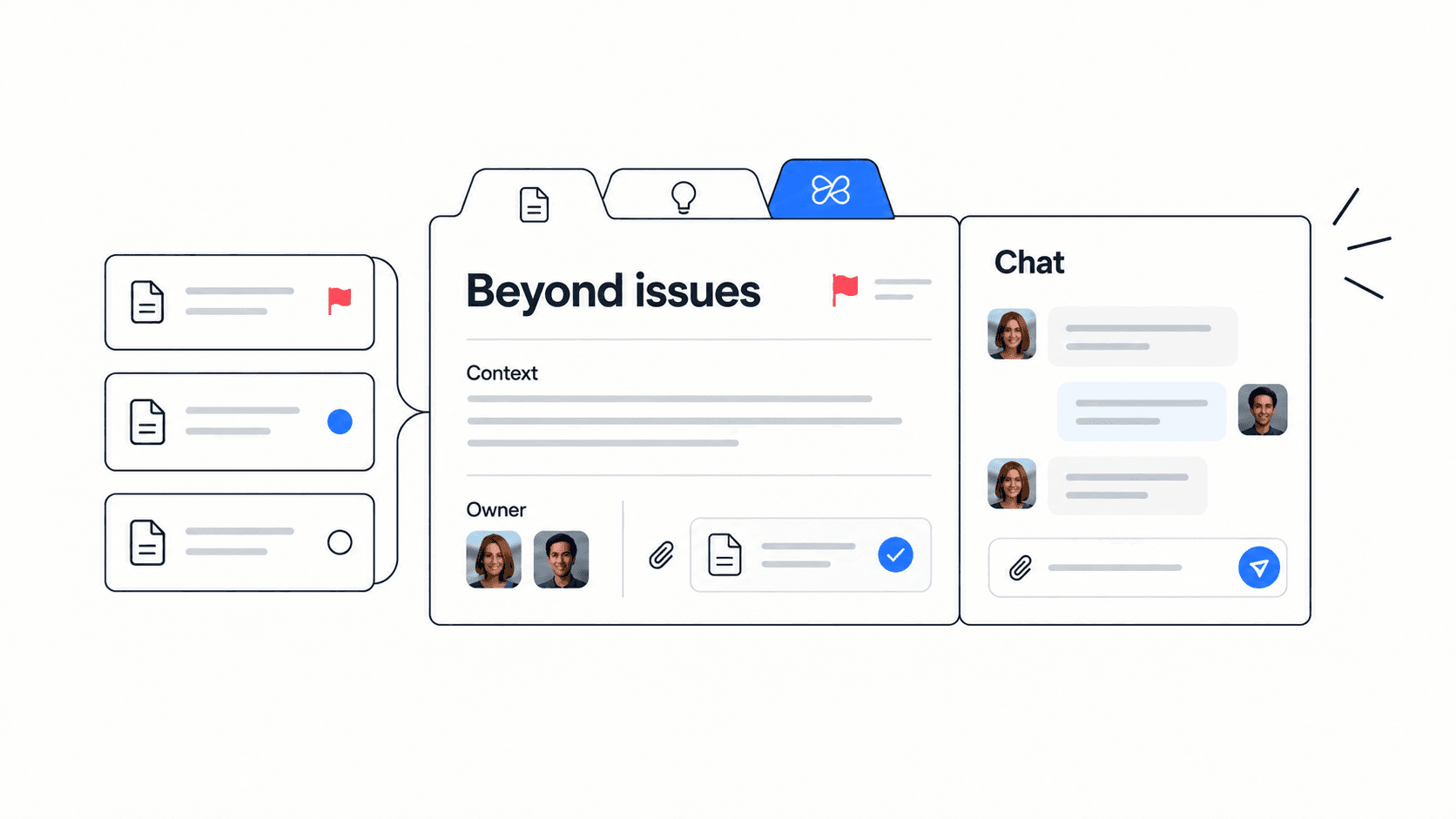
A useful Jira alternative comparison should not reduce the choice to checklists and boards. The real question is how your team turns ideas into owned work, decisions, files, meeting notes, and follow-up. If the work starts in chat, gets clarified in a document, becomes a task, and then needs a call, your tool should keep that chain visible.
Jira is optimized for a software delivery chain: issue, backlog, sprint, release, and report. Edworking is optimized for a team execution chain: task, document, file, conversation, meeting, and AI answer. Both chains matter, but they serve different operating needs.
- Use Jira when engineering issue control is the core workflow.
- Use Edworking when cross-functional work needs one shared place for action and context.
- Use both when engineering needs Jira depth but the wider team needs a simpler collaboration layer.
Jira vs Edworking at a glance
Here is the practical comparison for small teams deciding whether Jira should stay at the center of every workflow.
- Issue tracking: Jira is stronger for engineering tickets, release planning, and advanced agile controls.
- Team communication: Edworking is stronger when chat, task discussions, meeting rooms, and files should stay together.
- Documentation: Edworking includes collaborative docs next to tasks and conversations, while Jira teams often add Confluence or another documentation tool.
- Meetings and follow-up: Edworking includes video calls and keeps follow-up work beside the project context.
- AI context: Edworking Brain and AI search help teammates ask questions across workspace context instead of searching separate apps.
Decision rule: if the main pain is backlog discipline, Jira probably stays. If the main pain is scattered work across Jira, Slack, docs, calls, and files, evaluate Edworking.
When Edworking is the better Jira alternative
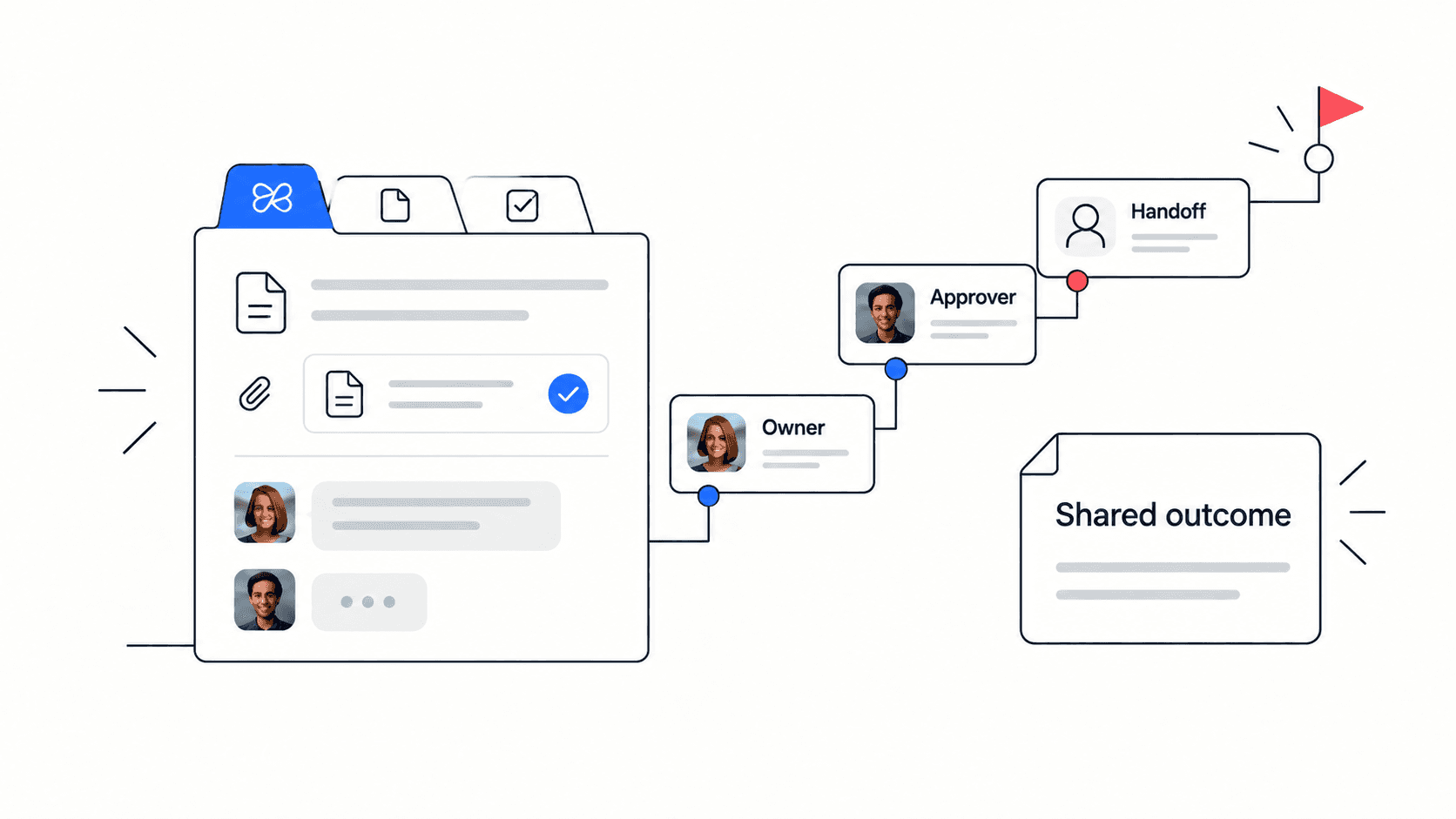
Edworking is strongest when the team is small enough to value speed and clarity more than deep configuration. A startup, agency, operations team, or remote team may not need custom issue schemas, release trains, or engineering-specific reporting for every workflow. They need a reliable place to see what is happening, who owns it, where the files live, and what decision was made.
That is where an all-in-one workspace can be more useful than a heavyweight work management setup. Tasks can hold conversations. Docs can explain decisions. Files can stay attached to the work. Calls can happen without a separate meeting app. AI can help answer questions from the surrounding context.
- A founder wants one view of priorities, docs, and team questions.
- An agency wants client tasks, files, approvals, and calls in one place.
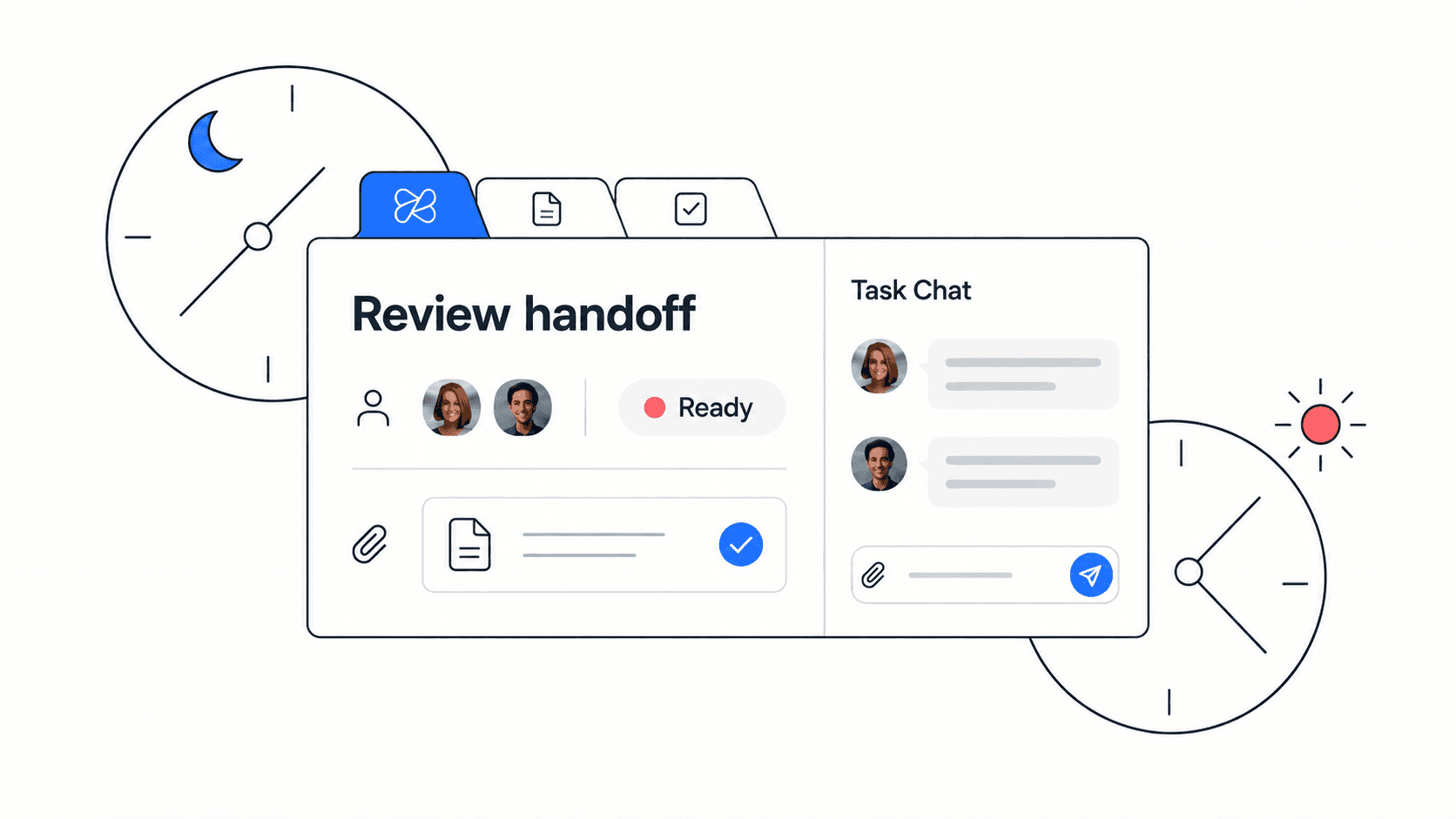
- A remote team wants fewer status meetings and less app switching.
- A non-technical team finds Jira too detailed for daily execution.
When Jira is still the right choice
Jira should stay in the stack when the team depends on mature engineering workflows. If developers need advanced backlog grooming, release tracking, issue hierarchies, integrations with development tools, custom workflows, and detailed agile reports, Jira is hard to replace with a general collaboration workspace.
This is especially true for larger product teams, regulated engineering processes, platform teams, or organizations where software delivery metrics are central to how work is managed. In those cases, Edworking may still help as a collaboration layer around docs, meetings, files, and cross-functional work, but it should not pretend to be a deep Jira clone.
- Keep Jira for advanced software delivery workflows.
- Use Edworking for non-engineering execution and cross-team context.
- Connect decisions back to Jira only when they affect engineering work.
A practical migration checklist
Before replacing Jira for a team or department, map the real workflows instead of migrating every issue blindly. This keeps the move clean and prevents teams from recreating the same complexity in a new workspace.
- List the Jira projects that are not engineering-specific.
- Separate recurring tasks, one-off work, documents, files, and meetings.
- Identify which workflows need boards, which need docs, and which need conversations.
- Move one low-risk team or project first.
- Create Edworking spaces for each operating area.
- Bring current tasks across with owners, due dates, files, and status.
- Turn important Jira descriptions into Edworking docs when they contain durable context.
- Keep Jira links only where the engineering backlog still matters.
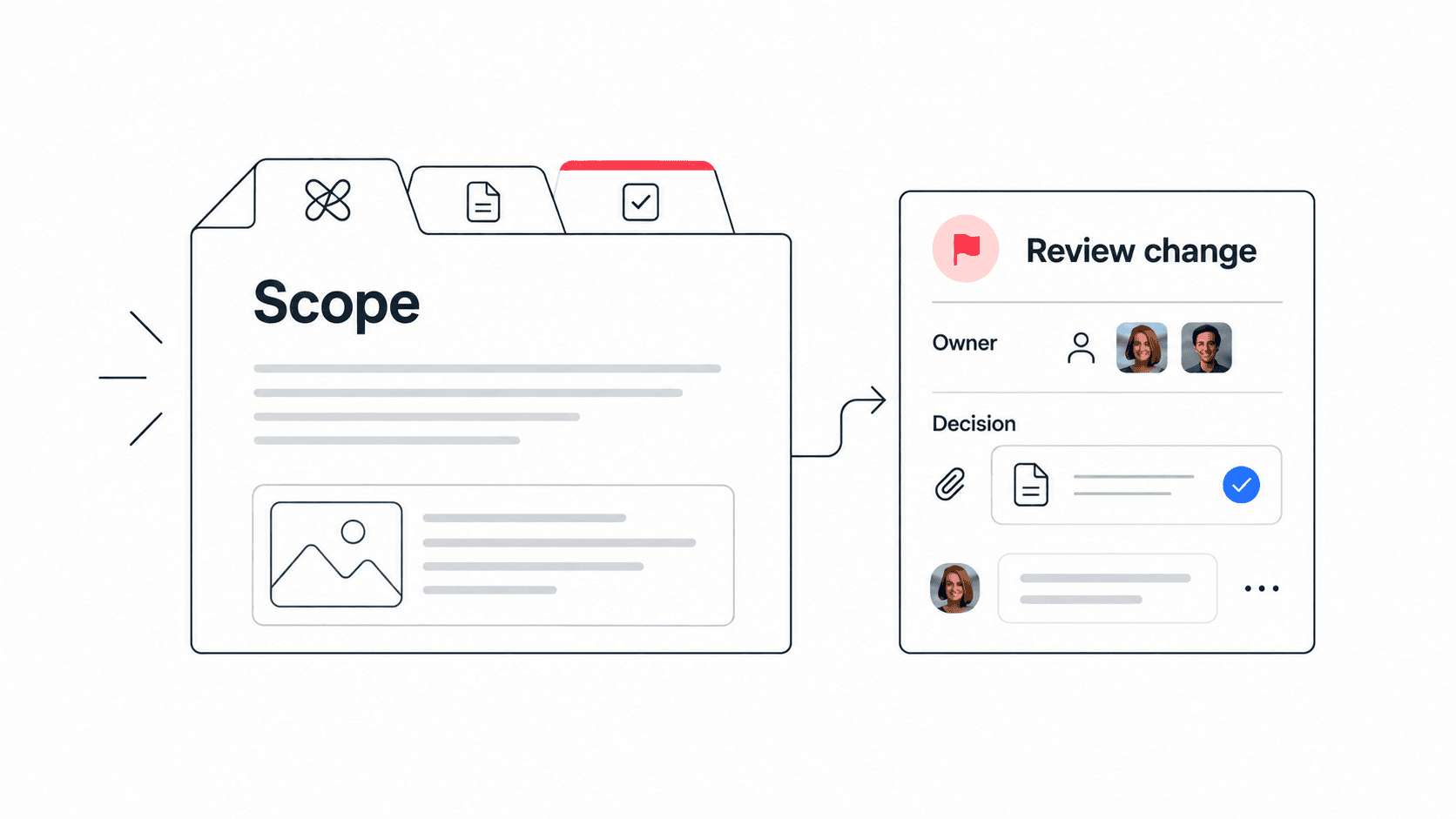
Edworking tip: create one workspace space for the project, add the planning doc, attach the core files, open the task board, and keep discussion in task conversations so decisions do not drift back into separate chat threads.
Example workflow: product launch without Jira overload
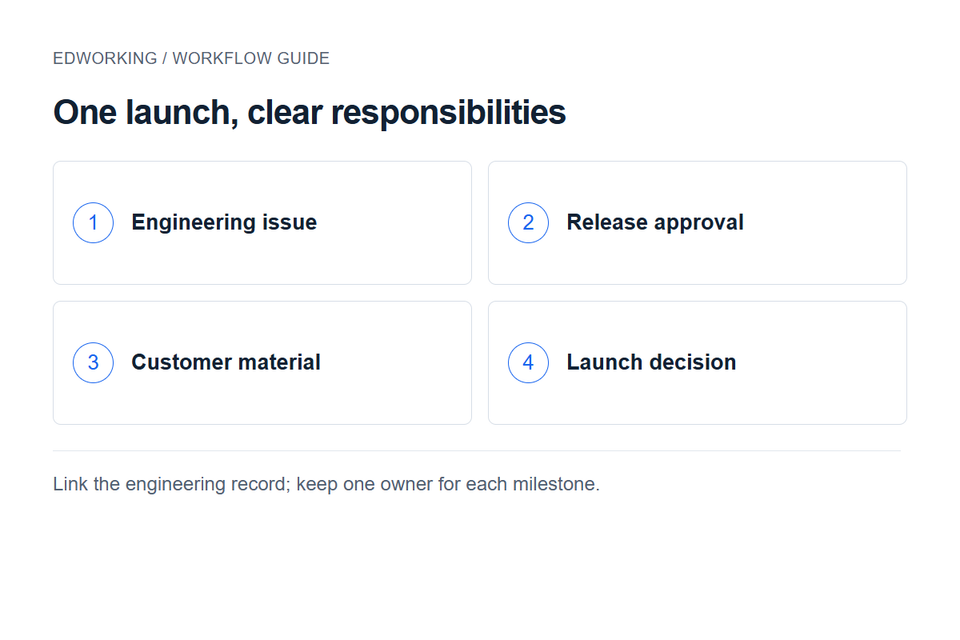
Imagine a small SaaS team preparing a product launch. Engineering work still belongs in Jira because developers need issue tracking, reviews, and release planning. But the rest of the launch includes positioning, landing-page copy, help docs, customer email, design assets, internal approvals, sales enablement, and the launch meeting.
Putting every one of those items into Jira can make non-engineering work feel like a software backlog. In Edworking, the team can create a launch space, keep the messaging brief in a doc, attach design files, assign launch tasks, discuss blockers in task threads, and run the launch sync in the same workspace. Engineering tasks can still link back to Jira when needed.
- Product keeps the engineering backlog in Jira.
- Marketing keeps messaging, assets, and launch tasks in Edworking.
- Support keeps help docs and customer questions in Edworking.
- Founders review the full launch plan without learning a complex issue workflow.
Common mistakes when switching away from Jira
The most common mistake is treating migration as a tool export instead of a workflow redesign. If a team copies every field, status, and label from Jira into a simpler workspace, it may carry over the complexity it wanted to escape.
- Mistake: moving every historical issue. Better approach: migrate active work and archive old references.
- Mistake: recreating complex Jira statuses. Better approach: start with simple stages such as To do, In progress, Review, and Done.
- Mistake: separating documents from tasks again. Better approach: link briefs, files, and decisions directly to the work.
- Mistake: removing Jira from engineering too quickly. Better approach: keep Jira where it is genuinely needed.
How to choose
Choose Jira when your team needs software issue tracking depth. Choose Edworking when the main job is coordinating people, tasks, docs, files, meetings, and conversations in one place. The best answer may also be a mixed model: Jira for engineering delivery, Edworking for the broader team workspace.
If you are evaluating a Jira alternative because your team spends too much time switching between Jira, Slack, docs, file storage, and meeting tools, Edworking is worth testing. Start with one active project, keep the workflow simple, and measure whether the team can find context faster.
How to test Edworking before you switch
A good Jira alternative test should be small, time-boxed, and tied to a real project. Do not evaluate a collaboration workspace with an empty demo board. Choose one active initiative that already involves tasks, a planning document, files, chat questions, and at least one meeting. That gives the team enough context to feel whether the workspace reduces friction.
Run the pilot for one or two weeks. Keep Jira in place for engineering issues, but move the surrounding cross-functional work into Edworking. The goal is not to prove that every Jira workflow can disappear. The goal is to see whether non-engineering teammates can understand ownership, find files, read decisions, and move work forward with fewer status checks.
- Pick one active project with a clear owner and deadline.
- Create an Edworking space with the project brief, active tasks, files, and meeting notes.
- Keep engineering tickets in Jira, but link only the tickets that matter to the broader project.
- Ask teammates where they found context faster and where they still had to switch tools.
- Review whether meetings got shorter because status and decisions were already visible.
What to measure during the pilot
The best signal is not whether the new workspace has every feature from Jira. The best signal is whether the team can move from question to context to action faster. Track practical evidence: fewer repeated questions, clearer owners, fewer missing files, better meeting follow-up, and less confusion for teammates who do not live in the engineering backlog.
If the pilot succeeds, expand gradually. Move another non-engineering workflow, add a recurring operating process, or bring a client-facing project into Edworking. If the pilot fails, inspect why. The answer may be training, unclear ownership, or a workflow that truly belongs in Jira.
- Time to find the latest project decision.
- Number of status questions asked in chat.
- Number of follow-up tasks created after meetings.
- Number of files or docs teammates could not find.
- Whether non-technical teammates used the workspace without extra process help.
Bottom line
Jira remains a strong choice for engineering issue tracking, especially when software teams need detailed agile controls. But it is not always the best home for every piece of company work. When a small team needs a connected place for tasks, docs, files, chat, calls, and AI-assisted context, Edworking can remove the extra tools that often grow around Jira.
The clearest path is a split decision: keep Jira where its depth matters, and use Edworking where collaboration, documentation, meetings, files, and follow-up need to be simple enough for the whole team to use every day.
FAQs
Is Edworking a direct Jira clone? No. Edworking is an all-in-one collaboration workspace. It includes task management, but it is not designed to copy every engineering-specific Jira feature.
Can Edworking replace Jira for non-technical teams? Yes, for many operations, marketing, agency, startup, and remote-team workflows where task ownership and context matter more than advanced issue tracking.
Can a software team use both? Yes. Many teams can keep Jira for engineering issues and use Edworking for docs, files, meetings, conversations, and cross-functional project follow-up.
What should we migrate first? Start with active non-engineering work, recurring team tasks, shared documents, files, and projects that currently require several tools to coordinate.