Download Mobile App


Remote work does not fail because people are in different places. It usually fails because the workflow is unclear. A task is assigned in one app, a decision is hidden in chat, the file is stored in a folder nobody checks, and the next meeting repeats context that should already be documented.
This remote workflow checklist gives startup teams a practical way to audit how work moves from idea to decision to task to delivery. It is designed for founders, operators, project leads, and remote managers who want fewer status meetings, clearer ownership, and less tool switching.
Quick takeaway: A healthy remote workflow connects tasks, docs, chat, meetings, files, and AI support. If those pieces live in disconnected places, your team pays for the gap with repeated questions and slower decisions.
What a remote workflow checklist should cover
A remote workflow checklist is not a policy document. It is an operating check. The goal is to verify that daily work has visible owners, useful documentation, clear communication paths, and a reliable way to turn decisions into action.
- Task ownership: every piece of active work has an owner, status, deadline, and next step.
- Documentation: briefs, decisions, meeting notes, and handoffs are stored where teammates can find them.
- Communication: chat and meetings produce clear outcomes instead of scattered context.
- File context: important files are linked to the project, task, or doc where they are needed.
- AI support: AI summaries, drafts, and answers are reviewed and attached to real work.
Decision rule: If a teammate cannot answer what changed, who owns it, and where the source of truth is, the workflow needs repair before the team adds another tool.
Remote workflow audit table
- Signal: decisions happen in calls. Risk: nobody knows what was agreed later. Better workflow: write decisions in a shared doc and create tasks for follow-up.
- Signal: tasks have vague descriptions. Risk: teammates ask for the same context repeatedly. Better workflow: link the brief, file, owner, and acceptance criteria from the task.
- Signal: chat is the main archive. Risk: search becomes noisy and important context disappears. Better workflow: move durable decisions into docs and keep chat for discussion.
- Signal: meetings repeat status. Risk: synchronous time replaces visible progress. Better workflow: use async status updates and reserve meetings for decisions or blockers.
- Signal: AI outputs are copied into random places. Risk: drafts and summaries are not trusted. Better workflow: review AI outputs and attach them to the task or doc they support.
Checklist: task ownership
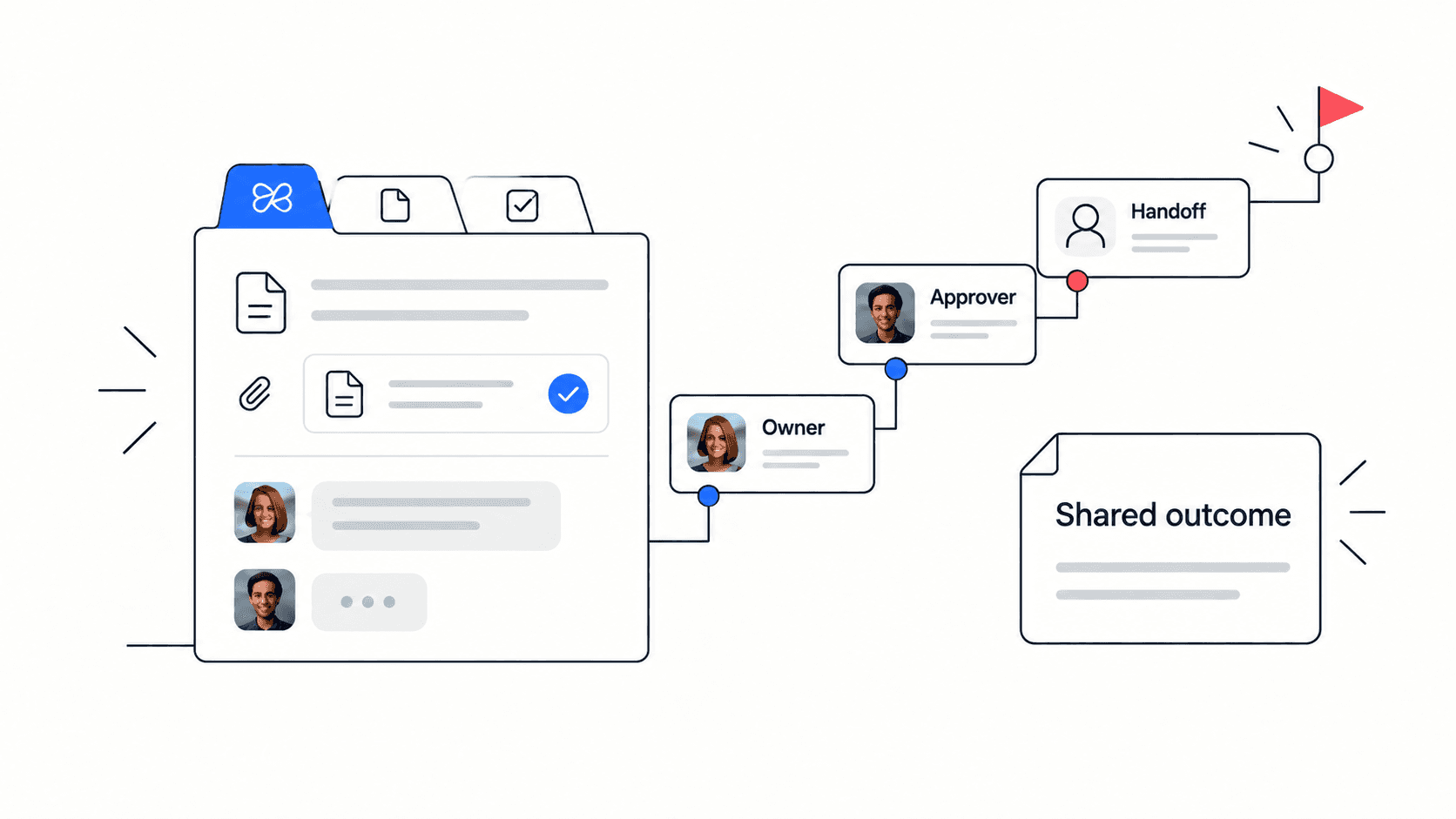
Remote teams need explicit ownership because there is less ambient context. A task should not just name the work. It should explain why the work matters, who owns it, what done means, and where supporting context lives.
- Every active project has one accountable owner.
- Every task has an owner, deadline, priority, and expected output.
- Subtasks or checklists are used when work has more than one step.
- Task comments explain decisions, blockers, and changes instead of only saying done or pending.
- Files, docs, and meeting notes are linked from the task when they affect execution.
For project execution, connect this checklist with Edworking’s task management features.
Checklist: documentation and decisions
Documentation is the memory of a remote team. It does not need to be heavy, but it does need to be findable. The best remote docs are short, current, and tied to active work rather than stored as forgotten files.
- Project briefs explain goal, scope, owner, stakeholders, risks, and success criteria.
- Meeting notes separate decisions, action items, questions, and parking-lot topics.
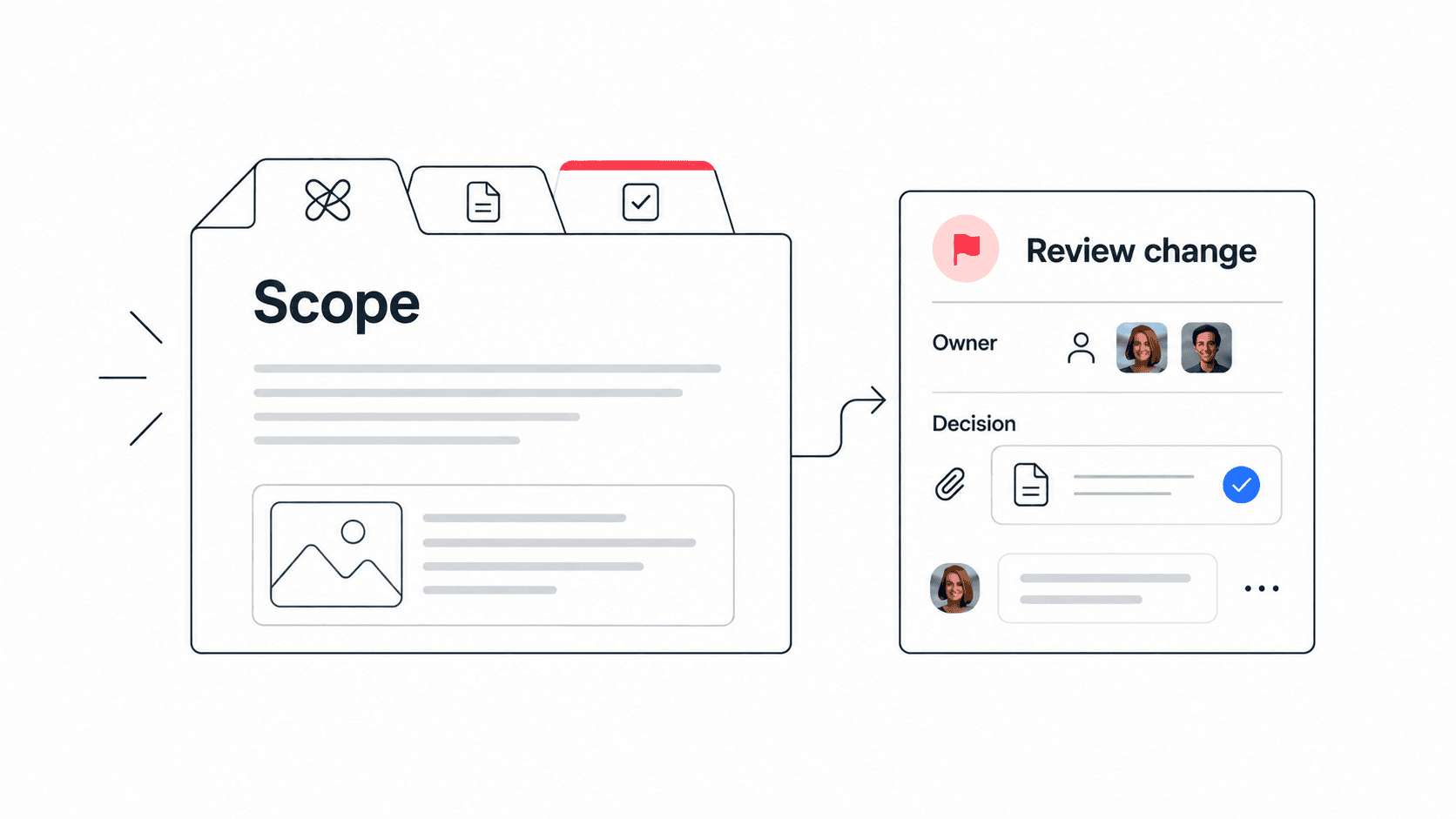
- Decision logs capture what changed, who approved it, and why.
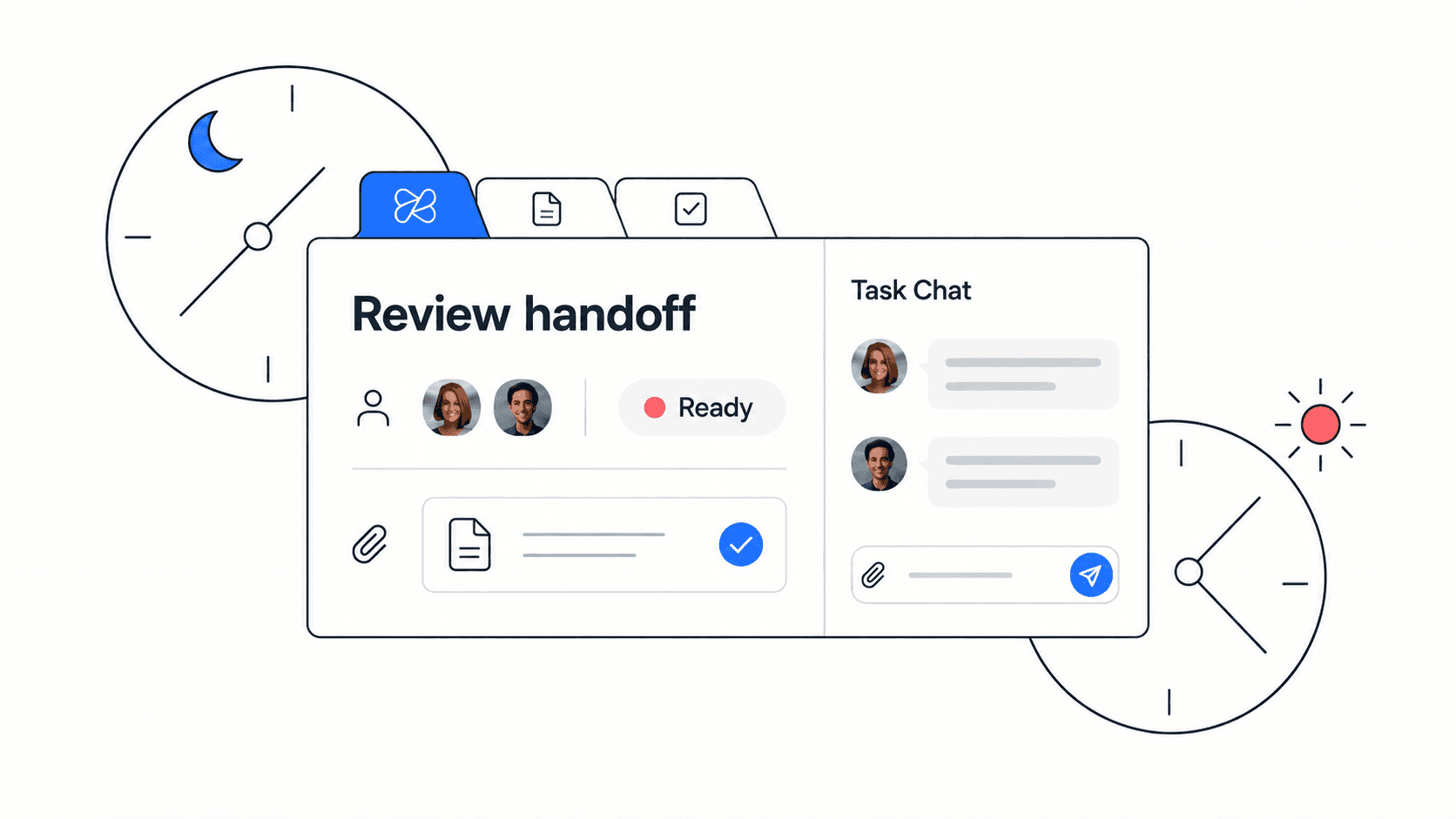
- Handoff docs explain current status, open risks, links, and next actions.
- Docs are reviewed when the project changes, not only at the start.
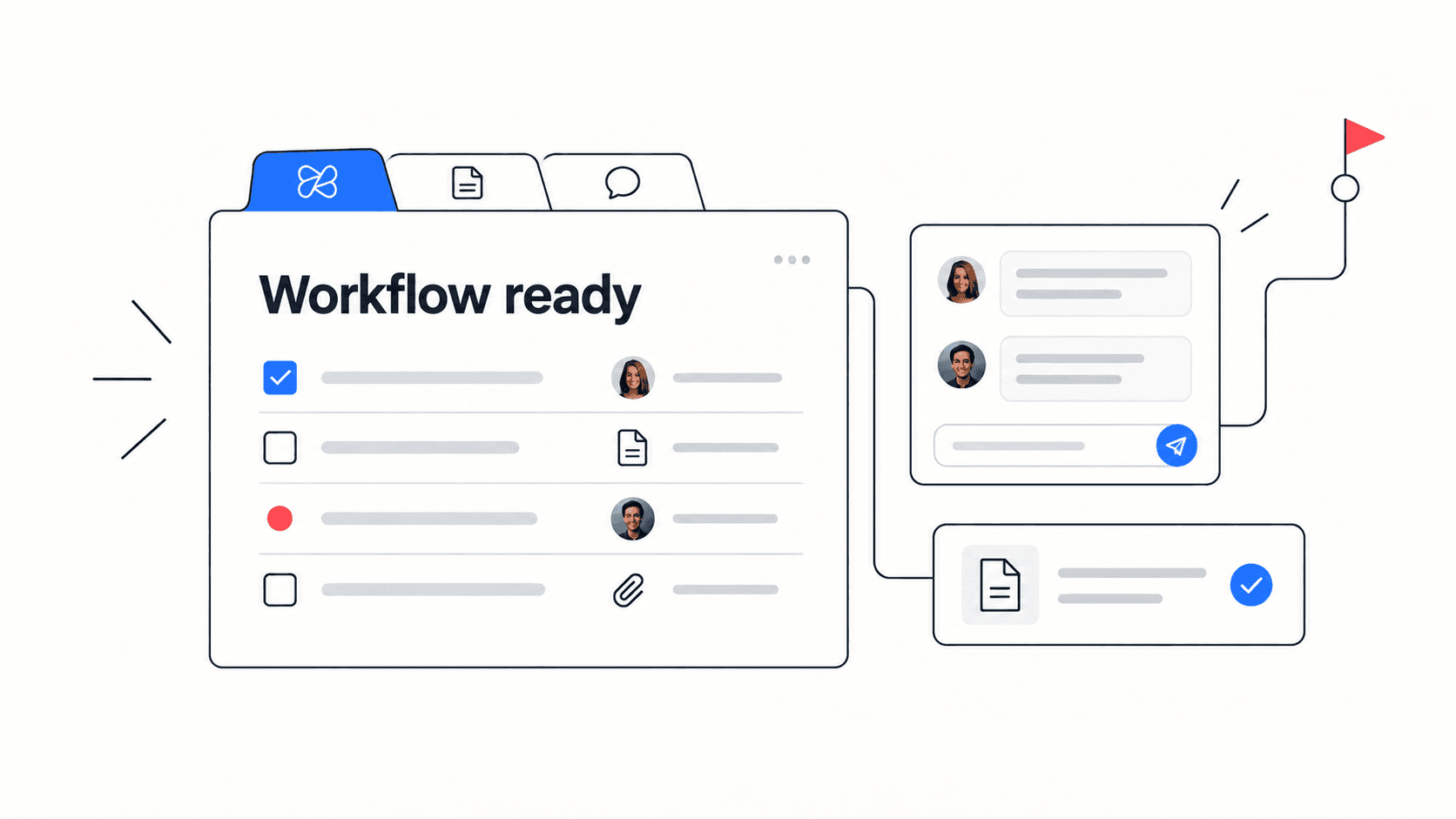
Edworking tip: Keep the brief, decision log, files, chat, and tasks in the same workspace so a remote teammate can understand the project without rebuilding context from five tools.
Checklist: chat, meetings, and async updates
Remote communication should reduce uncertainty, not create another place to search. Chat is useful for quick discussion. Meetings are useful for alignment and decisions. Async updates are useful for progress visibility. Each channel needs a job.
- Chat threads link back to the task or doc when they create follow-up.
- Meetings have an agenda before the call and decisions after the call.
- Async updates use a consistent format: progress, blocker, decision needed, next action.
- Recurring meetings are removed when a written update or task board gives the same visibility.
- Urgent issues have a clear escalation path and owner.
Checklist: files and workflow context
Files often create hidden workflow debt. A design, contract, screenshot, or spreadsheet might be essential to the work, but if it lives only in a separate drive folder, teammates waste time asking where it is or whether it is current.
- Important files are attached to or linked from the task, doc, or project that uses them.
- File names make the version, purpose, and owner clear.
- Approved assets are separated from draft or reference files.
- External links are checked before handoff so access does not block work.
- Old files are archived when they are no longer source-of-truth.
Checklist: AI support inside the workflow
AI can make remote workflows faster, but only when outputs are connected to actual execution. A summary is useful if it becomes a decision note. A draft is useful if it becomes a doc. A brainstorm is useful if the team turns it into tasks, owners, and next steps.
- AI meeting summaries are reviewed before they become the record.
- AI-generated docs include an owner who checks accuracy and tone.
- Useful prompts and outputs are stored with the project, not in private chats.
- AI search is used to recover context from docs, tasks, and files.
- Sensitive or uncertain AI outputs are treated as drafts until reviewed.
Review Edworking’s AI workspace features when your team wants AI close to daily work instead of separated from execution.

Example: fixing a scattered remote launch workflow
Imagine a startup preparing a product launch. Marketing owns the announcement, product owns release notes, support owns the help docs, and the founder wants a single view of readiness. The team is remote, so there is no shared office context to fill the gaps.
Example: The launch starts to drift because updates live in chat, the launch brief is stale, and tasks do not link to final assets. The fix is not another status meeting. The fix is a connected workflow: one launch doc, a task board with owners, linked files, a decision log, and a weekly async readiness update.
- Create one launch brief that states goal, audience, owner, date, risks, and success metric.
- Turn each workstream into tasks with owners and due dates.
- Link final copy, images, help docs, and release notes from the relevant tasks.
- Use chat for quick issues, then move durable decisions into the launch doc.
- Use AI to summarize open blockers before the weekly launch review.
Common remote workflow mistakes
Most remote workflow problems are small at first. They become expensive because the same confusion repeats across projects, onboarding, client work, and weekly planning.
- Mistake: treating chat as the source of truth. Better approach: use chat for discussion and docs for decisions.
- Mistake: creating tasks without context. Better approach: attach the brief, file, acceptance criteria, and owner.
- Mistake: holding meetings for every status update. Better approach: write async updates and meet for judgment calls.
- Mistake: letting every team pick a different workflow. Better approach: agree on a minimum operating system for tasks, docs, files, meetings, chat, and AI.
- Mistake: adding a new app whenever there is friction. Better approach: audit whether the current workflow is disconnected before buying more software.
If tool sprawl is already the issue, pair this checklist with Edworking’s tool consolidation checklist.
How Edworking helps remote workflows stay connected
Edworking is useful when a small team wants collaboration basics in one place. Tasks, docs, files, chat, video calls, and AI support can sit beside each other, which makes the workflow easier to inspect and easier to improve.
- Tasks keep owners, due dates, files, and follow-up visible.
- Docs keep briefs, decisions, notes, and handoffs searchable.
- Files stay attached to the work they support.
- Chat and meetings stay close to the project context.
- AI helps summarize, draft, and find information across the workspace.
Start with the Edworking product overview if your team needs a clearer path from scattered tools to one workspace.
FAQs
- The checklist is most useful before renewals, onboarding, quarterly planning, or a major launch.
- Use both if your team needs policy clarity and operating clarity.
- A short review is better than waiting until tool sprawl becomes expensive.
- Ownership and decisions are the backbone of remote execution.
Use the checklist as an operating habit
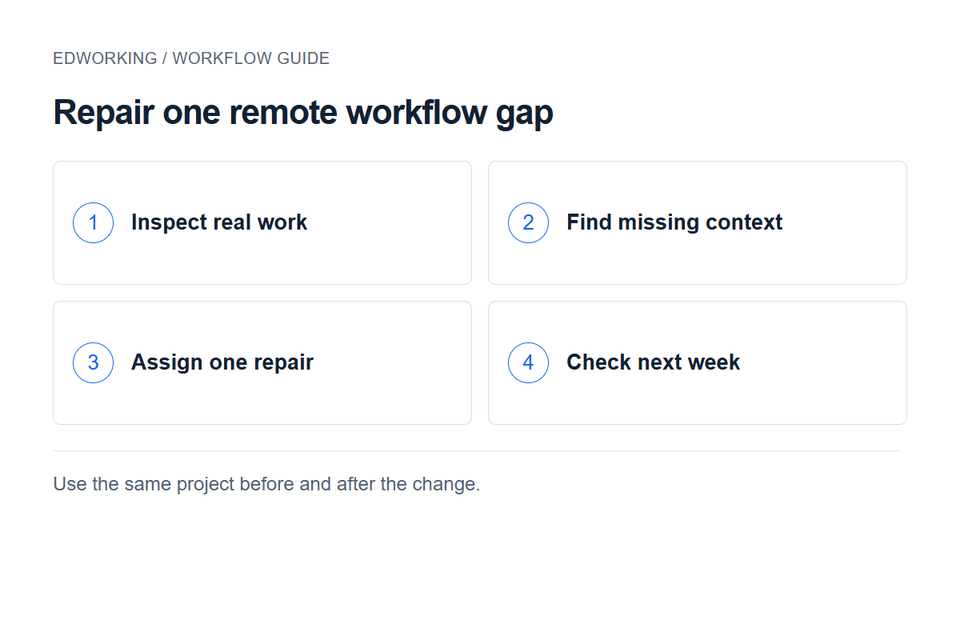
- Use this review as a recurring operating habit: pick one project, fix one workflow gap, and assign one owner before the next team review.
A remote workflow checklist should not become another static document. Use it as a repeatable operating habit: audit the workflow, choose one gap, assign an owner, fix the source of truth, and review whether the team asks fewer repeated questions the next week.
When remote work is connected, teams spend less energy reconstructing context and more energy moving work forward. That is the real purpose of the checklist: fewer scattered updates, clearer decisions, and a workspace where tasks, docs, files, chat, meetings, and AI support each other.
How to run the checklist in 30 minutes
A remote workflow review should be short enough to repeat. Pick one active project, open the tasks, docs, chat threads, files, meetings, and AI outputs connected to it, then look for missing source-of-truth links. The review is successful when the team leaves with one owner, one improvement, and one due date.
- Choose a project with current work, not an old example.
- Ask each teammate where they would find the latest decision and next action.
- Mark any place where the answer depends on memory or private messages.
- Create one cleanup task for the highest-friction gap.
- Review the same project one week later and check whether repeated questions decreased.
Practical example: If three people name three different source-of-truth locations, the workflow is not remote-ready yet. Fix the link path before changing the process.
- Repeat the checklist after each major launch, onboarding wave, or tool renewal so the workflow stays current instead of becoming another forgotten document.
Turn a failed check into a specific repair
If a teammate cannot find the current decision, assign a task to link that decision from the active project brief. If a handoff has no receiving owner, name one before moving the work forward. Avoid creating a general “improve communication” task with no acceptance condition.
Use a remote team working agreement to define communication expectations, and the async handoff guide when work crosses time zones. Recheck the same project next week so you can tell whether the specific problem was resolved.