Download Mobile App


Most small teams do not set out to build a messy tool stack. A task app gets added because a project needs structure. A chat app becomes the place where decisions happen. A document tool holds specs, a drive stores files, a meeting tool runs calls, and a lightweight AI tool helps people draft updates. Each choice makes sense in isolation, but the combined system can become slow, expensive, and hard to search.
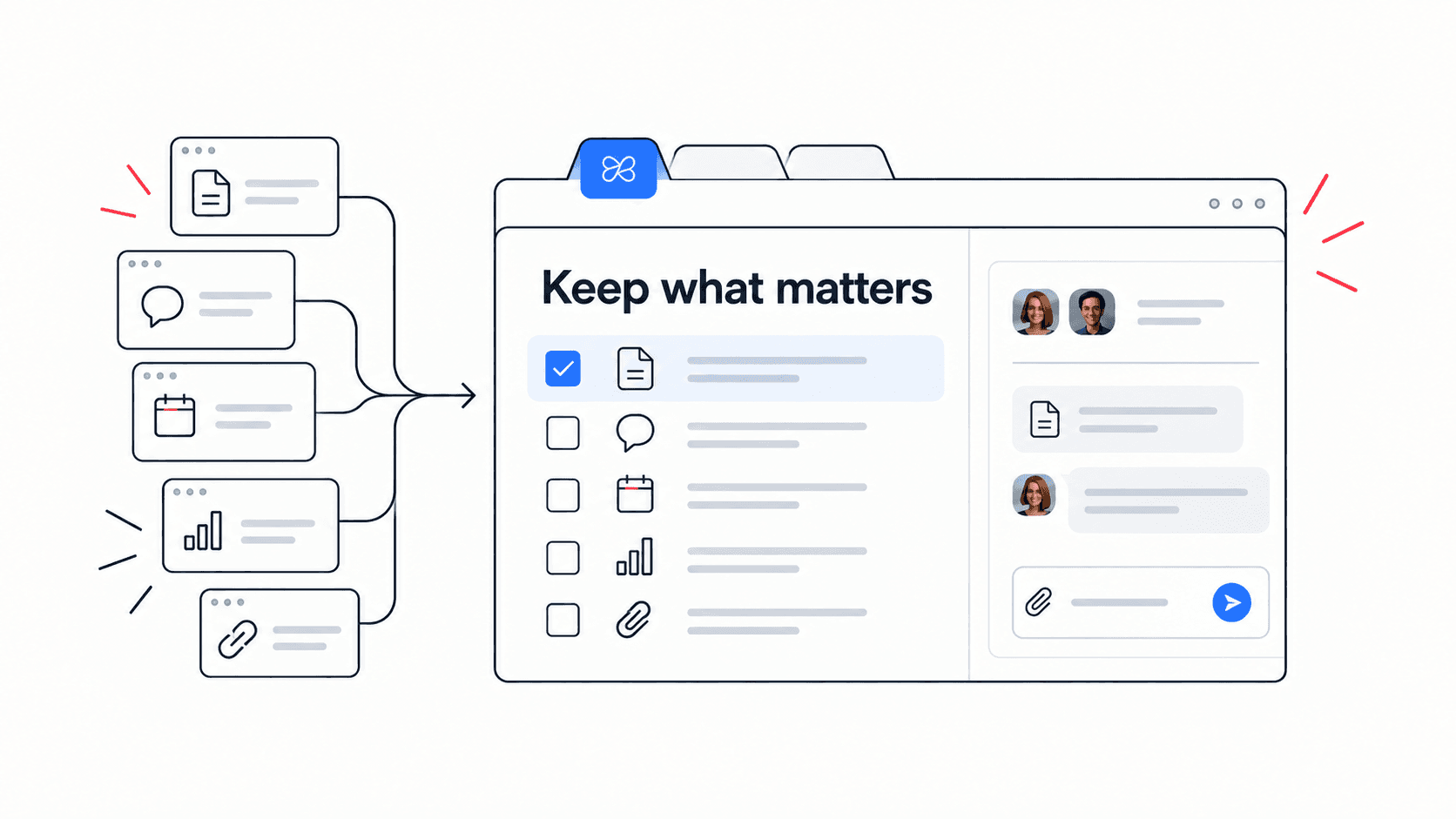
A tool sprawl audit helps you decide what to keep, what to connect, and what to consolidate. The goal is not to use fewer tools for the sake of it. The goal is to make work easier to find, easier to own, and easier to move from idea to outcome.
This guide gives small teams a practical audit process. It pairs especially well with an Edworking product overview when you want to compare one connected workspace against a stack of separate tools.
Quick takeaway: consolidate when work context is fragmented, not just when the bill is high.
Start with the friction, not the app list
A useful audit starts with moments of friction. Ask where people lose time, repeat explanations, miss decisions, or recreate files. Tool count matters, but the deeper issue is usually context loss. If a teammate must check chat for the decision, a doc for the brief, a task board for ownership, a drive for attachments, and a meeting transcript for the next step, the stack is asking people to do coordination work before they can do project work.
Look at one recent project and trace the path from request to delivery. Where did the request start? Where was the brief written? Where were files attached? Where did the decision happen? Where was the task assigned? Where did the client or stakeholder approve it? Every handoff between systems is a possible source of delay.
- Friction signal: status updates are copied from one tool into another before every meeting.
- Friction signal: decisions are made in chat, but the task or doc does not show the final answer.
- Friction signal: new teammates ask where to find the latest version of the work.
Score each tool by job, owner, and context
Do not judge a tool only by whether people like it. Judge it by the job it performs, who owns that job, and whether it keeps enough context close to the work. A tool that performs a narrow specialist job well may deserve to stay. A tool that duplicates work already managed elsewhere may be a consolidation candidate.
Use a simple scoring view. For each tool, write the primary job, the main users, the decision it supports, the information it stores, the downstream tools it depends on, and the risk of removing it. This creates a practical comparison without turning the audit into a procurement project.
- Keep: the tool performs a specialist job that would be risky or expensive to replace.
- Connect: the tool is useful, but key decisions or files need clearer links to project work.
- Consolidate: the tool mostly duplicates tasks, docs, chat, meetings, files, or AI support already available elsewhere.
Decision rule: if a tool owns the task but not the context, or owns the context but not the task, review it carefully.
Compare cost with switching overhead
Subscription cost is easy to measure. Switching cost is quieter. It appears as repeated status questions, duplicated notes, lost decisions, manual updates, and meetings that exist only because the team cannot see what changed. A cheap tool can be expensive if it creates coordination work every week.
Estimate cost in three layers. First, list direct subscription spend. Second, estimate administrative time: provisioning users, permissions, billing, exports, integrations, and support. Third, estimate work friction: time spent searching, copying, reconciling, or asking for context. The third layer is usually where small teams find the strongest case for consolidation.
- Direct cost: monthly seats, add-ons, storage, automation, and AI credits.
- Admin cost: user access, permission reviews, billing checks, and integration maintenance.
- Work cost: duplicate updates, missed handoffs, status meetings, and unclear ownership.
Map the workflows that need to stay together
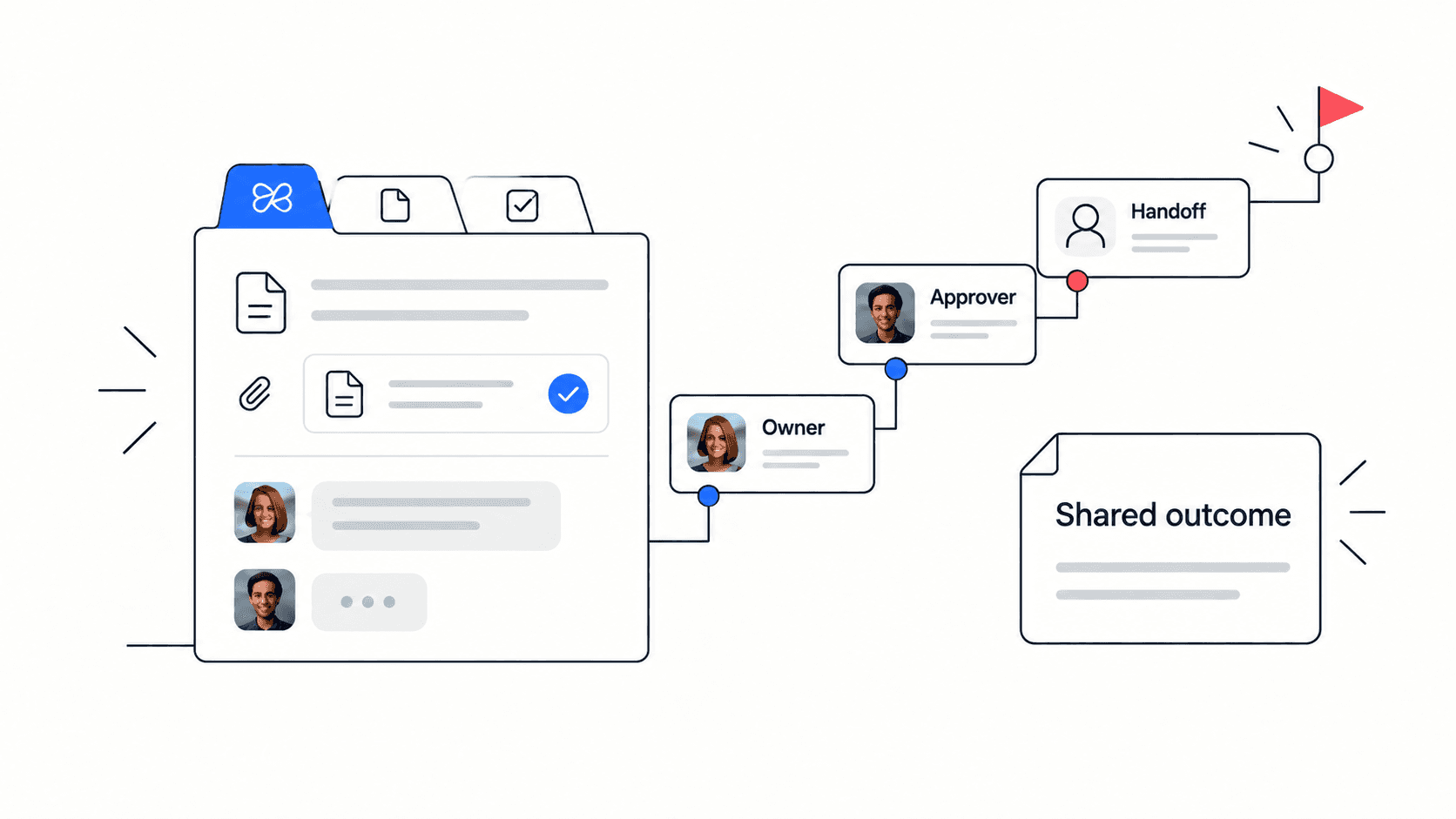
Some workflows naturally belong together. A project brief should connect to the tasks it creates. A file should connect to the decision it supports. A chat thread should connect to the task it changes. A meeting should connect to the action items it creates. When those links break, the team needs extra process to compensate.
For example, a team using separate project, chat, docs, and video tools may still need one shared operating layer. Edworking can help because project management software, docs, files, chat, video calls, and AI sit in the same workspace.
- Request to task: who owns the work and when is it due?
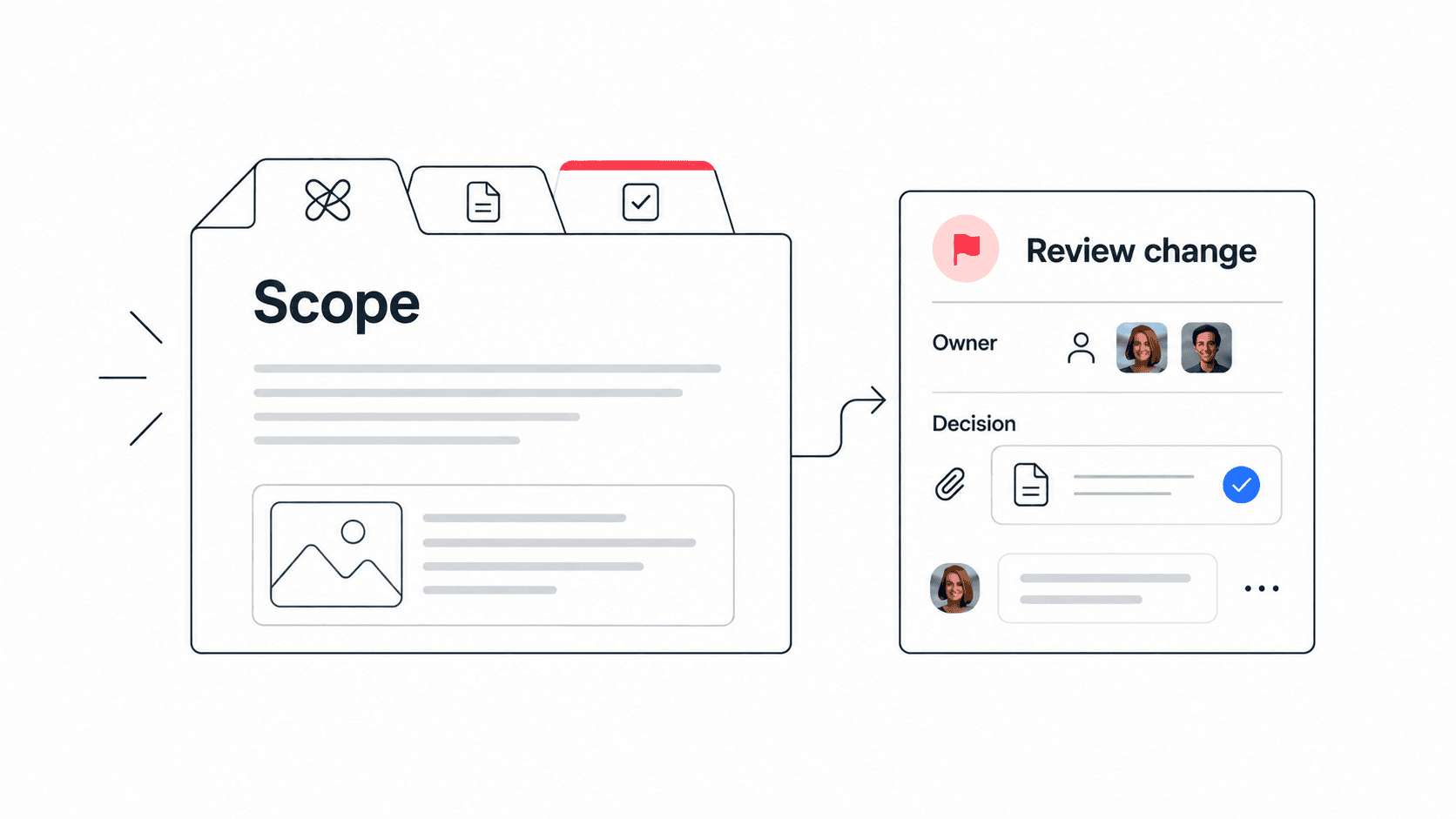
- Task to doc: where is the brief, decision, or spec?
- Doc to file: which attachment or asset supports the work?
- Chat to decision: what changed and where is the final answer recorded?
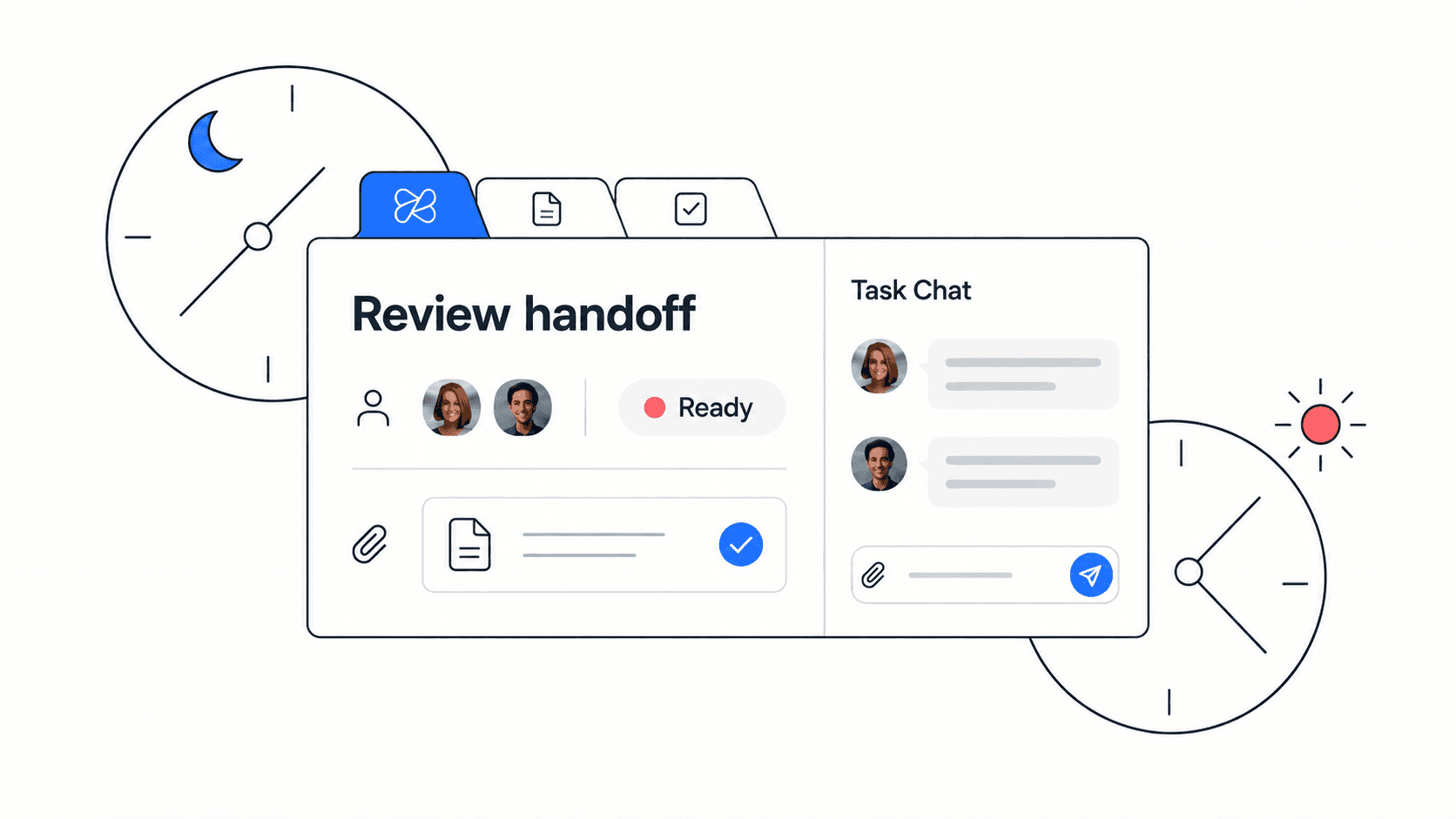
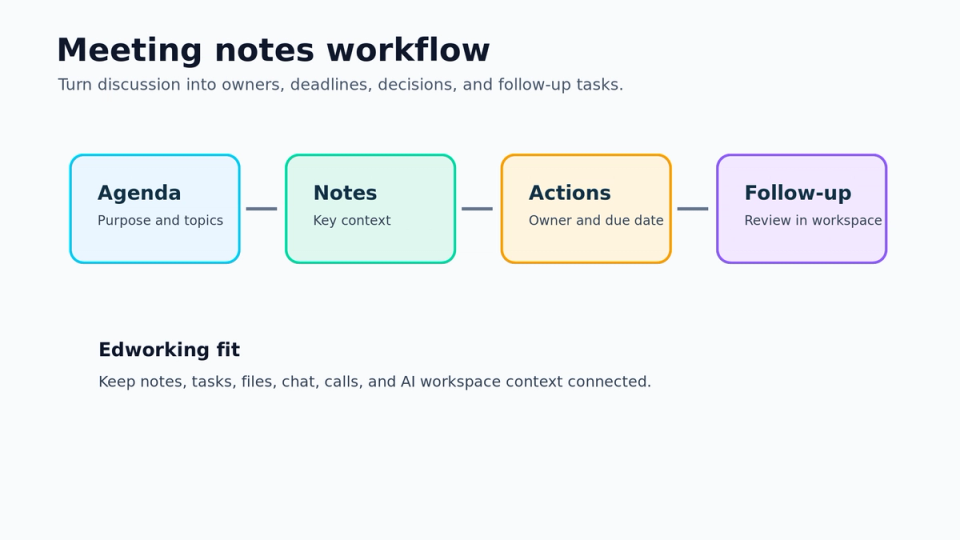
- Meeting to next step: what was assigned after the call?

Run a 30-day consolidation experiment
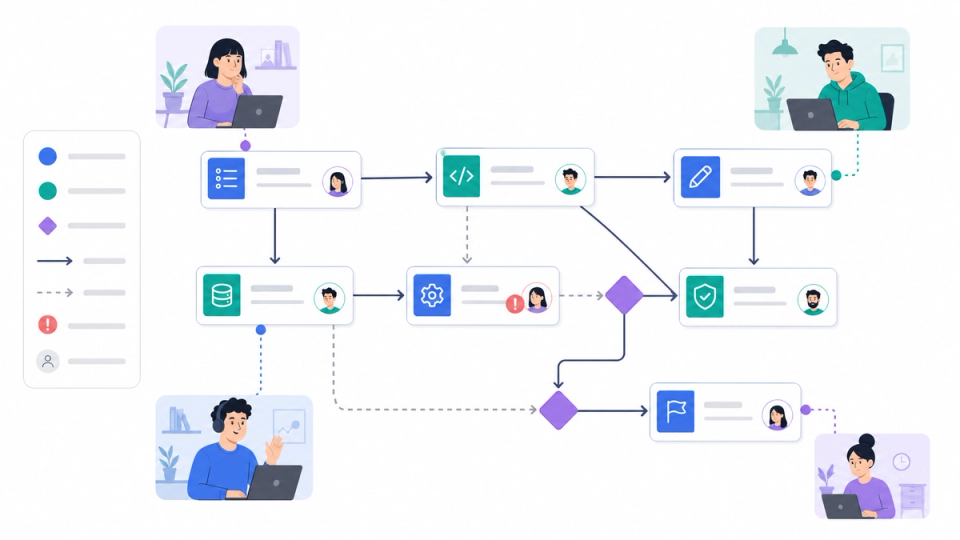
A tool audit does not need to end in a risky migration. Pick one workflow and run a 30-day experiment. Choose a bounded project, define the tools that will be consolidated or connected, and set clear success criteria. The experiment should reduce confusion without hiding important work from the team.
For a small team, a good experiment might move one client project, sprint, or internal initiative into a single workspace. Keep the old tools available during the trial, but ask the team to create tasks, attach files, write decisions, and hold project conversations in the new operating layer. At the end, compare search time, meeting load, missed handoffs, and teammate feedback.
- Week 1: choose the workflow, owners, success criteria, and rollback plan.
- Week 2: move active tasks, core docs, files, and decision notes into the shared workspace.
- Week 3: run status updates and handoffs from the shared workspace only.
- Week 4: review friction, adoption, cost, and the next consolidation candidate.
Edworking tip: use one project space for the experiment, then keep tasks, docs, files, chat, calls, and AI answers tied to that space.
A practical example: agency delivery stack
Imagine a five-person agency managing client work across a task board, Slack, Google Docs, Drive, Zoom, and a separate AI writing tool. The stack works while the team is small, but delivery starts to slow down when designers need the latest brief, account managers need approval status, and contractors need context from meetings they did not attend.
The audit shows that Slack is where decisions happen, the task board is where ownership lives, Docs is where briefs live, Drive is where assets live, and Zoom is where action items appear. No single system shows the full delivery state. The team decides not to remove every tool immediately. Instead, it runs one client project in a connected workspace and measures whether handoffs get clearer.
- Before: status meeting required because task status, files, and decisions were split.
- During: each task includes the brief, files, owner, chat context, and next action.
- After: the team keeps specialist design tools, but consolidates project coordination.
This is the same reason a client collaboration portal works best when approvals, files, decisions, and tasks are not disconnected.
Mistakes to avoid during a tool sprawl audit
The biggest mistake is treating consolidation as a top-down cleanup project. If the new workflow makes daily work harder, people will quietly return to the old stack. Audit the actual workflow first, then choose the smallest useful change.
The second mistake is removing tools before the team agrees where work should live. A tool can be retired only when its job, data, and owner have a clear replacement. Otherwise, the team creates hidden workarounds and loses trust in the process.
- Do not remove a specialist tool just because it has a small user base.
- Do not migrate old data unless the team will actually use it.
- Do not measure success only by subscription savings.
- Do not consolidate without naming the new source of truth.
Mistake to avoid: a cheaper stack that makes every teammate search longer is not really cheaper.
Tool sprawl audit checklist
- List every collaboration, project, docs, file, meeting, AI, and reporting tool.
- Name the primary job, owner, and main users for each tool.
- Mark duplicated jobs across task management, docs, chat, video, files, and AI.
- Trace one recent project from request to delivery.
- Identify where decisions, files, owners, and next steps separated.
- Score each tool as keep, connect, consolidate, or revisit later.
- Run one 30-day experiment before broad migration.
- Review search time, meeting load, handoff quality, and adoption.
FAQs
Make consolidation a workflow decision
A tool sprawl audit should end with a clearer way to work, not just a shorter software list. Keep tools that perform specialist jobs. Connect tools that are useful but isolated. Consolidate where daily collaboration depends on context that should stay together.
Build the final recommendation as a short decision log. Name the tools to keep, the tools to connect, the tools to consolidate, and the reason for each call. Add a confidence level so the team knows which decisions are ready and which need another month of evidence. This turns the audit from a discussion into an operating agreement.
The recommendation should also include ownership. If Edworking becomes the source of truth for project coordination, name who maintains spaces, task hygiene, docs, files, and access. Consolidation works when the team understands the new habits, not only the new software. A smaller stack still needs clear rules for where work starts, where decisions are stored, and how teammates find context later.
For teams comparing options, the practical question is simple: does the current stack make work clearer or does it force people to rebuild context every day? If the answer is the second one, a connected workspace is worth testing before the next tool renewal cycle.
If your audit shows that project coordination is the biggest friction point, review the Edworking overview and compare whether one workspace can replace the disconnected parts of your current stack.
If your audit shows that decisions, files, and meeting notes are scattered, use a tool consolidation checklist to decide what to keep, connect, or replace before adding another app.