Download Mobile App


A startup operations system is the way a small team turns daily chaos into repeatable work. It is not a thick operations manual, a complex enterprise suite, or a set of meetings that everyone quietly dislikes. It is the lightweight structure that shows what matters this week, who owns each outcome, where decisions live, and how the team can find context without interrupting the founder every hour.
This guide is for founders, operators, chiefs of staff, and team leads who feel the company becoming harder to run as more people, customers, launches, files, and decisions enter the business. The goal is not to add bureaucracy. The goal is to design a simple operating system for work before tool sprawl and undocumented decisions slow the team down.
Quick takeaway: a good startup operations system connects priorities, tasks, docs, files, chat, meetings, and AI-assisted search in one repeatable rhythm, so the team can move fast without depending on memory or constant status meetings.
What a startup operations system actually includes
Startup operations covers the recurring work that keeps the company moving: weekly priorities, internal projects, onboarding, customer delivery, decision tracking, meeting follow-ups, hiring loops, documentation, and handoffs between functions. When the company is tiny, much of this happens in people’s heads. That works for a while because everyone is close to every decision.
The problem appears when the team grows from five to twelve people, then twenty. Suddenly there are more workstreams than one founder can personally explain. Marketing has launch assets. Product has release decisions. Customer support has recurring issues. Hiring has candidate notes. Finance has runway questions. If every function uses a different tool and every decision is hidden in chat, the company becomes slower even though everyone is working harder.
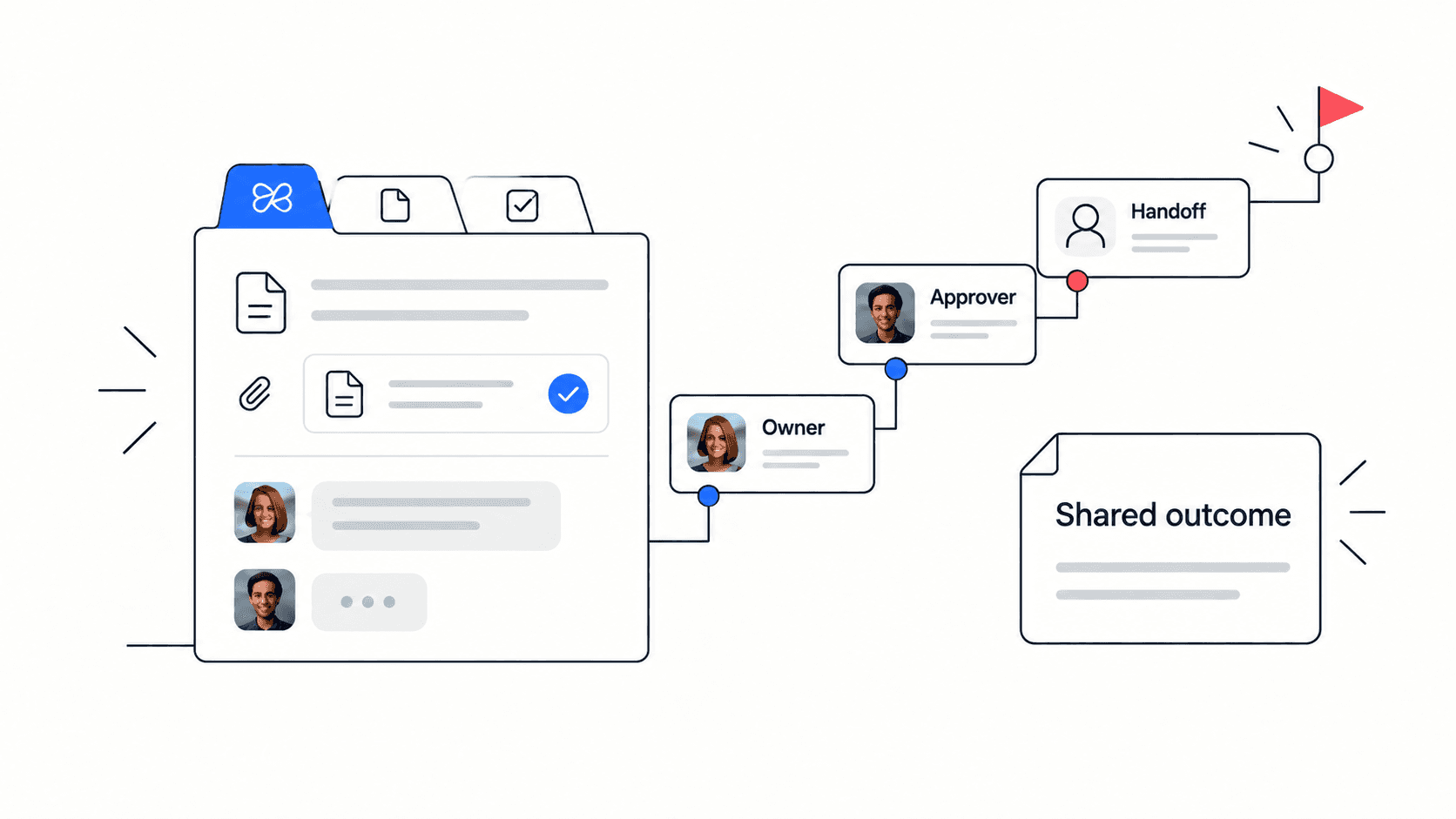
A practical startup operations system gives each recurring workflow a visible place. It makes three things obvious: the current priority, the owner, and the supporting context. If those three pieces are clear, the team can self-serve more answers and escalate only the decisions that really need leadership.
Operating layer: priorities. What it answers: what matters now and what can wait. Best home: a weekly plan or company workspace.
Operating layer: ownership. What it answers: who moves this forward. Best home: tasks with owners, due dates, status, and blockers.
Operating layer: context. What it answers: why this matters and what has already been decided. Best home: linked docs, files, meeting notes, and chat threads.
Start with the operating rhythm, not the tool stack
Many startups try to solve operations by buying another app. A new roadmap tool appears. Then a documentation tool. Then a meeting notes tool. Then a chat automation tool. Each one may be useful in isolation, but the combined system becomes harder to maintain than the problem it was meant to fix.
Start with rhythm instead. Decide how the team plans, checks progress, captures decisions, and closes loops. Once the rhythm is clear, choose tools that support it. For most early-stage teams, a simple weekly operating rhythm is enough: set priorities on Monday, update work asynchronously during the week, review blockers midweek, and close the week by recording decisions and next actions.
The rhythm should be predictable, visible, and light. People should know where to post updates and where to find decisions. Managers should not need to chase every status update. Founders should not need to repeat the same context in every meeting.
Edworking tip: teams using Edworking can keep the weekly plan, project spaces, task boards, operating docs, files, team chat, meeting notes, and Edworking Brain answers in one workspace. That makes the rhythm easier to follow because updates happen where the work already lives.
Build the first version in five steps
A first operating system should be small enough to launch in a day and useful enough that the team keeps using it. Do not document every process. Pick the workflows that create the most repeated questions or the most founder interruptions.
Step 1: List the recurring work that already exists. Common examples include weekly planning, launch coordination, customer onboarding, hiring, support escalation, product decisions, and investor updates.
Step 2: Assign one owner to each workflow. The owner is not responsible for doing every task. They are responsible for keeping the workflow clear and making sure decisions are captured.
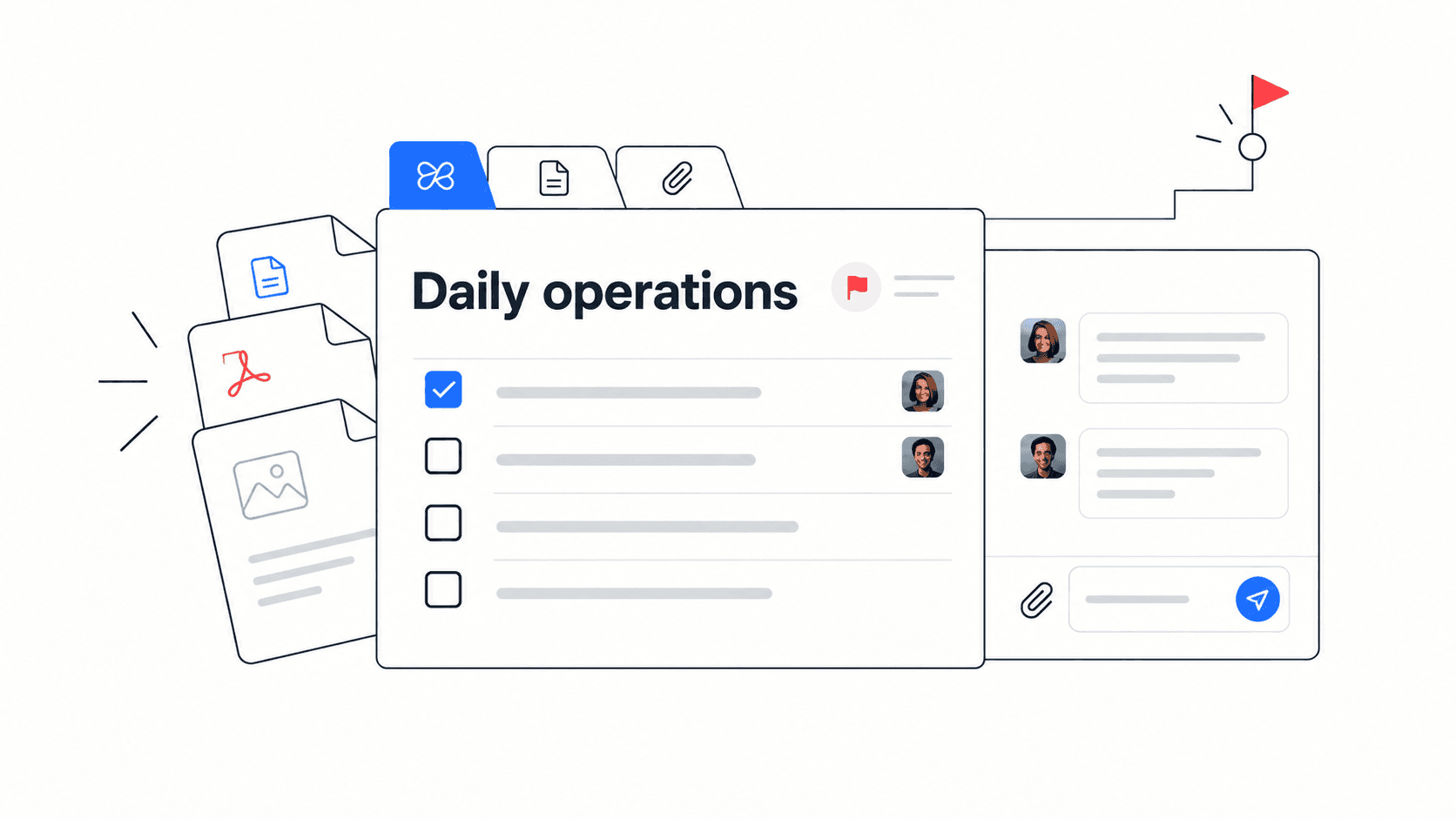
Step 3: Create one shared space for each important workflow. Add tasks, documents, files, meeting notes, and the current decision log. Keep the structure familiar and avoid inventing a custom system for every team.
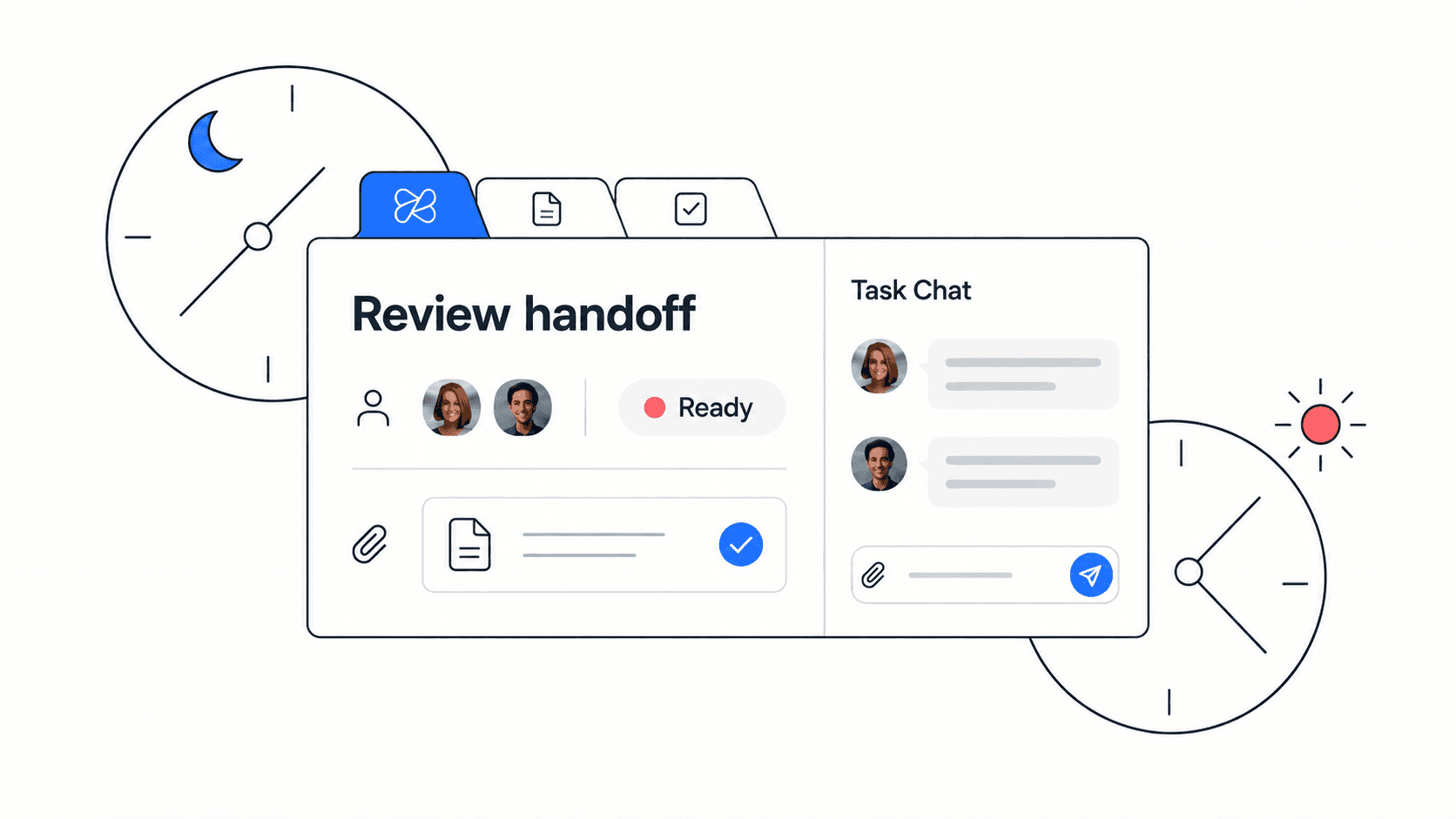
Step 4: Define the update rule. For example, each owner posts progress, blockers, decisions needed, and next steps by Thursday afternoon. This turns status into a habit instead of a recurring meeting.
Step 5: Review what people actually used after two weeks. Delete anything that did not help. Strengthen the pieces that reduced confusion, repeated questions, or meeting time.
Workflow to include: weekly priorities; Owner: founder or operations lead; Main outcome: everyone knows the top company commitments.
Workflow to include: launch planning; Owner: product or marketing lead; Main outcome: tasks, copy, assets, decisions, and risks stay connected.
Workflow to include: onboarding; Owner: people or team lead; Main outcome: new teammates can find docs, tasks, and questions without waiting.
A practical startup operations checklist
Use this checklist when the team is moving quickly but work feels scattered. The goal is to create enough structure for clarity without slowing execution.
- Every recurring workflow has one visible owner.
- Company priorities are written in one place each week.
- Tasks include owners, due dates, files, and next steps.
- Important decisions are documented next to the work they affect.
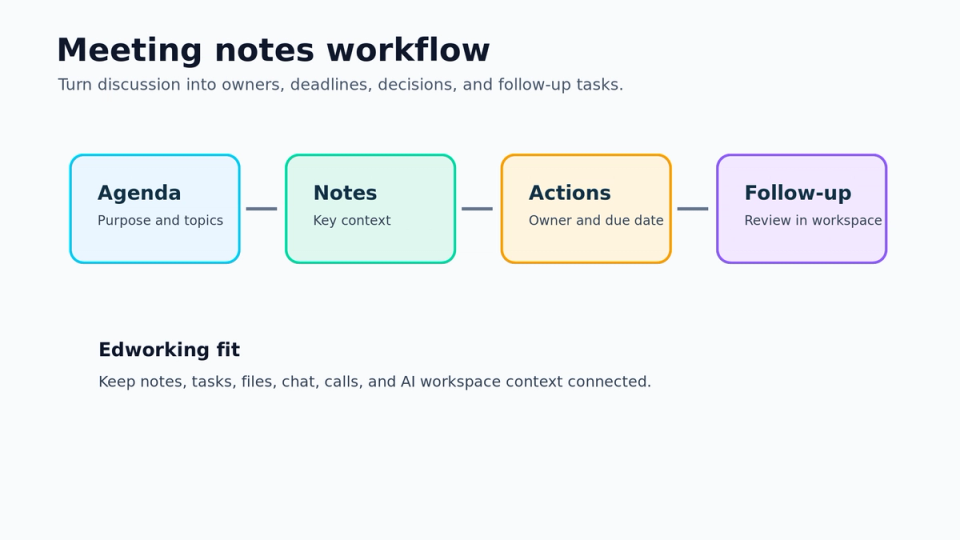
- Meeting notes end with actions, owners, and deadlines.
- Onboarding material links to current projects, docs, and support channels.
- Repeated questions become docs, checklist items, or AI-searchable workspace context.
- Tools are reviewed monthly for overlap and unused subscriptions.
Decision rule: if a question is asked three times, the answer belongs in the operating system, not in another one-off chat reply.

How to avoid tool sprawl while the company grows
Tool sprawl usually starts with good intentions. A team adds a tool because it solves an immediate pain. The pain is real, but the long-term cost is hidden: more logins, more notifications, more places to search, more duplicated files, and more disagreements about which source of truth is current.
The best prevention is a consolidation rule. Before adopting a new tool, ask whether the workflow needs a specialist tool or whether the same outcome can be handled in the existing workspace. Specialist tools are worthwhile for payroll, accounting, code hosting, analytics, and other deep functional needs. But day-to-day collaboration often works better when tasks, docs, files, conversations, meetings, and AI context stay connected.
Use this comparison when a new tool request appears: Pain: repeated status questions; Better first move: improve task updates and weekly review. Pain: lost decisions; Better first move: create a decision log in the project workspace. Pain: onboarding confusion; Better first move: link docs, tasks, files, and questions in one onboarding space. Pain: too many meetings; Better first move: create async update rules and meeting follow-up tasks.
Example: turning launch chaos into an operating system
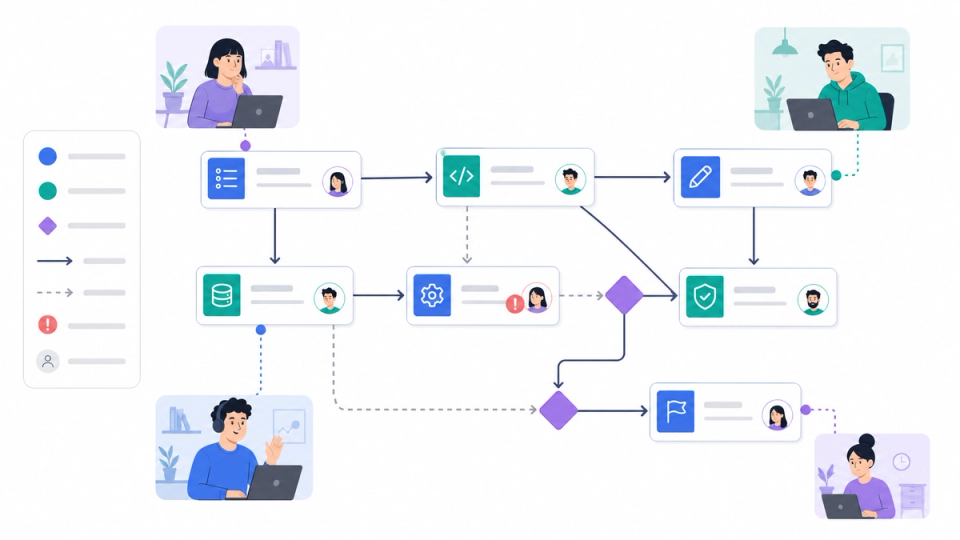
Imagine a startup preparing a new product launch. Before the operating system, the launch plan lives in a document, landing-page copy lives in a design file, tasks live in a project tool, product decisions live in chat, meeting notes live in someone’s private docs, and customer questions live in support conversations. The founder asks for updates because no single view can answer what is happening.
A better launch workspace starts with outcomes: page copy approved, product screenshots ready, onboarding emails drafted, help docs reviewed, release notes published, and customer success prepared. Each outcome has an owner, task list, linked files, and a place for questions. Meeting notes are attached to the launch workspace, and decisions are summarized after each review.
Example: when support asks whether a feature is included at launch, the answer is in the launch decision log linked to the release task. The marketing owner can update copy, the support owner can update the FAQ, and the founder does not have to reconstruct the decision from memory.
What to measure after you introduce the system
Measure whether the system reduces friction, not whether people perfectly follow a process. A startup operations system should make the company faster and calmer. If the system creates more reporting than clarity, simplify it.
Useful signals include fewer repeated status questions, faster onboarding for new teammates, clearer meeting follow-ups, fewer missing files, fewer duplicate tools, and quicker handoffs between functions. You can also track how often decisions are captured in the workspace instead of staying in chat.
Do not over-measure early. The most important feedback is qualitative: can a teammate understand current priorities without asking the founder? Can a new hire find the right docs? Can a project owner see blockers without scheduling a meeting? If the answer is yes, the system is working.
Common mistakes to avoid
The first mistake is trying to design the perfect operating system before the team uses it. Start small, then adjust. The second mistake is documenting everything but assigning no owners. Documentation without ownership quickly becomes stale. The third mistake is treating the operating system as a management reporting layer instead of a working layer for the whole team.
Mistake: creating a workspace no one uses. Better approach: build it around an active workflow people already need.
Mistake: adding processes without deleting old ones. Better approach: remove duplicate meetings, docs, and tool rituals as the new system takes over.
Mistake: making every update a meeting. Better approach: use async updates for status and meetings for decisions or conflict.
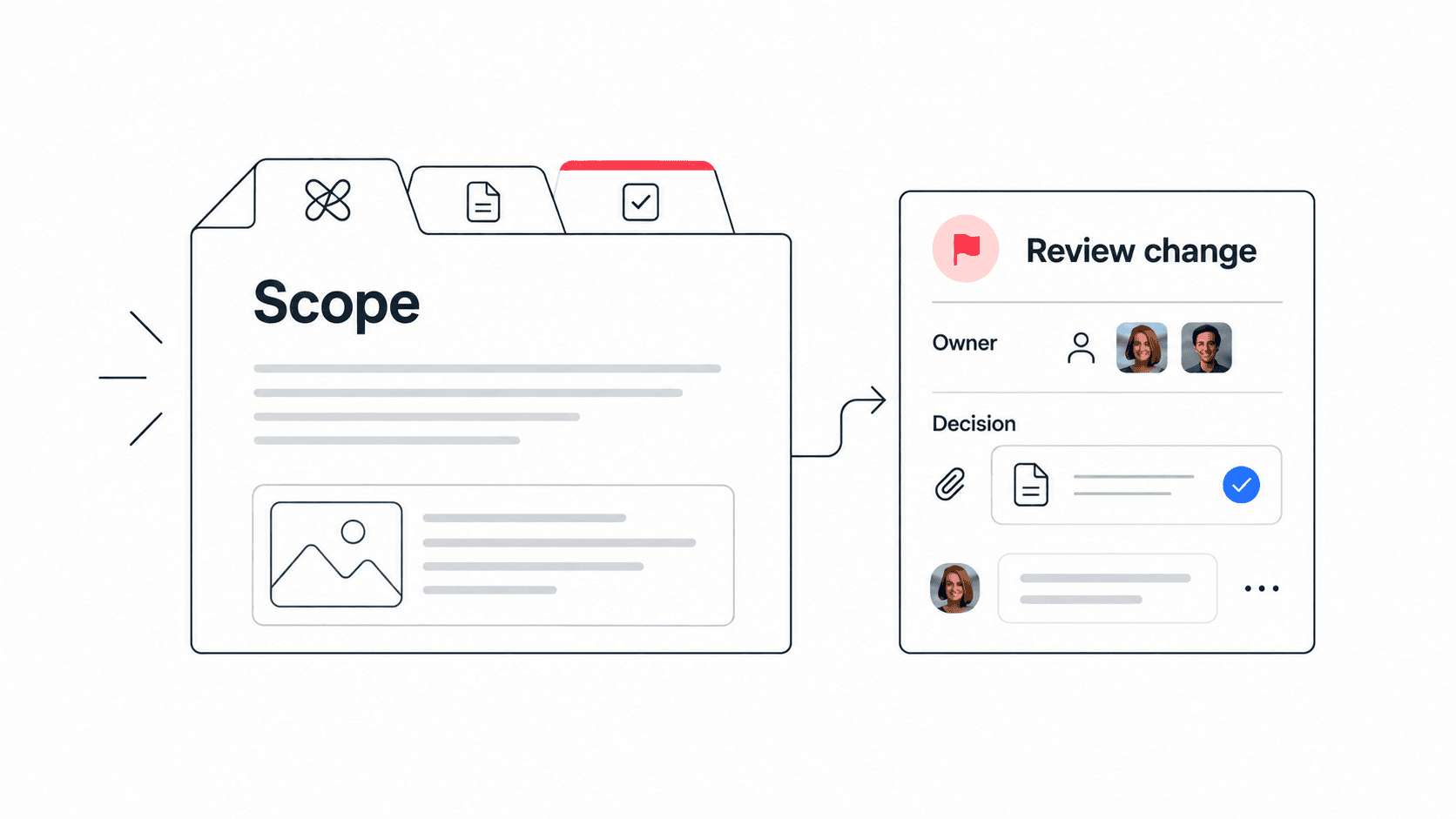
Mistake: keeping decisions in chat only. Better approach: discuss in chat, then save the final decision where the work lives.
Mistake to avoid: do not confuse control with clarity. The goal is not to watch people more closely. The goal is to make the work easier to understand and easier to move forward.
Where Edworking fits
Edworking fits teams that want the daily operating system and the collaboration workspace to be the same place. A founder can create spaces for launches, onboarding, customer delivery, hiring, or operations. Each space can include tasks, docs, files, conversations, meeting rooms, and AI-assisted search.
This matters because operations breaks when context separates from execution. A decision in chat should connect to the task. A file should live near the work it supports. A meeting note should become a follow-up with an owner. An AI answer should be grounded in workspace context, not in a disconnected document repository.
Start with one workflow rather than a company-wide migration. Move the weekly planning process or one active launch into Edworking. Add tasks, docs, files, questions, and meeting notes. After two weeks, ask whether people needed fewer clarifying meetings and whether owners had an easier time finding context.
FAQs
What is a startup operations system?
It is the lightweight structure a startup uses to manage recurring work, priorities, tasks, docs, files, decisions, meetings, and handoffs. It helps the team move quickly without relying on founder memory or scattered tools.
When should a startup formalize operations?
Formalize operations when decisions become hard to find, onboarding takes too much founder time, meetings multiply, or work starts repeating across teams. The first version should be simple and focused on the highest-friction workflows.
What tools does a startup operations system need?
Most teams need task management, shared docs, file storage, chat, video calls, and a way to search or summarize context. Edworking combines these pieces in one workspace for teams that want to reduce tool switching.
How do you keep startup operations from becoming bureaucracy?
Keep the system tied to active work. Use owners, checklists, docs, and decision logs only where they reduce confusion. Review the system regularly and remove anything that adds reporting without improving execution.
A startup operations system should make the company easier to run, not heavier. Start with one recurring workflow, connect the tasks and context, write down decisions, and use async updates to reduce unnecessary meetings. Once the team trusts the system, expand it to the next workflow.
When the operating system starts depending on too many disconnected apps, a startup tool consolidation checklist can turn the next software decision into a practical workflow review.