Download Mobile App


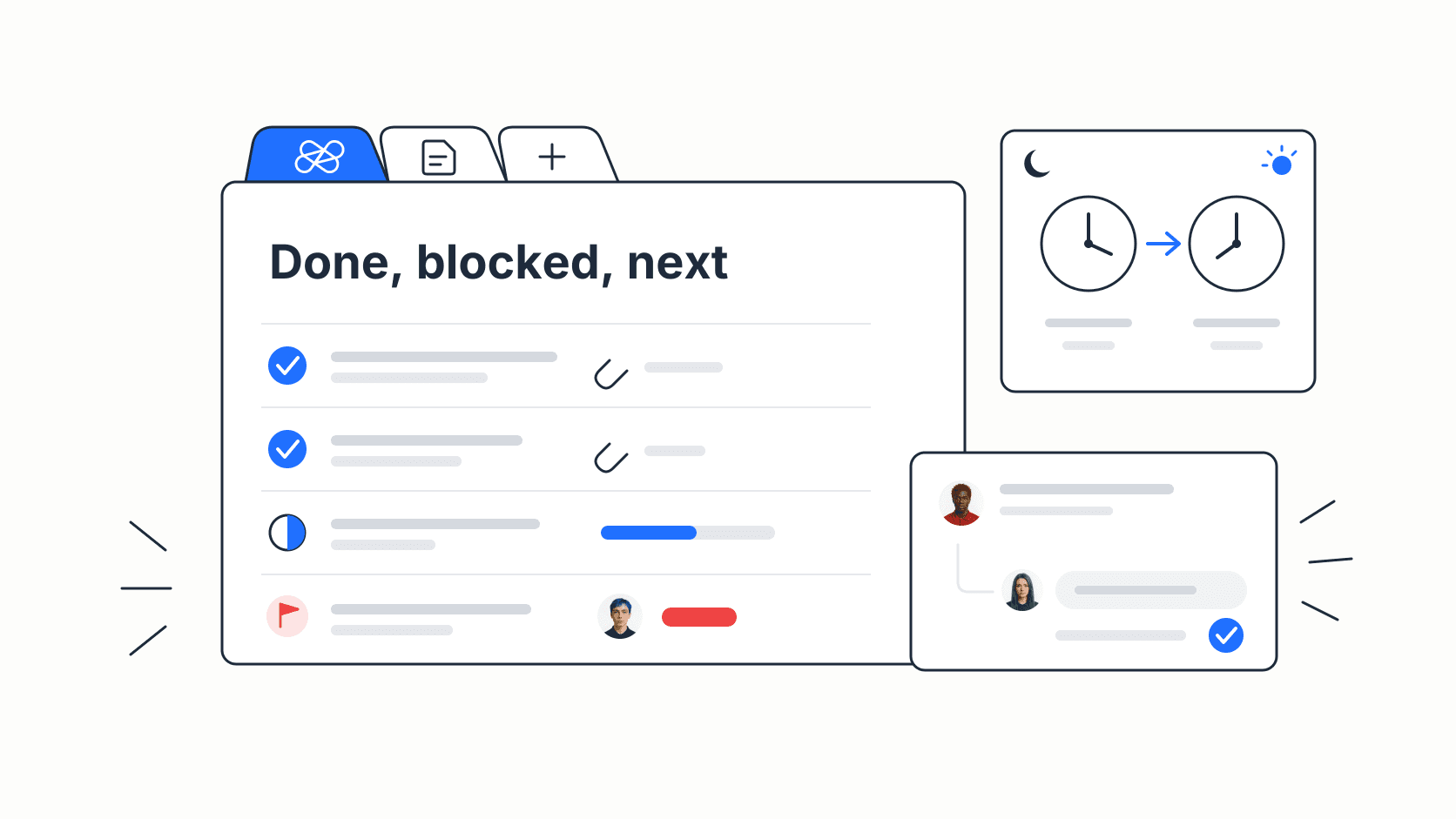
An end of day report is a short written update, posted when you finish work, that says what you completed, what is still in progress, what is blocking you and what you will do next. For a remote team it does the job of a status meeting in about five minutes of writing, and the people in other time zones can read it when their day starts.
Below you will find a copy-ready template, four filled examples by role, rules for writing lines that are actually useful, and a two-week plan to roll the habit out without turning it into surveillance.
What an end of day report is (and what it is not)
An end of day report, often shortened to EOD report, is a handoff from today to tomorrow. Its readers are your teammates and your manager, and its only purpose is to help them decide what to do next: unblock you, pick up a dependency, or change a priority.
It helps to separate it from three formats people confuse it with:
- A timesheet records hours. An EOD report records outcomes and decisions. If your report reads like "9:00 to 11:00 emails", it is a timesheet.
- A daily standup is a live conversation. The Scrum Guide defines the Daily Scrum as a 15-minute event for the developers. An EOD report covers the same ground in writing, so remote teams can keep the standup short or skip it on some days.
- A weekly status report is written for stakeholders and summarizes progress against a plan. The EOD report is for the people doing the work, and it is raw and short on purpose.
End of day report template
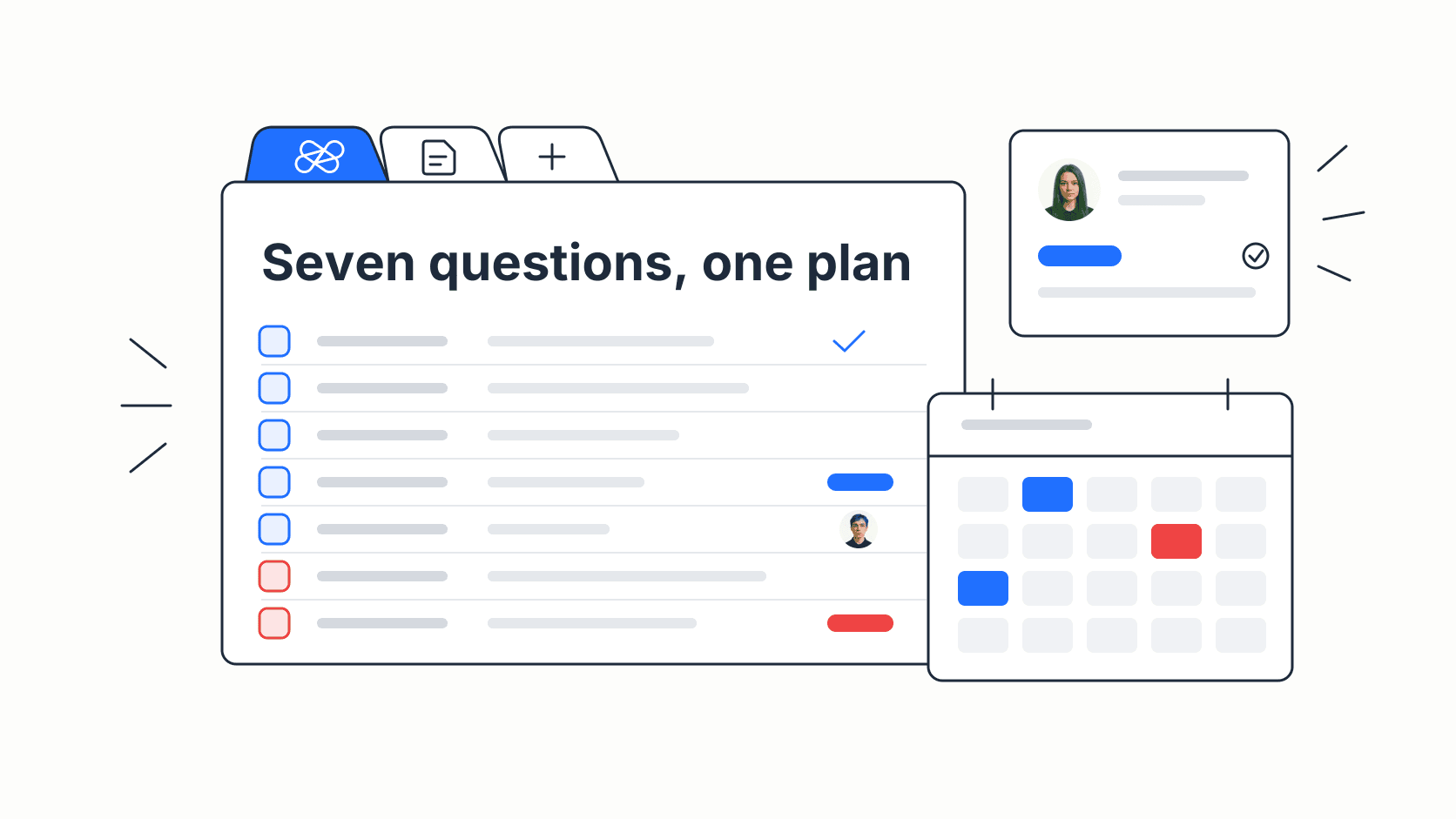
Copy these six fields into your team chat, a shared doc or a recurring task. Keep each field to one to three lines.
- Date and focus: the one thing today was meant to move forward.
- Done: finished work, each item with a link to the task, doc or file.
- In progress: what is not finished, how far along it is, and when you expect to finish.
- Blocked or at risk: what stops you, who can unblock it, and by when you need it.
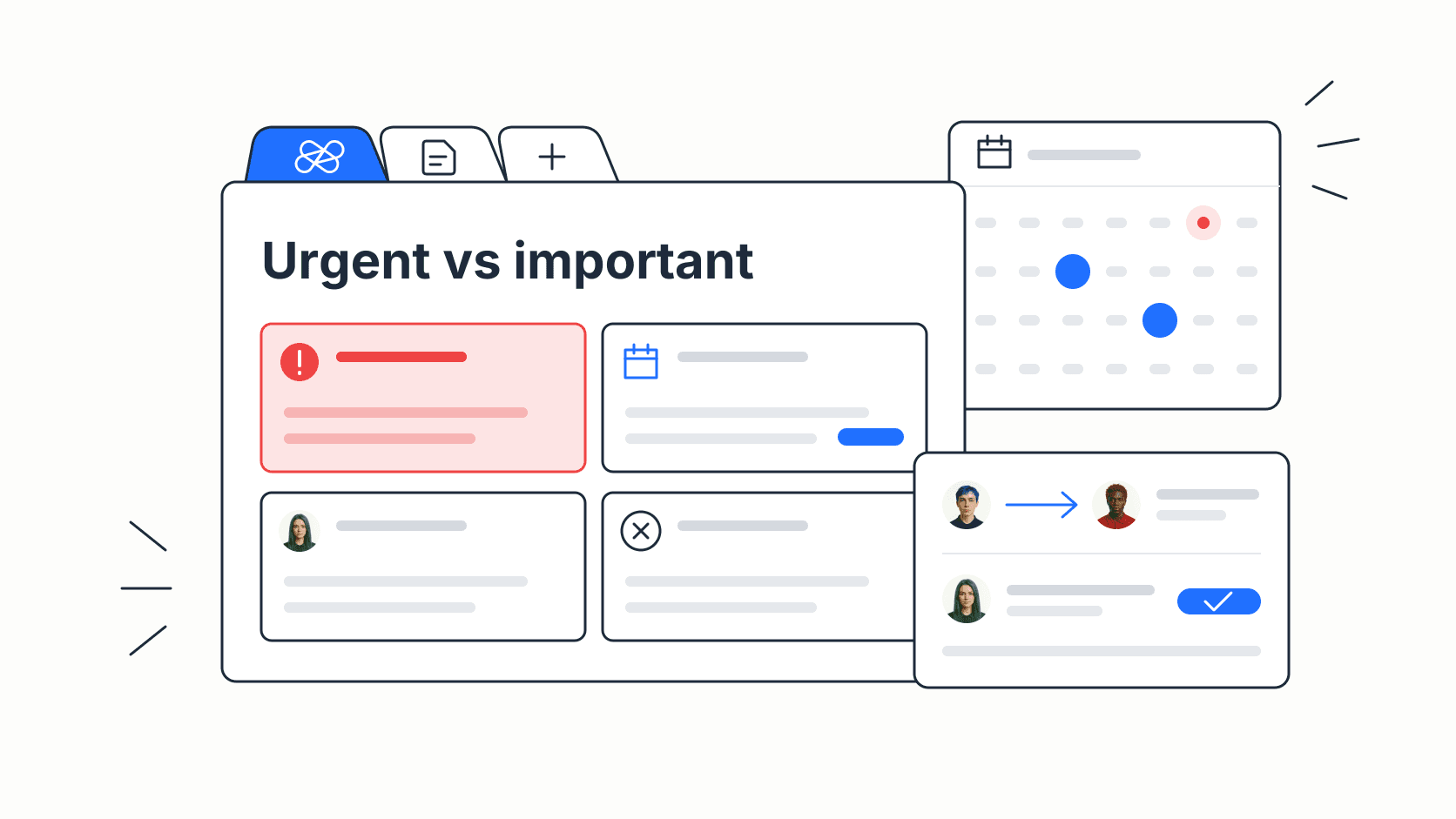
- Decisions and changes: anything decided today that others should know about, such as a scope cut, a new deadline or a changed approach.
- Tomorrow: the first one to three things you will do, in order.
Optional fields that some teams add: Needs review (work waiting for someone else's eyes) and Heads-up (absences, early finishes, a client call that may change priorities).
Two rules make the template work. First, every "Done" item links to the work itself, so nobody has to ask where it is. Second, every blocker names a person and a time, because "waiting on design" cannot be acted on, while "need @Ana to approve the pricing copy by Thursday noon" can.
How to write each field so it gets read
Most EOD reports fail because they are vague, not because they are missing. Compare weak and strong versions of the same lines.
Done
- Weak: "Worked on the onboarding flow."
- Strong: "Shipped the new email verification step to staging ([task link]). QA notes are in the task."
Write outcomes, not activity. If nothing was finished, say what moved: "Checkout bug narrowed down to the tax rounding function; fix is half written."
In progress
- Weak: "Still on the report."
- Strong: "Q4 churn report: data pulled and cleaned, charts tomorrow, draft to Marta by Wednesday."
A percentage alone ("70% done") tells the reader little. The next step and the expected finish date tell them whether they need to plan around you.
Blocked or at risk
- Weak: "Blocked on API."
- Strong: "Blocked: the partner API returns 403 on the sandbox key. Asked their support today. If there is no answer by Thursday, the integration slips to next sprint. @Leo, can you escalate through the account manager?"
A risk is worth flagging before it becomes a blocker. "The translation vendor has not confirmed Friday delivery" gives a manager two days to react instead of none.
Decisions and changes
- "Agreed with the client to drop the CSV export from v1. Updated the scope doc ([link])."
This field is what turns a pile of daily updates into a usable record. When someone asks in three weeks why the export is missing, the answer is searchable.
Tomorrow
- "1. Fix the tax rounding bug. 2. Review Sam's pull request. 3. Prepare the demo script."
Order matters. The first item is a commitment; the rest are intentions.
Four end of day report examples
These examples are written the way a real teammate would post them in a team chat before logging off.
Software developer
- Focus: release candidate for the billing update.
- Done: fixed the double-charge bug on plan upgrades ([task]); added tests for the proration logic.
- In progress: invoice PDF layout, about half done, finishing tomorrow morning.
- Blocked: need QA to run the upgrade scenarios before Thursday's release. @Priya, can you take this tomorrow?
- Decisions: we keep the old invoice numbering format until January, agreed with finance.
- Tomorrow: 1. Invoice PDF. 2. Code review for Tom. 3. Release notes draft.
Product designer
- Focus: mobile settings redesign.
- Done: high-fidelity screens for notifications and privacy ([file]); handoff notes added to the task.
- In progress: account deletion flow, waiting for legal copy.
- At risk: if the legal copy arrives after Friday, development starts with placeholder text.
- Tomorrow: 1. Usability test plan. 2. Review feedback from Monday's test.
Customer support lead
- Focus: clearing the backlog after the outage.
- Done: 64 tickets closed; refund macro updated with the new policy ([doc]).
- In progress: 12 tickets waiting on engineering, all tagged "outage".
- Blocked: need the root cause summary from engineering to answer enterprise customers. @Dev lead, by tomorrow noon if possible.
- Heads-up: two enterprise accounts asked for a call; booked for Thursday.
- Tomorrow: 1. Send the outage summary. 2. Train the new agent on refunds.
Startup founder or operations lead
- Focus: closing the hiring plan for Q1.
- Done: budget approved for two roles; job description for the backend role published ([link]).
- Decisions: the designer role moves to Q2 to protect runway.
- Needs review: onboarding checklist draft, @Clara, comments by Friday.
- Tomorrow: 1. First-round interviews. 2. Investor update draft.

How to roll out EOD reports in two weeks
- Agree on the purpose in one sentence. For example: "EOD reports exist so nobody waits a full day for an answer." Write it at the top of the channel or doc. This also makes clear that the report is not a productivity score.
- Pick one place and one time. One channel or one shared doc per team, and a soft deadline such as the end of each person's local working day. Scattered reports across direct messages are worse than none.
- Use the same six fields for everyone. A fixed structure is faster to write and faster to skim. Pin the template.
- Set a response rule for blockers. Someone, usually the team lead, answers every blocker within the next working morning. If blockers go unanswered, people stop writing them.
- Review after two weeks. Ask the team three questions: Which field do you skip? Did a report ever save you a meeting or a wait? What would you cut? Adjust and keep going.
How managers should read end of day reports
The value of the report depends on what the reader does with it.
- Read for blockers and decisions first. Those are the lines that need action. "Done" lists can be skimmed.
- Reply in the thread, not in a meeting. A one-line answer under the report is faster than a call and keeps the answer next to the question.
- Do not count items. Comparing how many tasks people list rewards splitting work into tiny pieces and punishes the person who spent the day on one hard problem.
- Spot patterns weekly. The same blocker three days in a row is a process problem, not a people problem. Raise it in the weekly review.
- Let the team skip days with nothing new. A report that says "Same as yesterday, no blockers" is fine. Forced reporting produces filler.
Common mistakes
- Writing a diary. Long narratives hide the one line that matters. Six fields, short lines.
- Reporting effort instead of results. "Spent all day on the migration" says less than "Migrated 3 of 5 tables, the remaining two need a schema change".
- Hiding bad news. A slipping deadline flagged on Monday is a planning task. Flagged on Friday, it is a crisis.
- No links. If readers have to search for the work, they will ask you instead, and the report saved nothing.
- Duplicating the standup. If your team writes EOD reports, the standup can drop the round of individual updates and focus on blockers, or move to two or three days a week. Running both in full doubles the overhead.
End of day reports in Edworking
In Edworking, teams usually post the report in the space chat for their project and reference tasks, docs and files with the # control, so every "Done" item links to the actual work and the thread keeps the replies. Edworking also produces AI daily reports per space and per person that appear under Latest reports on Home; treat them as a starting summary and check the underlying tasks and conversations before relying on them.
Frequently asked questions
How long should an end of day report be?
Five to ten lines, and no more than five minutes to write. If it takes longer, the fields are too open or the person is reporting activity instead of outcomes.
Should end of day reports replace the daily standup?
They can replace the round of individual updates. Many remote teams keep a short live call two or three times a week for blockers and team discussion, and rely on written EOD reports on the other days. Our daily standup guide covers that shorter agenda.
What is the difference between an EOD report and an async handoff?
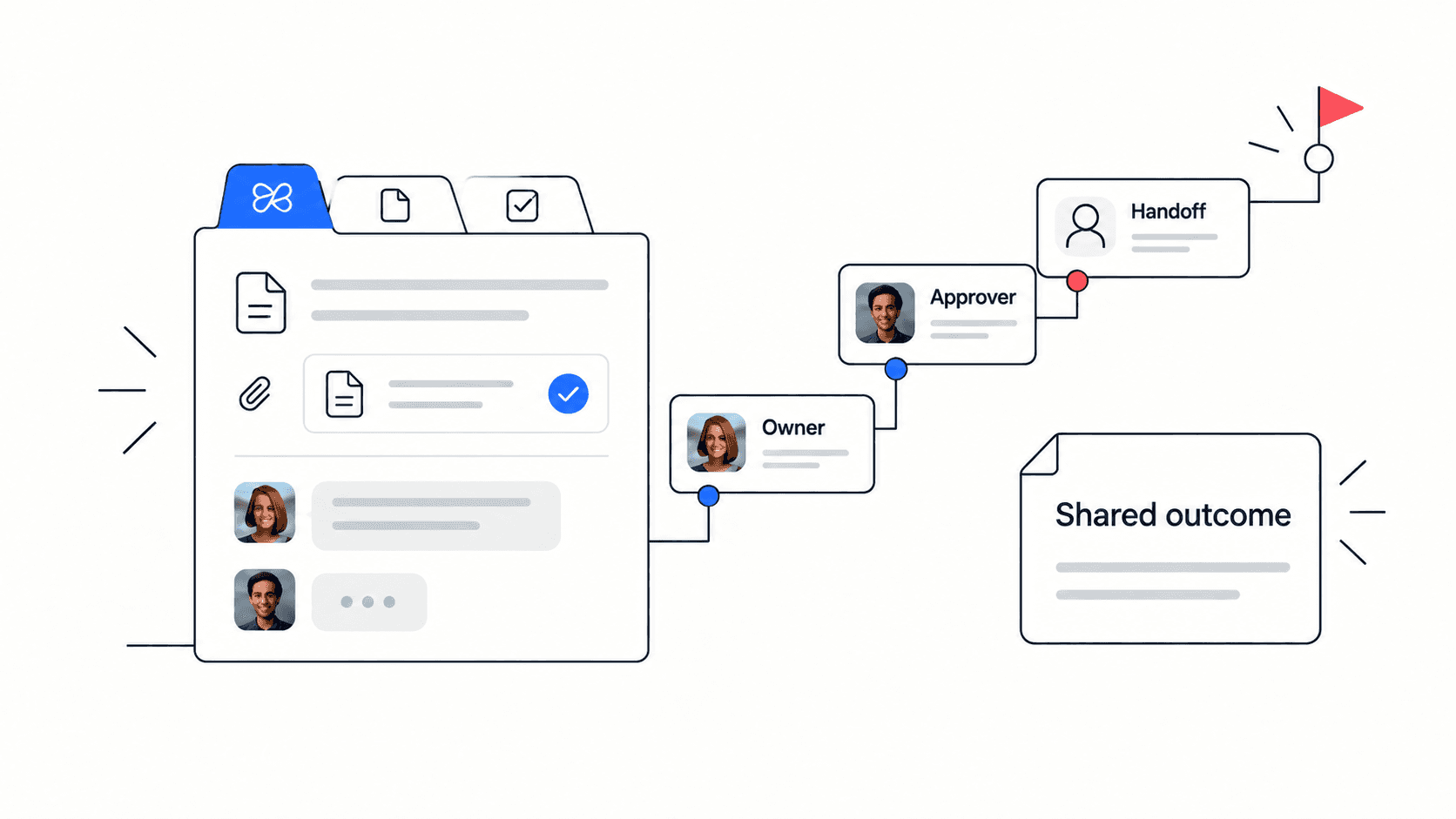
An EOD report is a daily summary of one person's work. An async handoff transfers a specific piece of work to another owner, with the full context they need to continue it. When work changes hands as your day ends, write the handoff and link it from the report.
Should managers write end of day reports too?
Yes. A manager's report with decisions made, priorities changed and blockers they are working on shows the team the same transparency asked of them, and often answers questions before they are asked.
Are end of day reports a form of employee monitoring?
They should not be. The report shares outcomes and blockers so others can act. If it is used to check hours or rank people by the length of their lists, people will write defensive filler and the useful signal disappears.
Next steps
Start tomorrow with the six-field template, one shared place and a rule that every blocker gets an answer by the next morning. After two weeks, cut the fields nobody uses. For the wider picture of running a distributed team with fewer meetings, read the remote team management guide.