Download Mobile App


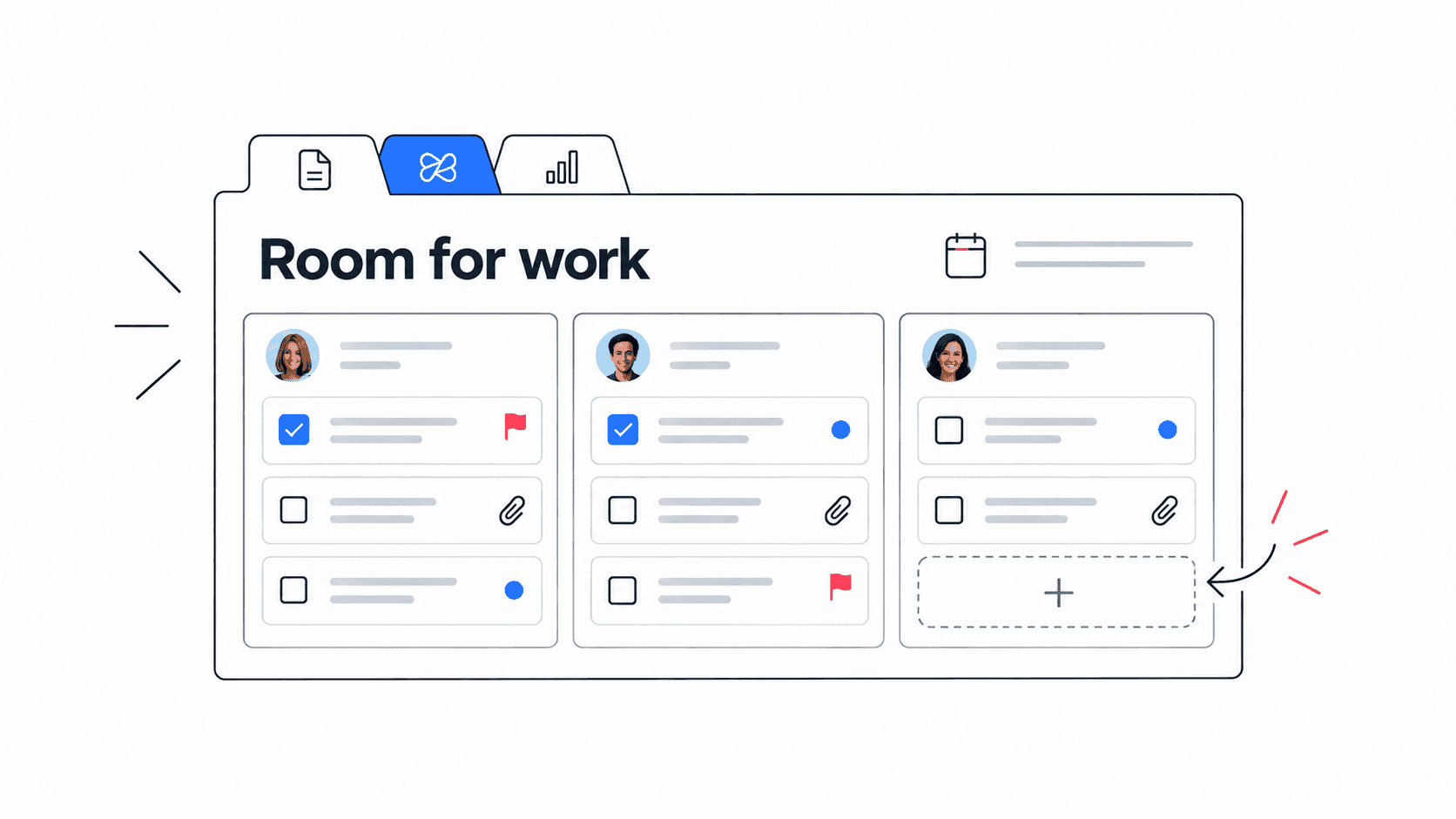
Team capacity planning is the difference between a plan that looks good on Monday and a plan that survives the week. Small teams often commit based on enthusiasm, rough task counts, or the loudest priority in the room. Then meetings, support work, reviews, hiring, customer issues, and blocked dependencies quietly eat the hours the plan assumed were available.
This guide shows how to plan capacity without turning your team into a spreadsheet project. You will learn how to estimate real availability, compare capacity with planned work, handle uncertainty, and turn the decision into visible tasks, docs, conversations, and follow-ups.
Quick takeaway: team capacity planning is not about filling every hour. It is about protecting enough focused time for the most important work while making tradeoffs explicit before overload becomes a missed deadline.
What team capacity planning means
Team capacity planning is the practice of estimating how much useful work a team can realistically complete in a given period, then matching commitments to that capacity. It is used in sprint planning, project planning, launch planning, resource planning, and day-to-day workload decisions.
The important word is realistically. A five-person team does not have five people times eight hours times five days of project capacity. People attend meetings, review other work, answer customers, help teammates, fix incidents, and lose time to context switching.
- Available time: the actual working time left after holidays, part-time schedules, meetings, and planned absences.
- Focus capacity: the portion of available time that can go into meaningful project work.
- Support load: recurring work such as reviews, customer questions, operations, and internal coordination.
- Planned demand: the estimated effort of tasks, projects, launches, and commitments.
- Capacity buffer: the reserved margin for surprises, defects, rework, and urgent requests.
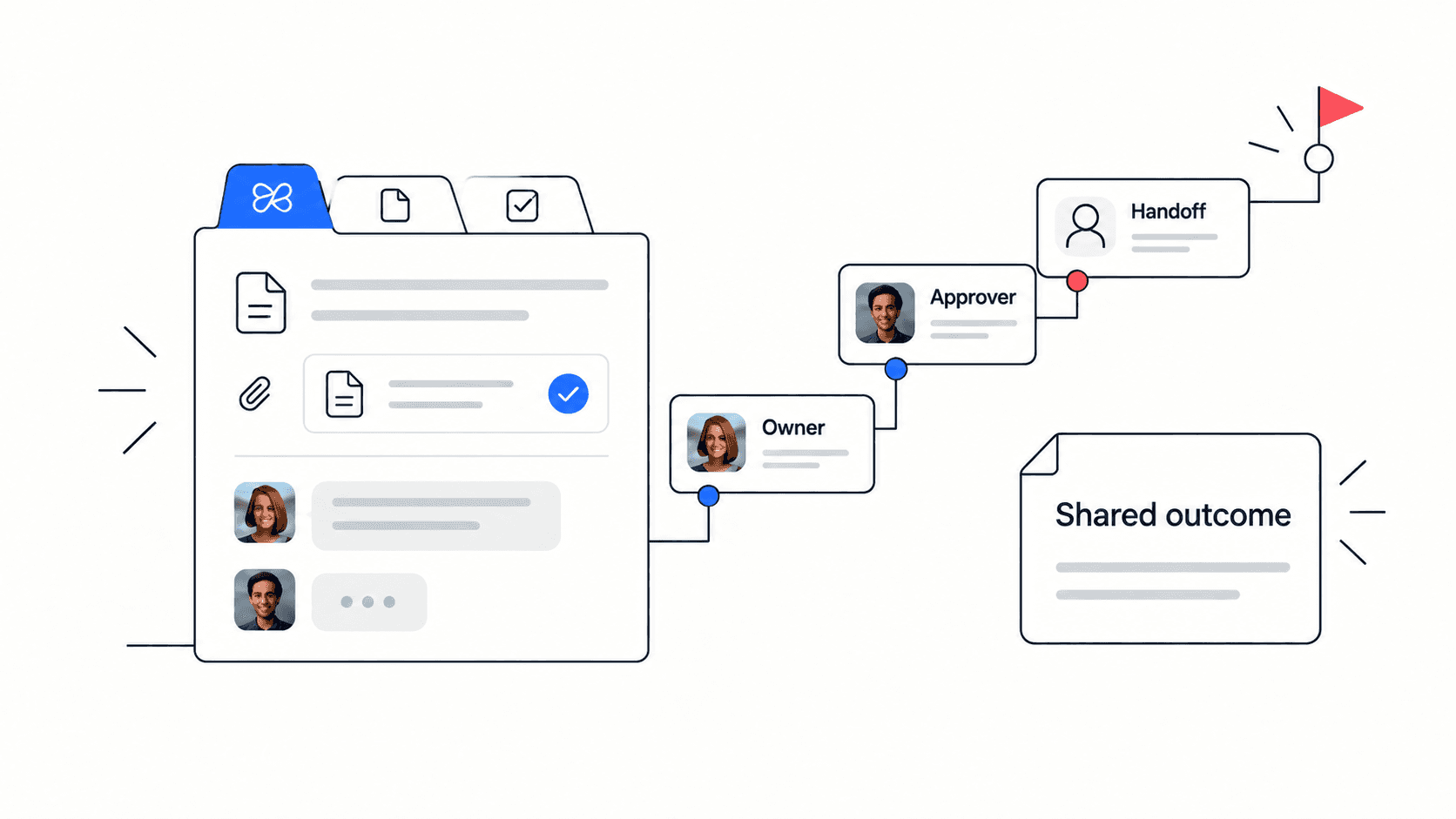
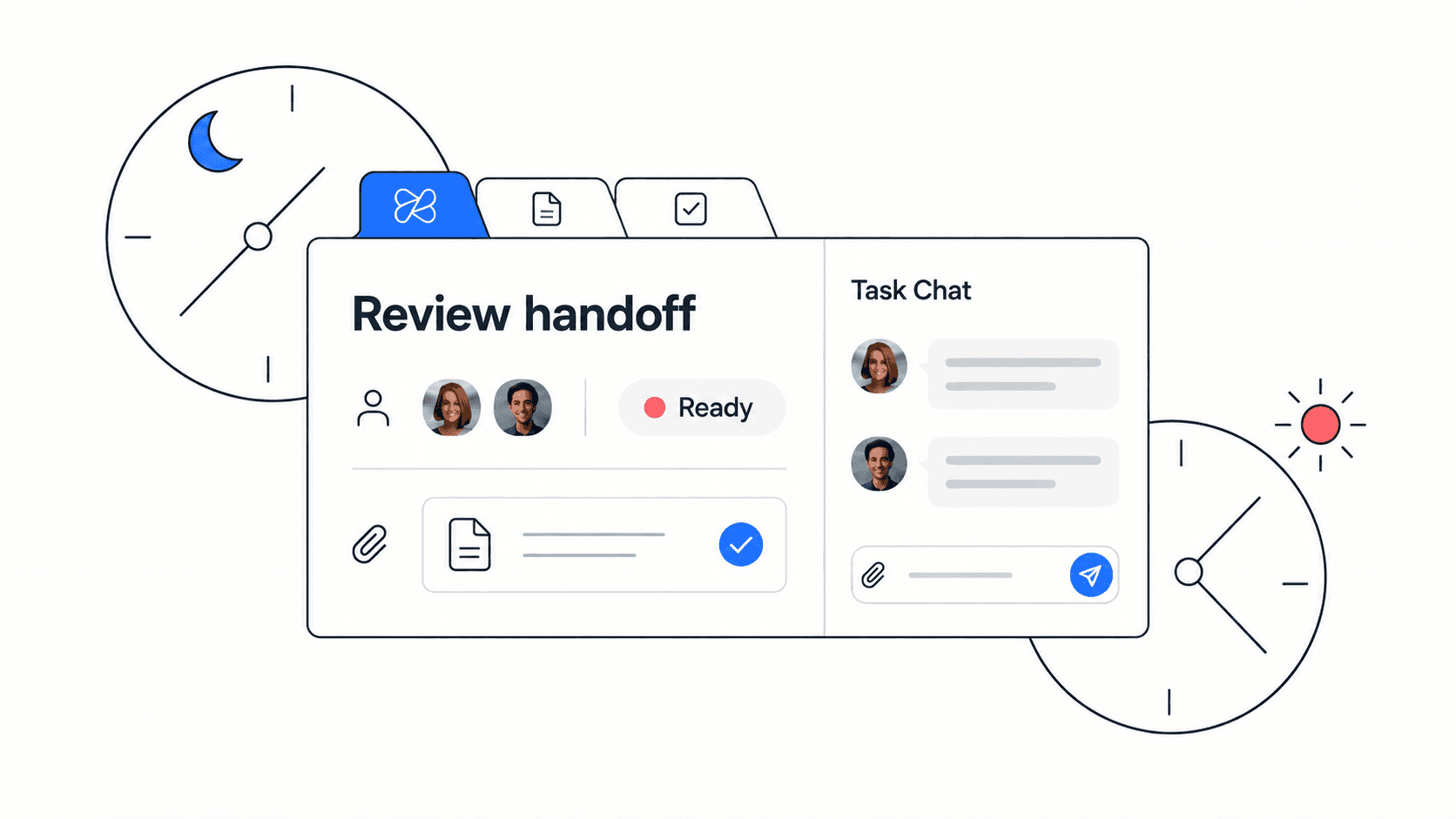
Edworking tip: keep capacity decisions next to the work itself. When tasks, docs, files, chat, and meeting notes live in one workspace, teams can see not only what is planned but also the context that may change the plan.
A simple capacity formula for small teams
Capacity planning does not need to start with complex forecasting. For most small teams, a lightweight formula is enough to make the hidden assumptions visible.
- Start with available working days for each teammate.
- Subtract planned time off, company holidays, recurring meetings, and known non-project work.
- Apply a focus factor, such as 60 to 75 percent, to reflect interruptions and collaboration time.
- Reserve a buffer, often 10 to 20 percent, for urgent requests and rework.
- Compare the remaining capacity with estimated work demand.
Structured comparison: capacity inputs and how to use them
- Input: working days. Why it matters: sets the outer limit. Planning action: adjust for part-time schedules, holidays, and PTO first.
- Input: meeting load. Why it matters: meetings reduce focus time even when they are useful. Planning action: subtract recurring ceremonies, customer calls, interviews, and reviews.
- Input: support work. Why it matters: support is real work even when it is not in the roadmap. Planning action: reserve capacity for customer questions, bug triage, operations, and internal help.
- Input: focus factor. Why it matters: humans do not convert every free hour into delivery. Planning action: use a realistic percentage and tune it after each cycle.
- Input: buffer. Why it matters: surprises are normal. Planning action: leave enough margin for urgent work instead of pretending it will not happen.
Decision rule: if the plan only works when everyone has perfect focus and no surprises, the plan is already over capacity.
How to run a weekly capacity planning review
A weekly capacity review should create a decision, not just a status recap. The team should leave knowing which work fits, which work moves, and which tradeoff was accepted.
- List the work that must move this week. Include committed deliverables, customer-impacting work, launch blockers, and dependencies.
- Estimate useful capacity by teammate or role. Use available days, meeting load, support load, and focus factor rather than raw calendar hours.
- Compare planned demand with capacity. Look for overloaded people, overloaded roles, and tasks that need scarce context.
- Remove, split, or move work before the week starts. If everything is priority one, capacity planning has failed.
- Record the decision. Write what moved, why it moved, who owns the next step, and when the plan will be reviewed again.
A good review also names assumptions. If the launch plan depends on legal feedback by Wednesday or design assets by Friday, make that dependency visible and assign someone to chase it.
Team capacity planning checklist
- Confirm each teammate has updated availability for the planning period.
- Subtract recurring meetings, customer calls, hiring interviews, and planned support duties.
- Reserve a buffer for urgent work, defects, and rework.
- Estimate task demand using the same rough unit across the team.
- Flag tasks that require a specific person, skill, approval, or dependency.
- Move lower-priority work out of the plan before the team is overloaded.
- Document the final tradeoff in a shared doc or planning note.
- Turn the approved plan into assigned tasks with owners, due dates, and linked context.
When the plan is approved, teams can use Edworking tasks and collaborative docs to keep the capacity decision connected to execution.

Example: planning capacity for a two-week sprint
Example: a startup has four people available for a two-week product sprint. The team starts with 40 working days, but one person has two days of customer onboarding, another has a hiring interview block, and everyone has recurring planning, support, and review time.
- Raw availability: 40 working days.
- Known non-project load: 7 working days for meetings, support, onboarding, and interviews.
- Focus factor: 70 percent of the remaining 33 days, leaving about 23 days of useful delivery capacity.
- Buffer: 3 days reserved for urgent fixes and rework.
- Planning decision: commit to roughly 20 days of estimated project work, not 40.
Example outcome: the team cuts one low-priority feature, keeps a customer-facing fix, and assigns the founder to unblock copy decisions by Tuesday. The plan feels smaller, but it is much more likely to finish.
This is where capacity planning becomes a leadership habit. The team is not saying, “we can do less.” It is saying, “we know what matters most, and we are protecting the capacity to finish it well.”
Common capacity planning mistakes
- Mistake: treating every calendar hour as productive capacity. Better approach: subtract meetings, support, reviews, and focus loss before committing.
- Mistake: planning only at team level. Better approach: check overloaded roles and individuals, because one specialist can become the real constraint.
- Mistake: hiding recurring support work. Better approach: reserve time for reviews, questions, bug triage, and operations.
- Mistake: adding a buffer after the plan is full. Better approach: reserve buffer before selecting final scope.
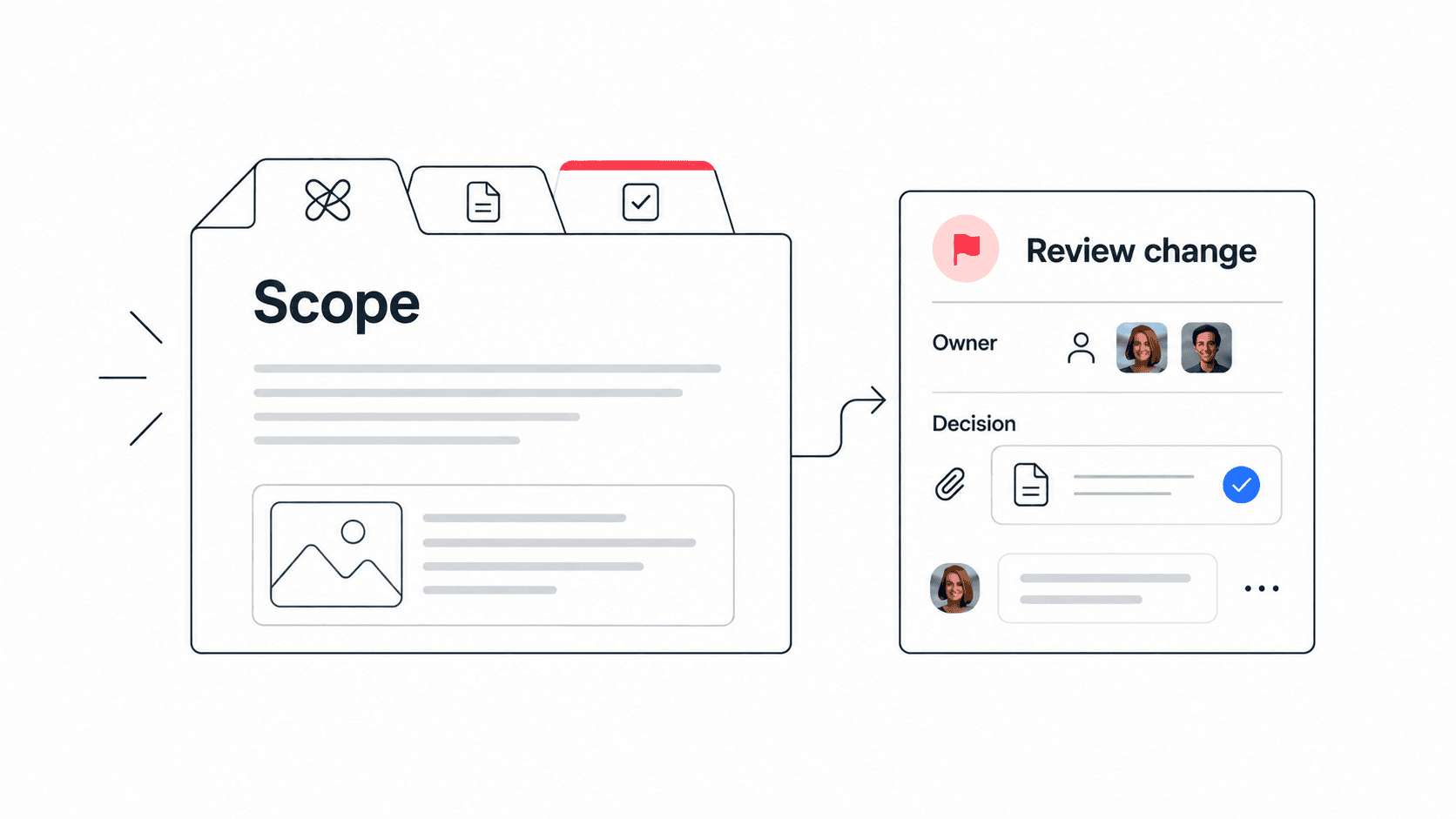
- Mistake: reassigning tasks without moving context. Better approach: attach the brief, files, decision notes, and acceptance criteria with the task.
Mistake to avoid: do not use capacity planning as a pressure tactic. The goal is not to prove that people should work faster. The goal is to make constraints visible so the team can choose better tradeoffs.
If the same overload pattern keeps returning, pair capacity planning with a broader team workload management process and a product-led workload management workspace.
When to change the capacity plan mid-cycle
Capacity planning is useful only if the team is willing to update the plan when reality changes. Small teams should not wait until the retrospective to admit the plan no longer fits. A short mid-cycle check can prevent one overloaded person from quietly becoming the delivery risk.
- Change the plan when an urgent customer issue takes more than half a day of focused work.
- Change the plan when a required decision, file, approval, or technical dependency is blocked for more than one working day.
- Change the plan when a teammate loses planned capacity because of illness, PTO, interviews, support escalation, or unexpected meetings.
- Change the plan when the team discovers that an estimate was wrong by enough to affect other commitments.
The best mid-cycle review is direct: what changed, which commitment is at risk, what can move, and who owns the next decision? Avoid reopening the full plan unless the change affects the whole team.
Edworking tip: record the capacity change beside the task or planning doc. That gives future teammates a clear reason for why work moved, instead of leaving the decision buried in chat history.
This also keeps the capacity plan aligned with the wider project management process rather than treating planning as a one-time meeting.
How Edworking supports capacity planning
Capacity planning becomes easier when the plan, tasks, documents, files, discussions, and decisions stay connected. Edworking gives small teams one place to define the work, estimate effort, discuss constraints, meet when needed, and preserve the reasoning behind the final plan.
- Use Tasks for owners, due dates, priorities, status, blockers, and planned work.
- Use Docs for capacity assumptions, meeting notes, decision logs, and acceptance criteria.
- Use Files to keep briefs, screenshots, research, and launch assets beside the task.
- Use Chat and Video Calls for quick clarification and deeper planning conversations.
- Use Edworking Brain to help teammates find context and summarize workspace information before planning reviews.
That connected context matters because capacity decisions often change. When priorities shift, the team can update the task, link the reason, and keep everyone aligned without rebuilding the plan from scattered messages.
A practical next step is to compare your current planning setup with Edworking’s project management workspace, the guide to project management software, and the new team capacity calculator once it is live.
FAQs
Plan capacity so important work can actually finish
Capacity planning is a practical way to replace hope with visible tradeoffs. It helps small teams decide what fits, what moves, and what needs more context before people are overloaded.
- Start with real availability, not ideal calendar math.
- Subtract meetings, support load, and recurring coordination work.
- Reserve a buffer before finalizing the plan.
- Connect the plan to tasks, docs, files, chat, meetings, and AI support so changes remain traceable.
Edworking brings those pieces into one workspace for teams that want planning to stay connected to execution. If your capacity plan currently lives in a spreadsheet while the work lives somewhere else, try building the next planning cycle in Edworking’s all-in-one workspace.