
 Download Mobile App


A little direction. A better first draft.
AI Rewording Tool with Approval Workflows
Rewrite compliance-heavy copy, product announcements, and knowledge base articles while locking brand voice and terminology in place. Edworking’s AI Rewording Tool routes edits through Docs + Task approvals so legal, CX, and marketing teams sign off without leaving the workspace.
02Your draft
Your next draft starts here
Add your brief or choose an example. Your generated text will appear here, ready to review, copy or download.
AI drafts need your judgement. Check facts, meaning and suitability before using them.
Before you use it
- Check names, facts and any sources.
- Keep the meaning and details that matter.
- Adjust the draft to sound like you.
How it works
Make the brief do the hard work
A useful result starts with a little context. Work through these three steps, then make the output your own.
Open the tool01Give it context
Add the source material, topic or goal. Include the details the result must keep.
02Shape the result
Choose the settings that fit your audience. Start with an example if you need a little direction.
03Review and take it further
Check the output, copy or download it, then bring it into your next document or project.
Built for teams that can't afford off-brand messaging
Every team that publishes customer-facing copy deals with the same tension — move fast without breaking brand voice, compliance rules, or stakeholder trust. The AI Rewording Tool lives inside your Edworking workspace so drafts, feedback, and sign-offs never leave a single platform.
Marketing & brand teams
Refresh product pages, email sequences, ad copy, and launch materials in minutes. Lock glossary terms in the prompt so pricing language, product names, and taglines stay consistent across every channel and locale.
Explore the workspaceCustomer experience & support
Rewrite help-center articles, agent scripts, onboarding emails, and FAQ entries while keeping the approved answer structure intact. Docs + Tasks track every revision so nothing goes live without a second pair of eyes.
Explore the workspaceCompliance, legal & operations
Route policy redlines and disclosure rewrites through structured approvals. Version history captures who changed what and when, giving audit teams a clear paper trail without chasing email threads.
Explore the workspaceProduct & engineering documentation
Simplify technical release notes, API changelogs, and internal SOPs for a broader audience. The AI adjusts reading level and jargon while preserving accuracy — reviewers validate inside the same Doc.
Explore the workspaceAgencies & freelancers
Manage rewrites for multiple clients from one workspace. Each client gets its own folder with brand presets, approval chains, and delivery Tasks so nothing bleeds across accounts.
Explore the workspaceHR & internal communications
Reword company-wide announcements, policy updates, and training guides to match the right tone for each audience — leadership, new hires, or remote teams — all reviewed inline before distribution.
Explore the workspaceBefore and after examples for real workflows
Preview how wording changes improve clarity while preserving intent across common team scenarios.
Customer support reply
Before: We received your issue and will look into it soon. After: Thanks for flagging this. Our team is already reviewing your issue and will share a clear update shortly.
Explore the workspaceProduct update note
Before: We added new settings to help users manage notifications. After: We introduced new notification controls so teams can customize alerts and reduce unnecessary interruptions.
Explore the workspaceHR policy message
Before: Employees should complete the security training by Friday. After: Please complete the security training by Friday so we stay compliant and keep company data protected.
Explore the workspaceAI Rewording Tool with Approval Workflows
Choose What to Put into Practice
Pick the points that fit your idea or project. We’ll create a Space with those tasks so you can put this page into practice.
- 01Choose the tasks that matter to you.
- 02Set up a Space with your selected tasks.
- 03Add owners, dates and details in Edworking.
0 tasks selected
Select at least one task to set up your Space.
From a first idea to shared work
Make something. Then make it happen.
A draft or visual is just the start. Explore how Docs, Files and Tasks keep the next steps together in Edworking.
Bring a draft into a shared document. Edit the wording and keep the discussion beside the work.
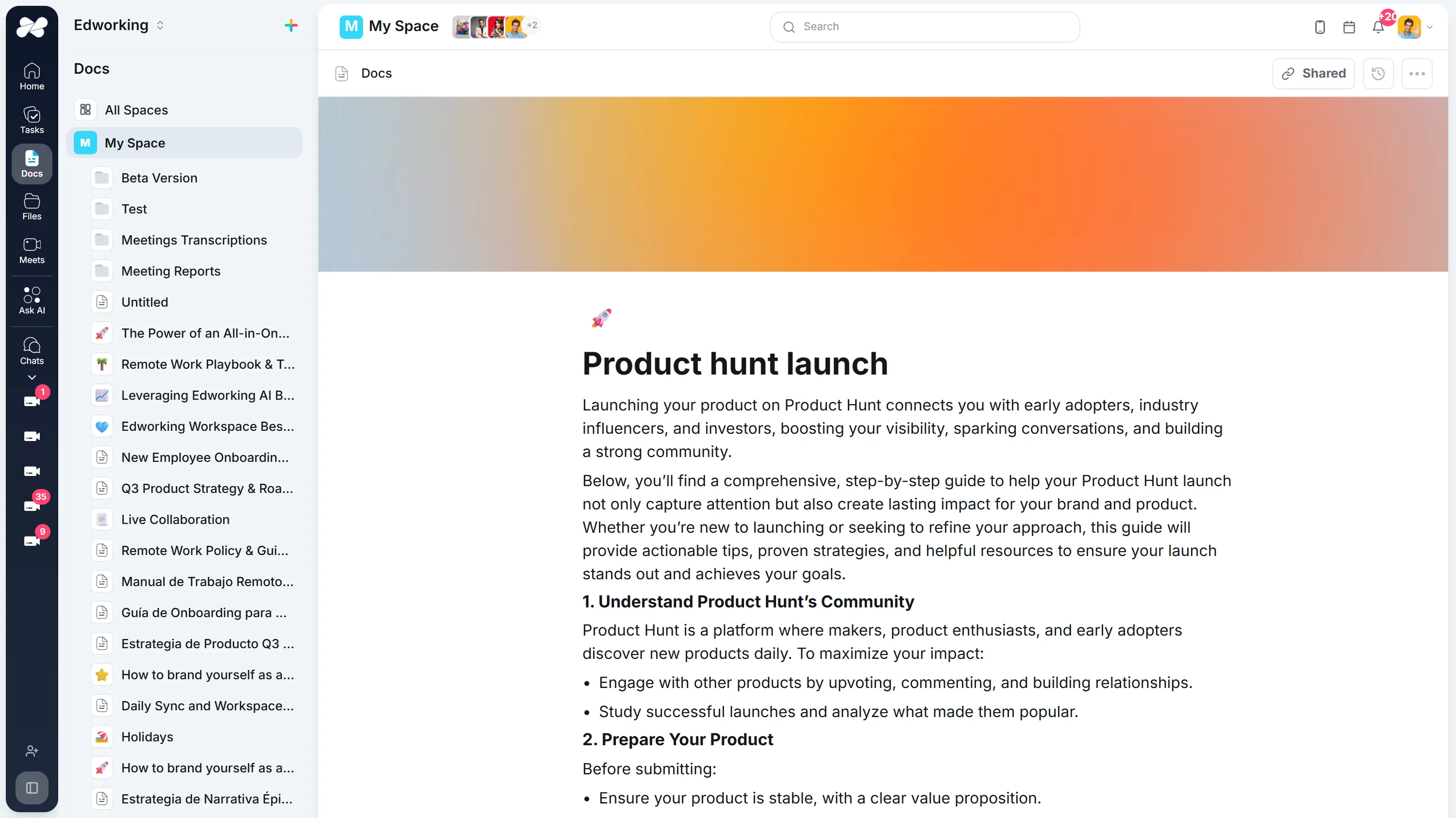
Opens the full interactive demo with an example workspace in English. Generated results are not saved to the demo automatically.
KEEP EXPLORING
Similar Tools
A useful next step, whether you are refining a draft, planning work or learning more about your team.
Conclusion Generator for Essays and Reports
Generate a draft conclusion for an essay, report, proposal, or recap. Check the main takeaway, supporting points, tone, and next step before publishing.
Open toolAI Introduction Generator
Generate clear introductions for essays, reports, proposals, and team documents. Refine the opening in Edworking Docs and assign reviews in Tasks.
Open toolParagraph Rewriter
AI paragraph rewriter for teams—refresh copy in Docs, preserve mandatory terminology, and route approvals through Tasks without leaving Edworking.
Open toolParaphrasing Tool
Paraphrase long-form content with brand-safe AI, collaborate in Docs, capture reviewer comments, and assign follow-up Tasks from the same workspace.
Open toolAI Essay Hook Generator
Generate opening sentences for essays and other content. Compare question, contrast, scene, and fact-led hooks, then edit the result to match your topic and tone.
Open toolBook Summary Generator
Quickly grasp the core ideas of any book with our AI-powered Summary Generator. Ideal for enhancing comprehension and saving time.
Open toolFrequently Asked Questions
The tool lives next to Docs and Tasks, so your copy never leaves Edworking. You can rewrite a passage, tag reviewers, compare alternatives, and publish the approved version without switching apps.
Yes. Add your glossary, compliance disclaimers, or tone instructions to the prompt. Editors can apply saved snippets, keep pricing language intact, and ensure regulated acronyms never change.
Once the rewrite looks right, push it into Docs and open a Task for reviewers. Their comments, change requests, and approvals stay attached to the document so you can prove who signed off.
Marketing, customer experience, and compliance teams that need to refresh scripts, emails, FAQs, or onboarding manuals while keeping language consistent across every channel.
It works best on 300–500 word sections at a time. The AI handles English, Spanish, Portuguese, French, and Italian so global teams can adapt copy without sacrificing nuance.
Yes. All rewrites run over encrypted connections and respect your workspace permissions, so sensitive product or customer information never touches public tools.
Definitely. Docs supports real-time editing, suggestions, and version history while the AI supplies alternative phrasings. Everyone sees the latest draft in context.
Publish directly from Edworking or copy the approved block into your CMS. Tasks record which stakeholders signed off and when, giving you a clear audit trail.
Use a short review checklist for meaning accuracy, tone alignment, terminology, and compliance statements. In Edworking, teams can document that review inside Docs and Task approvals.
Yes. Teams can reword copy in multiple languages and route each localized draft to native reviewers for final sign-off before publishing.
The biggest gain comes from removing tool switching. Teams rewrite, review, and approve in one workspace, which shortens feedback cycles and reduces handoff delays.